
Starting a field service business as a contractor or freelancer often comes with tight budgets and limited resources. However, that does not make managing jobs, scheduling, tracking employee hours, and maintaining workflow efficiency any less important.
This is where field service management (FSM) software becomes essential. It automates routine and repetitive operational tasks, reduces manual errors, and improves customer satisfaction. But, with so many things to fund, investing in expensive FSM software isn’t always feasible. That’s why finding a truly free FSM solution, not just a free trial, is so crucial.
In this guide, I have listed FSM tools that offer genuinely free plans suitable for solo professionals and small teams. I’ve carefully excluded software that only provides temporary free trials, as those aren’t practical long-term solutions for growing businesses. If you’re in the market for more feature-rich or premium tools, you can explore these top paid FSM software.
Top Free Field Service Management Software Comparison
Here is a comparison table of the best free FSM software.








Now, let’s take a look at the detailed discussion on these applications.
1. Safety Culture
Safety Culture has a free subscription plan, suitable for teams with up to 10 members. Create and conduct unlimited inspections using up to 5 active templates to get routine checks and audits done efficiently.
It offers built-in task management and issue reporting that help you assign, track, and resolve problems efficiently. Workplace communication tools and document management functions keep your teams aligned and informed, while asset management features support basic tracking of equipment and resources.
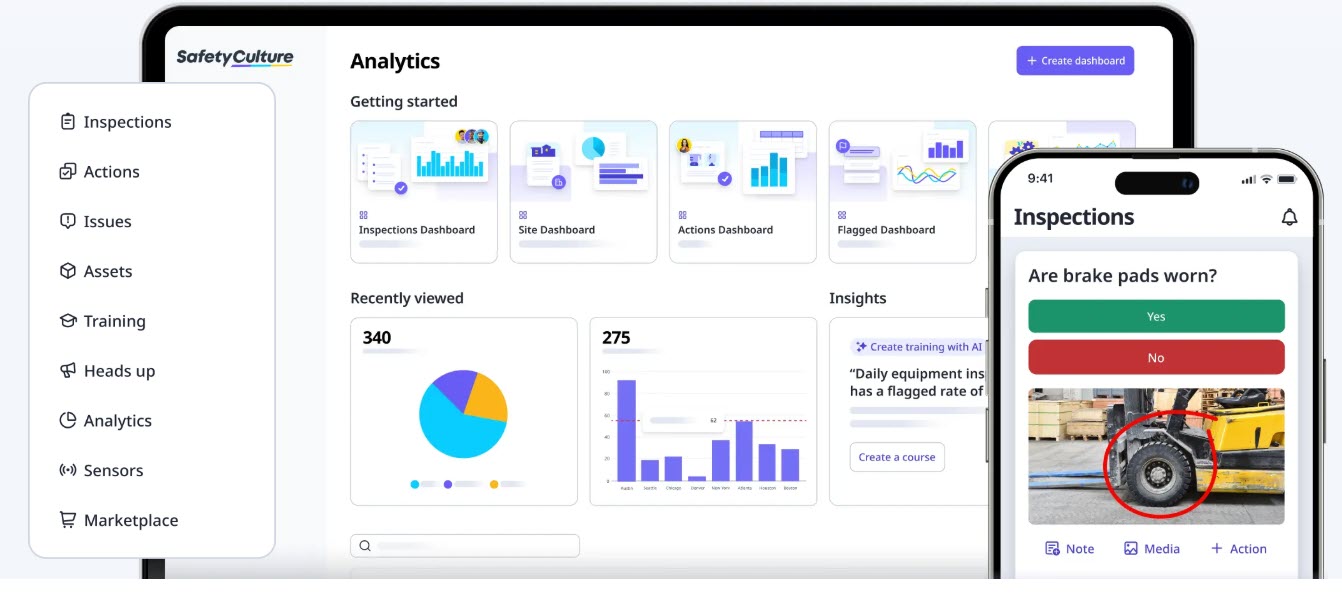
Safety Culture also includes up to 3 years of data and evidence history, aiding compliance and long-term monitoring. Its pre-built analytics dashboards and training modules equip you with the insights and skills to improve operations. For customer support, you get access to the Help Center, essential customer service, and the SafetyCulture Community.
2. Zoho FSM
If you’re running a small service-based business and want to start organizing things without spending a dime, Zoho FSM’s free plan is a great way to start. With its help, you manage service requests, create estimates, handle work orders, and track jobs for better accuracy and teamwork.
Zoho FSM lets you define services while keeping your inventory and task management simple. Moreover, having all your customer info in one place means you can deliver better service without the hassle.
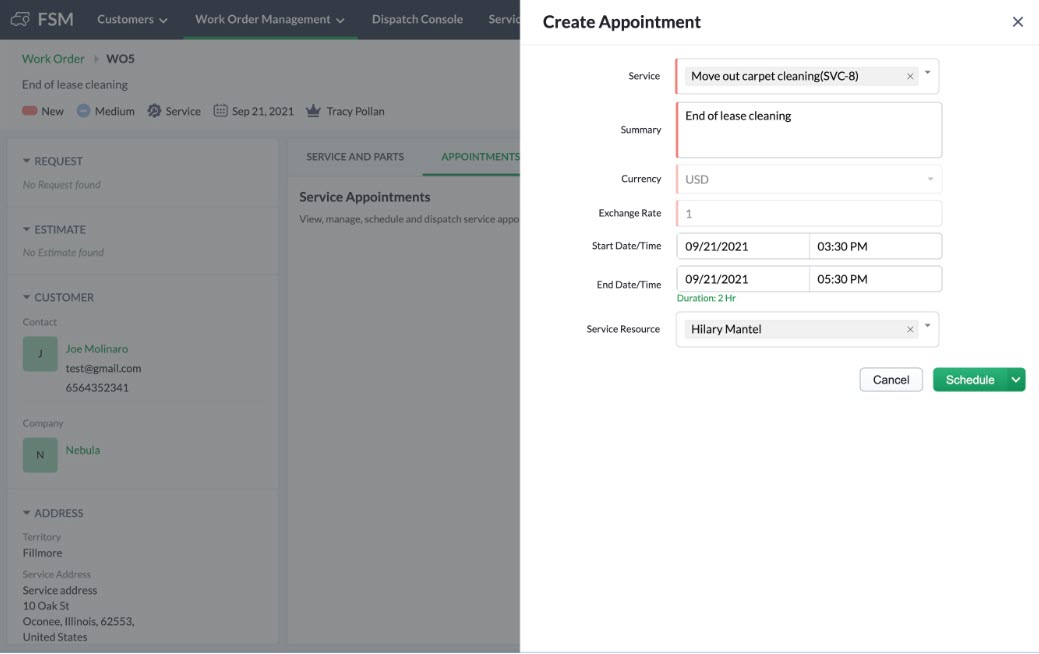
Its dispatch console makes assigning jobs easy; all you have to do is match people to tasks based on their availability and skills, and you’re good to go. Your field agents can also create service reports and collect invoices and payments right on-site, for enhanced professionalism.
What’s more, you get tools for tracking users and equipment, managing skill sets, and generating standard reports to see how your team is doing. The mobile app helps to keep your staff productive on the move, and with workflow automation and REST APIs, you can connect it to other tools or customize processes as needed.
3. Odoo
Odoo offers a free Field Service Management (FSM) software with features for managing tasks, schedules, and customer relationships with ease and efficiency. Its interface ensures smooth navigation from the office or on the go through the mobile app.
For visualization, choose from Kanban, Map, Gantt, Calendar, List, and Activity views to organize tasks, plan routes, monitor progress, and take real-time action. Features like Chatter centralize all task communication, such as calls, emails, notes, and media within a single timeline.
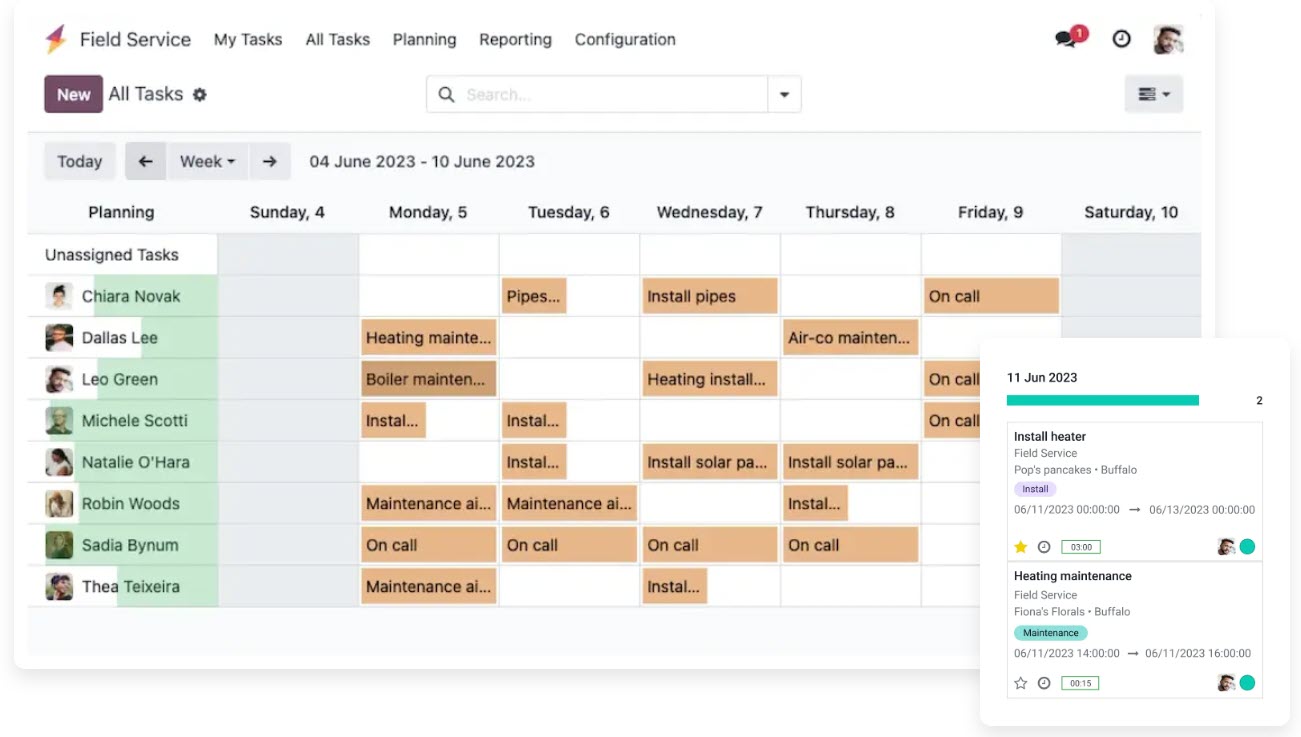
Odoo supports automated task creation via email aliases, web forms, sales orders, or helpdesk tickets, resulting in zero manual entry and speedy workflow. Built-in timesheets and customizable worksheets enable accurate time tracking and detailed reporting, while recurring tasks ensure that no routine tasks are missed.
Your customers benefit from a dedicated portal where they can view tasks, quotes, and invoices. With built-in tools like signatures and customer reports, field agents can close jobs professionally on-site.
I like how it integrates with sales and invoicing software that enables you to create instant quotes, access product catalogs, and make inventory updates, leading to faster and more accurate revenue capture.
Using its reporting ability, you can create pivot tables and charts and analyze tasks to uncover insights. Features like customer ratings and project profitability tracking give you a clear projection of ROI.
4. Connecteam
If you own a small business that involves managing up to 10 employees, Connecteam is for you. Its Small Business plan is completely free for 10 people that you can use as your job management solution.
Its real-time clock in and out helps with accurate tracking of employee work hours, boosting payroll accuracy and accountability. Add unlimited custom jobs and sub-jobs to flexibly manage detailed workflows without any restrictions.
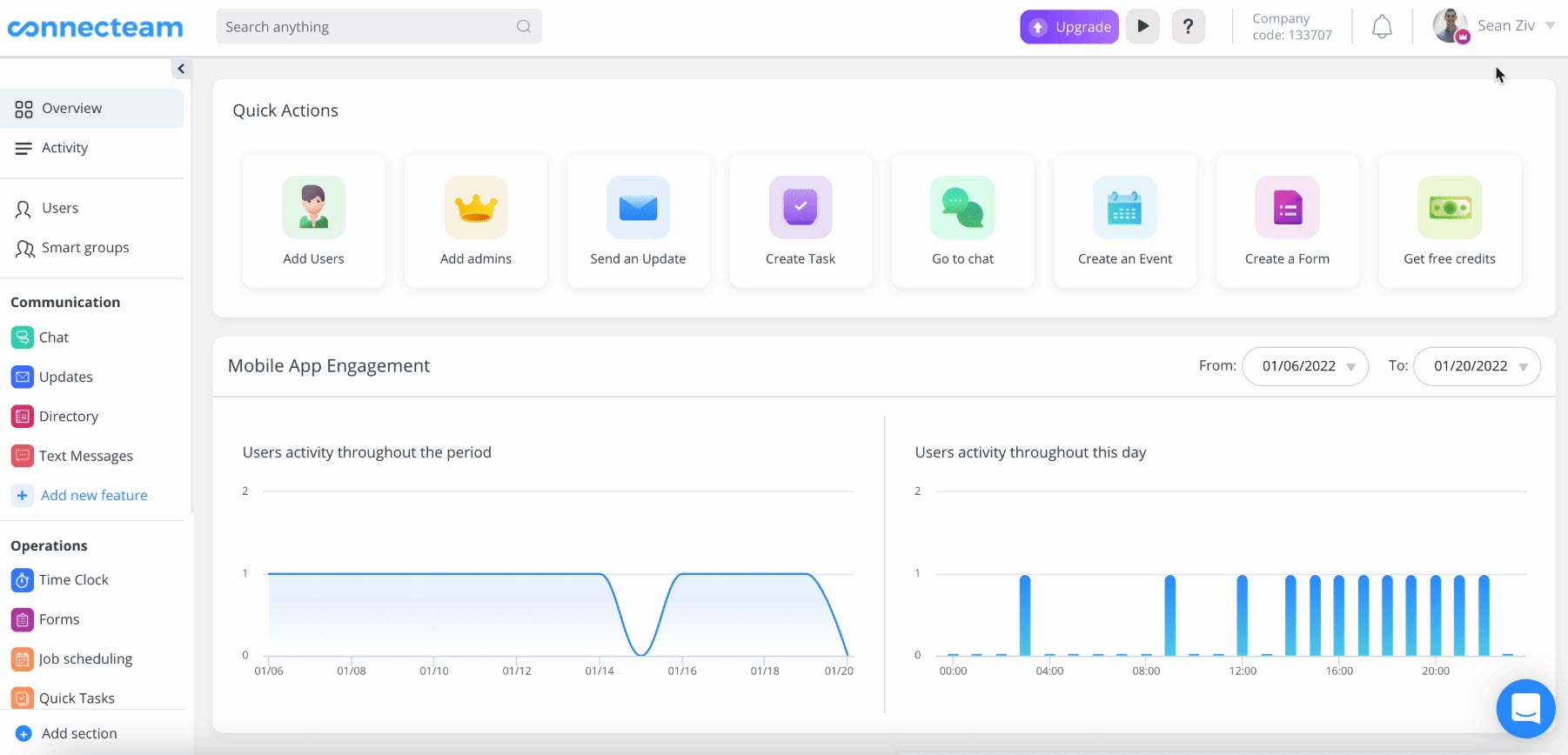
Employee scheduling tools support repeating shifts, shift replacements, and single shift templates, assisting you in building consistent and efficient work schedules. Connecteam also offers customizable checklists and forms, which your teams can use to standardize daily tasks, safety procedures, or job-site reports.
In my opinion, the ability to create an unlimited number of these forms and checklists is its USP. For additional control, admins can require GPS location for specific fields, ensuring employees are present at designated locations when submitting key data.
5. Workiz
Our next software on the list is Workiz, which enables small service-based businesses to manage their field operations efficiently. Its scheduling feature helps you assign and organize jobs easily, ensuring technicians are where they need to be, when they need to be.
As a part of the free plan, you can create and manage up to 20 invoices, jobs, and estimates, perfect for businesses with a moderate workload. Its mobile app enables field workers to access job details, update statuses, and communicate in real-time.
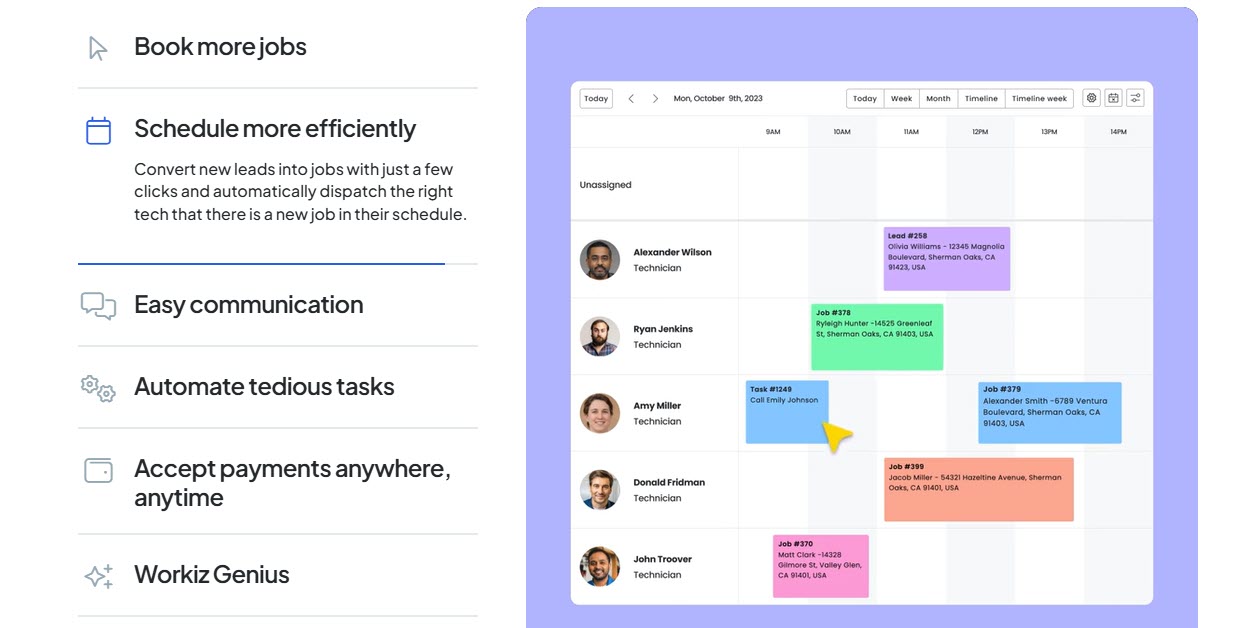
For companies with a growing customer base, Workiz offers flexibility with an unlimited number of clients. Each month, you get 15 built-in reports containing valuable insights into performance. The plan also supports online payments so that your customers can pay you quickly and conveniently.
Workiz also features online booking with optional checkout and advanced restrictions on user access control and permissions.
6. Easy Field Services
Teams starting their field service business will benefit from using the free subscription plan of Easy Field Services. Its employee and client management features let you organize the workforce and maintain client records efficiently.
Do you want to monitor employee work hours from the same platform? This software saves your time with its attendance tracking feature. Using claims management, you can easily handle reimbursements or expenses.
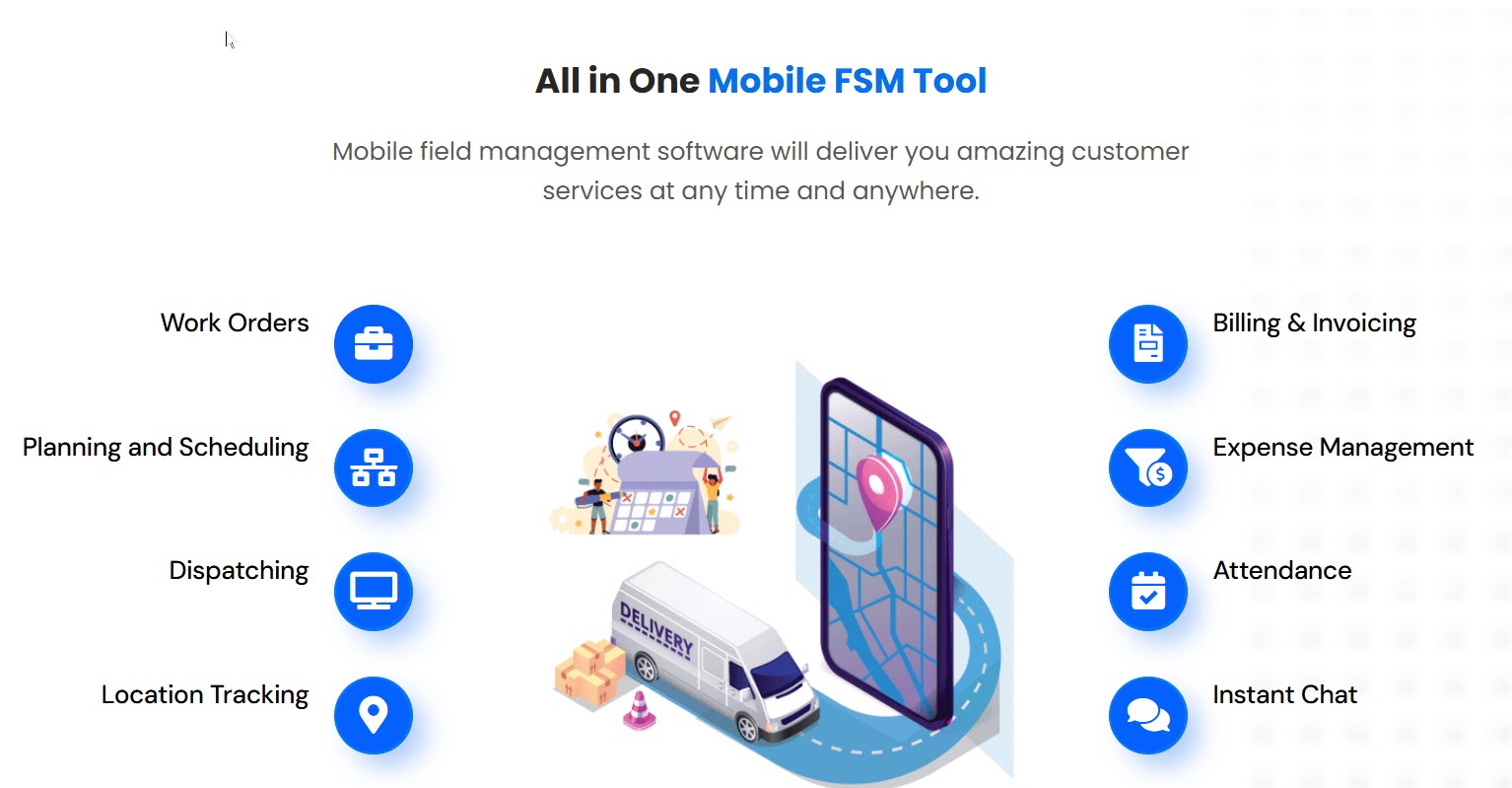
The task start and end location feature, combined with live locations and real-time dispatching, ensures accurate tracking of field activities for better accountability and productivity. You will also benefit from live chat and one-to-one live support, leading to simplified communication and problem resolution.
Additional features of Easy Field Services include digital signatures, lead management, and prebuilt text messages, all making customer interactions and documentation as smooth as ever. With access to 3 months of data history, reporting, and a fully functional mobile app, your team can work efficiently on the go.
7. Contractor+
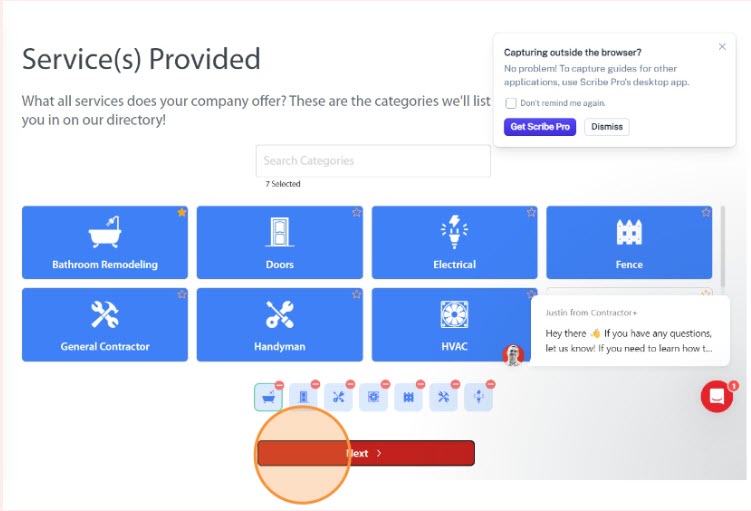
The free plan of Contractor+ is an ideal option for independent contractors and small field service businesses. It comes with a robust lead and client management system, allowing you to add prospects individually or in bulk via CSV or your phone contacts.
Besides tracking conversations and seamlessly converting leads into clients, you can keep all client-related documents, like estimates, invoices, contracts, payments, and job details, in one organized place.
The estimating and invoicing features help you create branded, detailed proposals and invoices reflecting your business identity. It just takes one tap to turn an estimate into an invoice and offer clients multiple payment options, including credit cards and eChecks.
Contractor+ also provides a payment tracking system so you can monitor financial progress per job. In the free plan, you get 10 credits to fetch up-to-date local material pricing from a database of over 3 million items, helping you build accurate quotes.
Even after using the credits, you retain access to the last available pricing. You can customize reports by uploading your company logo or requesting a custom design to ensure branding consistency across all client-facing documents.
Other Notable FSM Software
8. Dynamics 365 Field Service offers a free trial for its users. Its highlighted features are self-service scheduling, automated service reminders, link sharing through Microsoft Teams, and post-task surveys.
The difference between free and paid FSM software
Here are the key differences between free and paid Field Service Management (FSM) software:
- Features: Free FSM tools usually offer basic features like job scheduling or customer data storage. Paid software comes with advanced features like route optimization, inventory tracking, invoicing, and integrations with CRM or accounting software.
- User Limits and Customization: Free plans of FSM tools limit the number of users or jobs per month and offer minimal customization. Paid software supports more users, allows role-based access, and offers tailored workflows.
- Support: Free software often comes with limited or no customer support. Paid plans typically offer 24/7 support, onboarding help, and guaranteed uptime.
FAQs About FSM Software
No, Jobber is not a free FSM. It offers a 14-day free trial.
Odoo is a truly free FSM software. Additionally, Zoho FSM, Connecteam, and Easy Field Services offer completely free plans.
Free FSM software usually includes task management, scheduling, reporting, and mobile app features.