

You Can Now Share NotebookLM Notes with Anyone: Here’s How
Google’s AI-powered research and note-taking tool has become a go-to source for many. However, the platform’s collaboration capabilities were limited. But now the company has addressed this issue, as starting today, you can share notebooks with anyone using a public link. It will not require any login or special access.
In order to share the notebook, you just have to click on the “Share” button situated at the top right corner of the document and switch access to “Anyone with a link.” Viewers won’t be able to modify the sources, but they’ll still be able to engage with the notebook’s AI-generated elements like summaries, audio overviews, FAQs, and briefing docs.
Today, NotebookLM is being used by a variety of users, and the latest update will open the door for wider use cases beyond individual research. For example, educators, teams, and creators can now use NotebookLM to present information in a more interactive and accessible format without needing collaborators to log in or request access.
Mobile App Gets Much-Needed Fixes
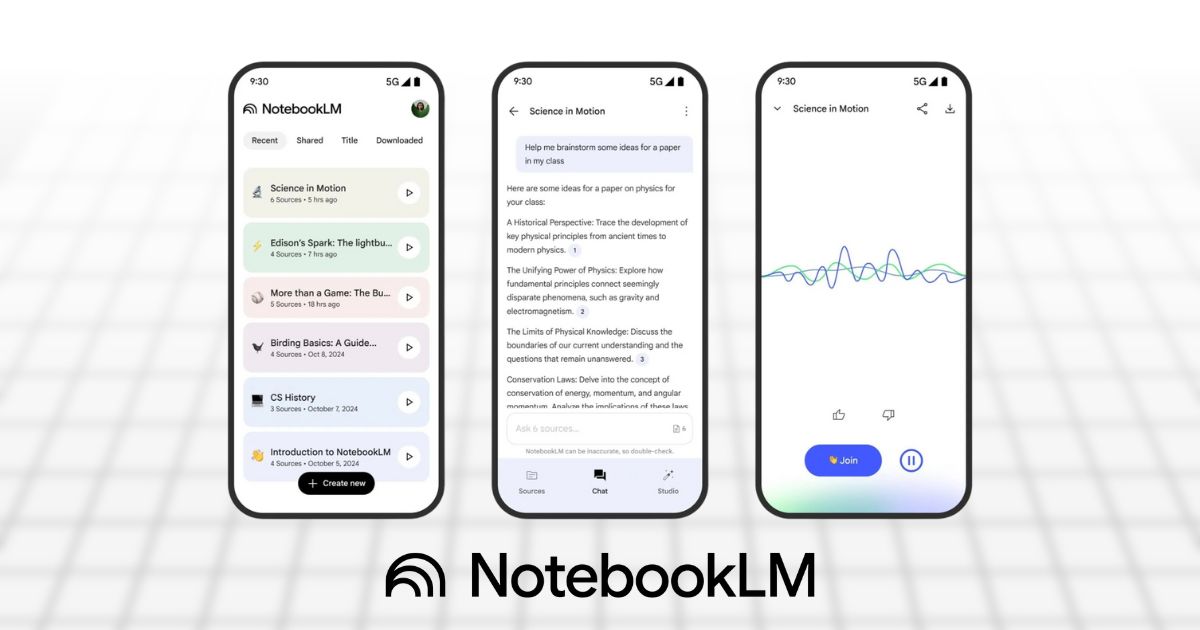
However, this is not the first update from NotebookLM. Recently, the company rolled out a bunch of new features and fixed bugs on its newly launched mobile app. According to a post from the company on X, the update improves chat stability, which was a key pain point for users who previously faced disappearing conversations and descriptions. The update also fixes problems with network timeouts and streamlines the way sources are added to a notebook.
Furthermore, the company has also fixed the issue with uploading large files and documents, and you will not see false “0 source limit” errors while adding new material. Apart from that, for smaller or older devices, the visual layout for source materials has also been cleaned up to improve usability.
That’s all from NotebookLM for now. But with the latest public sharing feature and the more stable mobile experience, NotebookLM is positioning itself as a smarter and more flexible tool for anyone working with complex information on the go.
We’ll be tracking all the latest updates around NotebookLM and other major AI tools. So, if you want quick, no-fluff news delivered straight to your phone, join our WhatsApp Channel and stay ahead of the curve.