If your video looks blurry and pixelated, people won’t stick around, no matter how good your content is. The good news is that you don’t need expensive gear or editing skills to fix it anymore. AI video enhancers can turn average footage into professional-quality, sharp, high-quality videos in just a few clicks.
AI video enhancers use artificial intelligence to enhance video quality. They do this by:
- Upscaling resolution
- Reducing noise
- Stabilizing shaky footage along with other enhancements
Traditionally, this was achieved by manually editing the video using video editing software, which rarely delivered the expected results. However, the advancement of technology and the advent of AI video enhancement software have revolutionized how we enhance video quality.
With these advanced tools, you can now create stunning, high-quality videos with remarkable ease and efficiency. Below is a list of the best AI video enhancers, which we have tested. We have picked the ones that managed to impress us with their features and capabilities.
Best AI Video Enhancers
Cutout.pro
Cutout.pro is perfect for professional filmmakers looking to generate cinematic frames or content creators who want to improve the quality of compressed videos downloaded from social media.
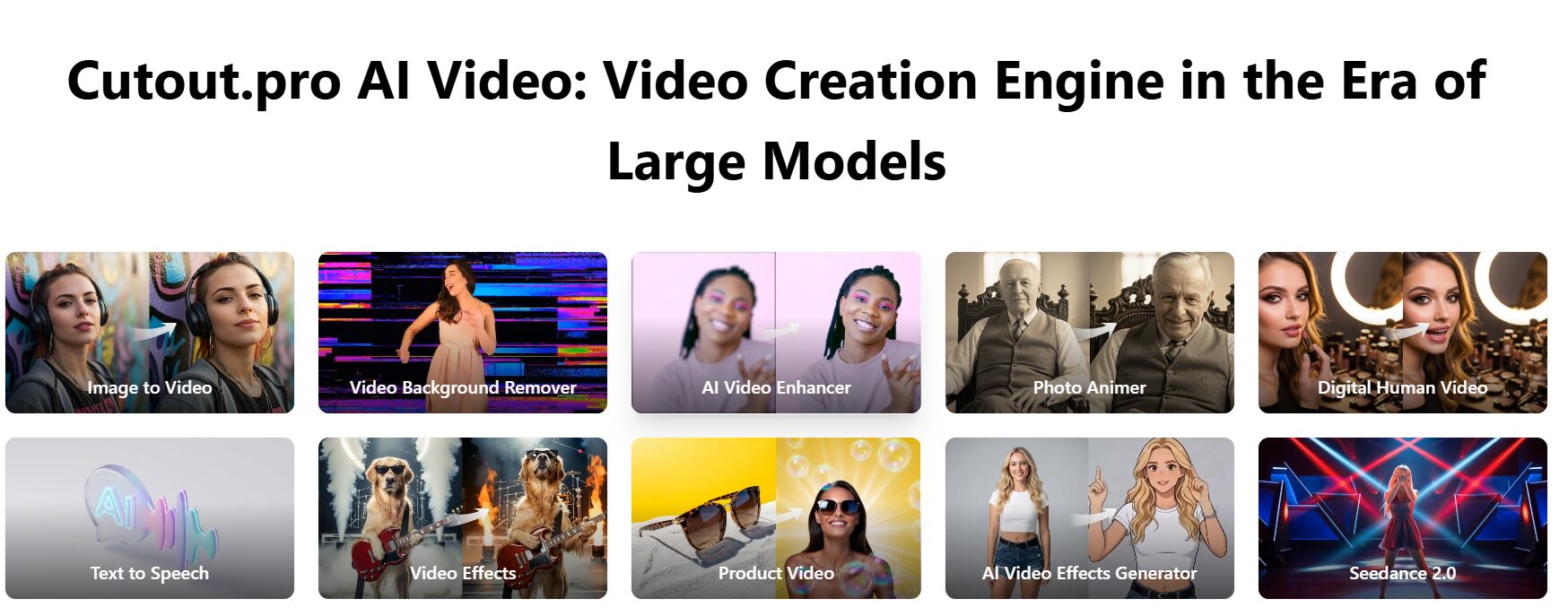
One of the key capabilities of Cutout.pro is its video quality-improving techniques, which let you recover age-old footage or enhance the overall video quality. Cutout.pro also offers advanced functionalities like video upscaling, motion interpolation, and shake stabilization to create high-resolution masterpieces.
Features
- Transform your portrait into a cartoon selfie using various styles such as 3D Cartoon and 2D Anime.
- Convert your photos into dynamic videos that bring your portraits to life.
- Enhance video resolution significantly, allowing for up to 2K quality at a maximum of 30 frames per second.
- Minimize shakiness in your footage to achieve smooth slow-motion effects.
Cutout.pro provides you with plenty of useful features that you can use for every video format.
Free AI Video Upscaler
Free AI Video Upscaler is a free, open-source video enhancer that runs in your browser. There’s nothing to install, no signup is needed, and there are no limits. Because processing happens on your device, it is completely private. However, processing may take longer than cloud-based video enhancers, and quality enhancement is more limited compared to heavier desktop software.
Features
- No paywalls, subscription fees, or hidden premium tiers.
- Browser-based, nothing to install or configure, no GPU required.
- Process as many videos as you want without restrictive length limits or forced branding.
- Videos are processed on your device, and are never uploaded to a server or visible to anyone else.
- The Google Chrome team featured the tool as part of a case study.
Movavi Video Editor
Movavi Video Editor is a powerful yet beginner-friendly video editing software that experienced users can also appreciate. Movavi Video Editor serves every type of video editing need—home video, professional footage, or animated videos.
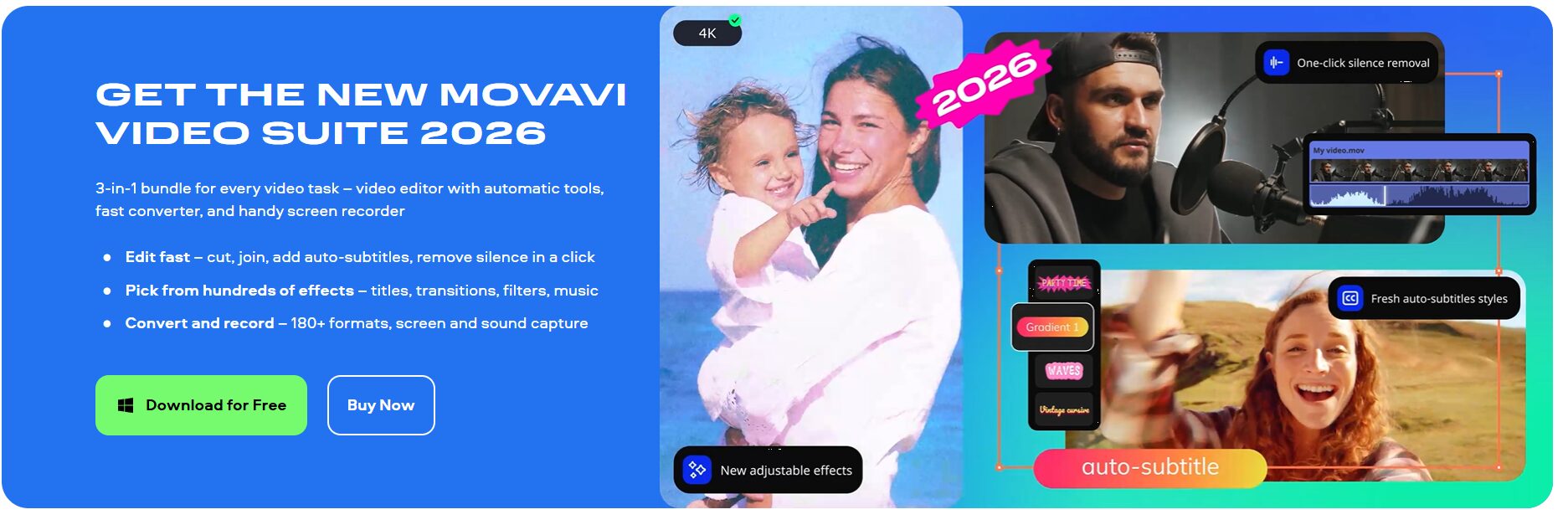
Though not included in the free trial, Movavi Video Editor offers AI-powered capabilities like background swap, noise reduction, motion tracking, and AI-based footage upscaling. Maintains steady shots with video stabilization.
Features
- Automatically remove background or reduce noise parts from your footage.
- Uses color presets to enhance the overall look of your videos.
- Selects scene and beat detection to split clips and sync them with the music.
Movavi Video Editor offers intuitive menus and easy-to-use tools that let you enhance video quality without extensive technical knowledge.
AVCLabs Video Enhancer AI
AVCLabs Video Enhancer AI is a great tool that can upscale low-resolution videos to higher resolution and improve the quality of old videos. The software uses learned AI models and algorithms to boost video quality and employs single- or multi-frame enhancement.
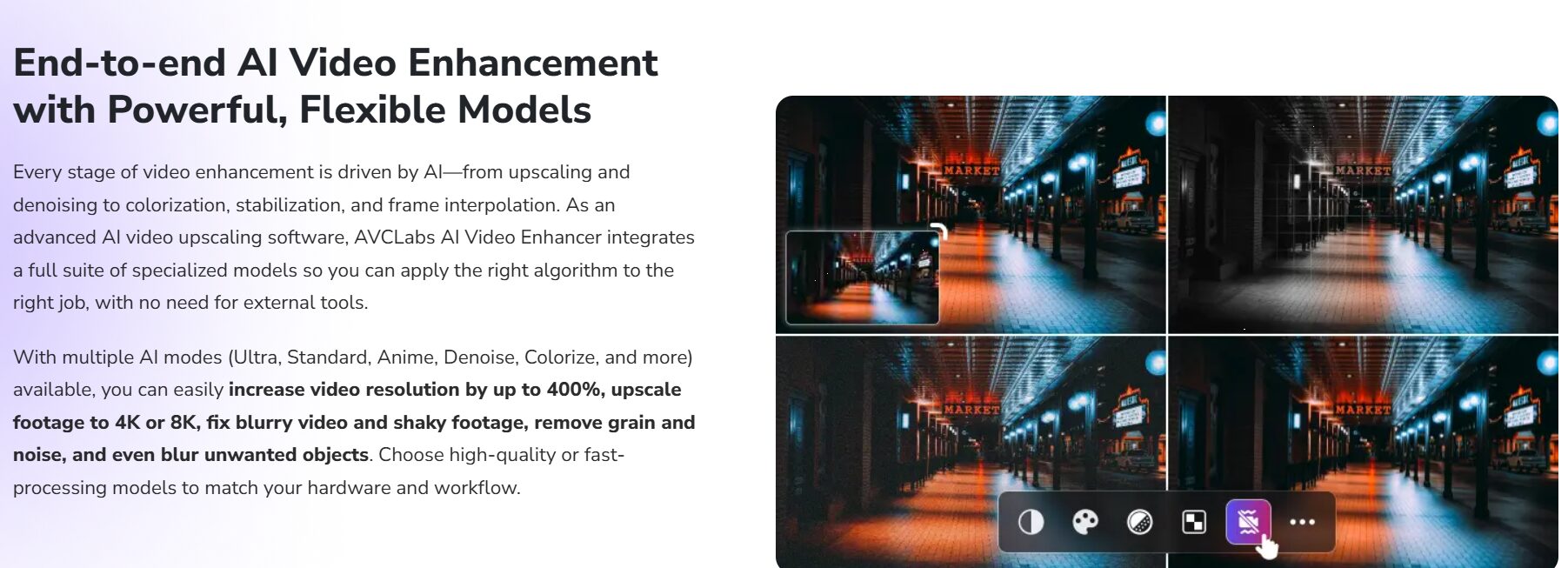
AVCLabs Video Enhancer can also enhance visuals by adding clear, organic elements that make videos look stunning.
Features
- Automatic video processing without the need for fine-tuning.
- Automatic face refinement feature to improve the details of faces.
- Fixing blurry and shaky videos.
- Utilizes a multi-frame convolutional neural network to improve video quality.
- Removes overlay noise and grain to achieve more natural and refined results.
- Utilizes your machine’s GPU acceleration
With the help of an AI-powered colorization model, the program can turn black-and-white footage into a vibrant, attention-grabbing experience.
Topaz Video AI
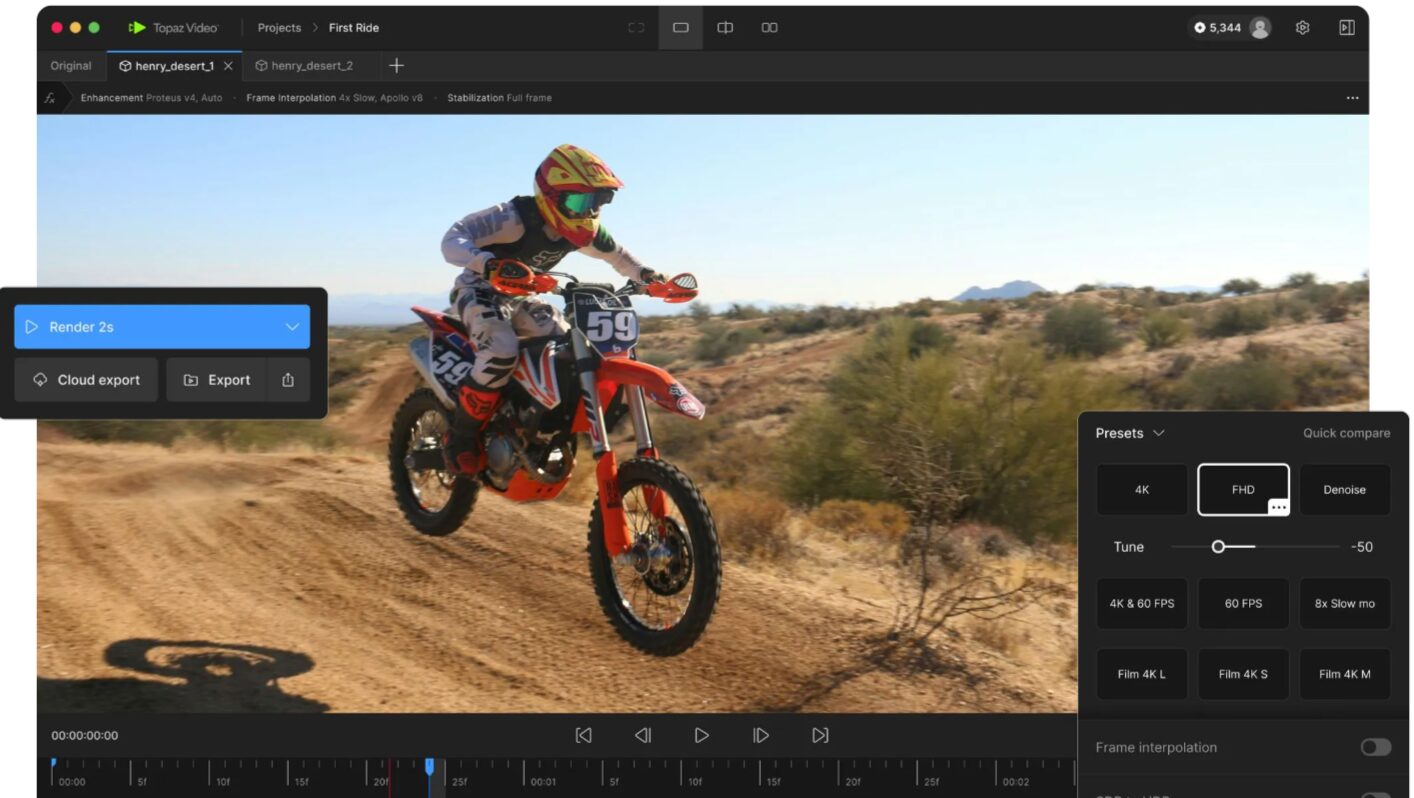
Topaz Video AI is one of the top AI-powered video enhancement tools. This software boasts of accurately scaling low-resolution videos up to 8K UHD by up to 600%.
Features
- Recreate high-resolution video from low-resolution footage.
- Enhance video quality up to 8K, significantly increasing resolution and clarity.
- Leverages advanced algorithms to analyze numerous videos, allowing for efficient processing quickly.
- Utilizes state-of-the-art technology to achieve impressive results in upscaling video quality.
Apart from these features, its user-friendly UI gives you rapid access to the built-in video enhancement options.
Videoproc Converter AI
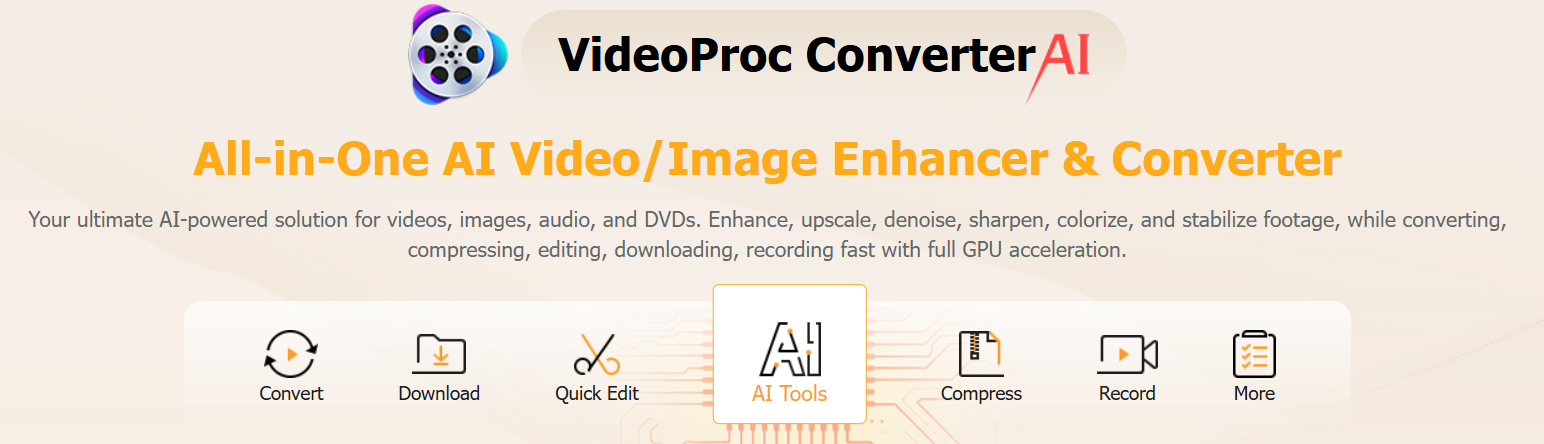
Videoproc Converter AI is a power-packed tool to enhance, upscale, stabilize, transcode, and compress to make your video suitable for the target device and increase its appeal.
Features
- Upscaling up to 4k resolution videos
- Fix certain clips or the entire video footage with AI stabilization
- Preset visual effects to theme videos
- Audio and video noise reduction
- Increase refresh rate and create slow-motion videos with frame interpolation
- Level-3 hardware acceleration for maximum efficiency
- Batch processing and download
Videoproc Converter AI supports a large number of codecs and output formats to achieve the desired result. You can try the free trial plan before switching to its subscription tiers, including lifetime and yearly plans.
HitPaw VikPea
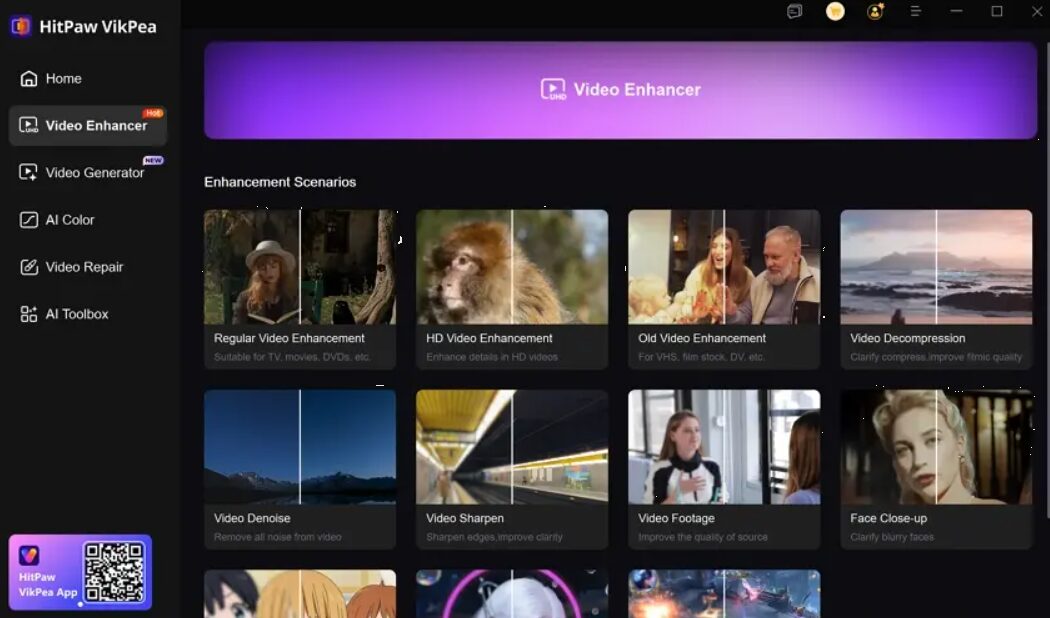
HitPaw VikPea Video Enhancer is really helpful if you need to work on low-resolution or blurry footage. This tool uses sophisticated upscaling algorithms to increase the resolution of videos, making them sharper and more detailed.
Features
- Trained AI video enhancer for converting standard definition (SD) videos to high definition (HD) or even 4K/8K resolution.
- Increase the FPS of a video from 15 FPS to 60 FPS
- Reduce screen jitter with AI Video Stabilizer
- Enlarge the resolution of your videos using super-resolution technology.
- Cloud GPU processing for faster rendering
- Automatic color and brightness correction
UniFab Video Enhancer AI
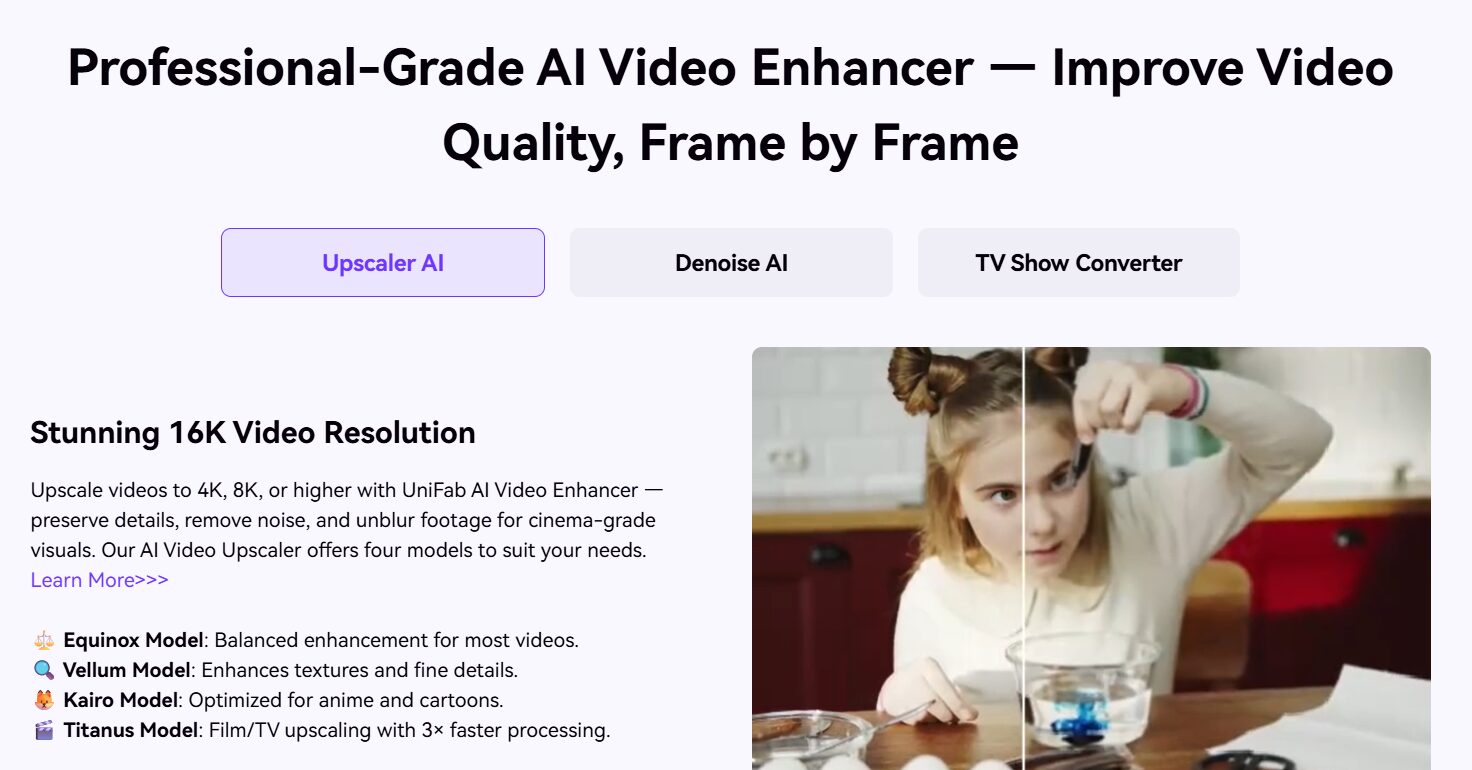
One of the most effective AI video upscaling applications is UniFab Video Enhancer AI. It supports a wide variety of tools for fluidly upscaling videos to 4K, 8K, and even 16K resolution.
Features
- Local or cloud processing options available.
- The Denoise AI feature uses AI algorithms to detect and remove noise, and improve the clarity of the videos.
- Convert videos into 100+ formats.
- Built-in editor and metadata generator.
- Specialized Kairo model to edit animated content
- Can upscale up to 120 FPS videos for smoother videos.
Unifab Video Enhancer offers a 30-day free trial that lets you export videos without watermarks.
Pixop Studio
Pixop Studio leverages automated AI and ML filters to remaster videos. It is a fast, easy, and cost-effective solution offering up to 4K upscaling for today’s viewers who desire the finest video quality.
Features
- Cloud-based solution hosted on AWS
- Automated AI and ML filters for remastering videos from SD to UHD 8K.
- Accessible through a web browser, making it suitable for individuals with limited GPU on their local machines.
- Provides video asset management, video quality analysis, transcoding, and collaboration tools.
Pixop Studio offers a pay-as-you-go pricing plan based on gigapixels processed.
Perfectly Clear Video
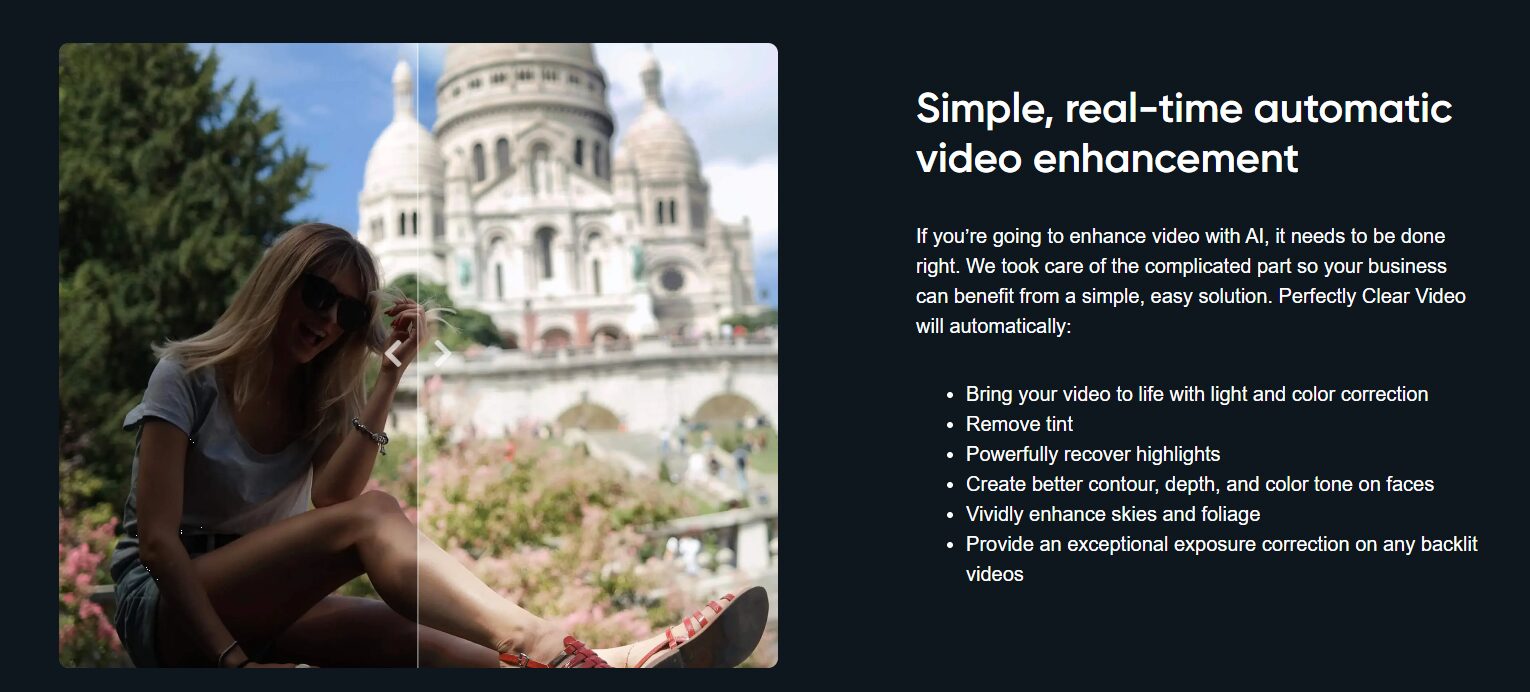
Perfectly Clear Video by EyeQ stands out for its versatility. Wherever you need it, you can use this cutting-edge technology. The options are unlimited, whether you want to incorporate it into your app, improve video quality straight on your phone, or utilize it for post-processing on already-shot films.
Features
- Removes any unwanted tint or color cast from the footage.
- Powerfully recovers highlights to reveal more detail in bright areas.
- Enhances the contour, depth, and color tone of faces, resulting in a more visually appealing appearance.
- Vividly enhances the skies, making them appear more vibrant and captivating.
- Improves the color and vibrancy of foliage, making it appear more lush and natural.
Perfectly Clear Video is available as a web-based app accessible via browser. It also offers Android and iOS apps. For developers, it offers API and mobile SDK and is frequently built into third party camera and video editing apps.
Aiseesoft Video Enhancer
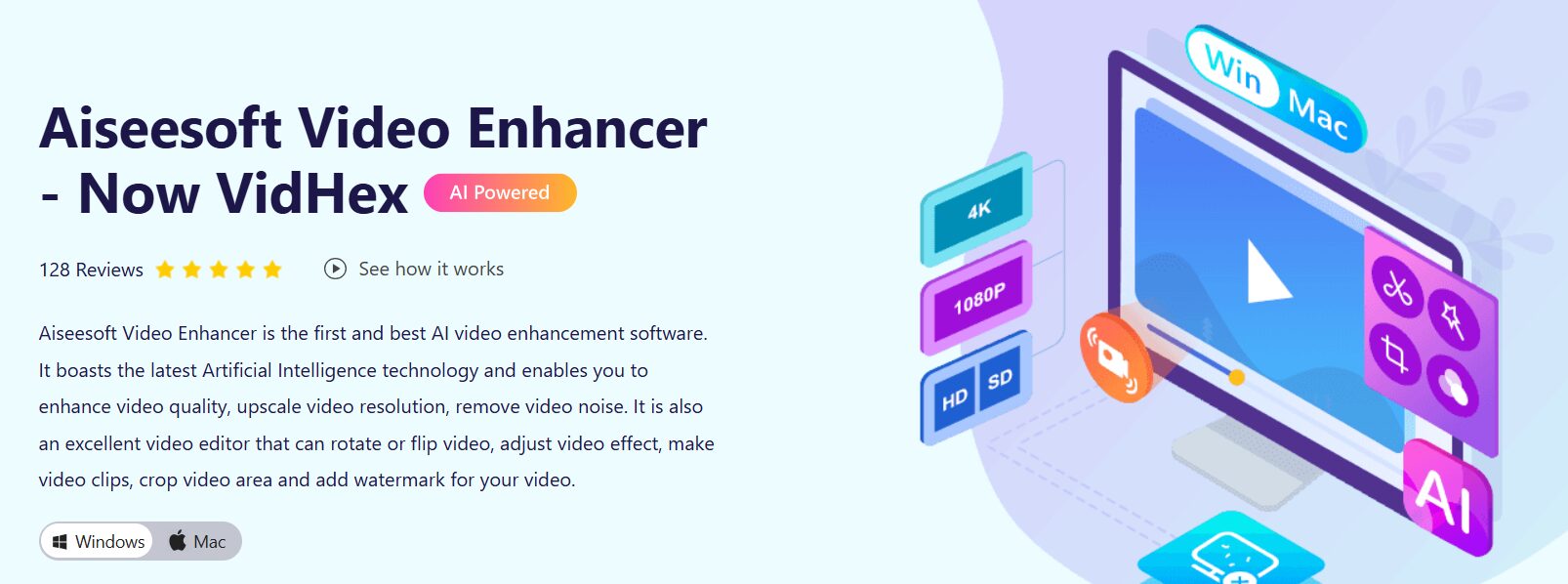
Aiseesoft Video Enhancer offers impressive capabilities in enhancing video resolution, making it ideal for transforming SD videos into HD quality or converting 1080p content to stunning 4K video footage.
Features
- Allows you to rotate or flip your videos as needed.
- Provides a real-time preview feature that allows you to see the changes you make to your videos in real time.
- Includes a video stabilization feature that effectively reduces or eliminates shaky footage.
- Gives you the option to change the videos’ saturation, contrast, and brightness levels.
Vidio
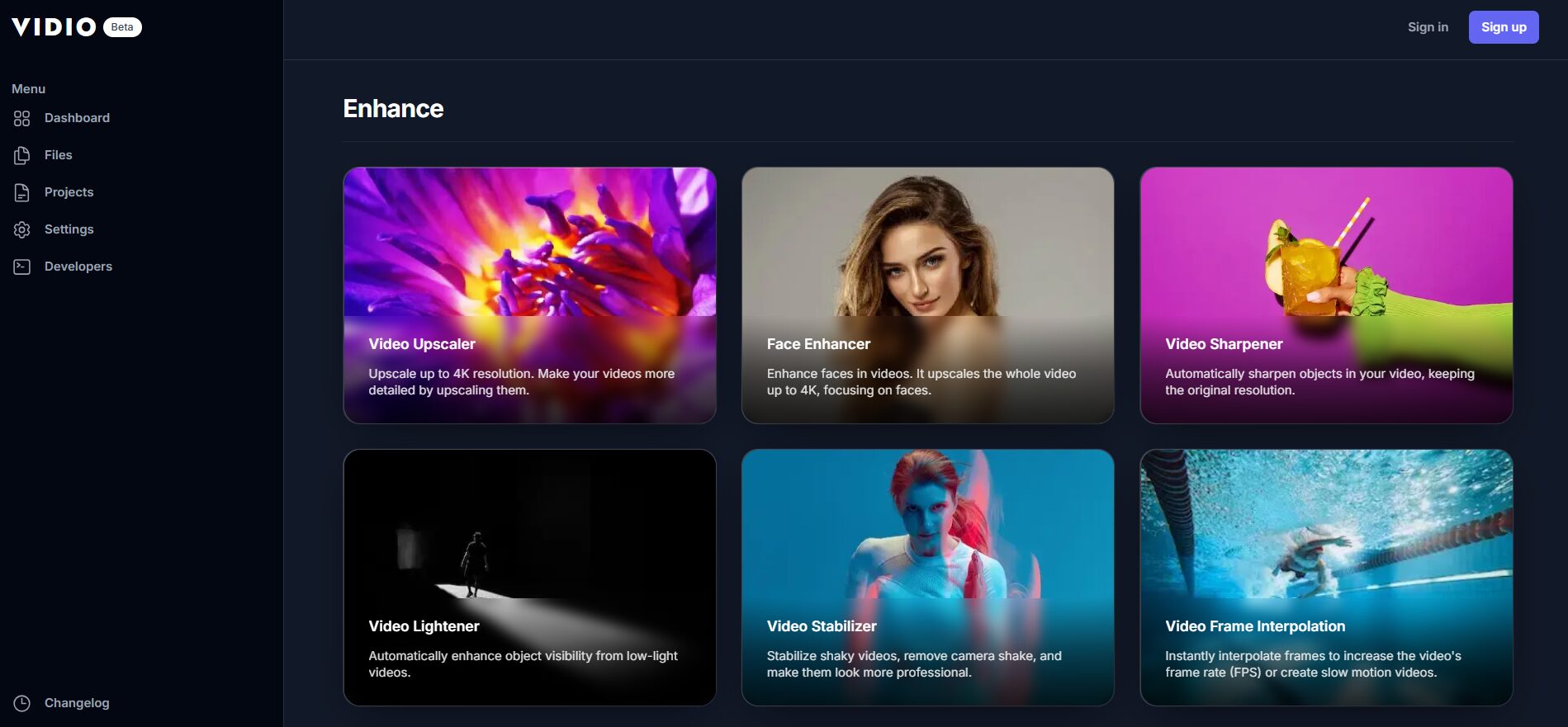
Vidio is a user-friendly AI video enhancer that claims to be 10x faster and cheaper. It is intended to be accessible and user-friendly for both casual users and experts looking to improve their video material.
The overall resolution is increased by using algorithms that interpolate the current pixels to produce new ones.
Features
- Access the video enhancer through a user-friendly web interface that lets you select your requirement.
- Convenience of instant download without any additional software requirements.
- Integrates with popular editing tools like Premiere Pro, Final Cut Pro, and DaVinci Resolve.
- Supports cloud storage platforms like OneDrive, Google Drive and Dropbox.
- Also available as an API for developers looking to integrate Vidio features into their apps.
Videos shot on various cameras, including cellphones, digital cameras, and even low-resolution material, can be improved with Vidio.
Benefits of Video-Enhancing AI Tools
Video-enhancing AI technologies and software greatly help achieve professional-quality videos by providing the below benefits.
Resolution enhancement and upscaling: AI systems can intelligently upgrade lower-resolution footage, boost details, and improve the overall video quality. This procedure can assist in converting low-quality films to high-resolution or even 4K/8K/16K resolution, producing a clearer and more aesthetically pleasing end output.
Noise reduction: Visual noise, typically in videos shot in dim light or high ISO settings, can decrease the final product’s quality. AI-powered tools can recognize and eliminate noise while maintaining crucial features, producing cleaner and more polished films.
Color Grading and Correction: Achieving consistent and visually pleasing colors is crucial for professional videos. AI tools can intelligently analyze and adjust colors, balance white levels, and improve color accuracy throughout the video to help create a more cohesive visual presentation.
Stabilization: Shaky footage can be annoying to watch and may give an amateurish impression. AI-based stabilization algorithms can analyze the motion patterns in the video and reduce unwanted camera movements, resulting in smoother and more stable footage.
Automated Editing and Post-production: AI tools can assist in automating various aspects of the editing process. Their algorithms can identify key moments and suggest or perform edits, such as trimming, cutting, or rearranging clips. This streamlines the editing workflow, saving time while maintaining professional standards.
FAQs
Unlike traditional upscaling that simply stretches existing pixels (often resulting in a blurry look), AI video enhancers use deep learning models to predict and generate new pixels. AI video enhancers are trained using millions of high-resolution frames. Therefore, they can fill in the blanks for textures like skin, hair, and grass. However, they can also hallucinate and create unnatural-looking fillers.
While both improve video quality, they target different areas. Upscaling increases the resolution (e.g., turning 1080p into 4K) by adding more pixels to each frame to make the image sharper. Frame interpolation, on the other hand, increases the frame rate (e.g., turning 24 fps into 60 fps) by generating new frames in between. This makes the motion look smoother and is ideal for creating high-quality slow-motion effects.
Processing video frame-by-frame with AI is heavy on hardware. Desktop tools like Topaz Video AI use your local computer’s Graphics Processing Unit (GPU) for maximum speed and privacy, but they require a powerful machine. They can lag or freeze if your local machine doesn’t have the required hardware.
Browser-based tools like Pixop or Vidio use powerful cloud servers. This allows you to enhance videos on a basic laptop, though it usually involves a higher cost and requires uploading your files to their servers, which can compromise privacy.