You’ve built a web scraper for your product, completed testing, and confirmed that it works. Right before releasing the product, it breaks, and now you have to spend a lot of time updating your code rather than working on the core features.
Most do-it-yourself (DIY) web scrapers break at scale in production because modern websites and applications have multi-layered blocking systems that identify and block automated browsing. Often, they’ll set rate limits on the number of requests, run human- and browser-based behavioral tests, check IP address reputation, change DOM layouts, or use JavaScript rendering.
Web scraping APIs address these challenges by handling proxies, using headless browsers, and automatically resolving CAPTCHA(s), but there’s more to it. In 2026, the current state of web scraping shows an increase in AI-native extraction via LLMs, the use of real browsers in cloud environments, and even stricter Cloudflare turnstiles to defend against bots.
This post will go through the top managed web scraping APIs that will help you scrape webpages into Markdown, HTML, and JSON. These tools are well positioned to meet your commercial needs across E-commerce, SERP data, social media, etc.
Quick Scraping API Summary Table
Here are a few things to consider before deciding which scraping API to use for your developer tools.
| Web Scraping API | Free Plan | Monthly Starting Price | Proxy Support | Markdown Output | HTML Output | JSON Output |
|---|---|---|---|---|---|---|
| Geekflare API | ✅ | $9 | ✅ | ✅ | ✅ | ✅ |
| Oxylabs | ❌ | $49 | ✅ | ❌ | ✅ | ✅ |
| Bright Data | ❌ | $499 | ✅ | ❌ | ❌ | ✅ |
| Decodo | ✅ | $20 | ✅ | ✅ | ✅ | ✅ |
| Scraperless | ✅ | $49 | ✅ | ❌ | ❌ | ✅ |
| ZenRows | ❌ | $69 | ✅ | ✅ | ✅ | ✅ |
| ScrapingBee | ✅ | $49 | ✅ | ✅ | ✅ | ✅ |
| Zyte | ❌ | $100 | ✅ | ❌ | ❌ | ✅ |
| FireCrawl | ✅ | $16 | ✅ | ✅ | ✅ | ✅ |
| Apify | ✅ | $29 | ✅ | ❌ | ✅ | ✅ |
How We Ranked These APIs
To rank these web scraping APIs, I evaluated them across different data ecosystems: search engines like Google, e-commerce websites like Amazon, social media platforms like LinkedIn, and even blogs. My key ranking determinants:
- Success rate — How successful the API is when dealing with complex sites across different domains.
- Antibot Detection — How well the web scraper handles CAPTCHA and Cloudflare turnstiles.
- Response time — How fast you get the results in real-time.
- Documentation quality — How easy it is to work on a production project relying on the documentation and the availability of SDKs across different programming languages.
- Pricing Models — How accessible the API is in the context of minimal resources for personal and commercial needs.
Top Web Scraping APIs Reviewed
Geekflare API
The Geekflare Web Scraper is a REST-based API that extracts web data into HTML, Markdown, or JSON as per your preference. Basically, you identify the target URL, the API fetches the webpage for you, and returns the data in a clean format.
Notable Geekflare Web Scraper API features are:
- A headless Chrome rendering that dynamically handles generated data, making it a nice fit for most single-page and progressive web applications.
- A global proxy network rotating residential IP addresses to ensure a good IP reputation and avoid getting blocked.
- An optimization ground for Markdown outputs that produces clean data sets ready for consumption in AI and LLM training.
- The scraper uses advanced fingerprinting techniques to mimic browser and user behavior, thereby bypassing bot detection systems and Cloudflare turnstiles.
The Geekflare API and documentation are easy to use. I’ve found it to be a good match for e-commerce scraping, such as monitoring product prices and offers on Amazon, extracting Google results, and gathering assets for machine learning models. Here’s an example of a scraping request to my favorite blog, returned in markdown. It lets me read on the terminal without seeing ads.
curl -s --request POST \
  --url https://api.geekflare.com/webscraping \
  --header 'Content-Type: application/json' \
  --header 'x-api-key: Your-API-Key' \
  --data '{
    "url": "https://illimitableman.wordpress.com/2014/03/30/mental-models-abundance-vs-scarcity/",
    "format": "markdown"
  }' | tr -d '\n' | sed 's/.*"markdown":"\([^"]*\)".*/\1/' | sed 's/\\n/\n/g'
Note
Geekflare Web Scraper is part of a larger collection of APIs for AI and Web developers. It also includes capturing screenshots, generating PDFs, testing website load times, finding broken links, auditing websites, checking URL validity, and verifying configurations, among others.
Oxylabs
Oxylabs scraper API helps businesses collect structured data from virtually any website at scale. It emphasizes reliability, global coverage, and AI-ready data pipelines and is an enterprise-grade scraping solution. If you’re working on recurring workflows, this web scraper supports automated scheduling.
Before moving to your custom needs (if this is the case), Oxylabs API lets you choose from a large list of predefined scrapers. It supports over 195 country proxies and includes self-healing, reusable custom parsers that adapt to website changes. Based on target user data, you can automate browser actions, such as clicks, or generate code using an AI assistant.
This data extraction API supports outputs in raw HTML and structured JSON, making it suitable for e-commerce, SERP monitoring, travel, real estate, and AI development use cases. It delivers data to Google Cloud Storage and Amazon S3-compatible systems. Here’s an example of scraping the same example blog shown in the Geekflare API, written in NodeJS to return it as HTML.
import fetch from 'node-fetch';

const username = 'YOUR_USERNAME';
const password = 'YOUR_PASSWORD';
const body = {
	'source': 'universal',
	'url': 'https://illimitableman.wordpress.com/2014/03/30/mental-models-abundance-vs-scarcity/'
};
const response = await fetch('https://data.oxylabs.io/v1/queries', {
  method: 'post',
  body: JSON.stringify(body),
  headers: {
      'Content-Type': 'application/json',
      'Authorization': 'Basic ' + Buffer.from(`${username}:${password}`).toString('base64'),
  }
});

console.log(await response.json());
Bright Data
Bright Data’s scraper API automates data extraction and enables businesses to collect structured web data in JSON, NDJSON, or CSV formats at scale. It provides bulk requests (up to 5,000 URLs per call), real-time data retrieval, and charges for successful data acquisition.
Key features in Bright Data include:
- Automatic proxy rotation for consistent, reliable performance
- Full browser execution environment for dynamic sites
- Bulk request handling.
- A no-code scraper panel for non-technical folks (low- and no-code developers) who prefer not to write code.
If you are looking for workflow automation, Bright Data Scraper delivers results through API responses or webhooks that you can plug into your delivery.
Bright Data offers many scraping APIs that might seem complex at first glance, but it also has comprehensive documentation that is easy to follow. Bright Data supports asynchronous web scraping. It offers over 100 ready-made scrapers and plenty of templates.
Bright Data’s extraction API covers popular and complex data scraping across social media (LinkedIn, X, etc.), e-commerce boards like Walmart, real estate, travel, and financial platforms.
Here’s an example of a web-scraping request in Python for my sports prediction application. There’s an HTML preview playground for this API.
import requests

url = "https://api.brightdata.com/request"

payload = {
    "zone": "sports_web_unlocker",
    "url": "https://www.freetips.com/betting/bet-of-the-day/",
    "format": "raw",
    "method": "GET",
    "direct": True
}
headers = {
    "Authorization": "Bearer <Your API Key Here>",
    "Content-Type": "application/json"
}

response = requests.request("POST", url, json=payload, headers=headers)

print(response.text)
Decodo
The Decodo API is an all-in-one data extraction solution for developers and automation teams. Use Decodo to extract structured data in many formats, including HTML, JSON, CSV, XHR, PNG, and even LLM-ready Markdown. Run up to 200 requests per second if working on high-throughput workloads.
Definitive features of the Decodo extraction API include:
- Global proxy coverage with over 125M residential IPs
- Automatic retries and smart routing for failed requests
- Ready-made scraping templates.
Depending on your workload, Decodo’s flexibility supports both synchronous and asynchronous data extraction modes. It also plugs directly into n8n and MCP integrations for AI workflow, making it a balanced tool for convenience and infrastructure depth.
Decodo targets critical data workflows where downtime directly impacts operations. It supports competitive intelligence, price monitoring, SERP tracking, SEO analysis, AI training data pipelines, eCommerce aggregation, social media tracking, and high-volume search automation.
Scraperless
Scraperless is a customizable cloud-based browser built on its own Chromium engine for web crawlers and AI agents. Its scraping API adapts in real time to website blockers. Scraperless dynamically adjusts fingerprinting parameters and rotates proxies. It also offers pre-built structured datasets and async delivery for large-scale scraping workflows.
If your developer team runs high-volume data-pipeline operations, it can leverage Scraperless’ unlimited concurrency for parallel processing. Moreover, this HTML extraction API has a customizable built-in TLS setting for advanced data security and precise control over encryption. Broader automation ecosystem integrations for this API spread over to AI-web connectors targeted at AI-agents.
Scraperless web API works best in competitive intelligence, large-scale data automation, AI-training pipelines, and collecting real estate listings. It includes features that can support public web data collection and enterprise compliance requirements, including GDPR-related data handling practices.
ZenRows
ZenRows is a commercial universal scraper API that is reliable and offers tangible ROI on data extraction. Where JavaScript generates the target content, ZenRows runs a headless browser API. Outputs from this web scraper API are HTML, JSON, Markdown, or screenshots — all optimized for downstream consumption, including by AI systems.
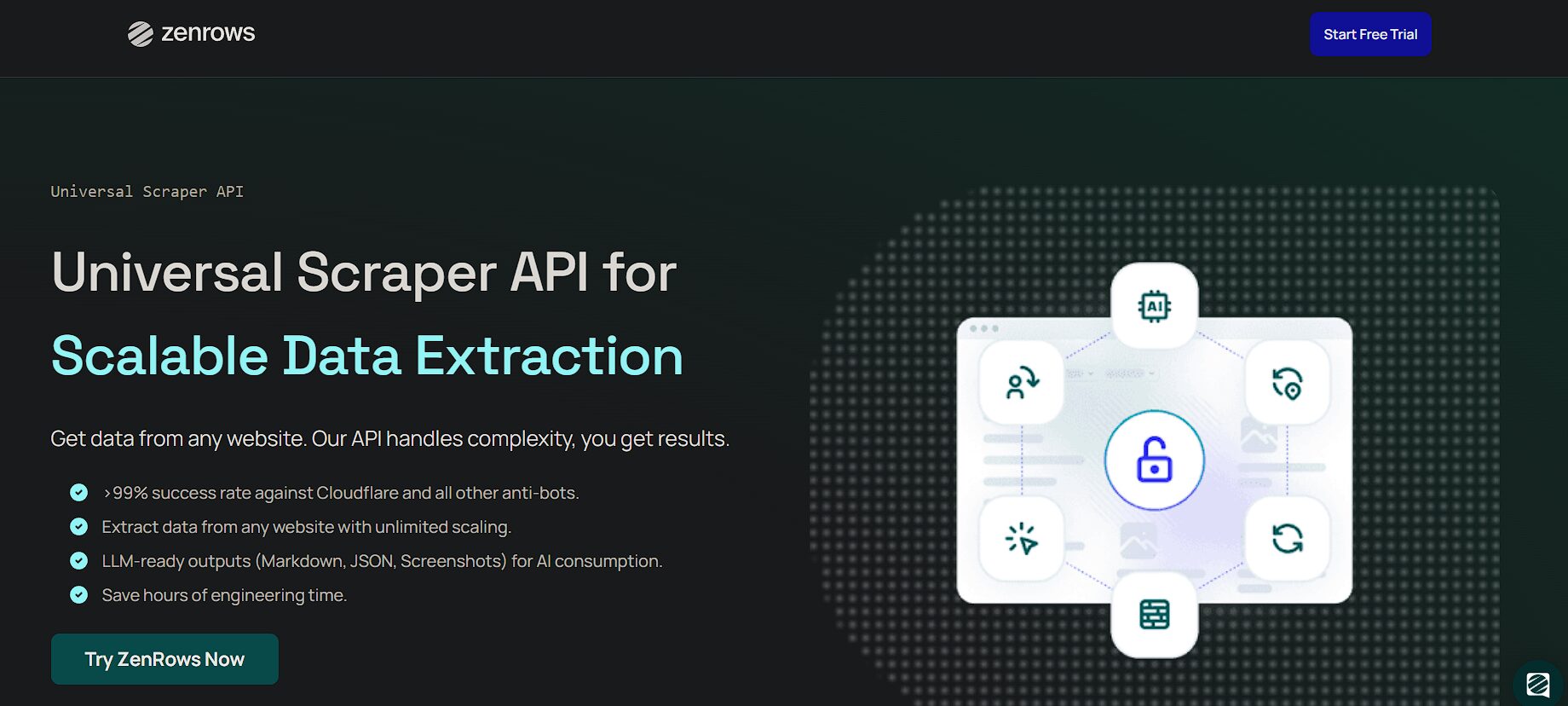
ZenRows can bypass CAPTCHA and advanced anti-bot systems and also automate complex workflows such as multi-page navigation and form submissions, thanks to its session management tooling. It also guarantees access to geo-restricted data using residential proxies in over 195 countries. A unique feature about ZenRows is that it integrates with any programming language or any existing tools, from no-code tools to AI development frameworks.
ZenRows is a good fit for AI and automation pipelines, as it provides datasets for training machine learning models. I have also found it useful for market research activities such as pricing aggregations and go-to-market strategy development.
You can also use the ZenRows extraction API to analyze product sentiment and generate leads by enriching your CRM with fresh data. ZenRows has developer-friendly documentation and many web scraping tutorials across different languages.
ScrapingBee
ScrapingBee uses AI for high-speed data extraction. Instead of writing CSS selectors to target DOM nodes, it uses plain English to describe the data you want, leaving its AI platform to generate queries and deliver relevant content in a structured format. When working with complex applications that involve multistep interactions, the ScrapingBee web API lets you enable user-like interactions by setting a JavaScript parameter.
Extracting data from sites built with any JavaScript framework is easy, since ScrapingBee manages thousands of instances of the latest versions of the Chrome browser. This is also one of those APIs with a large pool of rotating proxies that help bypass limits and reduce blockage.
While the ScrapingBee scraper API does not offer asynchronous models like other tools, it can support a high-throughput workflow with a flexible concurrency limit, depending on your package plan, of up to 200 simultaneous requests.
One thing I like about the ScrapingBee API is that they’ll only charge you for successful requests, making it ideal for startups and mid-sized teams that seek predictable scraping capacity. Use ScrapingBee for general scraping, price monitoring, jobs board aggregation, screenshot captures, and AI-driven data pipelines.
Zyte
Unlike other APIs that stitch proxies, headless browsers, and parsers, Zyte centralizes all components into a single configurable layer. Zyte emphasizes flexibility, leaving you to pick the features you need, e.g., unblocking, proxy management, JavaScript rendering, or HTML extraction, only paying for the features that you need.
This web scraping approach allows developer teams to cut maintenance costs while customizing behavior per requirements. It also includes AI-powered data extraction, meaning you can bypass manual HTML parsing rules and benefit from automatic adaptation to dynamic layout updates. Zyte integrates well with the Scrapy ecosystem.
Although Zyte operates synchronously, it’s a good orchestration tool within distributed systems. Use Zyte for large-scale, compliance-aware data operations, including AI and LLM training, real estate listings, job board collections, and enterprise market intelligence. I’ve found Zyte to be resourceful when working with sites that prohibit automation, have KYC checks, and structured schemas, with legal considerations in mind.
Firecrawl
AI-native scraping is the norm with Firecrawl. Use the Firecrawl API to turn any website’s data into structured formats that naturally fit into RAG systems, knowledge bases, and machine learning models. Being open source, Firecrawl emphasizes transparency and suits developers who want to self-host parts of their development stack. Minimal configurations and fast integrations position Firecrawl as a lighter-weight option for enterprise scraping.
Firecrawl has fully managed browser environments that allow AI agents to interact with websites programmatically. Instead of raw HTML parsing, Firecrawl optimizes for AI consumption, data outputs that are fit for downstream embedding, indexing, and reasoning tasks. Unlike other tools, the Firecrawl extraction API isn’t aggressive in anti-bot bypassing markets. It is best used when enriching LLMs with web data, building domain-specific knowledge, and automating research workflows.
Apify
Apify is a cloud platform for web scraping, automation, and data extraction that helps turn websites into usable APIs and datasets. Where all other tools expose API endpoints, the Apify ecosystem is built around actors, which are containerized scrapers and automations you can run through a centralized REST API.
Actors can be prebuilt from the API store or custom-developed in JavaScript or Python using familiar libraries such as Crawlee, Playwright, Scrapy, or Puppeteer.
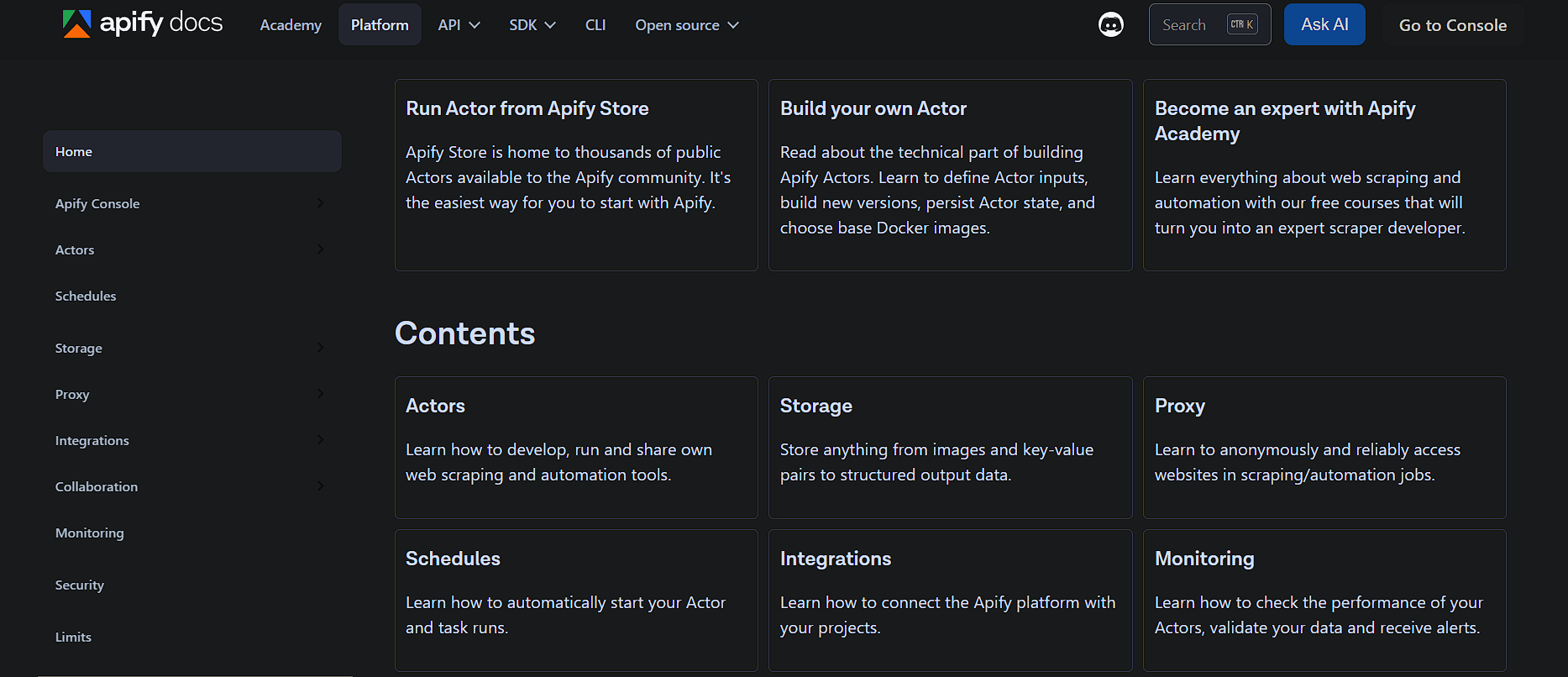
Apify web APIs can be customized, hence a better alternative to the one-size-fits-all endpoints. The API platform has built-in managed residential proxies and a smart routing service to avoid blockage. It also includes scheduling, monitoring, error handling, and cloud-based execution without provisioning servers. It also supports a pay-as-you-go pricing model, making it ideal for experimentation, prototyping, and even enterprise-grade workflows. Use cases range from lead generation, market research, SERP tracking, social media research, and machine learning data preparation.
Other Scraper APIs
While the above list can meet most of your commercial needs, there are some tools worth keeping in mind and trying if you still need more stable alternatives.

Scrapfly

Octoparse

Abstract API

Scrapestack
How to Choose the Right API
Pick a web scraping API depending on what you are optimizing for. In most cases, that comes down to the websites you need to scrape, where you want to send the data, and how you plan to use it.
- If you need to bypass anti-bot protections, look for an API with built-in rotating proxies.
- Native integrations may also matter if you intend to move data into your existing workflow more easily.
- If fetching from a JavaScript-heavy application, pick the one that has headless browsers.
- When on a tight budget, take the flat pricing for predictability as a pay-as-you-go option may cause billing to escalate.
- For large-scale scraping, look for support for concurrency and async workflows.
- If the source data changes often, AI-adaptive scraping features can help maintain reliability.
- When data quality and predictable structure are required, an API with ready-made structured formats is the best fit.
Legal and Ethical Considerations
The absence of specific web scraping regulations also presents a unique challenge in ensuring that projects comply with established ethical and legal constraints. Some highlights worth noting are:
- If data isn’t publicly available, you shouldn’t access it; always seek permission or process review from relevant parties.
- If you agree to a website’s terms and conditions, make sure to abide by their declarations.
- Check policies before working with applications, for they might discourage data extraction.
- Data protected by copyright requires that its use conform to its approved scope of use.
- Web scraping personal data requires legal review and clear compliance safeguards—whether it’s used internally or externally.
- Where residential IPs are sought, they must be legally obtained in accordance with applicable laws.
Frequently Asked Questions (FAQs)
Geekflare API is the cheapest web scraping API, with plans starting at $9/month.
Yes, you can use the Geekflare API playground to perform basic scraping tasks. You can also use a no-code app integration like Zapier to scrape without code.
Geekflare API, Firecrawl, and Decodo provide LLM-ready data because they support formats such as Markdown, JSON, or HTML, which are easier to use in RAG pipelines, summarization, and other AI applications.