Antivirus is a data security utility to protect against malware (viruses & ransomware) and internet security threats (phishing & spam). An antivirus can also notify of potentially unwanted applications (PUAs), which can be equally damaging.
Though some experts increasingly say that modern operating systems hardly need 3rd-party antivirus, thanks to the in-built security measures, I would still subscribe to one, especially if I don’t keep my device updated all the time. Plus, external protection generally does well against cyber threats such as phishing and spam.
Another fact that convinced me to get a 3rd-party antivirus is the scale of real-time cyberattacks! AV-TEST registers over 450,000 new malicious programs and potentially unwanted apps every day. And the FBI’s Internet Crime Report counted 1,008,597 complaints and $20.877 billion in reported losses, a 26% increase over 2024. If you’re still not up for it, here is the set of benefits of having an antivirus.
1. Protection Against Malware
Malware protection is the number one perk of using an antivirus. By malware, I mean viruses, trojans, worms, rootkits, ransomware, spyware, keyloggers, adware, and more. An antivirus regularly scans system files and downloads for such malicious software.
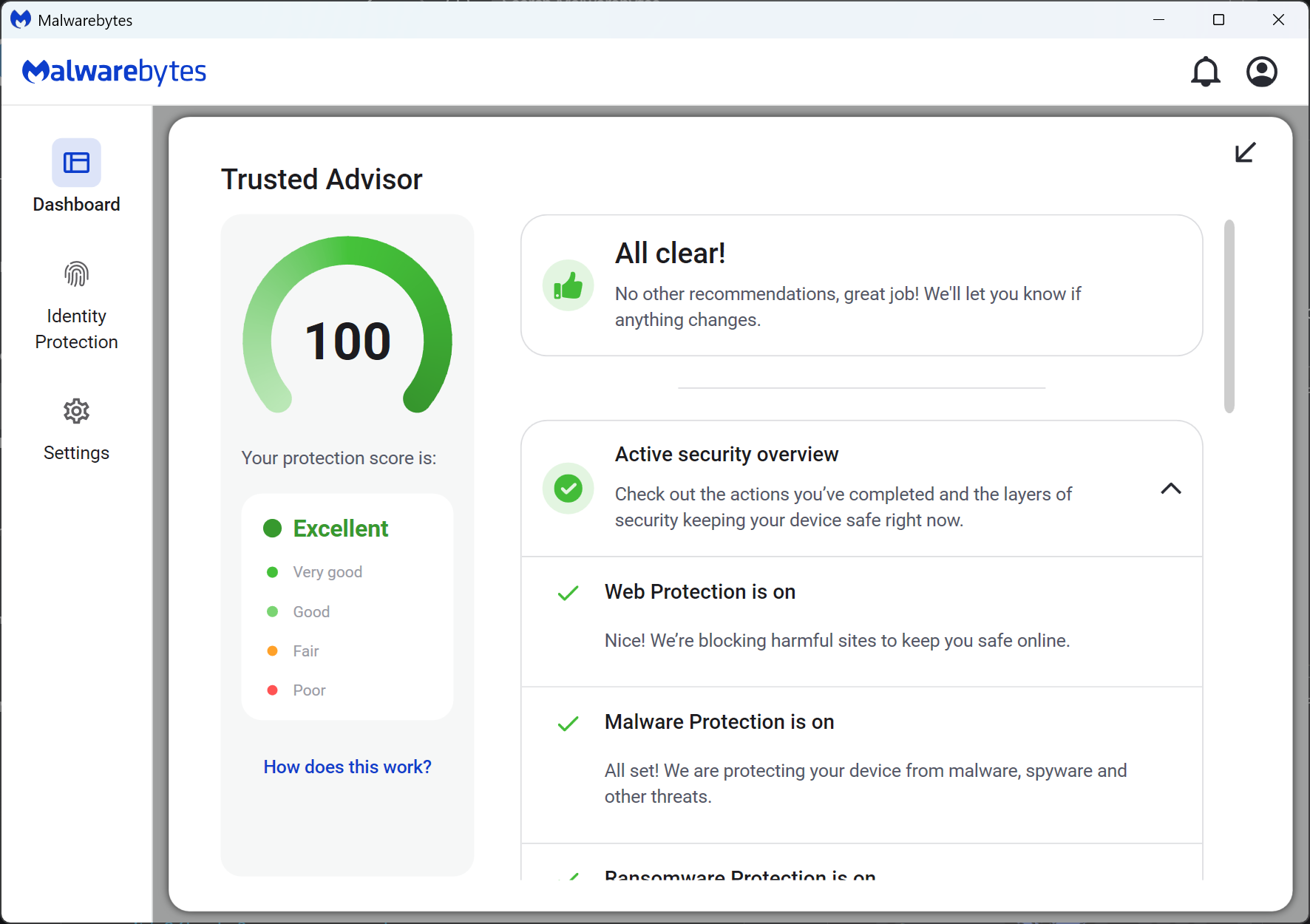
Users get notified after each instance of malware detection, with an option to flag them for false reporting. An antivirus like Malwarebytes can detect and remove malware automatically in the background.
Infostealers show why this matters. Between March 16 and May 16, 2025, Microsoft identified over 394,000 Windows computers infected with Lumma Stealer, malware that steals passwords, credit cards, bank accounts, and crypto wallets, before it helped seize around 2,300 domains behind it. Stolen logins like these often lead to bigger attacks. Verizon’s Data Breach Investigations Report found that half of the ransomware victims with an earlier credential leak or infostealer infection had it within 95 days before the ransomware hit.
2. Internet Security
Good antivirus software provides internet security by providing extensions for major web browsers. Such extensions scan for webpages, downloads, emails, etc., for malicious files and attachments. It also secures online payments by alerting users of legit-looking but fake payment portals, a common technique used in phishing attacks.
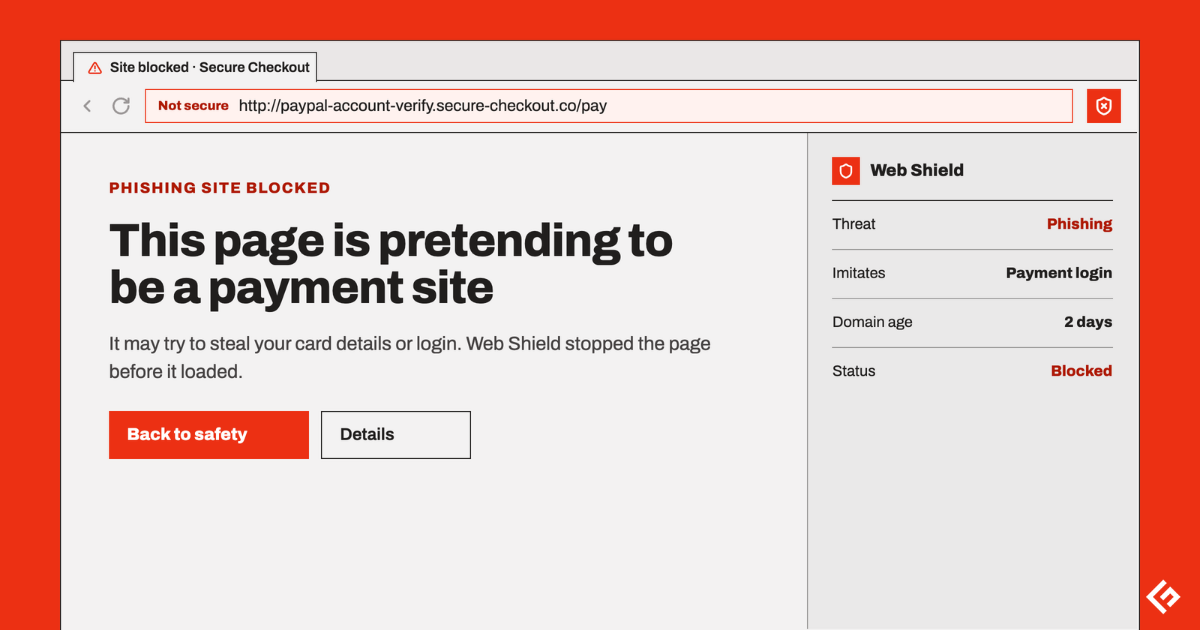
Phishing is still the most reported cybercrime in the US. The FBI received 191,561 phishing and spoofing complaints in 2025, more than any other crime type.
Overall, the purpose of internet security is to ensure browser interactions with the rest of the World Wide Web remain safe.
3. Data Protection
A major advantage of having a potent antivirus is data security. Tools like Acronis True Image offer data protection to ensure data on your device remains safe even in the case of a hack.
Data protection plays a major role against spyware and ransomware. Such malware can leak out information to remotely stationed cybercriminals or block the user completely out of their systems until they pay the ransom. Ransomware now shows up in 48% of the breaches in Verizon’s 2026 report, up from 44% the year before. Antivirus software keeps an eye on all the files that are on your system. All those files are put under a scan to check for any peculiarity or maliciousness.
Besides, antivirus software also comes with customizable firewall rules. This is to keep an eye on internal & external connections, in addition to blocking or limiting apps using data extensively. A firewall, in general, monitors incoming and outgoing traffic from your computer network. When coupled with antivirus, firewall protection double checks every file or piece of data that you send or transfer from your computer via the internet to another network.
4. Preventing Identity Theft
Identity theft or identity fraud is an act of impersonating someone based on the “captured” personal information from various techniques, including in-person observation or online phishing.
The stolen personal data can include national IDs (ex., SSN), financial or health-related information (such as credit card numbers or medical records), or even credentials from social media accounts. The FBI logged 31,675 identity theft complaints in 2025, plus 67,456 personal data breach complaints.
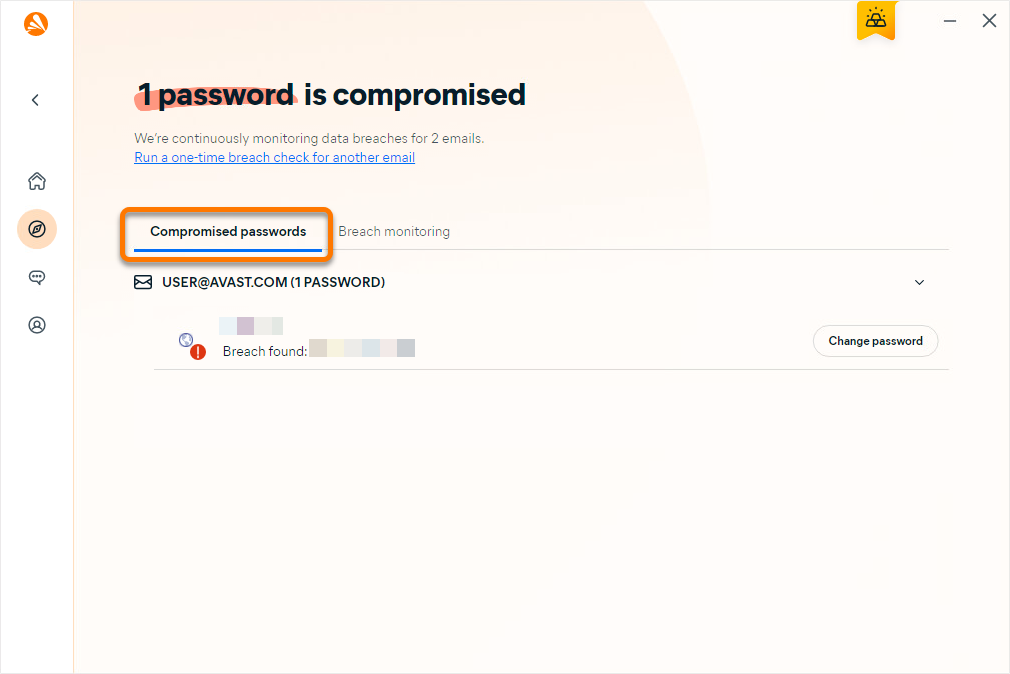
Antivirus tools help to prevent such unfortunate outcomes by keeping an eye on users’ activities and protecting against real-time threats, including replica websites, malicious attachments, and harmful links.
Most antivirus like Avast One also scans the dark web to notify users if their personal information is up for “sale.” Some even go further in helping victims with identity restoration and/or offer identity theft insurance.
5. Safeguarding Confidential Information
Modern antivirus tools aren’t just about malware protection. They offer additional security in the form of password managers, virtual private networks (browsing web & public Wi-Fi anonymously and safely), dark web monitoring (checking for leaked credentials), encrypted cloud storage (everywhere accessible storage), and more.
Consequently, they help users in avoiding separate subscriptions for every tool and offer a one-in-all package.
6. Performance Optimization
Most antivirus tools I have used come with built-in performance tuning tools, such as finding unused system files, duplicates, registry issues, redundant apps, and more. Besides, some antivirus software such as Bitdefender, with its Work, Movie, Game, and Battery profiles offer specific operating modes that pause alerts and scheduled scans for situations such as gaming, watching movies, and low battery.
However, the biggest optimization benefit of antivirus software is that it flags extensive resource consumption or data mining by apps installed with or without user consent (e.g., cryptojacking). This enables a user to terminate malicious scripts as soon as they are discovered by their antivirus.
7. Peace of Mind
Cyber threats evolve as we speak of them. So, it gives an edge, however small, to the user over those relying on standard protection. And as already mentioned, most antivirus tools club additional security software, reducing the overall cost and improving user experience.
How to Choose the Right Antivirus Software?
The market is flooded with security products with similar-sounding features and price points. It makes choosing the perfect antivirus software for any use case complicated. Still, here are a few pointers to keep in mind while shopping for an antivirus.
Ease of Use
An antivirus can have everything, but a sleek user interface ensures those features are put to good use. And thankfully, major antivirus software offers free trials or free versions, allowing trying before buying.
Malware Protection
The best way to judge the malware potency of a specific antivirus is by relying on independent testing labs, such as AV-Comparatives or AV-Test. Users of any expertise can check those results for their operating systems and choose the best antivirus.
False Positives
It’s when an antivirus blocks a certain application or process, suspecting harm when there isn’t any. Antivirus software with a high number of false positives can be very annoying in blocking legitimate applications and interfering in routine computing.
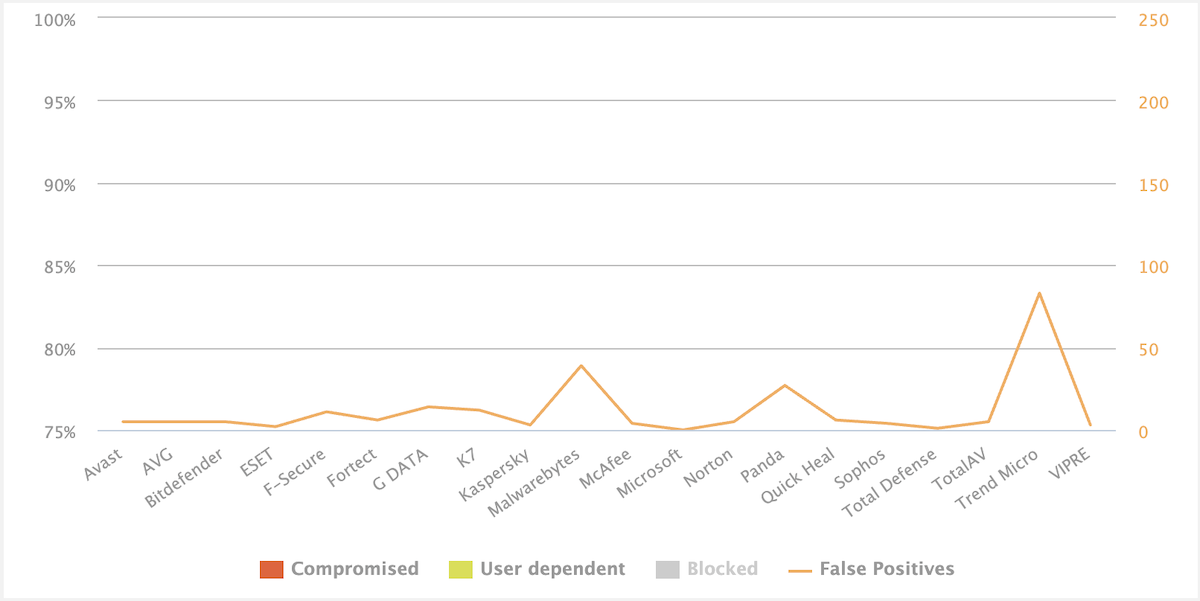
Unfortunately, there is no sure-shot way to predict this behavior; I suggest checking with independent tests and user feedback on public forums like Reddit.
Extra Features
This is totally optional, but a package deal including a password manager, cloud storage, VPN, etc. will suit most users, barring power users. Additionally, antivirus offering built-in PC cleaning and performance optimization can help someone already using such tools in reducing the total number of installs.
Compatibility
The antivirus should be compatible with the device’s operating system. Better, it should be available for all of your (and family) devices.
Reputation
In addition to expert ratings, ask your peers about which antivirus they are using. Besides, search through Reddit, Quora, G2, Trustpilot, or even social media pages of antivirus companies to get the vibes about customer support and the overall user experience.
Availability in Your Country
Check that the vendor can legally sell and update its software where you live. In the US, for example, the Commerce Department banned Kaspersky from selling its antivirus from July 20, 2024, and from sending software and signature updates after September 29, 2024. An antivirus that can’t update can’t keep up with new threats.
Do I Need Antivirus for Windows?
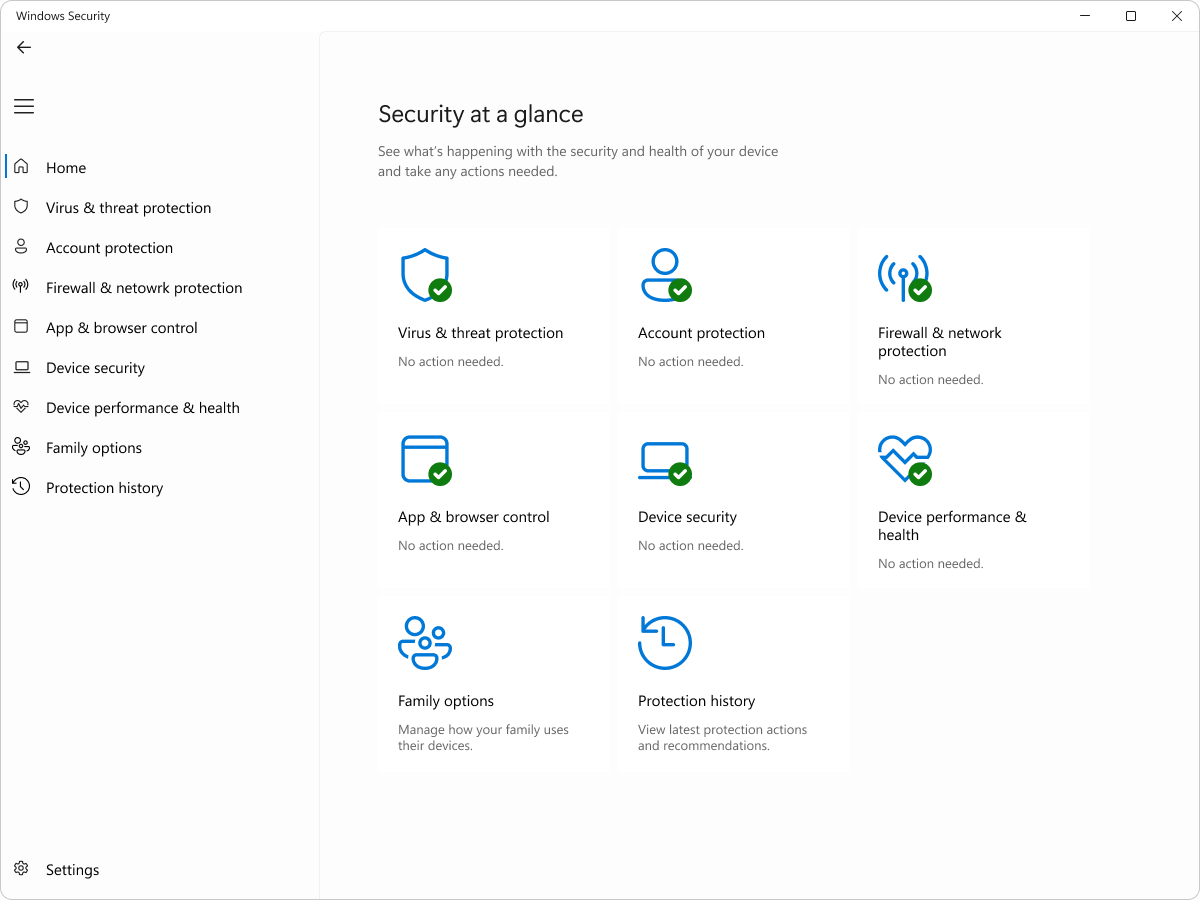
Windows 10 and 11 come with Microsoft Defender Antivirus built in, which offers real-time protection and regularly scores well in AV-TEST’s Windows evaluations. For many people who keep Windows updated, it covers on-device protection.
Windows 10 is the exception worth knowing about. Microsoft ended support for Windows 10 in 2025, so the operating system no longer gets security fixes unless you enroll in Extended Security Updates. Consumers can enroll until October 12, 2027, free if they sync their PC settings, or for a one-time $30.
Microsoft will keep updating Defender’s threat definitions on Windows 10 through October 2028, but those updates don’t patch holes in Windows itself. If you’re staying on Windows 10 without Extended Security Updates, a full security suite with a firewall and web protection is a sensible extra layer.
Do I Need Antivirus for Mac?
macOS comes with robust in-built malware protection in the form of Gatekeeper and XProtect. Gatekeeper ensures every download is either from the App Store or from a verified 3rd party developer and notarized by Apple. This ensures the installations remain free of malicious attachments. Besides, the Gatekeeper asks for user consent before executing any file for the first time.
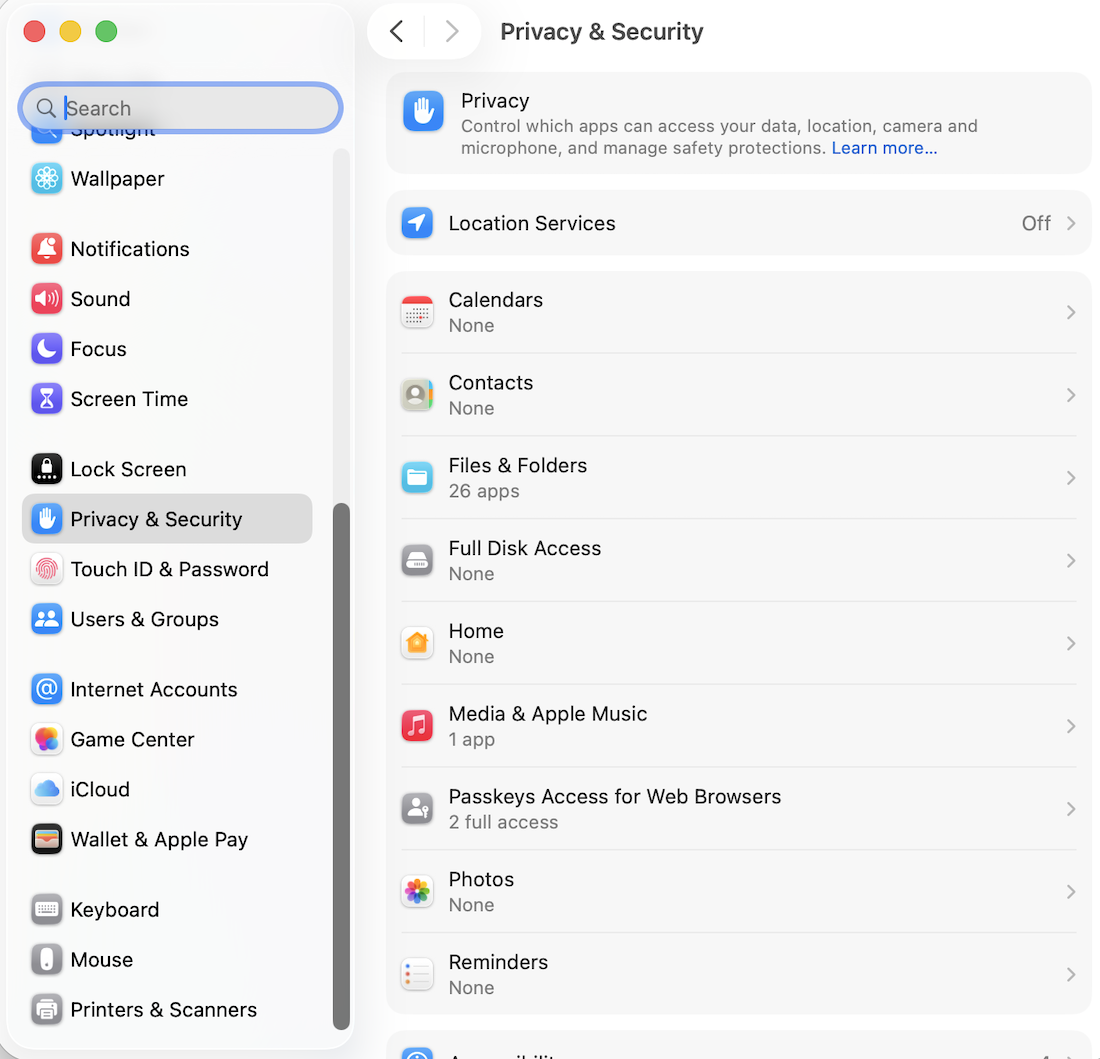
Apple made Gatekeeper stricter in macOS Sequoia. You can no longer Control-click to open software that isn’t signed correctly or notarized. Instead, you have to go to System Settings > Privacy & Security and approve it there, which makes it harder for scammers to talk you into running malware.
XProtect, on the other hand, functions a lot like a traditional malware removal tool. It’s a non-stop, routinely updated safety net to catch unwarranted changes in any application after the Gatekeeper-approved installation.
Apple pushes XProtect updates automatically, macOS checks for them daily, and XProtect can also remediate infections it finds. XProtect blocks suspicious software upon detection and notifies users, allowing them to trash or keep them at their own discretion.
With inbuilt Apple security, a user is very well covered for on-device security, and I would not prescribe installing a 3rd-party antivirus. Still, internet security is a different domain altogether. And if someone isn’t vigilant or internet-educated enough, installing macOS security software can be helpful.
Is There Any Free Antivirus Available?
Yeah, there are free antivirus available, such as Avira, Avast, AVG, and more. But beware, as “free” might have limitations, including basic features, ads, or worse, data sharing.
Consequently, it’s best to rely on the default, in-built security than going for free antivirus software. All modern OS ship with more than decent native protection covering device security. For more, one should consider subscribing to premium antivirus.