



You don’t need to know Python to pull data off a website anymore. That’s not a recent thing; it’s been true for a few years now, but the tooling has gotten good enough in 2026 that marketers, researchers, and founders are doing this without ever opening a terminal.
This guide is for that audience. If you want to monitor competitor pricing, build a lead list from a public directory, pull job postings into a spreadsheet, or track product reviews over time, you can do all of it with the tools below.
They’re visual, point-and-click, and most connect directly to Google Sheets, Airtable, Notion, and other apps your team already uses. No code required.
Web scraping tools vs. web scraping APIs
Before getting into the tools, one clarification is worth making: visual no-code scrapers and web scraping APIs are built for entirely different users.
Visual tools are for humans. You open an interface, click on the data you want, configure a schedule, and export. That’s the whole workflow.
These tools are designed for people who need data regularly but don’t want to manage infrastructure.
Web scraping APIs are for software. They’re endpoints that developers call programmatically, at scale, from inside applications, with custom logic for handling pagination, proxies, retries, and data pipelines.
If you’re a developer, data engineer, or building a product that depends on scraped data at volume, visual tools will eventually hit a ceiling.
If that’s your situation, check out the Geekflare Scraping API or the complete guide to the best Web Scraping APIs. For everyone else, keep reading.
Top No-Code Web Scraping Tools
Octoparse
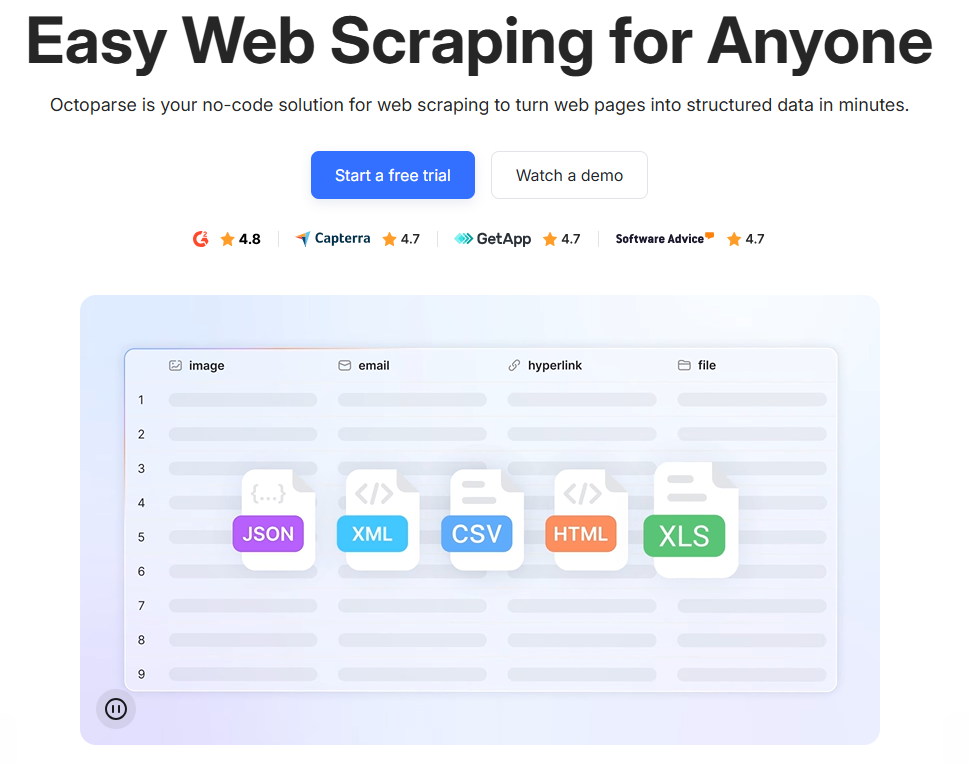
Octoparse is a no-code solution that turns web pages into structured data using a point-and-click interface.
It’s been around long enough that it’s become something of a default recommendation for non-technical users who need to do serious scraping work, and for good reason.
The desktop app runs on Windows. You paste in a URL, and Octoparse’s Auto-Detect feature builds a draft scraping workflow from the page automatically.
From there, you can refine it, add pagination rules, handle logins, or set up infinite scroll handling. The infinite scroll handling feature matters more than it sounds; a lot of modern e-commerce and social sites load data dynamically as you scroll, and many scraping tools either miss this content entirely or require manual workarounds.
Octoparse’s cloud platform runs dozens of scrapers simultaneously, handles IP rotation automatically, and operates 24/7. You set it up once, and it runs on autopilot.
Key features
- Auto-detect AI to draft scraping workflows
- Handles infinite scroll, CAPTCHA solving, and login automation
- 500+ pre-built templates for popular sites
- Cloud extraction with IP rotation and residential proxies
- Scheduling (hourly, daily, custom)
Export options
Excel, CSV, JSON, HTML, XML, Google Sheets, Google Drive, Dropbox, S3.
Pros & Cons
PROS
CONS
Pricing
Free plan with 10 tasks and 50,000 rows/month.
Standard from $69/month (annually).
Professional from $249/month (annually).
Enterprise pricing on request.
ParseHub
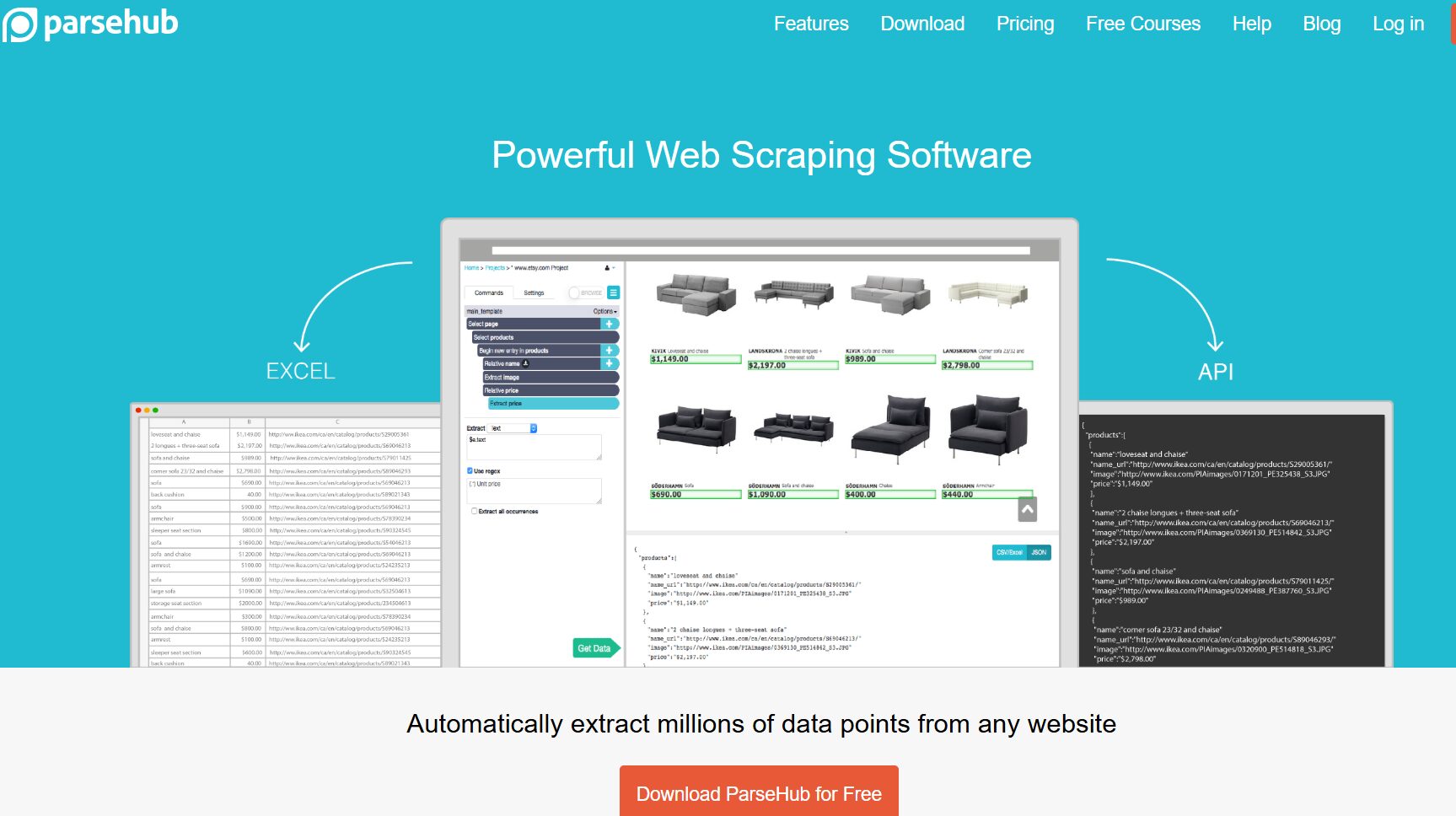
ParseHub is a desktop-based visual web scraper available for Windows, Mac, and Linux.
Unlike Octoparse, which is Windows-only for its full feature set, ParseHub’s cross-platform desktop app is a genuine differentiator.
The workflow is similar:
You open the desktop app, navigate to your target site, and click on the elements you want to extract. ParseHub records your actions and builds a project that can repeat them automatically.
ParseHub earns its reputation with JavaScript-heavy sites. Sites built on React, Angular, or Vue often load their data after the initial HTML response. ParseHub captures the rendered DOM rather than just the initial response.
This means it can pull data that basic HTTP scrapers return empty for: product listings, dynamically loaded prices, and AJAX-based search results.
The tradeoff is speed. Running a full browser engine is computationally expensive, and ParseHub runs noticeably slower than HTTP-based scrapers on simple sites.
For complex JavaScript-heavy targets, this is unavoidable. For basic HTML pages, it’s overkill.
Key features
- Full browser rendering for dynamic websites
- Desktop app for Windows, Mac, and Linux
- Scheduled cloud runs
- IP rotation on paid plans
- API and webhooks for integration
Export options
JSON, Excel, CSV. API access on paid plans.
Pros & Cons
PROS
CONS
Pricing
Free: (200 pages/run, 5 public projects, ~40 min run limit, no scheduling or API).
Standard: $189/month (10,000 pages/run, 20 private projects, IP rotation, scheduling).
Professional: $599/month (unlimited pages, 120 private projects, ~2 min/run).
Annual billing saves 15%.
Browse AI
Browse AI takes a different approach from desktop-first tools like Octoparse and ParseHub. The whole thing runs in the browser, and setup is genuinely fast:
You open Browse AI’s recorder, navigate to the target page, highlight the data fields you want to track, and the platform creates an extraction robot that repeats those actions on schedule.
Training a robot takes 5–15 minutes on a well-structured page.
What Browse AI does particularly well is monitoring. Once a robot is trained, it runs on a schedule and alerts you when something changes.
That makes it useful for competitor tracking, price monitoring, and job board surveillance—things where you don’t just want a one-time export; you want ongoing awareness.
Browse AI uses machine learning to analyze site layouts and automatically adjust when changes in structure or design occur, so you continue receiving accurate data without manual intervention.
This self-healing quality is something other tools in this list don’t do as reliably.
Pre-built robots for common scraping tasks on popular sites like Amazon are available out of the box. If you need data from a well-known site, there’s a decent chance a robot template already exists for it.
Key features
- Point-and-click robot training from the browser
- Scheduled monitoring with change alerts
- 230+ pre-built robot templates
- 7,000+ native integrations, with a REST API, webhooks, Zapier, and Make
- Built-in bot evasion and proxy management
- Human behavior emulation
Export options
CSV, Google Sheets, webhooks, Zapier, Make, REST API.
Pros & Cons
PROS
CONS
Pricing
Free tier: 50 credits/month.
Starter: from $49/month.
Professional: $69/month (annual billing).
Premium: $500+/month.
Thunderbit
Thunderbit is a Chrome extension with an AI twist: instead of clicking on CSS selectors, you describe what you want in plain language, and the AI figures out the structure.
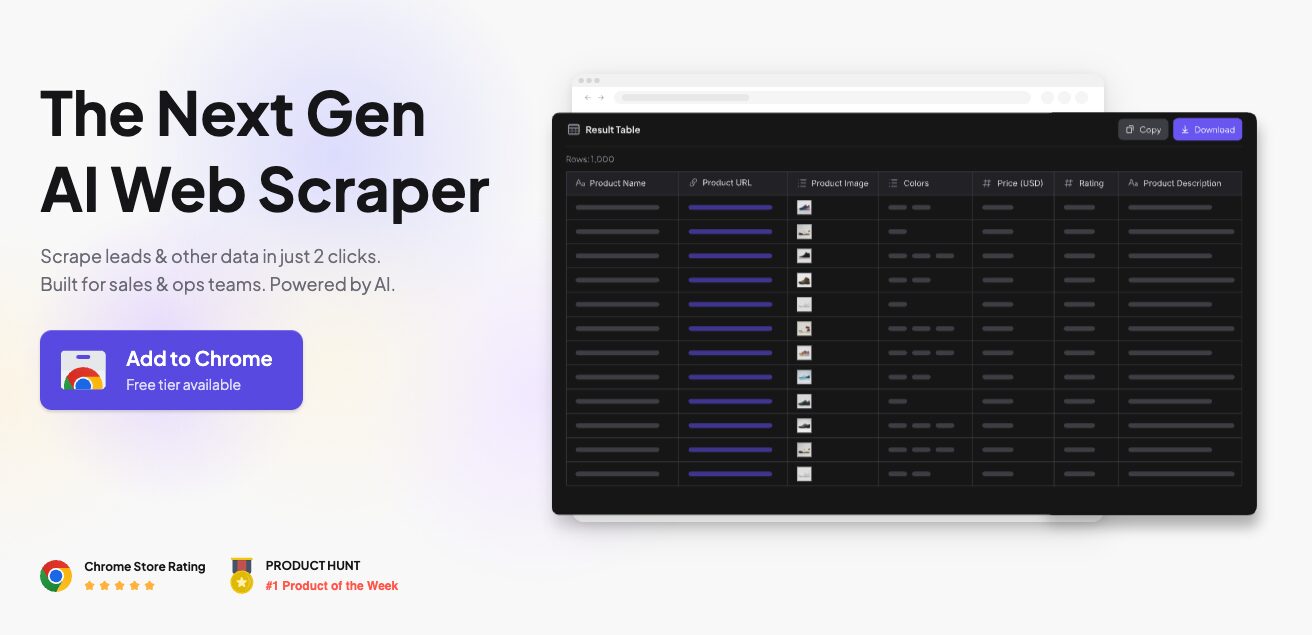
You can scrape an entire page into a table in 2 clicks and collect text, links, emails, and images.
It’s aimed squarely at GTM teams (sales, marketing, operations) who need structured data quickly without any technical setup.
The export pipeline is clean: data goes straight to Google Sheets, Airtable, Notion, CSV, or JSON.
Thunderbit allows real-time website monitoring and has out-of-the-box scrapers for widely used platforms.
The subpage scraping feature, which follows links to pull data from child pages, is available on paid plans and makes it more useful than a basic browser extension.
Worth knowing before you sign up: credits can burn faster than expected, especially on multi-page jobs. What looks like a generous monthly allowance can disappear after a few extraction runs. The credit multipliers on dynamic pages are the main culprit.
Key features
- Natural language data extraction: simply describe what you want
- AI suggests the output field structure automatically
- PDF and image scraping alongside web pages
- Subpage scraping (paid)
- Scheduled scraping (paid)
- GDPR and CCPA compliant; data is not sold or rented for marketing
Export options
Google Sheets, Airtable, Notion, CSV, JSON.
Pros & Cons
PROS
CONS
Pricing
Free plan (6 pages/month, 30 credits/page).
Starter $9/month (annual).
Pro $16.50/month (annual).
Business tier available.
Annual billing saves ~20%.
ScrapeStorm
ScrapeStorm is an AI-powered visual web scraping tool with two primary modes:
- Smart Mode, which uses AI to automatically detect and extract data patterns
- Flowchart Mode, which offers a visual interface to build custom scraping logic.
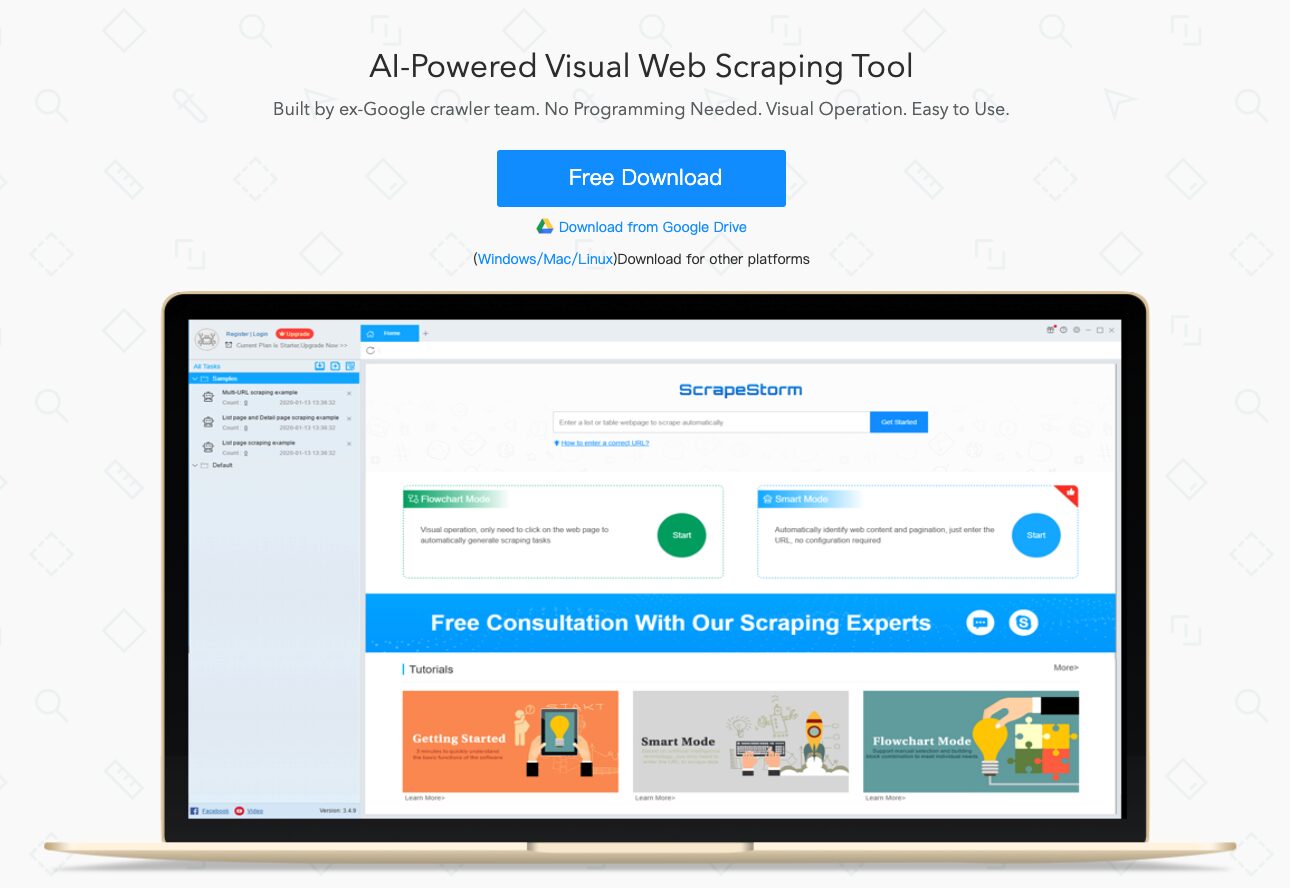
Smart Mode is the headline feature.
You paste in a URL, and ScrapeStorm attempts to identify what looks like a list, table, or paginated dataset, then builds the extraction configuration for you automatically. No clicking on individual elements is required.
For well-structured sites, this works well. For unusual layouts, you switch to Flowchart Mode and define the rules manually.
The flowchart mode supports simulated human actions: input text, click, mouse move, page scroll, loop operations, and conditional logic. It runs on Windows, Mac, and Linux.
One complaint that comes up repeatedly in user reviews is stability. Some users report unexpected crashes mid-scrape on large jobs. It’s worth running a test scrape before committing to a long extraction task.
Key features
- AI-powered Smart Mode for automatic data detection
- Flowchart Mode for custom scraping logic
- Supports scroll simulation, login automation, and CAPTCHA handling
- Wide database export support (MySQL, MongoDB, PostgreSQL)
- Runs on Windows, Mac, and Linux
Export options
Excel, CSV, TXT, HTML, MySQL, MongoDB, SQL Server, PostgreSQL, WordPress, Google Sheets.
Pros & Cons
PROS
CONS
Pricing
Free plan (10 tasks, 1 local run, 100 rows/day).
Professional: $49.99/month (100 tasks, 2 local runs, 10,000 rows/day, database integration).
Premium: $99.99/month (unlimited tasks and runs, RESTful API, dedicated support).
Simplescraper
Simplescraper is a Chrome extension with automatic list detection, multi-page scraping, scheduling, saved recipes, and built-in AI that names columns and enriches data.
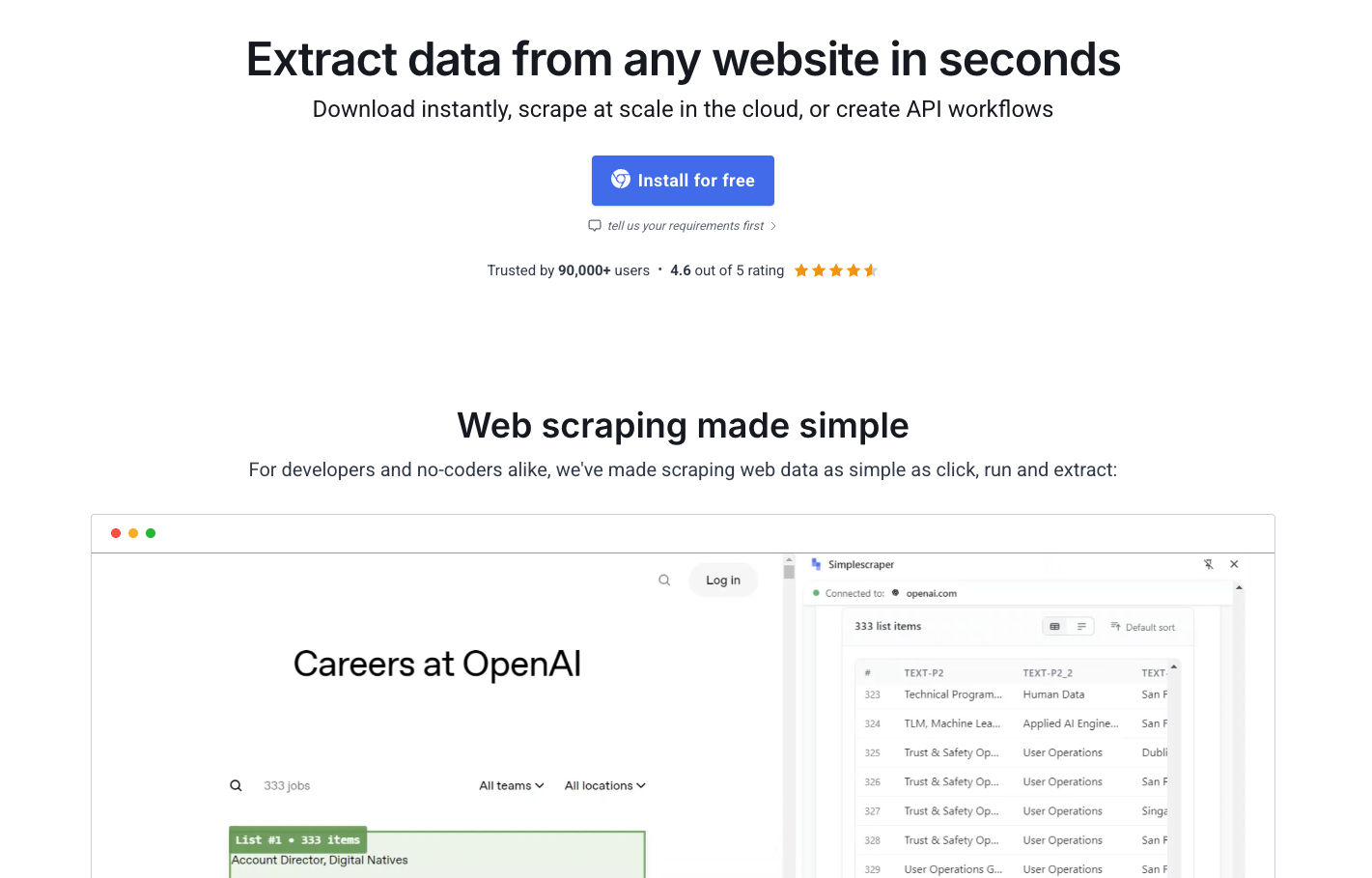
It’s available in the browser, cloud, and as an API.
The use case is quick, ad-hoc data pulls. You open the extension on a page, hit “Detect Lists,” and the extension finds the data pattern automatically.
From there, you export to CSV, JSON, or push directly to Google Sheets or Airtable.
Local browser scraping is unlimited on every plan (including the free plan as well); credits only apply to cloud scraping. That’s a meaningful distinction. If you’re doing one-off jobs and don’t need scheduling or cloud runs, you can use Simplescraper indefinitely for free.
The paid tiers matter when you want cloud scheduling: running scrapes automatically without keeping a browser tab open.
The real value point is the Pro tier ($70/month), where you unlock cloud scheduling and real-time spreadsheet sync. Below that, you’re essentially paying for a slightly upgraded version of what the free extension already does.
Key features
- Automatic list detection on any page
- Free, unlimited local browser scraping
- AI-powered column naming and data enrichment
- Cloud scheduling (paid)
- Real-time Google Sheets sync (paid)
- Recipes for reusable scraping configurations
Export options
CSV, JSON, Google Sheets, Airtable, API.
Pros & Cons
PROS
CONS
Pricing
Free: 100 cloud credits/month, unlimited local scrapes.
Plus: $39/month.
Pro: $70/month (cloud scheduling, real-time spreadsheet sync).
Apify
Apify is different from everything else on this list. It’s not primarily a point-and-click visual tool. It’s a cloud platform with a marketplace of pre-built scrapers called Actors.
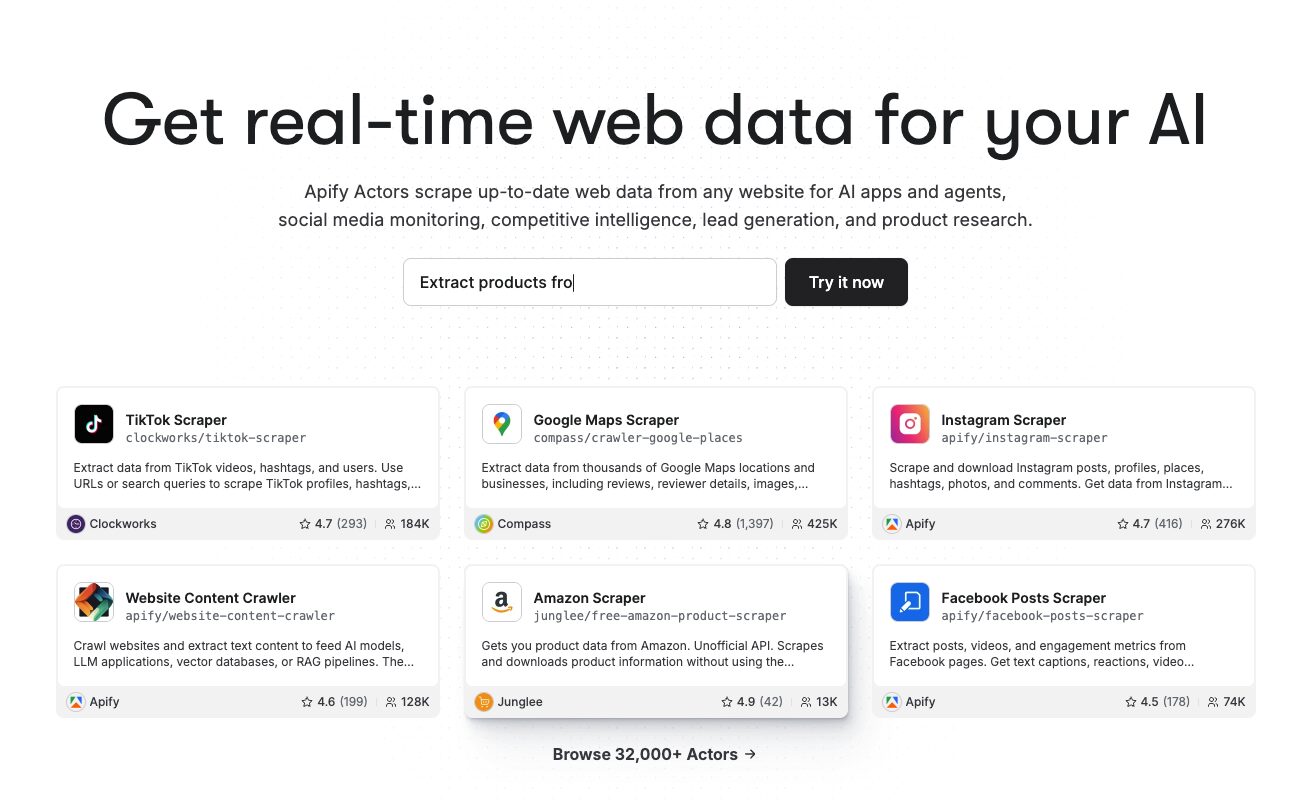
The Apify Store has 25,000+ pre-built tools for common tasks: Google Search scraping, social media extraction from LinkedIn, Instagram, TikTok, and X, e-commerce scraping from Amazon, lead generation from Google Maps, and content monitoring.
The no-code experience on Apify works like this: You find an Actor in the store that matches what you need, configure it through a form-based UI, and run it. No coding required for the majority of common use cases.
Each Actor has an intuitive input form with tooltips explaining every parameter, and you can test with the $5 free credits before committing.
Apify’s billing has two layers that first-time buyers often miss: A monthly platform fee with included prepaid usage, plus per-Actor fees that many Store Actors charge on top of compute time, either per result, per event, or as a monthly rental. That second layer is where most people realize the actual cost. Run a test job before committing to a paid plan.
For non-technical users, Apify is the right call when you need data from a specific, well-known platform (Google Maps, Amazon, LinkedIn) and a pre-built Actor already exists for it.
For custom scraping of unusual sites, the learning curve goes up fast.
Key features
- 25,000+ pre-built Actors in the Apify Store
- Cloud execution with 99.95% uptime
- SOC2, GDPR, and CCPA compliant
- Scheduling and monitoring
- Full API and SDK access
Export options
CSV, JSON, Excel, Google Sheets, datasets via API, webhooks, integrations with Zapier, Make, n8n.
Pros & Cons
PROS
CONS
Pricing
Free: $5 worth of monthly platform credits, 25 concurrent runs.
Starter: $29/month.
Scale and Business tiers for higher volume.
CU rates range from $0.13–$0.20 depending on the plan.
WebScraper.io
WebScraper.io started as a free Chrome extension and is still the most accessible entry point for someone who’s never scraped before and doesn’t want to sign up for anything.
The Chrome extension is free, requires no setup, and works in the browser you already have. You build a “sitemap” (WebScraper’s term for a scraping configuration) by clicking on page elements and defining selectors. The tool then follows those rules to extract content, handle pagination, and navigate sub-pages.
The free extension is unlimited for local use; your browser stays open during scrapes.
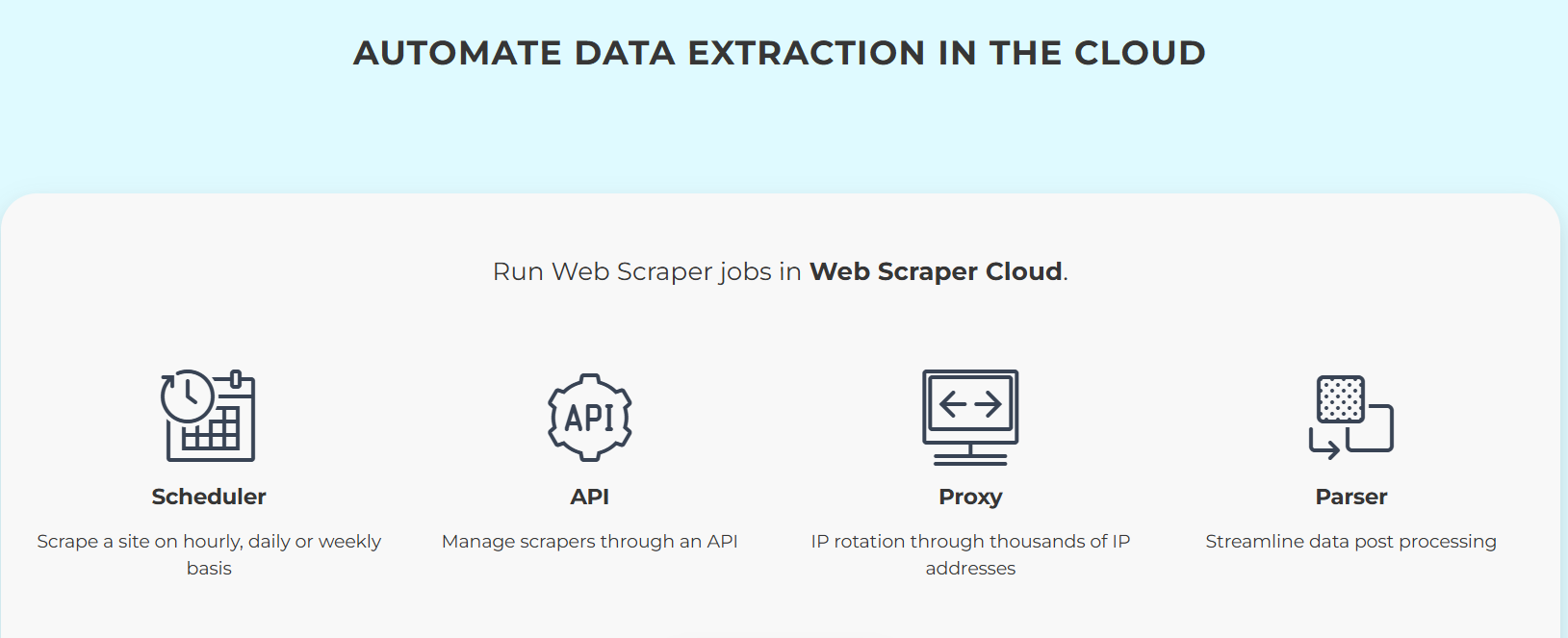
Cloud plans allow scheduled scraping, CSV/JSON export, proxy rotation, and API access. It uses a bandwidth-based model that deserves a closer look before you commit: image-heavy pages consume bandwidth fast, and a team scraping multiple sites daily may exhaust the allowance quickly.
Key features
- Free Chrome extension with unlimited local scraping
- Sitemap-based scraping configuration
- Handles JavaScript-rendered content
- Cloud scheduling and auto-runs
- IP rotation on cloud plans
- Two rendering modes: Full JS and Fast
Export options
CSV, XLSX, JSON, Google Sheets, Dropbox, Amazon S3, Microsoft Azure.
Pros & Cons
PROS
CONS
Pricing
Free Chrome extension with unlimited local scraping.
Cloud plans:
Startup $50/month (500MB bandwidth, 1 parallel scraper)
Advanced $100/month (1GB, 2 parallel scrapers)
Business $250/month (2.5GB, 5 parallel scrapers, dedicated IP, API access).
Web Scraping Tools Comparison
| Tool | Starting price | Best for | Proxy support | Export to Sheets/Airtable | Free tier |
|---|---|---|---|---|---|
| Octoparse | $69/month (annual) | Heavy cloud scraping, e-commerce, large-scale jobs | Yes (built-in IP rotation, residential proxies) | Yes (Pro) | Yes. 10 tasks, 50K rows/month |
| ParseHub | $189/month | JavaScript-heavy dynamic sites, cross-platform desktop users | Yes (Standard+) | Via API | Yes. 200 pages/run, 5 public projects |
| Browse AI | $49/month | Competitor monitoring, change alerts, quick setup | Yes (built-in) | Yes | Yes. 50 credits/month |
| Thunderbit | $9/month (annual) | Quick ad-hoc pulls, GTM teams, PDF/image extraction | No native proxy | Yes (direct) | Yes. 6 pages/month |
| ScrapeStorm | $49.99/month | AI auto-detection, database exports | Limited | Yes (Google Sheets) | Yes. 100 rows/day |
| Simplescraper | ~$39/month | Lightweight, browser-based, one-off tasks | No | Yes | Yes. Unlimited local scraping |
| Apify | $29/month | Pre-built Actors for popular platforms, developer-adjacent users | Yes (paid plans) | Via integrations | Yes. $5 credits/month |
| WebScraper.io | $50/month (cloud) | First-time scrapers, budget-conscious teams | Yes (cloud plans) | Yes (cloud) | Yes. Unlimited local via extension |
The Verdict
For pure scraping tasks (large jobs, complex sites, cloud execution with IP rotation), Octoparse is the most complete tool at a reasonable price. The $69/month annual plan covers most team use cases, and the cloud infrastructure means you’re not babysitting a laptop.
For quick competitive intelligence and monitoring, Browse AI is the call. Setup is faster than anything else on this list, the pre-built robot templates cover the most popular sites, and the change alerting is genuinely useful for tracking competitors, pricing pages, and job postings.
If you’re new to scraping and want to try before committing to anything, WebScraper.io’s free Chrome extension and Simplescraper’s unlimited local scraping are both solid starting points at zero cost.
Thunderbit is the right pick for sales and marketing teams who need occasional structured data pulls without any technical overhead, especially if you’re also scraping PDFs or images alongside web pages.
ParseHub and ScrapeStorm are solid but niche: ParseHub when you’re dealing with particularly stubborn JavaScript sites, ScrapeStorm when you need database integration and want AI auto-detection to reduce configuration work.
Apify sits in a category of its own. If the scraping job you have matches a pre-built Actor in their store, it’s the fastest enterprise-grade path to that data. If it doesn’t, you’re in developer territory quickly.
One thing that doesn’t change regardless of which tool you pick: If you need data at real scale (millions of pages, production-grade pipelines, programmatic integration), visual tools will eventually become a bottleneck.
That’s when a proper web scraping API makes more sense than any of the tools above.






