ChatGPT is an AI chatbot built by OpenAI. You can use it through a browser, the Windows desktop app, or on mobile (iOS and Android). This guide walks you through getting started on each platform, explains what ChatGPT can do, and breaks down the available plans.
How to Use ChatGPT in a Browser
- Go to chatgpt.com in any browser.
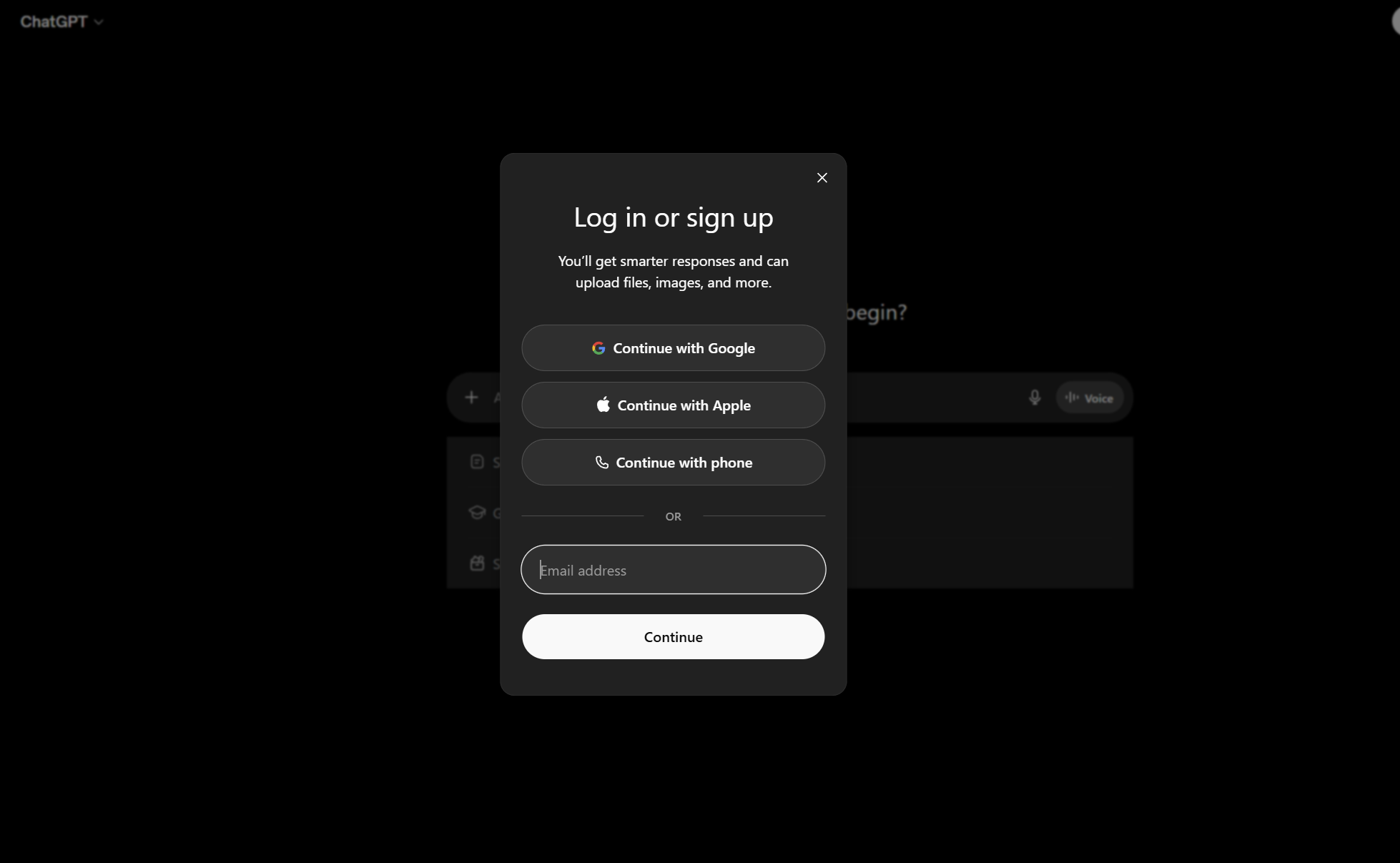
- Click Sign Up to create an account. If you already have one, click Log In. You can sign up using your email, Google account, or Apple account.
- Once logged in, type your message in the chat box at the bottom of the screen.
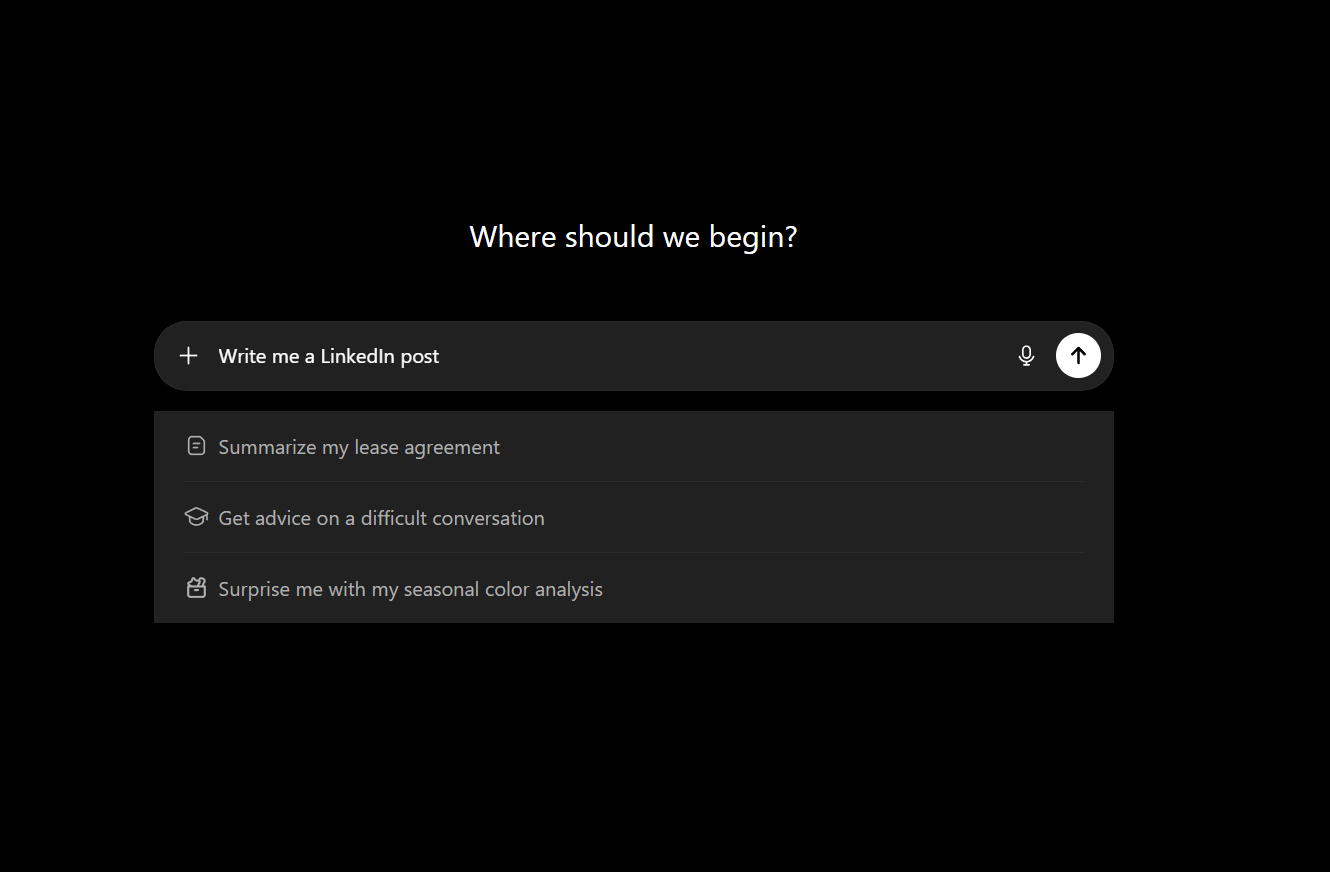
- Press Enter or click the send button. ChatGPT will respond within seconds.
Note: You can use ChatGPT without an account by clicking “Stay logged out” on the homepage, though your conversations won’t be saved.
How to Install ChatGPT on Windows
- Open the Microsoft Store from the Start Menu.
- Search for “ChatGPT” and select the official OpenAI app.
- Click Install and wait for the download to complete.
- Click Open, then log in or sign up.
- Start chatting.
How to Use ChatGPT on Mobile
iPhone (iOS)
- Open the App Store.
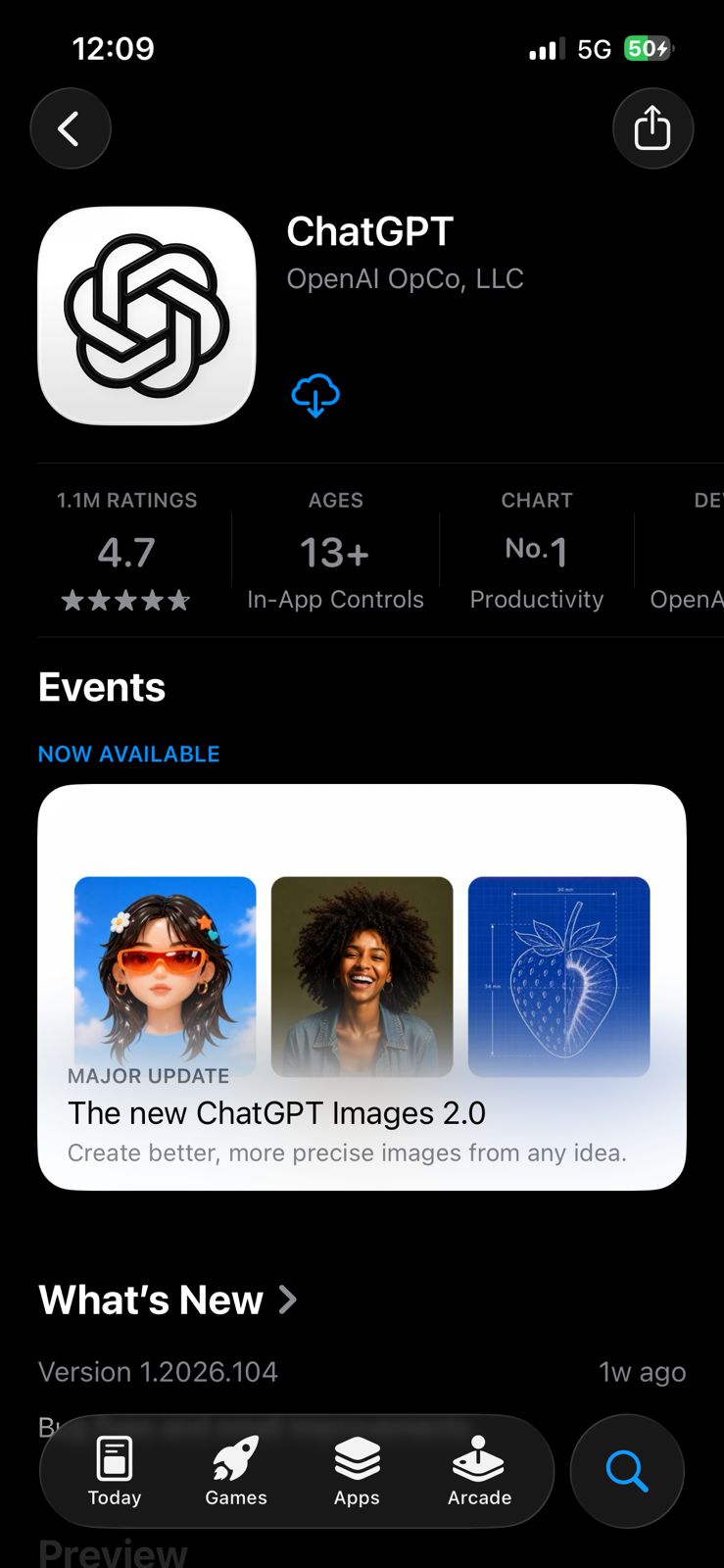
- Search for “ChatGPT” and tap the official OpenAI app.
- Tap Get to install, then open the app.
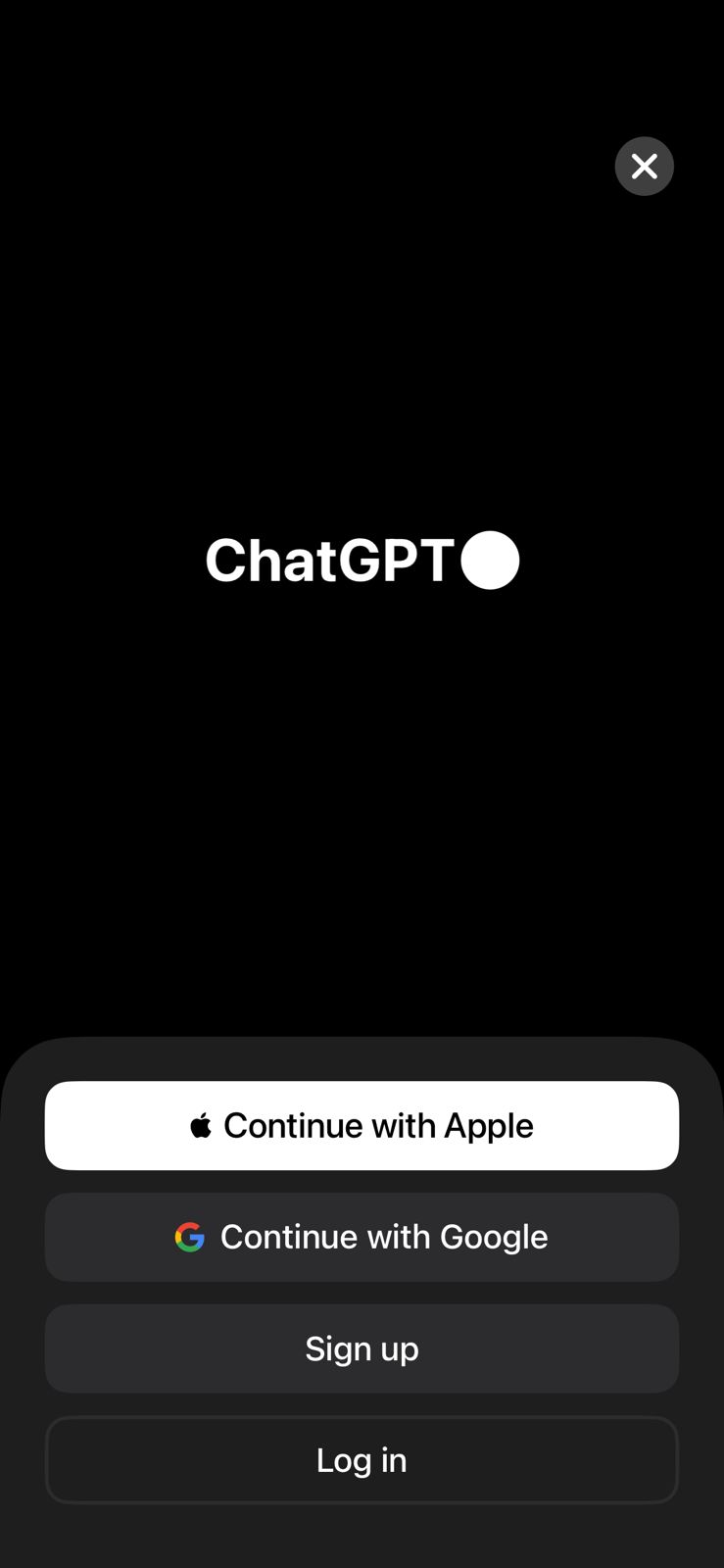
- Log in or create an account, and start chatting.
Android
- Open the Google Play Store.
- Search for “ChatGPT” and tap the official OpenAI app.
- Tap Install, then open the app.
- Log in or create an account, and start chatting.
What Can ChatGPT Do?
ChatGPT is not just a text chatbot anymore. Here’s what it can handle:
- Writing and editing: drafts, emails, essays, summaries, proofreading
- Coding: write, debug, and explain code in any language
- Web search: real-time information from the internet (available on all plans)
- Image analysis: upload a photo or screenshot and ask questions about it
- Image generation: create visuals from text prompts (free users get up to 2 images/day)
- Voice mode: have a spoken conversation with ChatGPT on web, iOS, Android, and Windows
- File uploads: analyze PDFs, spreadsheets, documents, and images
- Data analysis: run Python code, generate charts, and work through datasets
- Deep research: multi-source research with cited outputs (5 searches/month on free, 25/month on Plus)
- Memory: remembers details from past conversations to personalize future responses (opt-in, can be cleared anytime)
- Canvas: a co-editing workspace for writing and coding projects with inline suggestions
- Projects: organize chats, files, and context under a shared goal for multi-session workflows
ChatGPT Plans
ChatGPT currently offers the following subscription tiers:
- Free: Provides access to ChatGPT with daily usage limits.
- Go: A lower-cost paid tier for individuals who occasionally hit free-tier usage limits.
- Plus: Priced at $20/month, this is for individuals. It includes access to advanced reasoning with GPT-5.5 Thinking, expanded messages and uploads, more complex and accurate image creation, expanded deep research and agent mode, expanded memory and context, projects, tasks, custom GPTs, expanded Codex usage, and early access to new features.
- Pro: Offers tiers for power users who require higher usage limits. The $200/month plan is the highest usage tier, while the $100/month plan offers an additional option for users seeking Pro capabilities with lower usage.
- Business: Designed for businesses, this plan is available starting at 2 users and includes features like shared workspaces and admin controls. It is billed per user per month (or annually).
- Enterprise: A plan built for large organizations, offering advanced security, administration, and tailored data management. Pricing is custom and requires contacting sales.
Note: Paid plans (Go, Plus, Business, and Enterprise) are priced per user per month. OpenAI APIs are billed separately from these ChatGPT subscription plans.
Tips for Better Results
- Be specific. The more context you give, the better the response. Instead of “write an email,” try “write a short follow-up email to a client who hasn’t responded in a week.”
- Use follow-up prompts. ChatGPT tracks the conversation context, so you can ask it to revise, expand, or simplify what it just wrote.
- Set a role. Starting a prompt with “Act as a financial analyst” or “You’re a Python expert” shifts the tone and depth of the response.
- Use memory to your advantage. Tell ChatGPT your preferences once (“always respond in bullet points,” “my primary language is Python”), and it’ll apply them going forward.
- Batch tasks. Ask ChatGPT to handle multiple related things in one prompt e.g., “Proofread this paragraph, fix grammar, and flag any claims that need a source.”
Need Access to Multiple AI Models?
If you’re already paying for ChatGPT Plus and find yourself needing Claude or Gemini for different tasks, juggling multiple $20/month subscriptions adds up fast. Sparkian bundles GPT, Claude, Gemini, and many more AI models into a single workspace at $9/month, giving you access to all without switching tabs or managing separate accounts. It’s worth considering if you’re using more than one AI tool regularly.
That’s it. You’re ready to start using ChatGPT. Start with the free plan to get a feel for it, and upgrade when your use case calls for it.