



An SDK generator takes your API’s OpenAPI description and produces client libraries in the languages your users work in: a typed Python package, a Node module, a Go module, and so on. The generated code carries the request signing, retries, pagination, and typed errors your users would otherwise write by hand, and it can be regenerated and republished every time the spec changes.
The tooling has changed hands fast. Postman bought liblab in November 2025 and Fern in January 2026. Anthropic bought Stainless, the generator behind the official OpenAI, Google, and Cloudflare libraries, in May 2026, and Stainless has since stopped taking new projects. Two names from earlier roundups, Konfig and REST United, are shut down or unmaintained. What is left divides cleanly into managed platforms that generate, publish, and keep SDKs in sync, and open-source generators you operate yourself.
This guide is for the team shipping an API that needs client libraries in several languages without hand-writing and maintaining each one. The nine tools below are compared on language coverage, the spec versions they accept, what else they produce, how publishing works, and current US pricing.
What an SDK generator produces
Every tool here starts from a machine-readable API description, almost always OpenAPI 3.0 or 3.1, though some also read Swagger 2.0, a Postman collection, or a vendor-specific format. From that one file, the generator writes a client library per target language.
A good generated client does more than wrap HTTP calls. It exposes typed methods for each endpoint, models for each request and response shape, one place to set authentication, automatic retries with backoff, and pagination helpers that walk through pages of results. Errors come back typed, so a 429 or a 404 is something the caller can catch. Managed platforms add generated README files, code samples, and usually a hosted API reference.
The workflow matters as much as the output. The managed platforms watch your spec in CI, regenerate on every change, open a pull request against each language repository, and publish the approved version to npm, PyPI, Maven Central, NuGet, and the rest. Self-hosted generators give you the same code but leave the CI wiring, versioning, and release steps to you.
API SDK generators compared
| Tool | Type | Languages | Spec input | Also generates | Pricing |
|---|---|---|---|---|---|
| Speakeasy | Managed | TS, Python, Go, Java, C#, PHP, and more | OpenAPI 3.0 / 3.1 | Terraform providers, MCP servers, docs | Free tier; paid by quote |
| Fern | Managed, Postman-owned | 9, including Swift and Rust | OpenAPI, AsyncAPI, gRPC, GraphQL | Hosted API reference, CLI | Free; Enterprise custom |
| APIMatic | Managed | 7: Java, Python, TS, Ruby, C#, PHP, Go | OpenAPI, plus RAML / WSDL / Postman via a converter | Developer portal, MCP servers | From $10/mo, then per language |
| Sideko | Managed | Python, TS, Go, Rust, Java, C#, and more | OpenAPI 3.0 / 3.1 | Docs site, mock servers, CLIs | Free tier; $400/mo per SDK |
| OpenAPI Generator | Open source | 50+ clients, 40+ server stubs | OpenAPI 2.0 / 3.0, 3.1 beta | Server stubs, docs | Free, Apache-2.0 |
| Swagger Codegen | Open source | 40+ clients, 20+ server stubs | OpenAPI 2.0 / 3.0 | Server stubs | Free, Apache-2.0 |
| Kiota | Open source, Microsoft | C#, Go, Java, PHP, Python; TS, Ruby, Dart in preview | OpenAPI 3.x | Client libraries only | Free, MIT |
| NSwag | Open source | C#, TypeScript | Swagger 2.0, OpenAPI 3.0 | C# controllers, Swagger UI | Free, MIT |
| Orval | Open source | TypeScript | OpenAPI 3.x, Swagger 2.0 | Query hooks, Zod schemas, mocks | Free, MIT |
Managed SDK platforms
Speakeasy
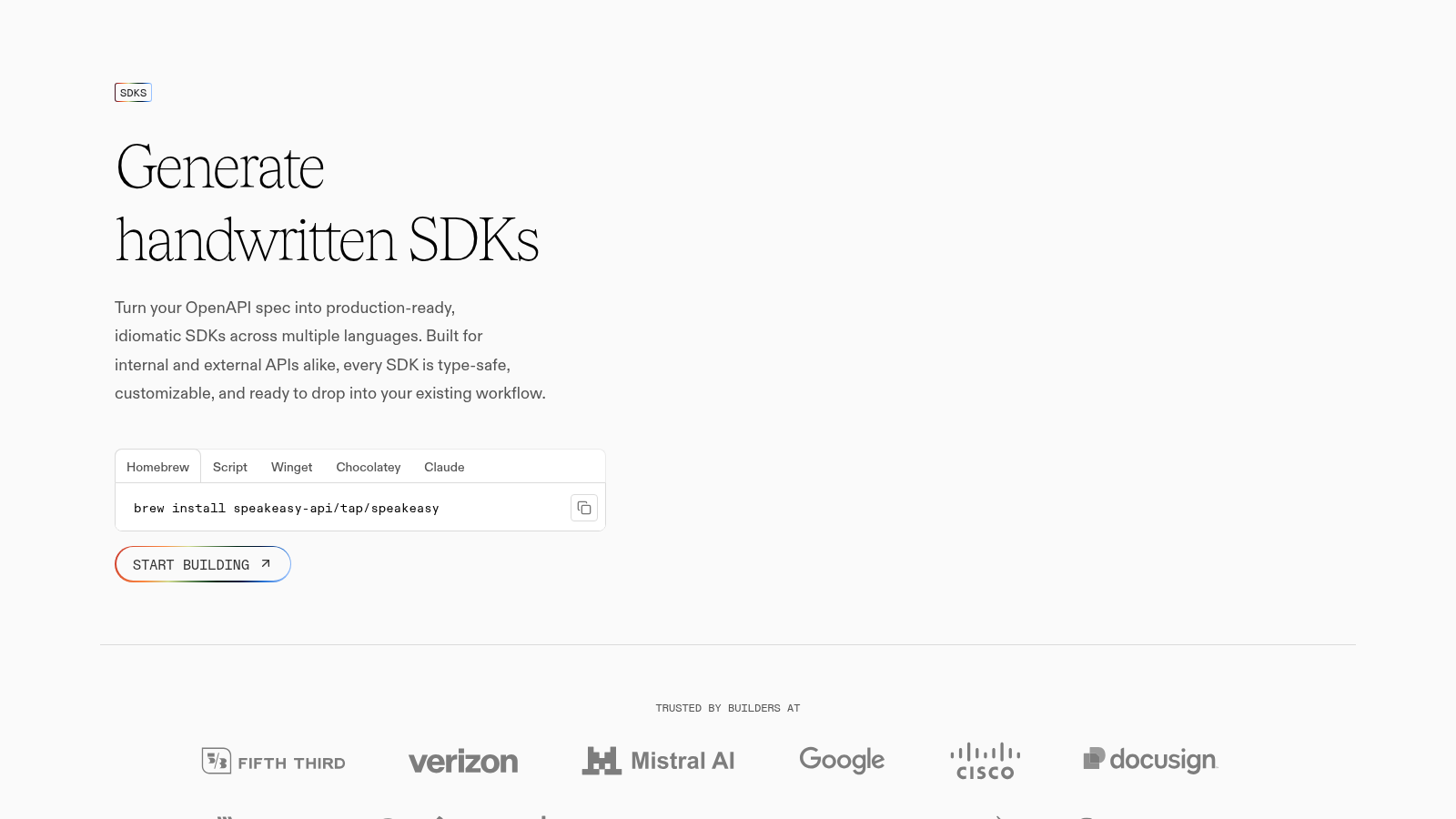
Speakeasy turns an OpenAPI 3.0 or 3.1 spec into idiomatic SDKs for TypeScript, Python, Go, Java, C#, and PHP, among other targets, and from the same spec it also produces Terraform providers and MCP tool servers. Generation happens through a CLI and a CI workflow that opens a pull request on every spec change, then publishes each library to its package registry. Mistral AI and Dub use it for their public SDKs.
Key Features
- Overlays and hooks change naming or add methods without forking the generator.
- Generated clients are fully typed, with request and response validation included.
- The CI workflow writes the changelog and bumps the version from the spec diff.
Pros & Cons
PROS
CONS
Pricing
Speakeasy publishes a free tier and a trial but not its paid SDK prices.
- Free: one SDK with up to 50 API methods
- Trial: 14 days of the Business generator, no card, then the account drops to Free
- Paid plans: priced by quote
Fern
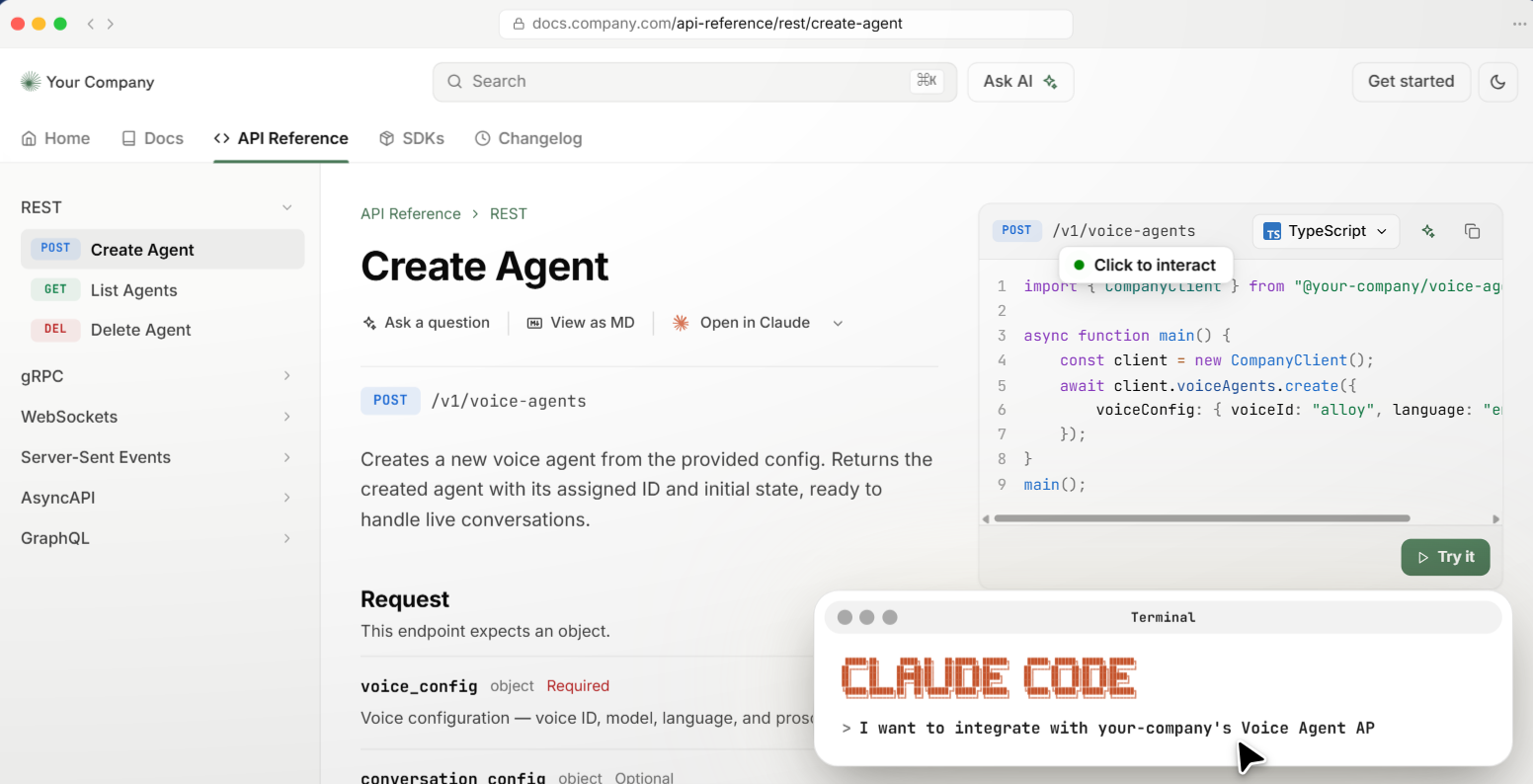
Fern covers nine languages, from TypeScript and Python through to Swift and Rust, and pairs each SDK with a hosted API reference generated off the same spec. It reads OpenAPI, AsyncAPI, gRPC, GraphQL, and its own Fern Definition format, and publishes to npm, PyPI, Maven Central, NuGet, Packagist, RubyGems, and crates.io. Postman acquired Fern in January 2026, and the product and brand continue to operate on their own, with Square, Twilio, and ElevenLabs among its users.
Key Features
- Naming, pagination, and error types are tuned per language, not shared from one template.
- The API reference it builds is a full versioned docs site with runnable requests, not a static table.
- Docs code samples are compiled from the generated SDK, so they cannot go stale.
Pros & Cons
PROS
CONS
Pricing
Two plans, a self-serve Free tier and a custom Enterprise tier, with nothing in between.
- Free: $0, self-serve, all nine SDK languages and publishing to GitHub and the package registries
- Enterprise: custom, adds SSO, SCIM, role-based access, self-hosting, multiple instances, and a master service agreement
APIMatic
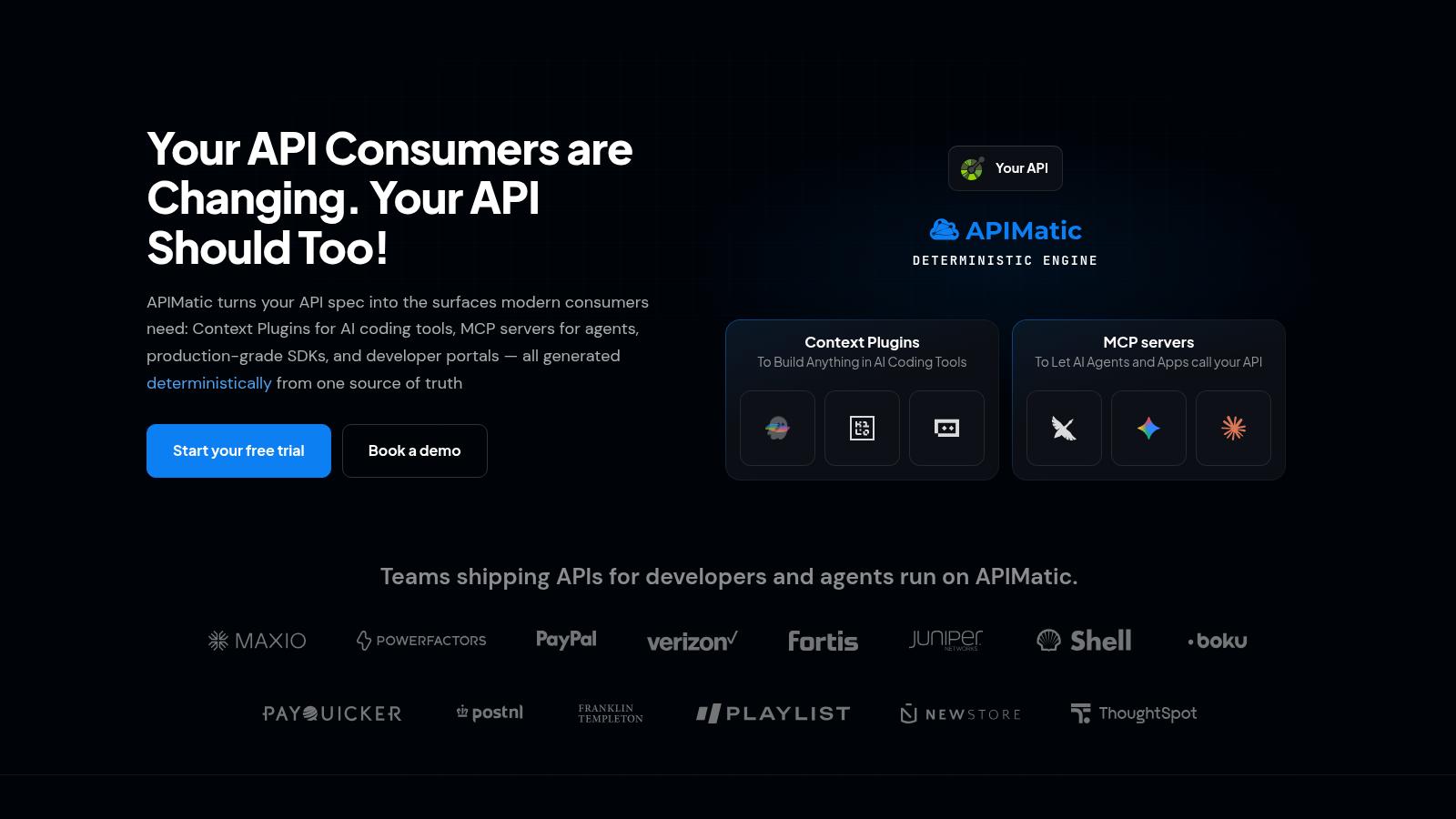
APIMatic wraps a seven-language SDK generator, Java, Python, TypeScript, Ruby, C#, PHP, and Go, in a branded developer portal with an interactive console and code samples. Its API Transformer converts between OpenAPI, RAML, WSDL, Postman, and other formats, which helps when your source of truth is not already clean OpenAPI. PayPal, Shell, and Verizon are listed as customers.
Key Features
- A ‘Fix My OpenAPI’ step flags spec errors that would otherwise produce a broken SDK.
- Generated SDKs cover OAuth 2.0, pagination, webhooks, polymorphic models, and proxy configuration.
- MCP servers and context files for AI coding tools come out of the same generation run.
- Docs, validation, and generation are callable from an API, a CLI, a GitHub App, and a VS Code extension.
Pros & Cons
PROS
CONS
Pricing
A 14-day trial, then a self-serve entry tier, per-language pricing above it, and quotes for the top tiers.
- Lite: $10 per month, one API portal, 20 endpoints per API, an HTTP client plus one language SDK
- Basic: $300 per month per language, up to five languages, DX analytics and OAuth 2.0
- Business and Enterprise: quoted, all seven languages, premium SDK features, SSO and support SLAs
Sideko
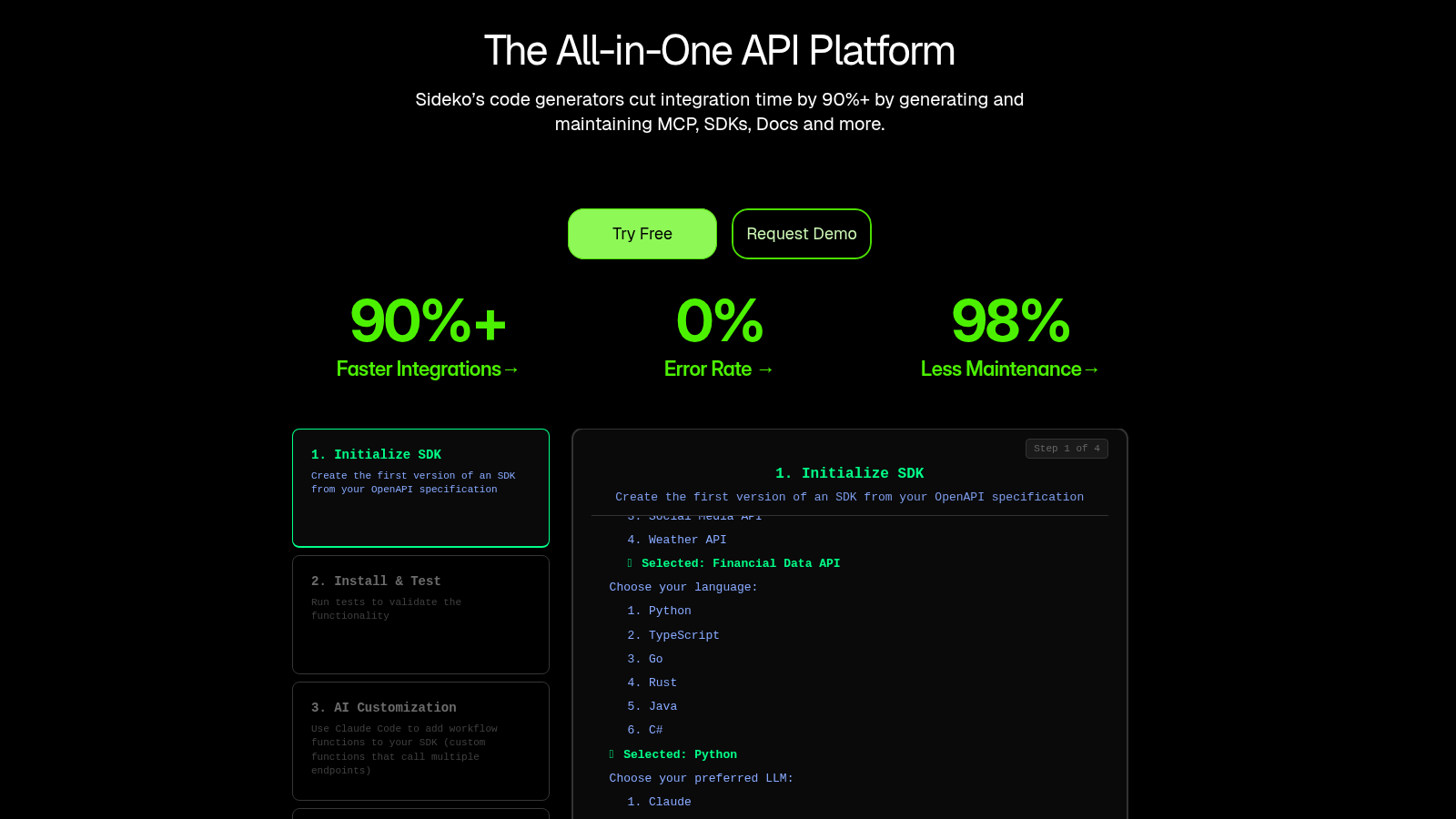
Sideko generates SDKs from an OpenAPI 3.0 or 3.1 spec, with Python, TypeScript, Go, Rust, Java, and C# among its targets, and each one ships with a README, a test suite, and publishing to the public package registries. The same account also builds an API docs site and mock servers from that spec.
Key Features
- Generated SDKs include data validation, file streaming, retries with backoff, and pagination.
- An AI-customization step can add helper methods that call several endpoints in one call.
Pros & Cons
PROS
CONS
Pricing
A free Starter tier, one paid tier, then Enterprise.
- Starter: $0, one SDK language on a one-month trial, plus the docs builder and mock servers
- Pro: $400 per month billed annually for two SDK languages, then $400 per month for each language after that
- Enterprise: custom, adds private APIs, generated CLIs, SSO, an SLA, and SOC 2 Type 2
Open-source generators you run yourself
These tools produce the same kind of typed client but leave hosting, CI, and publishing to you. They serve API producers who already have a release pipeline and, equally, the developer who just needs a client for someone else’s API.
OpenAPI Generator
OpenAPI Generator has more than 50 client generators and more than 40 server-stub generators, driven by a template engine you can override. It reads OpenAPI 2.0 and 3.0 fully, with 3.1 support in beta and improving each release. You use it as a CLI, a Docker image, a Maven or Gradle plugin, or through an online generator, and it is a community fork of Swagger Codegen with a faster release cycle.
Key Features
- Generators are Mustache templates; forking one to change output layout or naming is documented.
- It also emits server stubs and HTML or Markdown docs, so a spec-first team gets backend, clients, and docs from one run.
- Per-generator options are granular, down to model name prefixes, nullable handling, and which HTTP library a client uses.
Pros & Cons
PROS
CONS
Pricing
Free and open source under the Apache-2.0 license. There is no hosted tier; you provide the build and release pipeline.
Swagger Codegen
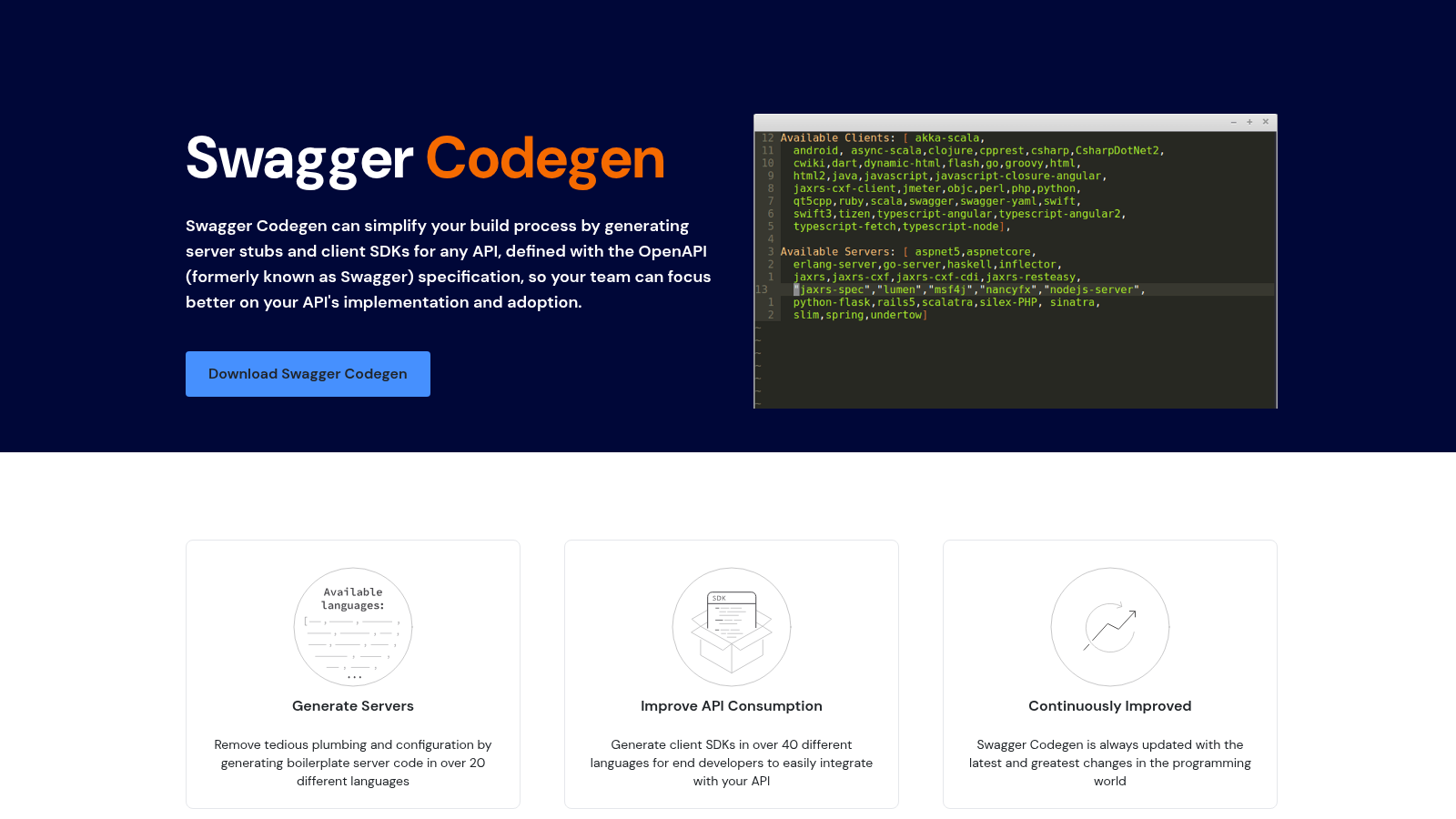
Swagger Codegen came out of the original Swagger project and is now maintained by SmartBear. It produces client SDKs in more than 40 languages and server stubs in more than 20, from OpenAPI 2.0 and 3.0 definitions. It is also wired into SwaggerHub, SmartBear’s hosted API platform, for teams that want generation inside a paid product with a UI.
Key Features
- Two parallel lines: 2.x for Swagger 2.0, 3.x for OpenAPI 3.0.
- Template-driven like its fork, so custom generators and Mustache overrides carry over.
Pros & Cons
PROS
CONS
Pricing
The generator is free and open source under the Apache-2.0 license. Using it through SwaggerHub instead requires a paid SwaggerHub plan.
Kiota
Kiota is Microsoft’s open-source client generator, a command-line tool that turns an OpenAPI 3.x description into a strongly typed client with IDE autocompletion for every path and method. Languages at stable status are C#, Go, Java, PHP, and Python, with Dart, Ruby, and TypeScript in preview. It installs as a .NET tool, a VS Code extension, or a container image, and it ships roughly monthly.
Key Features
- You can generate a client for only the endpoints you select, keeping the output small.
- A companion search tool finds and pulls public API descriptions to generate against.
- The generated client exposes the raw HTTP request underneath when you need to drop down a level.
Pros & Cons
PROS
CONS
Pricing
Kiota is free and MIT-licensed, with no hosted tier. You run the CLI in CI or locally.
NSwag
NSwag focuses on the .NET world. It generates C# and TypeScript clients from a Swagger 2.0 or OpenAPI 3.0 document, and can also work backward, generating the OpenAPI document from ASP.NET Core controllers and matching C# controller interfaces. It ships as a .NET CLI tool, an MSBuild task, an npm package, and NSwagStudio, a Windows GUI for assembling the generation config.
Key Features
- Round-trips inside .NET: generate the spec from code, then a typed client from the spec.
- NSwagStudio gives a visual editor for client options without hand-writing config.
Pros & Cons
PROS
CONS
Pricing
MIT-licensed and free, including for commercial projects. There is no paid tier.
Orval
Orval targets frontend code. From an OpenAPI 3.x or Swagger 2.0 file it produces a typed client plus ready-to-use data-fetching code for TanStack Query, Vue Query, Svelte Query, SolidStart, Angular, plain fetch, or Axios, along with Zod schemas and MSW mock handlers. One config file drives all of it, and version 8 needs Node 22.18 or newer.
Key Features
- Generates query hooks, mutations, infinite queries, and query-key factories, not just raw request functions.
- Can emit MSW mocks from the spec, so the frontend has fixtures before the API exists.
- Splits output per tag or per endpoint to keep generated files reviewable.
Pros & Cons
PROS
CONS
Pricing
MIT-licensed and free to use. There is no hosted or paid tier.
How to choose
Start with who maintains the pipeline. If you want SDKs to arrive as reviewed pull requests and land on npm and PyPI without your team building release automation, a managed platform earns its price: Speakeasy, Fern, APIMatic, or Sideko. If you already have CI you trust and want no external dependency on your spec, OpenAPI Generator covers the most languages, with Kiota, NSwag, or Orval better where the target is narrower.
Then match the language matrix. OpenAPI Generator and Swagger Codegen reach languages the managed tools do not touch. Among managed options, Fern lists nine languages and APIMatic seven, while Speakeasy names six with more available and Sideko keeps a shorter set. If you also need a hosted API reference, Fern and APIMatic include one; if you need Terraform providers, Speakeasy generates them; if the consumers are AI agents, Speakeasy, APIMatic, and Sideko now emit MCP servers too.
Finally, look at your spec and your stack. Fern and APIMatic can take gRPC, GraphQL, RAML, or WSDL and normalize them, which matters when OpenAPI is not your source of truth. A .NET shop shipping a TypeScript frontend is well served by NSwag; a React team consuming any OpenAPI API will move fastest with Orval. Whichever you pick, generate one SDK against your real spec and read the output before you commit, because naming quality and ergonomics vary more than feature lists suggest.
Frequently Asked Questions
Which SDK generators are free?
OpenAPI Generator, Swagger Codegen, Kiota, NSwag, and Orval are all open source and free to use, under Apache-2.0 or MIT licenses; you supply the build pipeline and hosting. Among the managed platforms, Speakeasy has a free tier for one small SDK, Fern has a self-serve free plan, and Sideko has a free Starter tier, each meant for trying the tool or shipping a single library, not a full multi-language release.
Do generated SDKs need to be edited by hand?
For a clean OpenAPI 3.x spec, the output is usable as published. The spec quality decides the result: missing operationIds vague schema names, and undocumented error responses all surface in the client. Managed platforms let you fix naming and add helper methods through overlays or config so the changes survive the next regeneration; editing generated files directly does not survive.
What do the Postman and Anthropic acquisitions mean if I am choosing now?
Fern still operates as its own product under Postman, on the same plans, so it is a normal choice today with an open question about long-term direction. liblab closes to standalone customers on July 31, 2026, so start new work on Postman’s platform instead. Stainless has stopped taking new projects, so it is not available to new teams even though its pricing page is still up.
Can these tools generate MCP servers as well as SDKs?
Yes, several now do. Speakeasy, APIMatic, and Sideko generate an MCP server from the same OpenAPI spec they use for SDKs, exposing your API as tools an AI agent can call. Orval has an MCP output target as well. The dedicated open-source client generators, OpenAPI Generator and Kiota, stay focused on language SDKs.
OpenAPI Generator or Swagger Codegen?
OpenAPI Generator, in most cases. It is the community fork of Swagger Codegen, started by more than 40 of its original contributors, and it ships weekly patches and monthly minor releases against Swagger Codegen’s slower cadence. It also has partial OpenAPI 3.1 support, which Swagger Codegen lacks. Swagger Codegen still fits if you are standardized on SwaggerHub or depend on a generator only its 2.x line provides.






