Manual accounts payable is slow, expensive, and full of room for error. Every unpaid invoice sitting in an inbox costs your finance team time they could spend on higher-value work, and that cost adds up fast across hundreds of invoices a month.
Ardent Partners’ 2025 report found that best-in-class AP teams process an invoice in just 3.1 days, compared to 17.4 days at less automated organizations, with the same gap showing up directly in cost. Highly automated teams pay as little as $2.88 to process a single invoice, while manual, paper-heavy processes can cost up to five times more by the same measure.
The pain is not just financial. Manual accounts payable means lost invoices, duplicate payments, late fees, missed early payment discounts, and finance teams stuck keying data instead of analyzing it. Approvers travel, forget, or sit on invoices for weeks. None of it scales.
This article reviews and compares the best accounts payable automation software available right now, so you can match a platform to your invoice volume, your ERP, and your payment needs without wading through a dozen vendor sales calls yourself.
What Is Accounts Payable Automation?
Accounts payable automation is software that handles the invoice-to-payment process on a company’s behalf, from the moment an invoice arrives to the moment a vendor gets paid. It replaces manual data entry and paper invoices with digital workflows. Instead of an AP clerk retyping invoice fields into a spreadsheet or accounting system, software captures the data automatically, routes it for approval, and prepares payment, all with a digital audit trail.
A typical automated invoice moves through four stages:
- Capture: The software pulls invoice data from email, PDF, scanned paper, or e-invoicing networks using optical character recognition and AI, eliminating manual keying.
- Match: The system checks the invoice against a purchase order and, where relevant, a receiving report. This two-way or three-way match confirms you are paying for what you actually ordered and received.
- Approve: The invoice routes automatically to the right approver based on amount, department, or vendor, with reminders sent if it sits too long.
- Pay: Once approved, the platform schedules and executes payment through ACH, virtual card, wire, or check, then syncs the transaction back to your accounting system or ERP for reconciliation.
Top Accounts Payable Automation Software of 2026
Tipalti
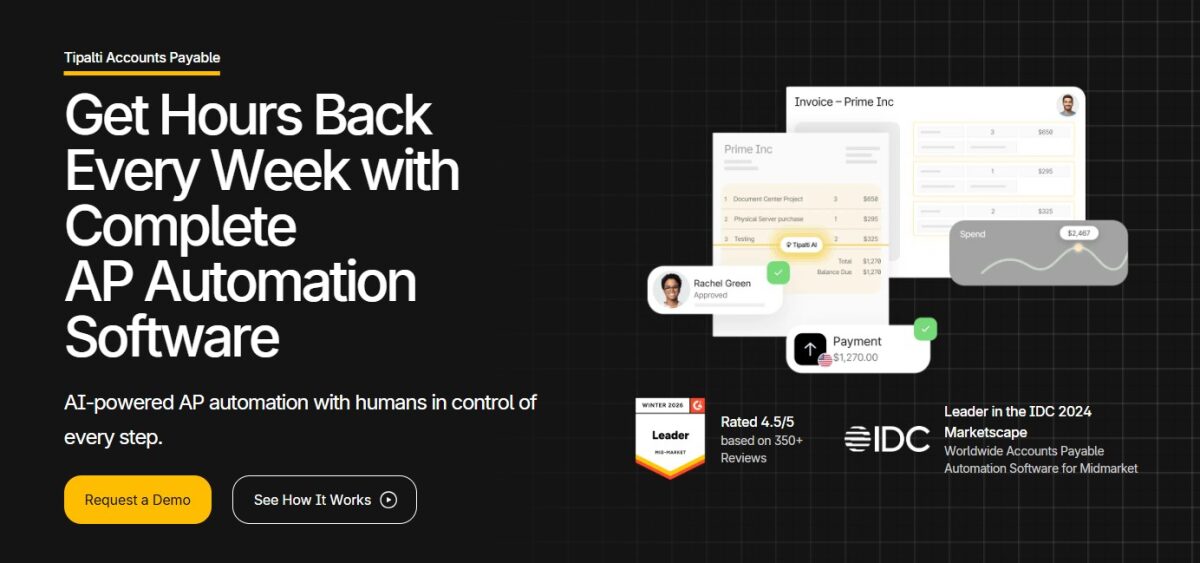
Tipalti pays suppliers across 200+ countries and territories in 120 currencies, using 50+ payment methods. For finance teams managing payables across multiple entities and tax jurisdictions, that breadth makes it one of the few platforms built for global, high-volume payables rather than a single domestic vendor list. I’ve found it’s one of the only tools on this list that treats global compliance as a core feature rather than an add-on.
Top Features
- An AI engine that captures invoice data and codes invoices automatically, reducing the manual review needed before approval
- Automated two-way and three-way PO matching built into the core invoice workflow
- Self-service, multi-language supplier onboarding with automatic tax ID validation across 62 countries against more than 3,000 compliance rules
- KPMG-approved tax engine handling W-9 and W-8BEN-E collection, plus EU, UK, and Canada VAT compliance
- Tipalti Card helps you earn cashback on invoice payments at no extra cost
Benefits
- Cuts time spent managing AP workflows by up to 80%, based on Tipalti’s customer case data
- Accelerates book close by up to 50% through real-time ERP reconciliation
- Removes the manual currency conversion and compliance documentation work that typically slows global payables
Pros & Cons
PROS
CONS
Pricing
$99 per month for the entry AP automation plan, which includes unlimited users.
QuickBooks Bill Pay
Built directly into QuickBooks Online, Bill Pay provides existing QuickBooks users with accounts payable automation without a second login or a separate sync step. The Basic tier comes included with a QuickBooks subscription at no extra cost, which makes it convenient for businesses that want payables handled inside the accounting software they already run.
Top Features
- AI-powered bill creation that extracts line item details, amounts, and due dates from uploaded or emailed invoices
- A dedicated bills inbox where vendors can send invoices directly for automatic processing
- Real-time AP aging reports and cash flow projections are accessible from anywhere
- Custom roles and permissions on the Elite tier for businesses with multiple approvers
- Automatic transaction matching that syncs paid bills with the general ledger in real time
Benefits
- Keeps AP data inside QuickBooks, removing the need to export and reconcile between the two systems
- Gives vendors a faster path to payment through dedicated AI-processed invoice intake
- Allows growing teams to add approval controls without switching platforms as headcount increases
Pros & Cons
PROS
CONS
Pricing
QuickBooks Bill Pay starts at $7.50/month when you sign up with a 50% discount for the 3-month plan. It also offers a 30-day free trial with any plan you choose.
AvidXchange
Real estate firms, construction companies, and healthcare organizations run accounting workflows that generic AP tools rarely support well out of the box. AvidXchange targets exactly that gap, with industry-specific configurations and integrations across 240 accounting systems, making it a strong match for mid-market companies with complex, sector-specific needs.

Top Features
- AI Approval Agent that analyzes historical approval patterns and gives real-time recommendations while keeping final sign-off with a human approver
- AI Purchase Order Matching Agent that automates line-item matching between invoices and purchase orders, with visual indicators showing where the AI assisted
- Industry-specific configurations built for real estate, construction, hospitality, healthcare, and nonprofit operations
- Payment options through the AvidPay Network of more than 965,000 suppliers, including virtual card, ACH, and check
- Embedded business intelligence through AvidAnalytics for monitoring payment status and approvals from anywhere
Benefits
- Reduces processing time and lowers per-invoice cost through centralized, automated data capture
- Gives full visibility into committed, approved, and pending costs for better cash flow control
- Strengthens compliance and reduces fraud risk through automated approval audit trails
Pros & Cons
PROS
CONS
Pricing
Contact the sales team for a demo and quote.
BILL
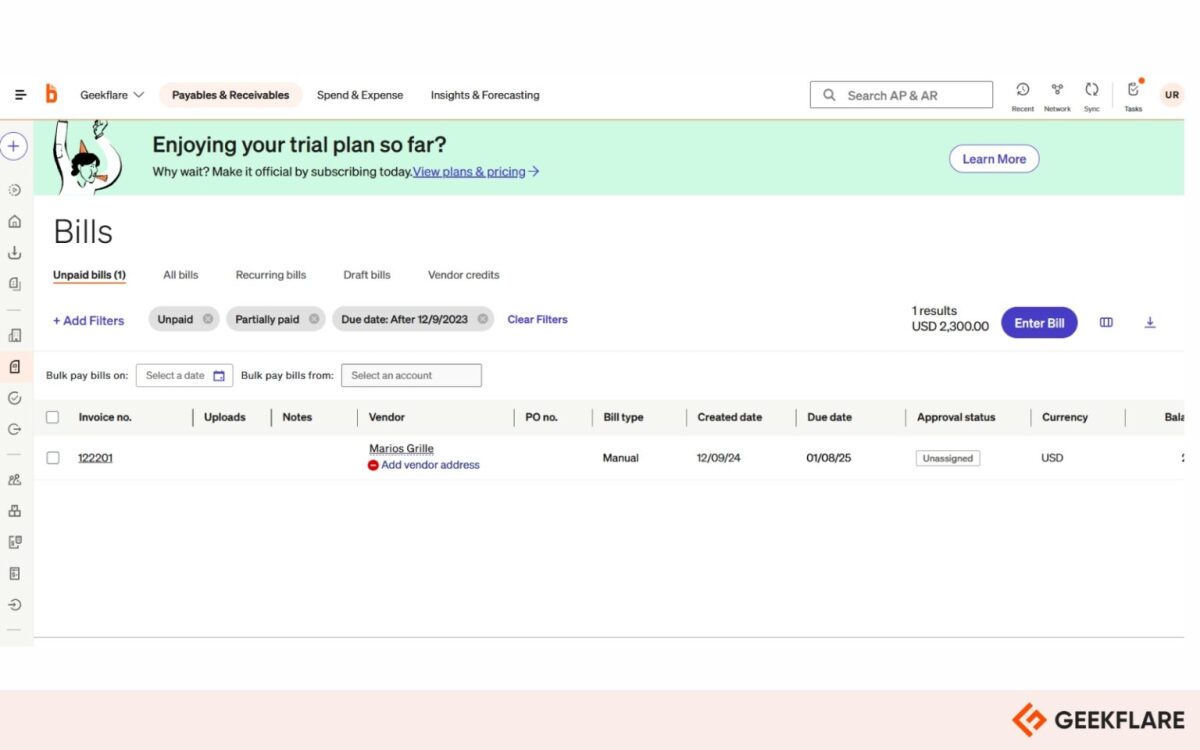
BILL runs accounts payable and accounts receivable through the same platform, a combination that most tools on this list don’t offer. It gives small and medium-sized businesses one finance tool to manage both sides of the ledger instead of two. In my experience comparing AP tools for SMBs, this AP-AR combination is what tends to come up most often as the deciding factor.
Top Features
- BILL Invoice Coding Agent that dynamically extracts and codes multi-line bills based on prior coding behavior, cutting manual coding time
- BILL W-9 Agent that autonomously emails vendors to collect and enter W-9 forms, removing most of the manual chasing involved
- BILL Transaction Agent that auto-captures receipts and categorizes transactions for spend and expense workflows
- Duplicate and missing bill detection that flags repeat invoices and highlights bills that may have slipped through the cracks
- Predictive AI fraud monitoring that watches transactions in real time while minimizing false positives
- Payment network reaching 130+ countries, with ACH, virtual card, check, and international wire options
Benefits
- Combines payables and receivables in one system, cutting the number of finance tools a small team has to manage
- Gets most customers seeing measurable AP benefits within two weeks of going live
- Reduces fraud exposure through real-time transaction monitoring rather than after-the-fact review
Pros & Cons
PROS
CONS
Pricing
The price of BILL starts at $49 per user per month for the Essentials plan.
Paylocity for Finance
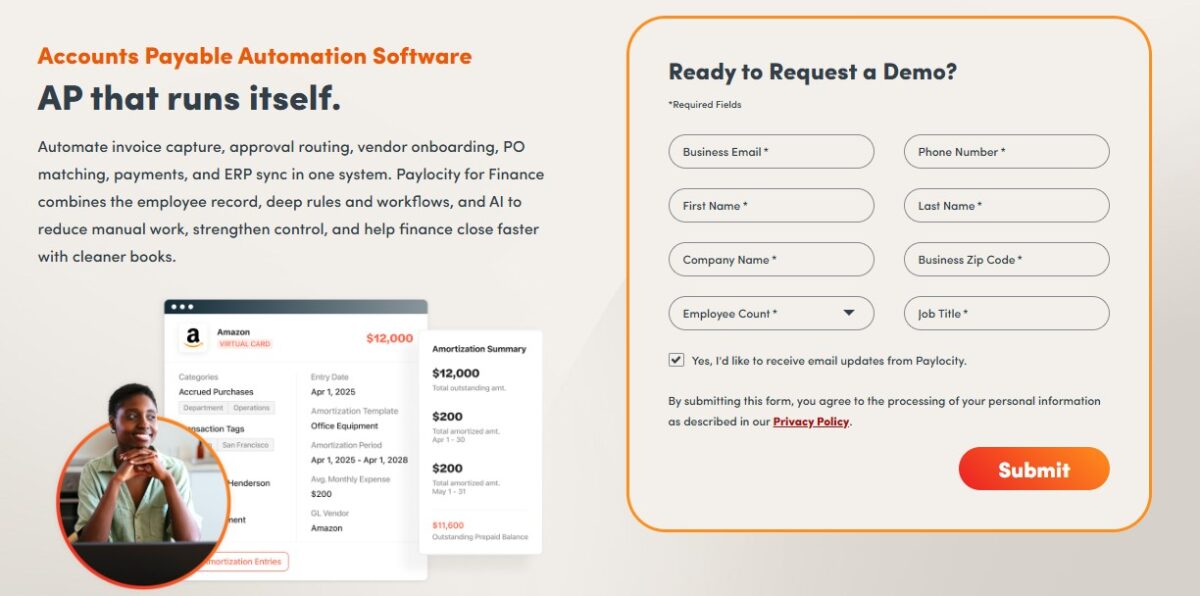
Paylocity’s acquisition of Airbase has brought bill pay, procurement, corporate cards, and expense management directly into Paylocity’s HR and payroll platform. Companies already running Paylocity for HR get payroll and non-payroll spend in the same system, which positions it well for unified spend management and AP rather than payables alone.
Top Features
- Automated invoice processing and purchase order matching with routing for approval and payment via ACH, virtual card, check, or wire transfer
- Guided procurement workflows that sit upstream of the AP process, not just downstream of it
- Mobile receipt capture and AI-powered OCR for expense and card transactions
- Corporate card issuance with pre-approval limits, useful for businesses that want spend controls before money leaves the company, not just after
- Native tie-in to Paylocity’s HR and payroll platform for combined labor and non-labor spend visibility in a single pane of glass
Benefits
- Gives CFOs a single platform covering both payroll-driven labor cost and vendor spend, rather than stitching two systems together
- Lets finance teams expand from core bill pay into procurement and card controls without adding a separate vendor
- Reduces the number of disparate tools companies previously used to manage labor and non-labor spend separately
Pros & Cons
PROS
CONS
Pricing
You need to contact the sales team for a demo and pricing.
Ramp
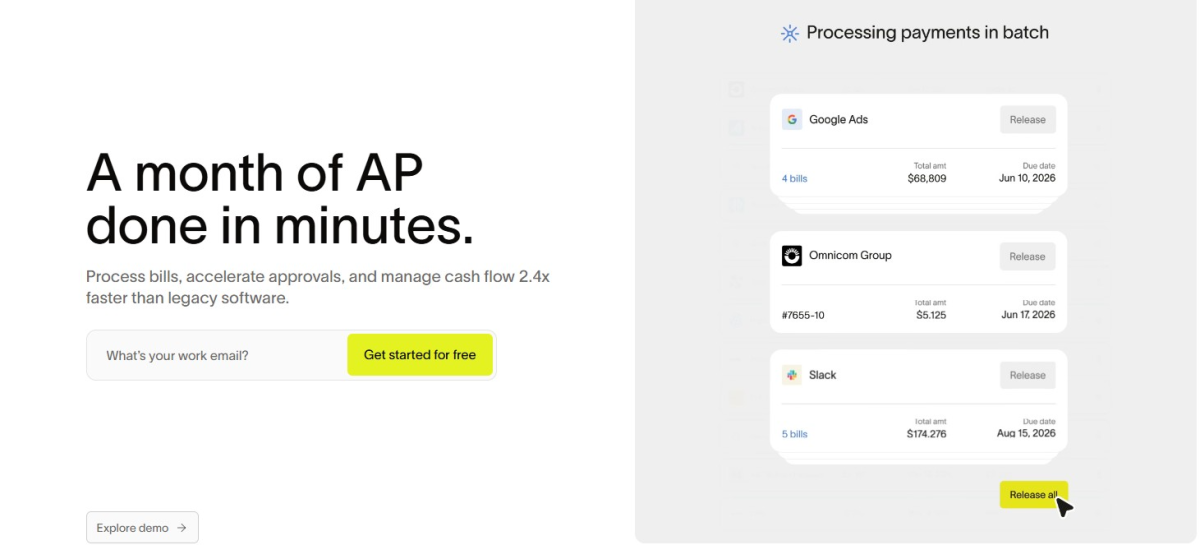
Ramp built its AP product around four named AI agents, each tied directly into card spend data rather than running as a separate workflow. That tight integration between cards and bill pay is what makes it the best platform for corporate cards with AP automation.
Top Features
- OCR that captures invoice line items with high accuracy, processing large batches of invoices in seconds
- Auto-coding agent that learns historical GL coding patterns and applies them automatically to new invoices
- Fraud prevention agent that flags suspicious vendor banking changes or unverified accounts before payment goes out
- Approval agent that summarizes vendor history, contract details, and PO matching context for faster approver decisions
- Bulk 1099 collection and one-click IRS e-filing are built directly into the platform
Benefits
- Processes invoices roughly 2.4 times faster than legacy AP software, per Ramp’s own customer survey data
- Requires up to 7 times fewer clicks to process a bill compared with Bill.com, based on Ramp’s internal product testing
- Delivers improved spend visibility for the large majority of customers surveyed after adoption
Pros & Cons
PROS
CONS
Pricing
Ramp Plus starts at $15/user/month. It also offers a free plan for smaller teams with loads of features.
Melio
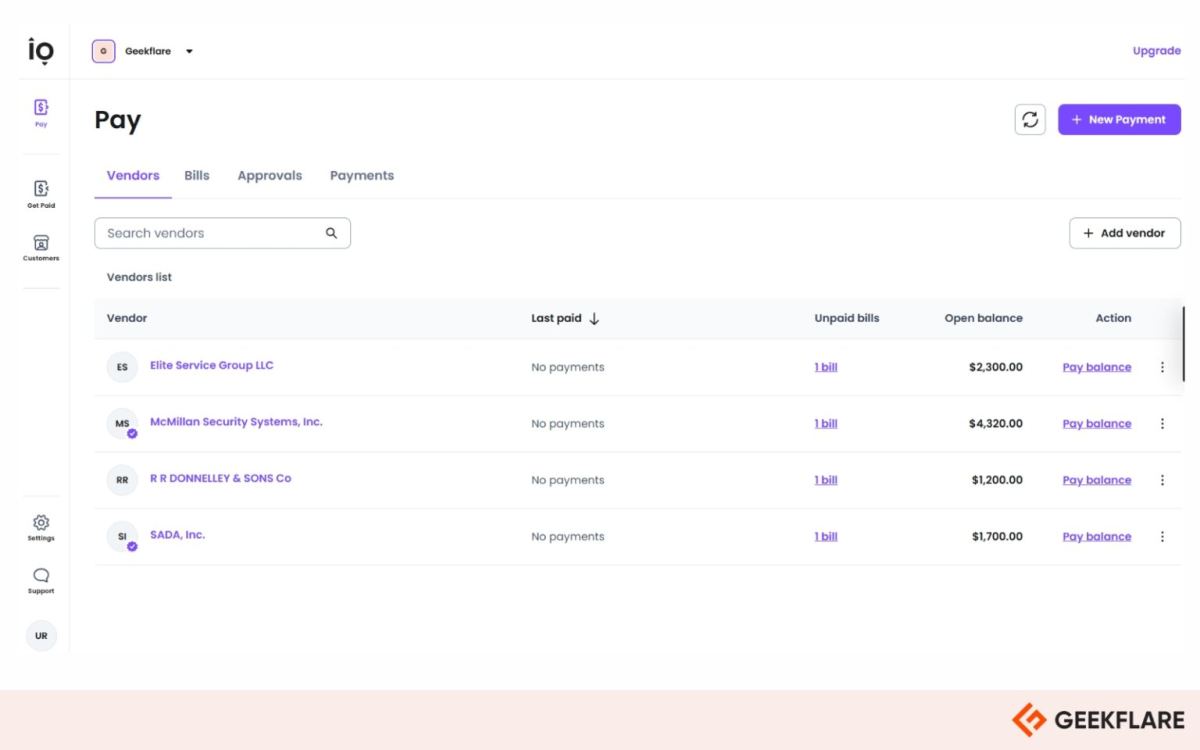
Melio removes the upfront commitment most AP tools require, making it a practical starting point for small businesses that are looking for AP automation without a subscription. I’d say this is one of the lowest-risk ways for a small business to try AP automation for the first time.
Top Features
- Bill payment via ACH bank transfer at no cost, or by debit or credit card for a flat fee
- Multi-level approval workflows on Core and higher plans, letting businesses require sign-off by transaction amount or user role
- Mobile app for photographing bills and approving payments from anywhere
- International vendor payments in USD or local currency
- Vendor payment requests that let suppliers get paid by ACH or check without needing their own Melio account
Benefits
- Lets small businesses automate bill pay without an upfront software cost, since the Go plan never expires
- Removes the back-and-forth of manual approvals through configurable, role-based sign-off rules
- Speeds up vendor payments by letting suppliers receive funds without creating an account themselves
Pros & Cons
PROS
CONS
Pricing
Paid plans start at $25 per month and $10/month for one additional user. It also comes free, which is limited to one user.
Spendesk
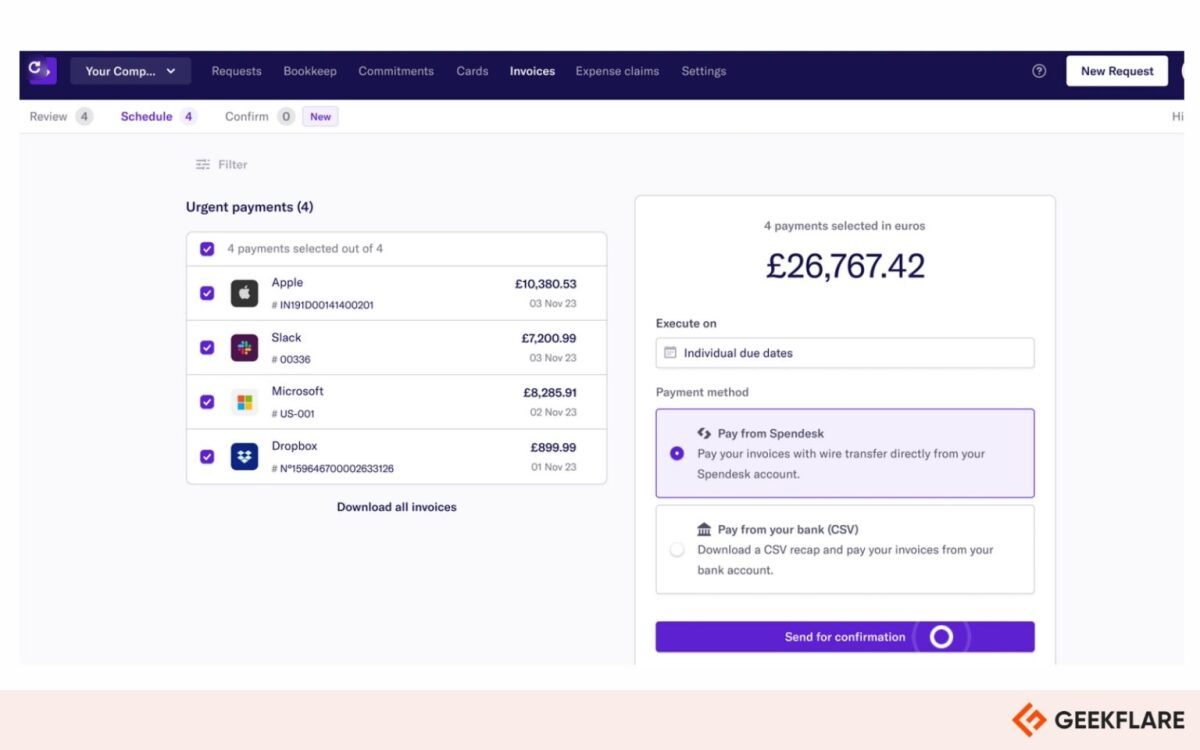
Spendesk treats invoicing as one piece of a larger spend picture, combining it with corporate cards, employee expenses, and procurement on a single platform. That broader scope is what makes it a strong choice for spend management rather than AP handled in isolation. It’s one of the options worth considering if you’re evaluating software to manage corporate spend more generally.
Top Features
- OCR-based invoice capture paired with automated purchase order matching
- Multi-step approval workflows where budget owners review and approve invoices against pre-assigned budgets
- Real-time spend visibility covering committed, approved, and pending costs before bank reconciliation
- Native integrations with Xero and DATEV, plus export-and-upload support for NetSuite and QuickBooks Online
- Unlimited virtual and physical cards alongside the AP workflow, useful for businesses that pay some vendors by card instead of invoice
Benefits
- Closes the books up to 4 times faster than manual, paper-based processes
- Reconciles roughly 95% of receipts within two days rather than waiting for the month-end
- Gives finance leaders real-time visibility into spending instead of discovering totals only at bank reconciliation
Pros & Cons
PROS
CONS
Pricing
Pricing is not mentioned; you need to get a quote from the sales team.
Basware
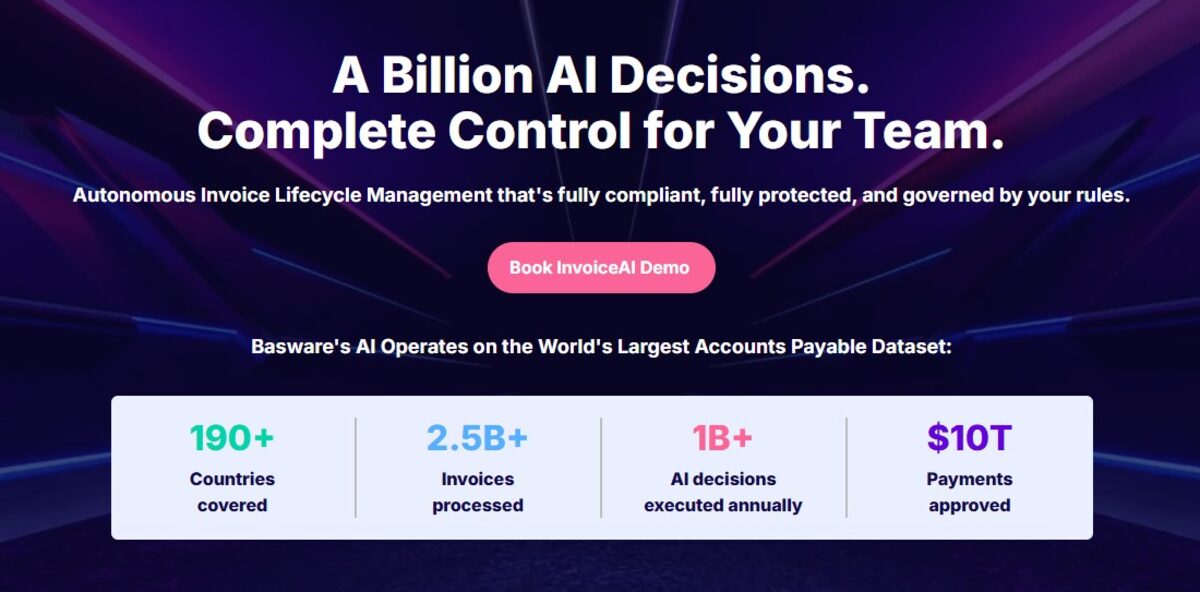
Basware automates accounts payable for finance teams. It handles the full invoice lifecycle from receiving and processing to compliance and payment approval. Large enterprises worldwide use it to manage high invoice volumes, stay compliant across multiple countries, and reduce manual work in their finance operations.
Top Features
- InvoiceAI, SmartCoding, and SmartPDF for both PO and non-PO invoice automation
- AP Protect and AP Audit Recovery modules are built specifically to reduce fraud risk and recover historical overpayments
- Compliance Hub and dedicated e-invoicing compliance services covering shifting regional regulatory requirements
- The Basware Insights module delivers reporting and analytics across the full invoice lifecycle
- Statement matching alongside standard invoice matching is useful for reconciling vendor account statements directly
Benefits
- Customer case data, including Flight Centre Travel Group, points to a major jump in touchless invoice processing after implementation
- Built-in audit recovery catches and reclaims historical overpayments without needing a separate audit vendor
- Decades of regulatory experience mean compliance updates roll out across the platform as regional e-invoicing mandates change, rather than leaving customers to track them manually
Pros & Cons
PROS
CONS
Pricing
You need to schedule a demo and talk to the sales team for the pricing.
Coupa
Coupa positions accounts payable as a single module within a much larger business spend management suite that covers procurement, sourcing, contracts, and expenses. Enterprises that want all of that from a single vendor, rather than several point solutions stitched together, get the most value.

Top Features
- Multi-level automated invoice validation paired with dynamic, rules-based approval workflows
- Integrated vendor self-service onboarding and management that removes the silo between AP and vendor management teams
- Global payments platform built to maximize rebates and working capital while automating reconciliation
- AI-driven fraud and error detection, which is applied across purchases, invoices, and expenses simultaneously
- Full mobile access for approvals, letting executives clear invoices from any device
Benefits
- Reduces the number of separate vendor relationships finance and IT teams have to manage by unifying procurement and AP
- Strengthens fraud controls by applying detection logic across the entire spend lifecycle, not just at the invoice stage
- Gives enterprises a single source of truth for spend across procurement, invoicing, and expenses
Pros & Cons
PROS
CONS
Pricing
Pricing is available on request.
HighRadius
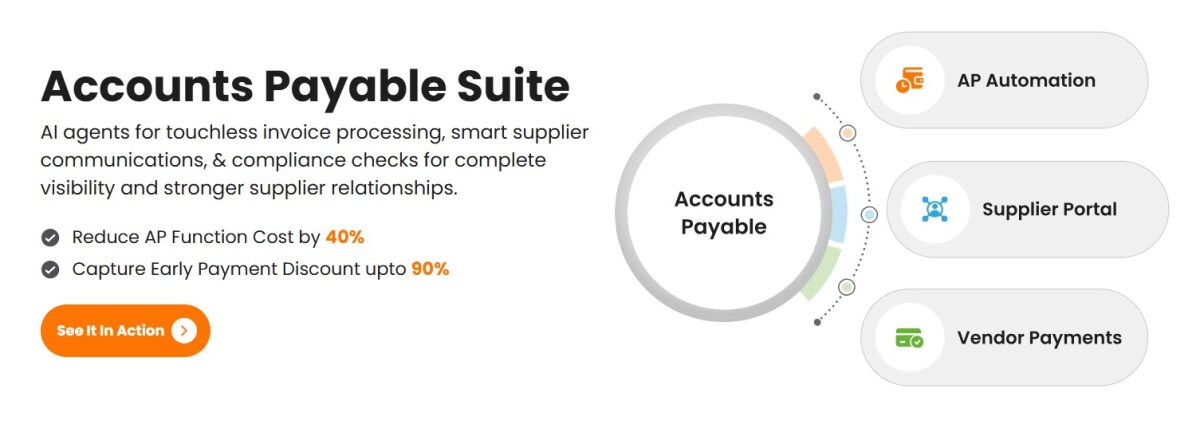
HighRadius runs a large fleet of AI agents across order-to-cash, treasury, and accounts payable on one connected platform. Its scale and outcome-based pricing model make it best suited to high-volume, high-complexity payables rather than mid-market AP needs.
Top Features
- Electronic invoice capture and automated invoice matching, layered with workflow management
- A large suite of AI agents orchestrating processes across order-to-cash, treasury, and accounts payable
- Real-time analytics tied to specific operational KPIs, including DSO reduction and working capital optimization
- Native ERP integration built for large, complex environments
- Outcome-Based Pricing, where cost is tied to measurable KPI improvement rather than flat licensing alone
Benefits
- Drives measurable business outcomes, including reduced month-end close timelines
- Reduces redundant manual AP tasks at a scale most mid-market tools are not built to handle
- Aligns vendor cost directly to performance through its outcome-based pricing model, reducing the risk of paying for unused capability
Pros & Cons
PROS
CONS
More AP Automation Software

Stampli

Medius

Yooz

Sage Intacct.

Payhawk

Concur Invoice

Quadient AP Automation

NetSuite
Accounts Payable Software Comparison
| Software | Best for | Key Features | Integrations | Starting Price |
|---|---|---|---|---|
| Tipalti | Global, high-volume payables | End-to-end invoice management, multi-entity support, supplier management | NetSuite, QuickBooks, Sage Intacct | $99/month |
| QuickBooks Bill Pay | QuickBooks-native AP | Invoicing, mileage tracking, and bill management | Jobber, Biller Genie, Qvinci | $7.5/month |
| AvidXchange | Mid-market complex needs | AI Approval Agent, AI PO Matching Agent, Payment automation solution | Acumatica, Appfolio, NetSuite | Custom |
| BILL | Small to mid-sized businesses | AI invoice coding, payable insights, and tracking invoices | Microsoft Dynamics, Rillet, Xero | $49/user/month |
| Paylocity for Finance | Unified spend management and AP | Bill pay, automated and custom payroll workflows, position and seat level management | Altametrics, Checkr, AxisCare | Custom |
| Ramp | Corporate cards with AP | 4 AI agents, travel and expense management, high OCR accuracy | Xero, Workday, Oracle Fusion Cloud | $15/user/month |
| Melio | Small businesses | Free ACH, fast payments, AI bill capture | QuickBooks, Xero, NetSuite | $25/month |
| Spendesk | Spend management | AI invoice processing, procurement, cards | Xero, SAML SSO, DATEV | Custom |
| Basware | Large global enterprises | InvoiceAI, e-invoicing compliance, audit recovery | SAP, Oracle, major ERPs | Custom |
| Coupa | Enterprise spend management | Invoice validation, Coupa card, fraud detection | NetSuite, SAP, Oracle Cloud | Custom |
| HighRadius | High-volume enterprise AP | AI agent suite, email invoice capture, 3-way AP matching | Deltek, Lawson, Salesforce | Custom |
Must-Have Features in AP Automation Software
You may look for the below features when you purchase an AP automation software.
- Optical character recognition for invoice data extraction: OCR pulls structured data, vendor name, amount, due date, and line items from scanned and digital invoices automatically. The strongest platforms layer AI on top of OCR to handle inconsistent invoice formats without requiring fixed templates.
- Automated approval workflows and routing: Invoices should move to the correct approver automatically based on amount, department, or vendor, with reminders sent if an invoice sits too long.
- Two-way and three-way PO matching: Two-way matching checks the invoice against the purchase order. Three-way matching adds the receiving report, confirming you received what was ordered before payment goes out. This remains one of the most effective controls against overpayment and fraud.
- Seamless integrations with ERPs and accounting software: Whether the system of record is QuickBooks, NetSuite, Xero, or Sage Intacct, the AP platform needs to sync data bidirectionally without manual export and import.
- Global payment capabilities and multi-currency support: Any business paying vendors outside its home country needs multi-currency handling, international payment rails, and local tax compliance built in, not patched together manually.
- Vendor management portal: Vendors should be able to self-onboard, update banking details, and check payment status without emailing the AP team directly.
How to Choose the Right AP Software for Your Business
- Match the tool to your invoice volume: Think about how many invoices you process each month and how complex your approval chains are. A small team with simple workflows needs a very different tool than a large, multi-entity operation.
- Check if it works with your current systems: The best AP software means nothing if it does not connect cleanly with your accounting or ERP system. Always confirm deep integration before you commit, not just a basic export option.
- Think about whom you pay and where: If all your vendors are local and paid in one currency, you do not need a globally built platform. But if you pay suppliers across multiple countries, make sure the tool handles multi-currency payments from the ground up.
- Test the experience for both your team and your vendors: A tool your AP team loves, but your vendors struggle with, creates friction on every payment. Look for clear vendor portals and easy payment tracking on both sides.
- Look beyond the subscription price: Factor in the time your team spends on manual work today. At higher invoice volumes, the labor cost saved often justifies the software cost within months.
Conclusion
Manual accounts payable does not scale. Every month it stays manual, the cost shows up in late fees, missed discounts, and hours your team spends on data entry instead of strategy.
The right software depends on your invoice volume, your existing accounting system, and how far beyond AP you want one platform to reach. Small teams can start free with tools like Melio or Ramp. Growing businesses get more from BILL or Tipalti. Large enterprises need the depth of Basware, Coupa, or HighRadius.
Most vendors above offer a free trial or live demo. Pick your top two or three tools, run your actual invoice volume through each, and choose the one that fits how your team actually works. Once you have a shortlist, do not overthink it. Request a demo or start a free trial today and let the software prove its value on your own invoices.