



If you’re building or validating APIs, the tool you pick shapes how much of that work is manual versus automated. Some tools are built for designing and mocking APIs before a single line of backend code exists. Others exist purely to hammer an endpoint with requests and tell you when it breaks. A few try to do both.
This guide covers popular tools among developers across API design, request testing, load testing, and combined UI/API test automation.
Tools Quick Comparison
| Tool | Best for | Free tier | Starting paid price | Strength |
|---|---|---|---|---|
| Postman | All-in-one API lifecycle | Yes | $9/mo (annual) | Team collaboration feature set |
| Hoppscotch | Lightweight API client | Yes, open source. | — | Runs in-browser, installable as a PWA |
| Bruno | Git-native local-first testing | Yes, open source. | $6/user/month (annual) | Collections stored as plain text in your repo |
| Insomnia | Design-first API client | Yes | $12/user/mo (annual) | Clean design-to-test workflow, Kong-backed |
| Swagger | OpenAPI design and docs | Yes (Swagger Editor/UI are free) | Varies by SwaggerHub plan | Industry-standard OpenAPI tooling |
| SoapUI | SOAP and REST test automation | Yes | Custom via ReadyAPI | Deep protocol support beyond REST |
| HTTPie | Command-line HTTP testing | Yes | — | Human-friendly terminal output |
| Hurl | Scriptable CLI HTTP testing | Yes | — | Plain-text test files, CI-friendly |
| LoadView | Cloud-based load testing | Free on-demand tier | $129/mo (annual, Starter) | Realistic browser-based load simulation |
| Mabl | Combined UI + API test automation | No | Custom | Auto-healing tests across UI and API |
Postman
Best for: Teams that want one platform for designing, mocking, documenting, testing, and monitoring APIs
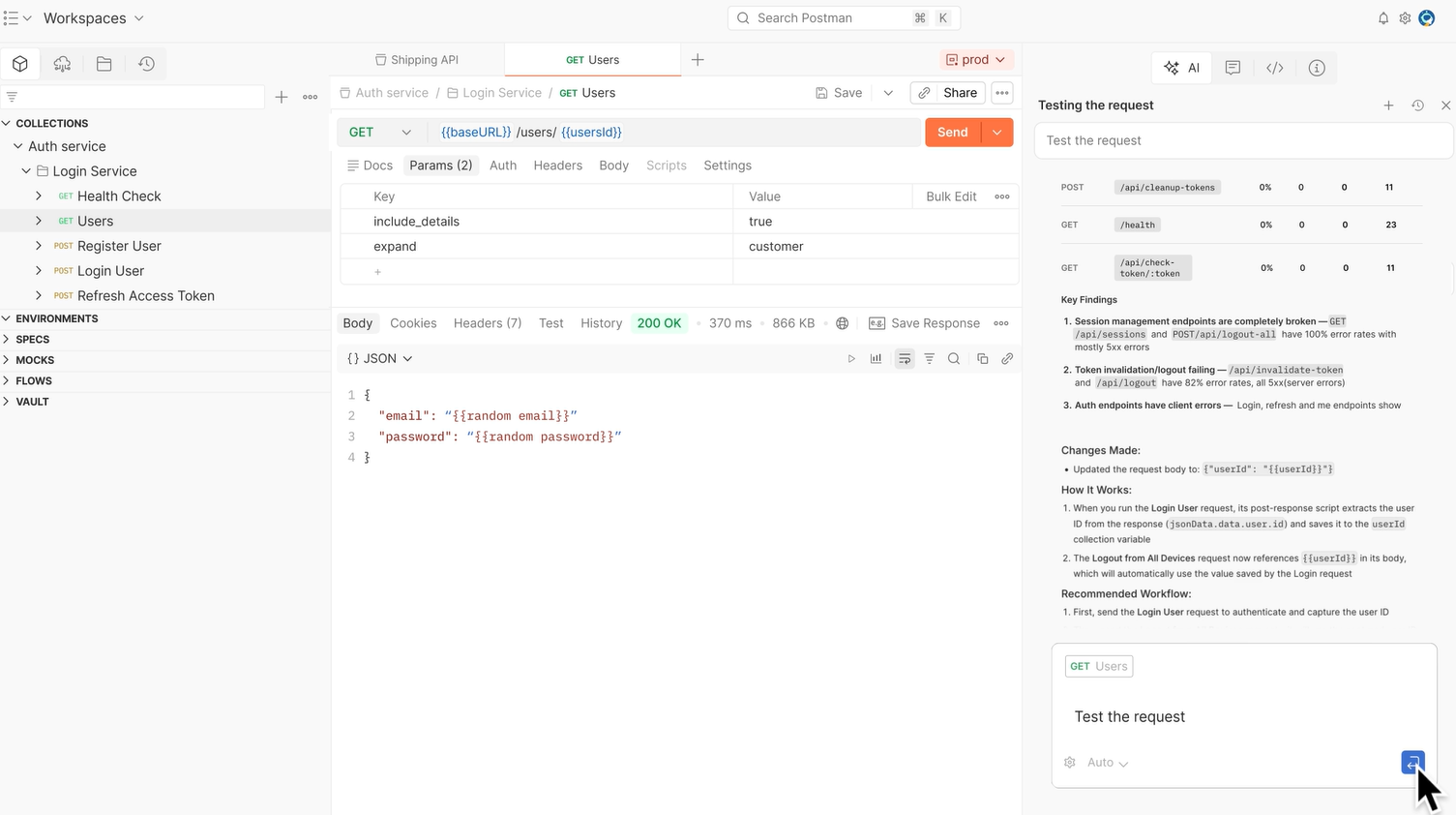
Postman has grown from a REST client into a full API platform. Most teams use it as the shared workspace where API specs, test collections, mock servers, and documentation all live in one place, which matters when more than one person is touching an API.
Key features
- Collection runner that executes saved requests as automated regression tests
- Native Git integration for versioning collections alongside application code
- Mock servers for simulating endpoints before the real backend is ready
- Built-in API monitoring with scheduled runs and alerting
Pros & Cons
PROS
CONS
Pricing
Free plan covers a single user with basic collection running and mock servers.
Solo is $9/user/month billed annually.
Team is $19/user/month billed annually with unlimited users and basic role-based access control.
Enterprise is $49/user/month billed annually and adds an API catalog, private API network, and advanced governance and audit logs.
Our take
Postman is best for teams that want fewer tools, especially when collaboration and shared documentation matter. Solo developers who just need a fast request client may find it heavier than necessary.
Hoppscotch
Best for: Developers who want a fast, free, browser-based API client without an account
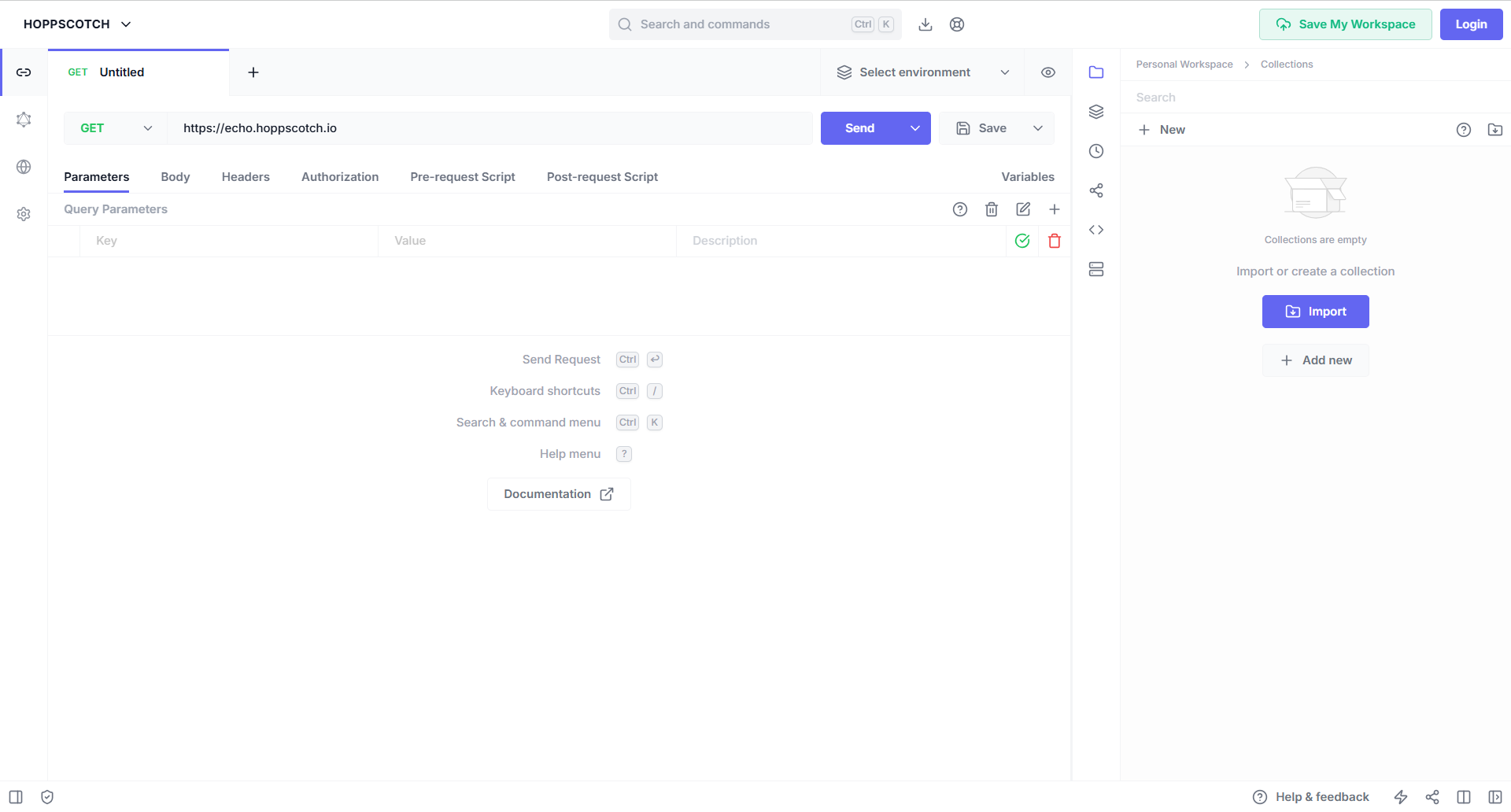
Hoppscotch is an open-source alternative that runs entirely in the browser or as an installed progressive web app. It supports the common HTTP methods along with GraphQL, MQTT, and WebSocket connections, and it can run offline once installed.
A developer testing a webhook or WebSocket connection during local development, without wanting to install a desktop client or create an account first, will find this platform ideal.
Key features
- Supports GET, POST, PUT, PATCH, DELETE, HEAD, OPTIONS, and CONNECT out of the box
- GraphQL, MQTT, and WebSocket request types beyond plain REST
- Installable as a PWA for offline use
- Customizable interface themes
Pros & Cons
PROS
CONS
Pricing
Free and open source.
Our take
Hoppscotch fits individual developers and small teams who want a capable client without commercial overhead. Larger teams needing shared governance should look elsewhere on this list.
Bruno
Best for: Developers who want API collections stored as plain text in their own Git repository
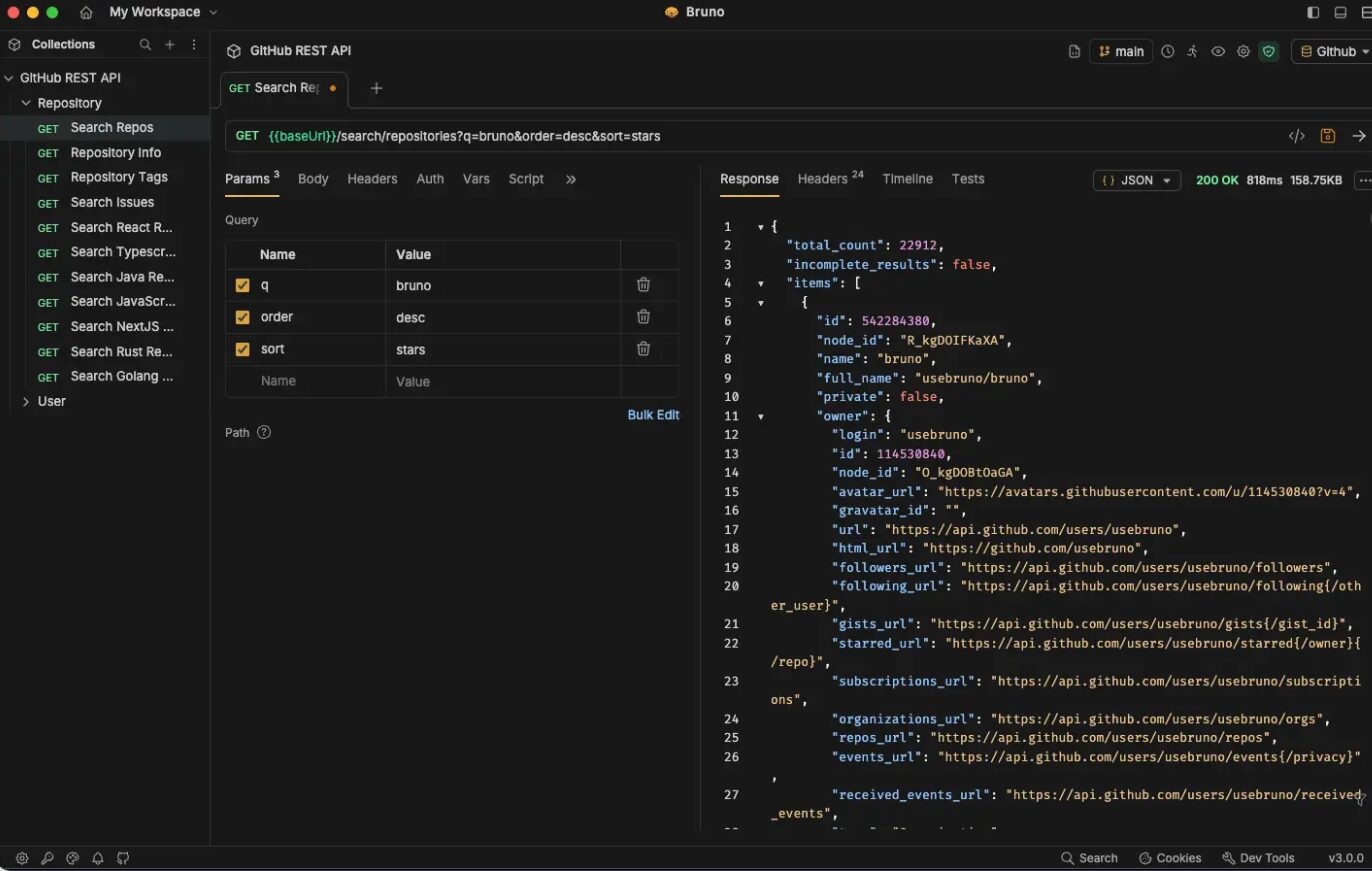
Bruno takes a different approach from cloud-first tools like Postman: collections are stored as local text files using an open format called OpenCollection, so they live inside your code repository and go through the same code review process as everything else. There’s no forced cloud sync and no account requirement to use the core client.
If your team already reviews infrastructure-as-code changes via pull requests, you can extend that same workflow to API test collections and review request changes in code before merging.
Key features
- Collections saved as human-readable text files instead of a proprietary cloud format
- Local-first architecture; no login required for core use
- Support for REST, GraphQL, gRPC, WebSocket, and SPARQL requests
- SSO/SAML support in paid tiers for organizations that need identity provider integration
Pros & Cons
PROS
CONS
Pricing
The free tier covers core functionality. Paid plans are:
- Pro: $6/user/month (offers deeper Git integration, automation, and support)
- Ultimate: $11/user/month (Enterprise-grade integrations and features)
Our take
Bruno is worth considering by teams that specifically want their API tests to live and be reviewed inside their existing Git workflow rather than on a separate cloud platform.
Insomnia
Best for: Teams that want a clean design-to-test workflow backed by Kong
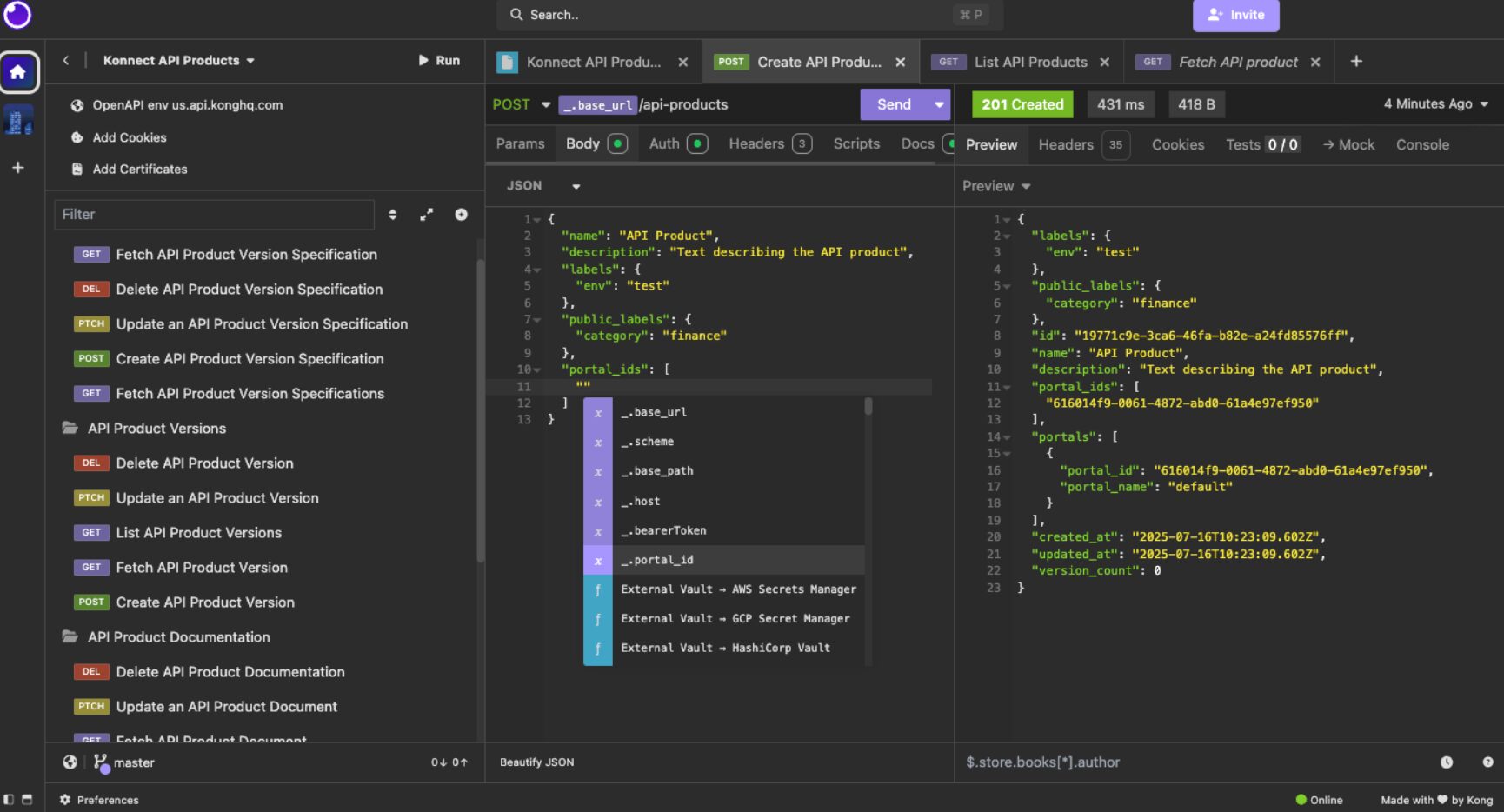
Insomnia, now part of Kong’s product line, covers API design and testing with support for REST, GraphQL, gRPC, and SOAP requests. Its Inso CLI tool lets teams run the same tests from a CI/CD pipeline that they use interactively during development.
If you are already using Kong as an API gateway, keeping design, testing, and gateway configuration inside one connected ecosystem, you may consider using Insomnia.
Key features
- Support for REST, GraphQL, gRPC, and SOAP in one client
- Inso CLI for scripting and CI/CD integration
- Native Kong Konnect integration on Enterprise plans
- Git sync for versioning collections
Pros & Cons
PROS
CONS
Pricing
Essentials (free) supports up to 3 users on Git Sync with 1,000 mock server requests monthly.
Pro is $12/user/month billed annually with unlimited users and role-based access control.
Enterprise is $45/user/month self-serve up to 50 users, adding SSO/SAML/OIDC and vault integrations for AWS, GCP, HashiCorp, and Azure.
Our take
Insomnia makes the most sense for teams already invested in Kong’s gateway ecosystem. Outside that context, it competes closely with Postman on general capability.
Swagger
Best for: Teams that need OpenAPI-standard design and documentation
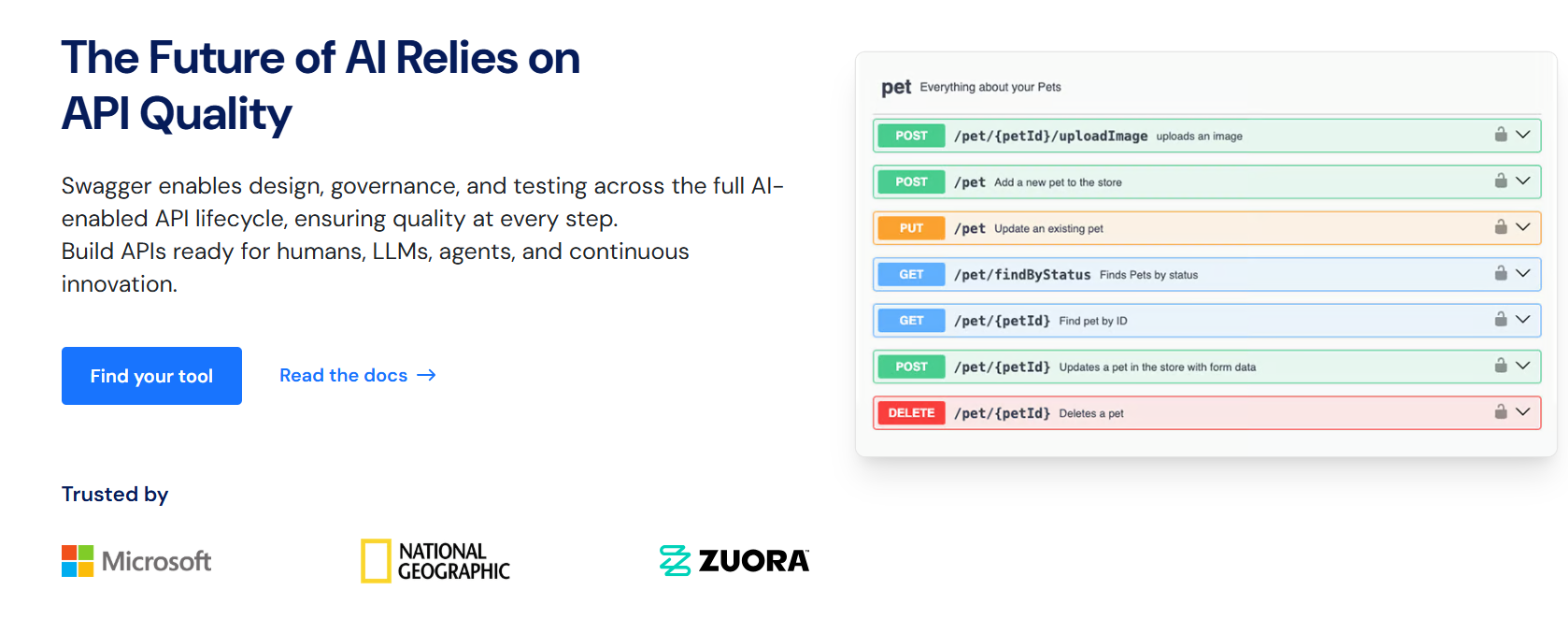
Swagger is the toolset most closely tied to the OpenAPI Specification itself. Swagger Editor and Swagger UI are free tools for writing and rendering OpenAPI definitions, while SwaggerHub adds team collaboration, versioning, and governance on top.
If your frontend and backend teams work from the same contract, standardizing on OpenAPI with Swagger lets you generate client libraries and maintain documentation seamlessly.
Key features
- Direct OpenAPI Specification authoring and validation in Swagger Editor
- Swagger UI renders interactive, browsable documentation directly from an OpenAPI file
- Server-side code and client SDK generation from a spec
- Compatible with gateways including AWS, Apigee, and IBM API Connect
Pros & Cons
PROS
CONS
Pricing
Swagger Editor and Swagger UI are free and open source. SwaggerHub adds paid tiers for team collaboration and API governance.
Our take
If your team has standardized on OpenAPI as a contract-first design approach, Swagger’s tooling is close to a default choice. Teams not using OpenAPI won’t get much benefit from it specifically.
SoapUI
Best for: Testing SOAP APIs alongside REST, where protocol coverage matters more than a modern interface
SoapUI is one of the more established names on this list, with particular strength in SOAP support that many newer, REST-first tools don’t prioritize. The free open-source edition covers REST, SOAP, GraphQL, and JMS testing for individual use; ReadyAPI is the commercial counterpart aimed at teams.
Key features
- Native SOAP support alongside REST and GraphQL, useful for organizations with legacy SOAP services
- Data-driven testing for running the same test logic against multiple data sets
- Detailed test reporting
- JMS protocol support for message-queue-based testing
Pros & Cons
PROS
CONS
Pricing
SoapUI Open Source is free.
ReadyAPI (the paid, team-oriented version with CI/CD integration, service virtualization, and performance and security testing) is priced through SmartBear directly.
Our take
SoapUI earns its place specifically for organizations still running SOAP services. Purely REST-based teams likely get more modern workflows elsewhere on this list.
HTTPie
Best for: Developers who prefer testing APIs from the command line
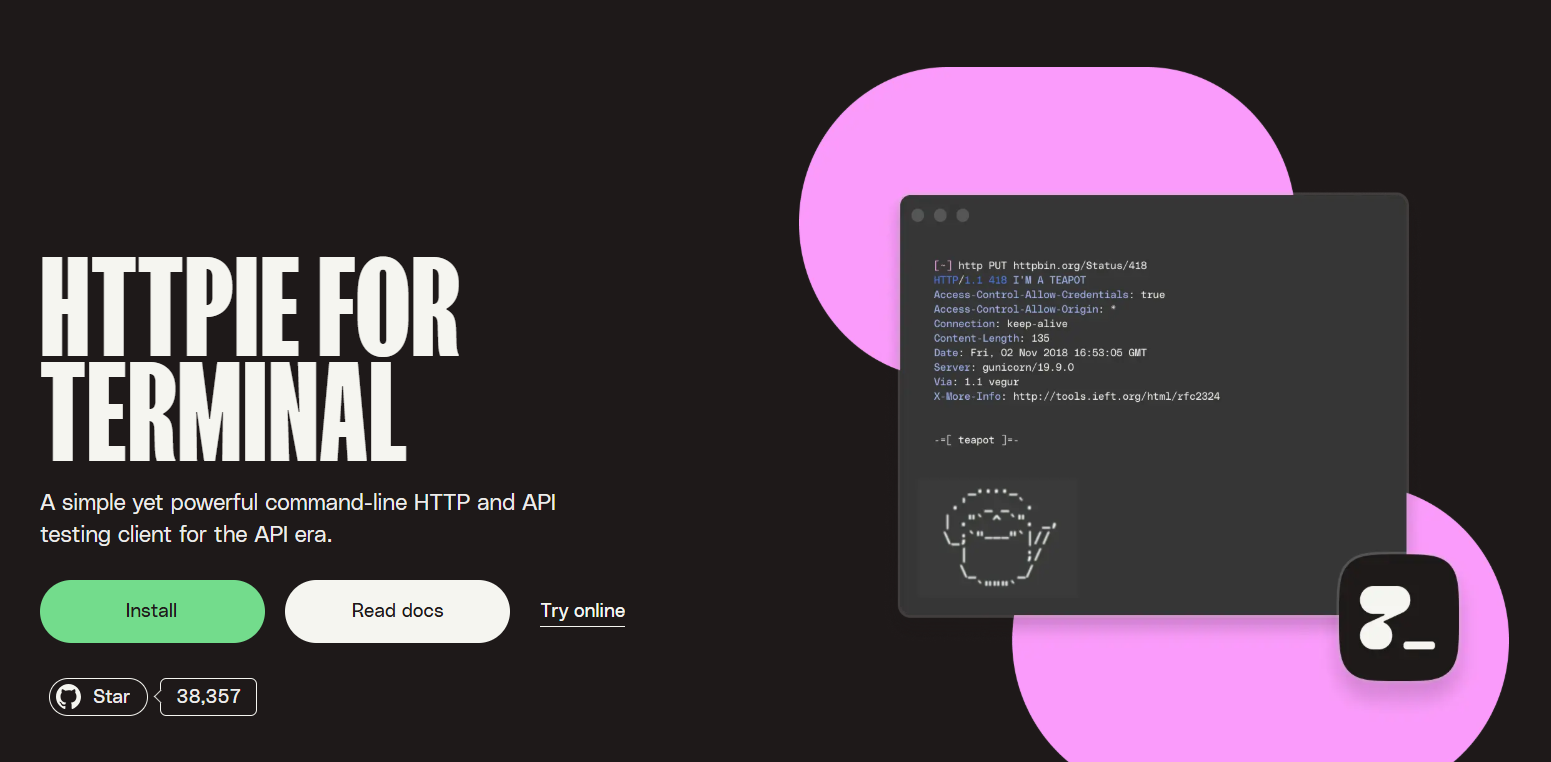
HTTPie is a command-line HTTP client built around readable output and a simpler syntax than raw curl. A developer debugging an API response mid-terminal-session, without switching context to a GUI application, will find HTTPie very convenient.
Key features
- Formatted, color-coded terminal output that’s easier to scan than raw curl responses
- Built-in JSON handling without manual header configuration
- Persistent sessions for repeated authenticated requests
- Available as both a CLI tool and a desktop/web client
Pros & Cons
PROS
CONS
Pricing
Free and open source.
Our take
HTTPie is a strong complement, but not a replacement for a full API platform. It’s the fastest option for a single quick request.
Hurl
Best for: Teams that want HTTP tests defined as plain text and run in CI
Hurl, written in Rust, defines HTTP requests and their expected assertions in plain-text files that run from the command line. Because tests are just text, they version and diff cleanly in Git and don’t require a runtime to execute.
Key features
- Plain-text test files that assert on status codes, headers, and body content
- Support for JSONPath and XPath queries against responses
- Single lightweight binary with no separate runtime dependency
- Well suited to running directly inside CI pipelines
Pros & Cons
PROS
CONS
Pricing
Free and open source.
Our take
Hurl fits teams that want lightweight, scriptable HTTP tests as part of CI rather than an interactive testing tool for exploration.
LoadView
Best for: Teams that need to validate API performance and SLAs under real load
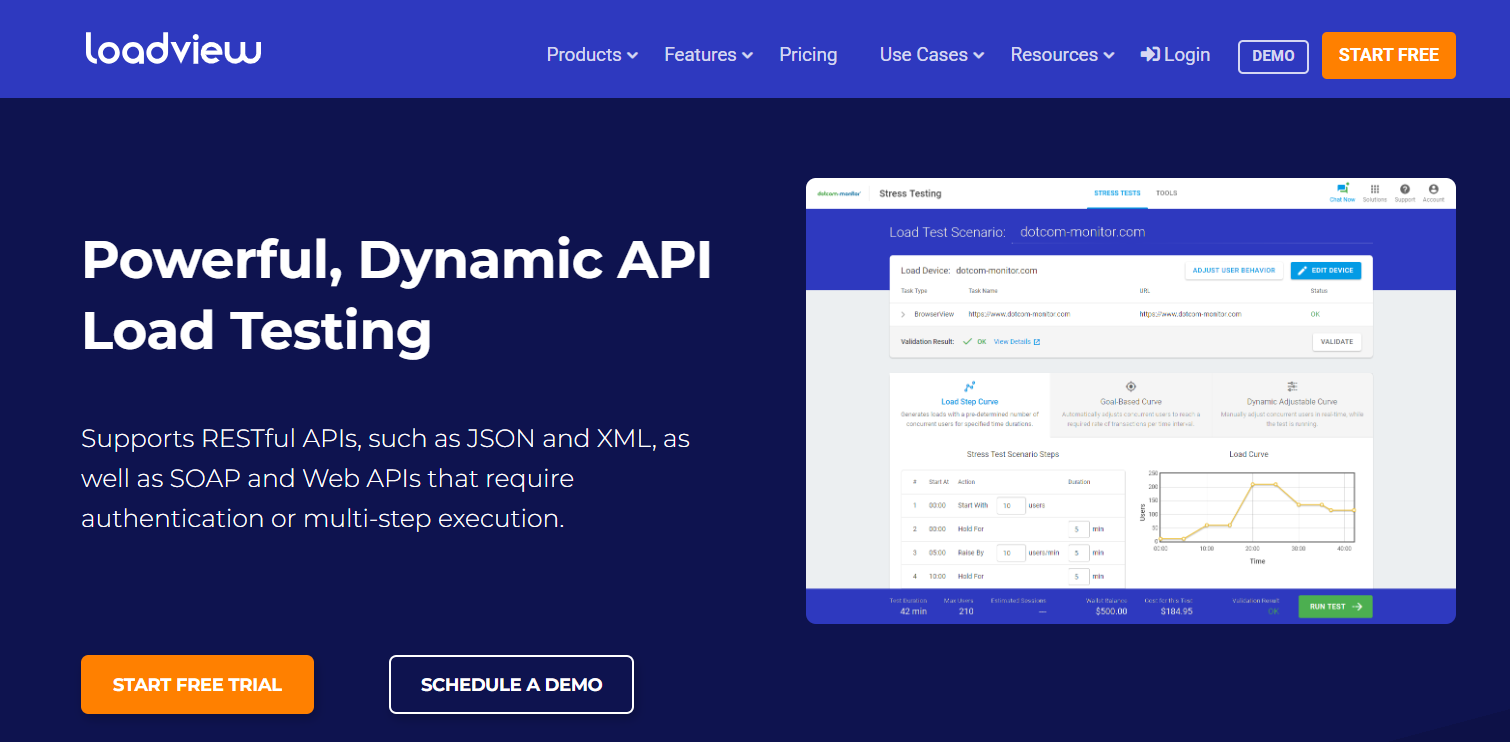
LoadView is a cloud-based load testing service that simulates concurrent users hitting REST, SOAP, and other web APIs to evaluate performance under real traffic rather than functional correctness.
A team preparing for a product launch or seasonal traffic spike can use this platform to run load tests, confirming response times hold up under expected peak concurrency before going live in production.
Key features
- Real browser-based load simulation, not just raw request replay
- Multi-step test execution for realistic user journeys
- Scales from a single test to thousands of concurrent simulated users
- SLA validation and real-time stress analysis during a test run
Pros & Cons
PROS
CONS
Pricing
A free On-Demand tier covers single tests with no subscription. Subscription plans start at $129/month (Starter), scaling to $454/month (Professional) and $899/month (Advanced), each billed annually. Enterprise pricing is custom.
Our take
LoadView is a specialist tool; use it specifically for load and performance validation, not as a general-purpose API tester.
Mabl
Best for: Teams that want combined UI and API test automation in one platform
Mabl is a broader test automation platform where API testing is one capability alongside UI, mobile, and accessibility testing; it’s not exactly a pure API tool. Its low-code approach is built for teams that want test coverage without every tester writing code.
A QA team that wants a single test suite that covers both a web application’s UI and its underlying API, rather than maintaining two separate tools and reporting views, will find this platform useful.
Key features
- Low-code test creation suitable for testers without a programming background
- API testing integrated with UI test coverage in a single platform
- Auto-healing tests that adapt to minor UI changes automatically
- Compatible with importing existing Postman collections
Pros & Cons
PROS
CONS
Pricing
Custom, contact-sales pricing only. Mabl does not publish self-serve tiers.
Our take
Mabl works best specifically when a team needs a combined UI and API test automation in one platform. Teams with a pure API testing need will likely find better value in a dedicated tool above.
How to Choose the Right API Development Tool
Start with what you’re actually trying to do, not the most popular name on the list.
- If you need one shared platform for a team to design, mock, document, and test APIs together, Postman or Insomnia cover that ground most completely.
- If you want a fast, free client for personal use, Hoppscotch or HTTPie are most suitable.
- If your team already reviews code changes through Git and wants API tests to follow the same process, Bruno or Hurl fit that workflow directly.
- If you’re maintaining SOAP services, SoapUI’s protocol depth matters more than a modern interface.
- And if the question is whether your API holds up under real concurrent load rather than whether it returns the right response, that’s LoadView’s job specifically, not a general-purpose client’s.
FAQs
Is Postman still free to use?
Yes. Postman’s free plan supports a single user with the core API client, mock servers, and basic collection running. Team collaboration features require a paid Solo, Team, or Enterprise plan.
What happened to Dredd?
Dredd’s GitHub repository was archived by its maintainer in November 2024 and no longer receives updates or fixes. It’s not recommended for new projects; teams already using it should plan a migration to an actively maintained alternative.
Do I need a paid tool if I’m just testing APIs by myself?
Not necessarily. Hoppscotch, HTTPie, and Hurl are all fully free and open source, and cover most individual testing needs without a subscription.
Can I use more than one tool from this list together?
Yes, and many teams do. A common pattern is a design/documentation tool like Swagger alongside a request client like Postman or Insomnia, plus a specialist load-testing tool like LoadView brought in only before major traffic events.
Is SOAP still relevant, or should I only look at REST-focused tools?
Plenty of established enterprise systems still run SOAP services alongside newer REST APIs. If that describes your environment, SoapUI’s native SOAP support is a real differentiator, not a legacy holdover.






