



An eSignature API lets your application request document signatures, track signing status, and download completed documents programmatically, instead of sending people to a separate signing tool. Developers use these APIs to add legally binding signing to contracts, onboarding flows, proposals, and any workflow that currently ends with a printed, signed, and scanned PDF.
How does an eSignature API work?
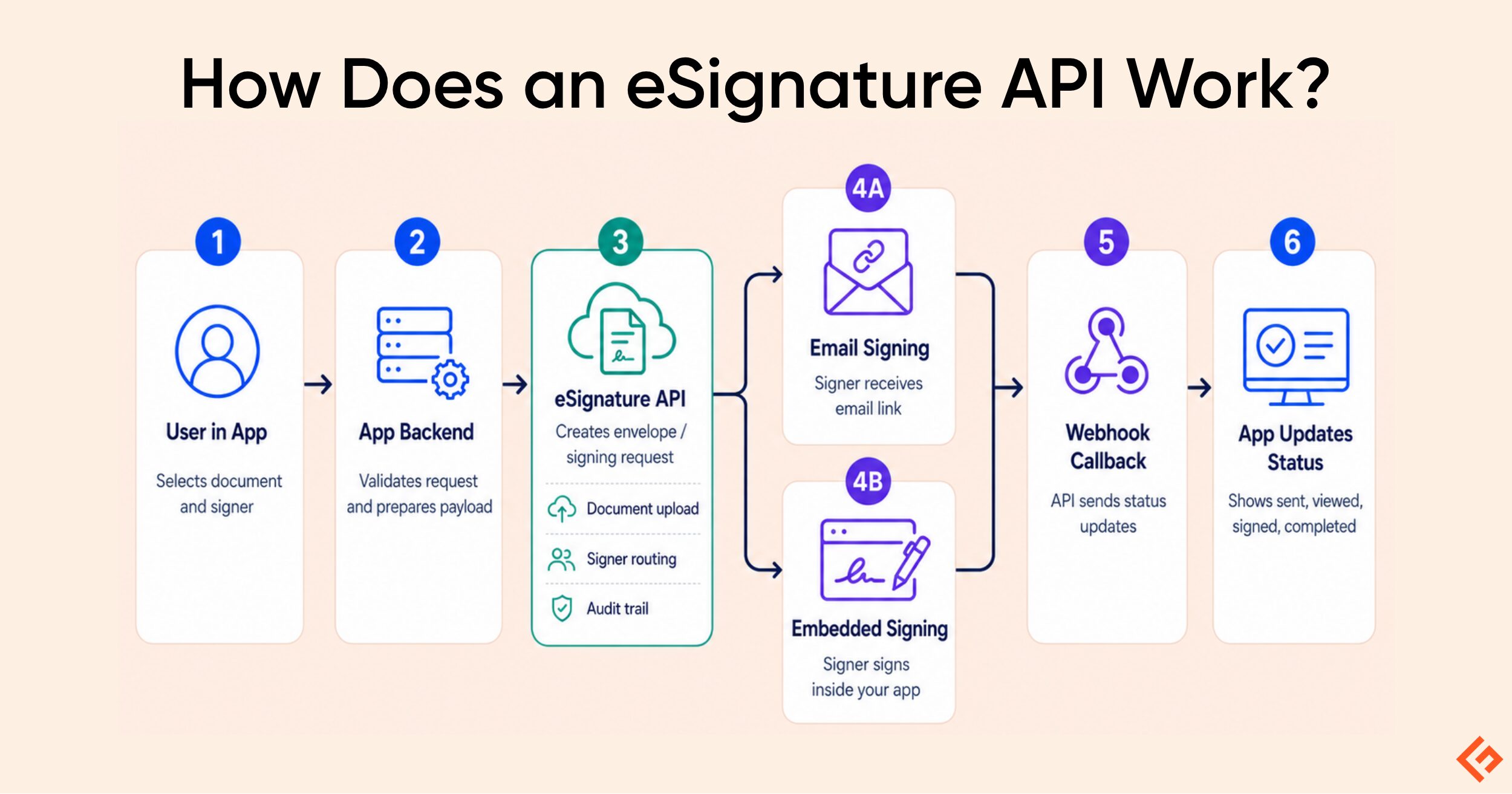
An eSignature API connects your app to an external signing service. After the app sends the document and signer details, the recipient can sign through an email link or directly inside the app, while webhook updates keep the signing status synchronized.
The diagram below shows how an eSignature API connects an app with an external signing service, allowing recipients to sign through an email link or directly inside the app. Webhook callbacks then send real-time status updates back to the app.
In this guide, I have covered the top eSignature APIs that you can embed into your own product.
Selection Methodology
I have evaluated each eSignature API provider on the following criteria:
- API-first positioning (versus signing bundled as a minor feature of a broader tool)
- Pricing model and free-tier/sandbox access
- Integration effort.
eSignature APIs Comparison
Below is a comparison table of the top eSignature API providers.
| Provider | Starting Price | Free Tier / Sandbox | Best For |
|---|---|---|---|
| signNow | $146/mo (Professional, annual) | Sandbox, 250 invites | Mobile-first, branded signing |
| PandaDoc | $40/mo (Developer Plan) | 60 docs/year free | Document generation + signing |
| DocuSign | $50/mo (Starter, annual) | Developer sandbox | Enterprise-scale integrations |
| Adobe Acrobat Sign API | Custom quote / Sales-led | Free developer sandbox | Teams standardized on Adobe |
| Zoho Sign | Credit-based (5 credits/envelope) | 14-day trial, 10 test docs | Teams already in the Zoho ecosystem |
| Dropbox Sign (formerly HelloSign) | $75/mo (Essentials) | Free Test Mode | Fast, developer-friendly integration |
| eSignatures.com | Pay-as-you-go ($0.49/contract base, down to $0.16 at volume) | No monthly minimum | Lean, pay-as-you-go pricing |
| BoldSign | $30/mo (Enterprise API) | Free sandbox | Affordable API with generous sandbox |
| Foxit eSign API | $600/yr (Developer Starter) | Free developer account | PDF-heavy document workflows |
| DigiSigner | $99/mo (or $0.50/doc + base plan) | Free test mode (watermarked) | Low-volume senders, simple pricing |
| OneSpan Sign | Custom quote / Sales-led | Free developer sandbox | Banks & regulated enterprises |
| SignEasy | $125/mo (Intermediate Tier) | Free sandbox, up to 3 apps | Simple, mobile-first signing |
| DocuSeal | $20/user/mo + $0.20/doc | Free self-hosted Community edition | Self-hosting & full data control |
| SignWell | Pay-as-you-go (~$0.85/doc) | 25 API docs/month free | Transparent, pay-per-document pricing |
Let’s now discuss them in detail.
signNow
Best for Mobile-First, Branded Signing
signNow (by airSlate) is a REST-based eSignature API built for embedding branded signing experiences into your own mobile app or website, with customizable templates, bulk sending, and status tracking through a single dashboard.
Top Features
- Customizable, branded signing UI that matches your own product design
- Bulk-send and template-based document generation with fillable fields
- Payment-request support alongside signature requests
- Developer sandbox for testing before going live
Pros & Cons
PROS
CONS
Pricing
The sandbox includes 250 signature invites to test before committing. The published Professional API plan costs $146/month on an annual commitment for 1,000 signature invites/month; higher volume, HIPAA compliance, or multi-app usage moves to a custom Enterprise+ quote.
PandaDoc
Best for Combining Document Generation with Signing
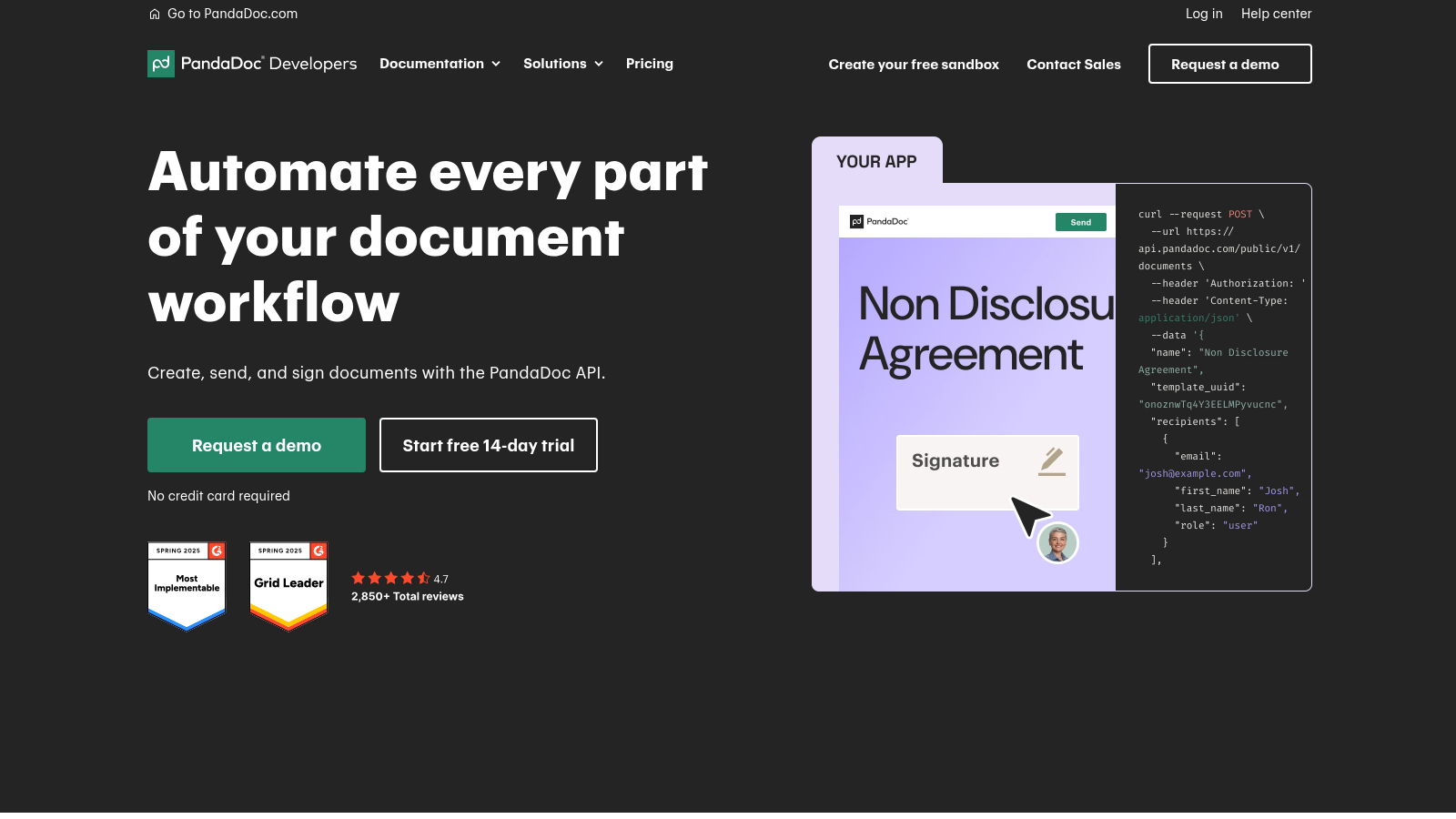
PandaDoc’s API pairs document generation (proposals, quotes, contracts) with eSignature collection in one workflow. It offers a dedicated developer pricing page separate from its general proposal-tool plans.
Top Features
- Full sandbox on the free tier, no credit card required
- Template-based document generation with dynamic fields
- Built-in webhooks for real-time status updates
- CRM integrations (Salesforce, HubSpot) on Enterprise
Pros & Cons
PROS
CONS
Pricing
Free: $0/month, 60 documents/year, 5 templates, 2 recipients per document, full sandbox.
API Developer: $40/month after a 14-day free trial, starting at 40 documents/month and scaling with usage.
Enterprise: custom pricing, adds CRM integrations, Notary, and SSO.
DocuSign
Best for Enterprise-Scale Integrations
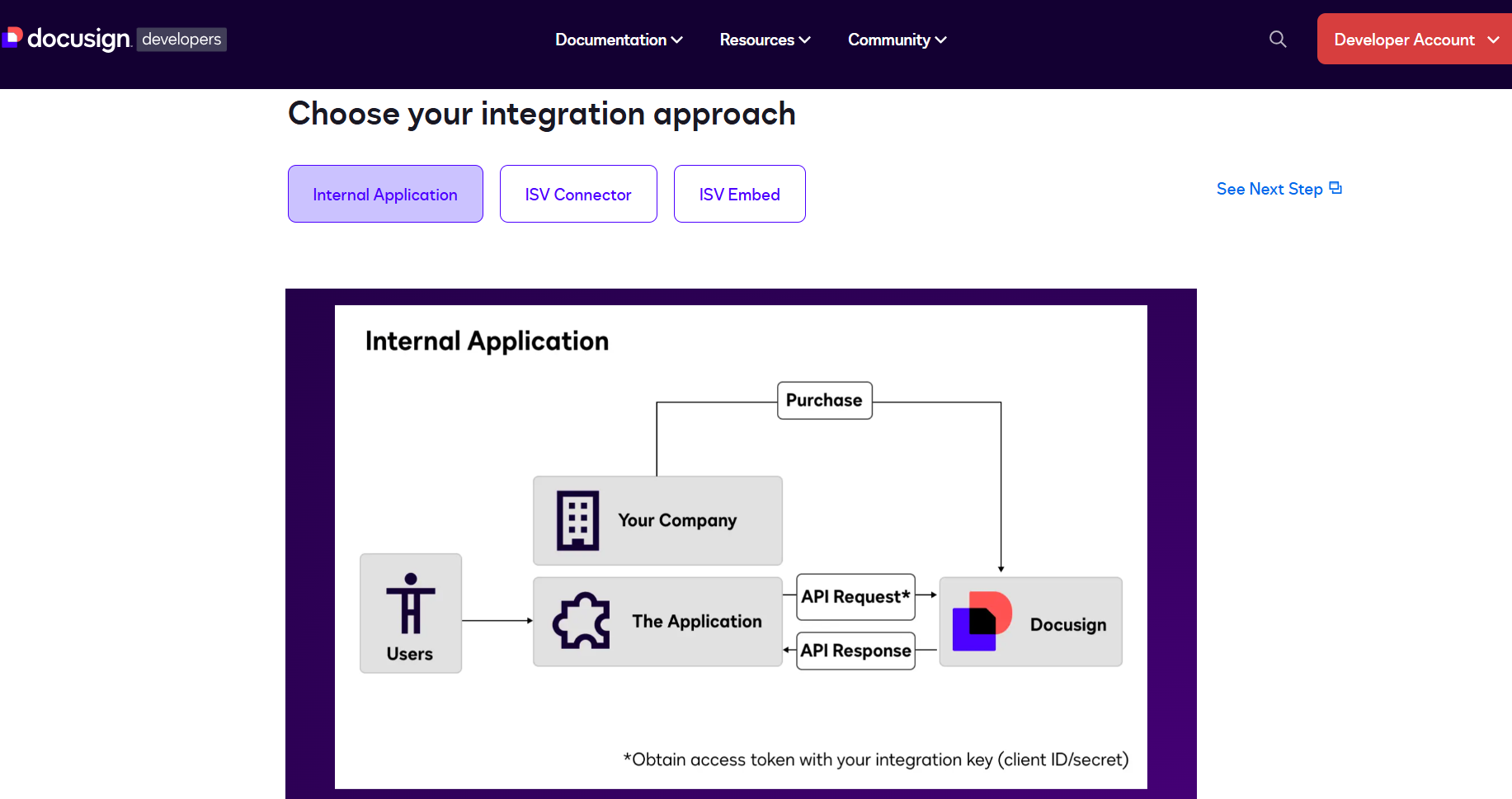
DocuSign is the largest and most recognized eSignature platform, and its eSignature API is built for teams that need deep integration from proof-of-concept through full enterprise rollout, spanning hundreds of REST endpoints.
Top Features
- Hundreds of REST endpoints covering signing, agreement management, and collaboration
- Bulk envelope sending and composite templates
- Broad third-party integration ecosystem
- Sandbox/demo account for development
Pros & Cons
PROS
CONS
Pricing
Developer API plans are: Starter, Intermediate, Advanced, and Enterprise tiers, billed annually.
The Starter plan starts at $600/year ($50/month) for 40 envelopes/month, with higher tiers scaling with envelope volume and features.
Adobe Acrobat Sign API
Best for Teams Standardized on Adobe
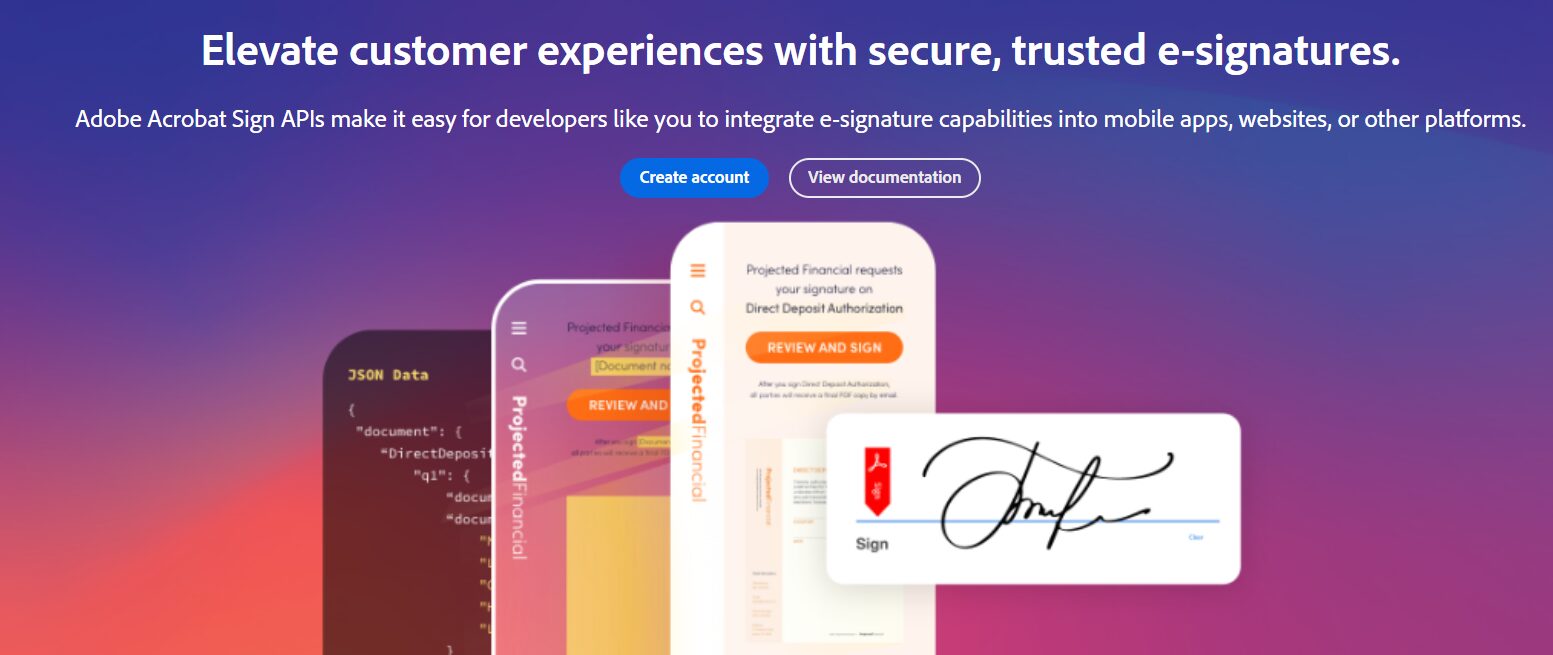
Adobe Acrobat Sign API extends Adobe’s document ecosystem with eSignature capability. It suits organizations that already rely on Acrobat and want signing to plug into the same PDF workflows.
Top Features
- Free developer sandbox for building and testing integrations
- Microsoft Power Automate connector for signature-triggered automation
- Full access to Adobe’s PDF services (document generation, extraction) on pay-as-you-go plans
Pros & Cons
PROS
CONS
Pricing
Developer sandbox access is free for testing and building integrations.
For production usage, Adobe does not publish fixed public API pricing; enterprise plans, API quotas, and OEM/Embedded integration licenses are customized based on volume and requirements through Adobe Sales.
Zoho Sign
Best for Teams Already in the Zoho Ecosystem
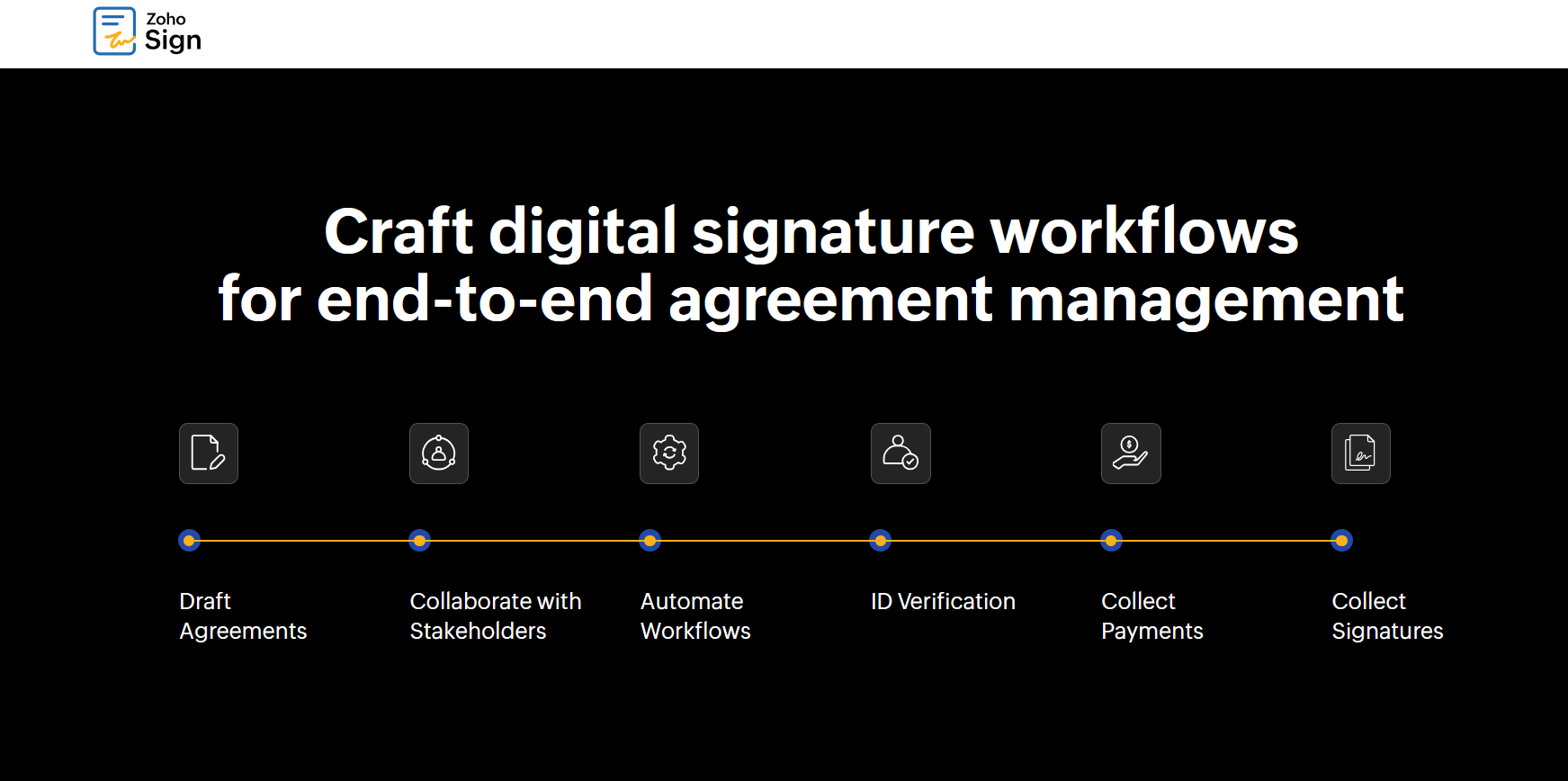
Zoho Sign’s API uses a credit-based model that scales cleanly with usage and fits naturally if you’re already running other Zoho products.
Top Features
- Credit-based API pricing with no monthly or annual commitment required
- Native integrations across the Zoho product suite
- Test mode via a testing=true parameter for free API calls during development
Pros & Cons
PROS
CONS
Pricing
Each envelope sent through the API consumes 5 Zoho Sign credits, purchased in bundles of 500 credits that don’t expire while your account is active. New users get a 14-day trial with 10 test documents; Enterprise and API-only subscribers can also send up to 50 free test documents/month using the testing=true parameter
Dropbox Sign (formerly HelloSign)
Best for Fast, Developer-Friendly Integration
Dropbox Sign (rebranded from HelloSign after Dropbox’s acquisition) is built around a straightforward REST API with a genuinely free test mode, making it a common first choice for many developers.
Top Features
- Full test mode that exercises every endpoint for free, even on a free account
- Embedded signing for keeping users inside your own app
- OAuth support and multi-language SDKs
- Template management for repeatable document workflows
Pros & Cons
PROS
CONS
Pricing
Essentials is $75/month ($900/year) for 50 signature requests/month
Standard is $250/month ($3,000/year) for 100 requests/month
Premium is custom-quoted for 250-750+ requests/month with unlimited templates.
A free Test Mode covers building and testing regardless of plan.
eSignatures.com
Best for Lean, Pay-As-You-Go Pricing
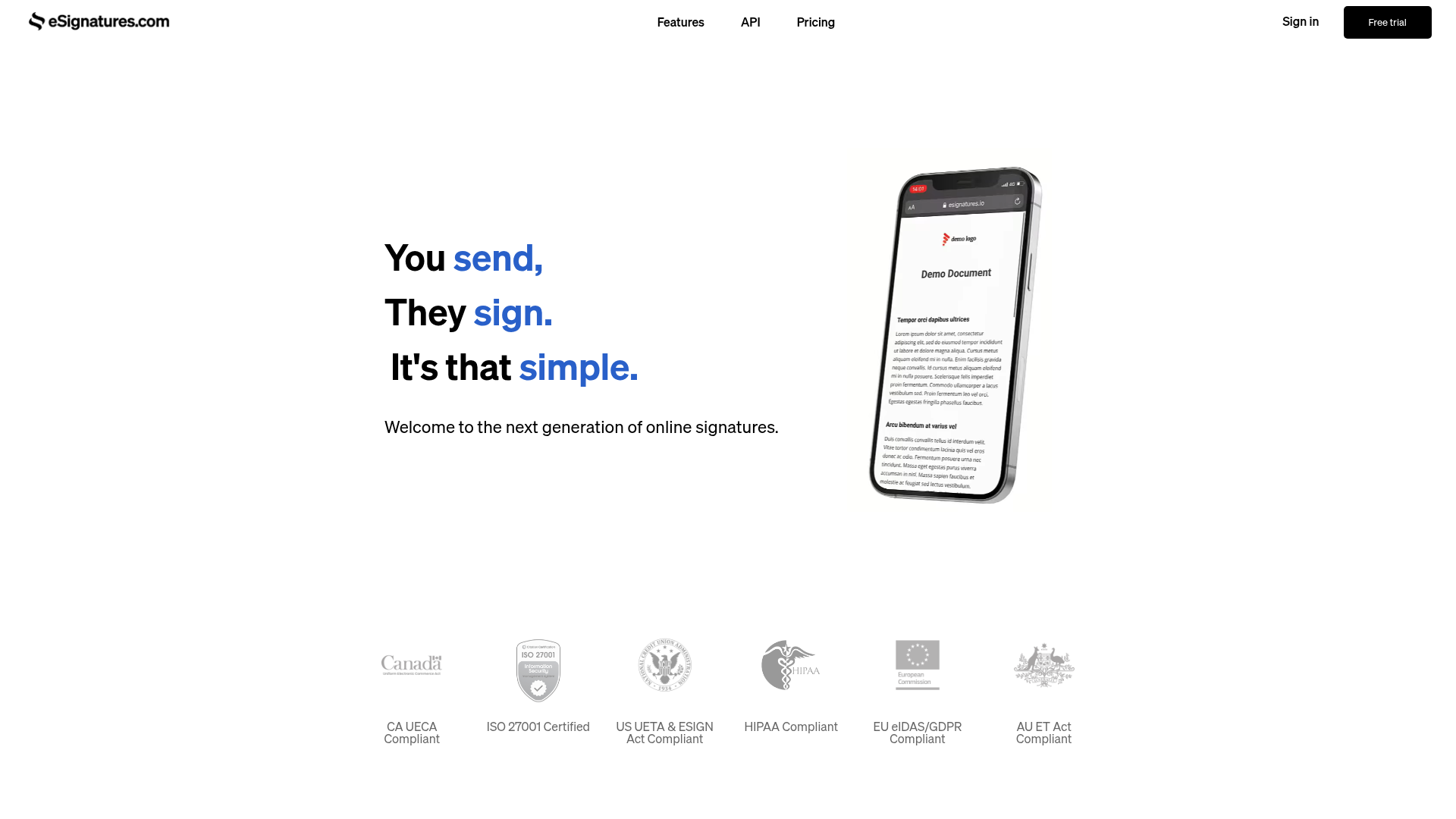
eSignatures.com (formerly eSignatures.io) strips eSignature down to a simple, credit-based API with no monthly fee, no seat limits, and every feature included regardless of volume.
Top Features
- Pure pay-as-you-go pricing with no monthly minimum
- All features included at every volume level; nothing gated behind a higher tier
- Credits that don’t expire
Pros & Cons
PROS
CONS
Pricing
Pay-as-you-go with no monthly fee; bulk discounts bring the rate down to about $0.16/contract at high volume. The Enterprise plan is available at $9,999/month plus $0.49/contract for teams that want dedicated support.
BoldSign
Best for Affordable API Access with a Free Sandbox
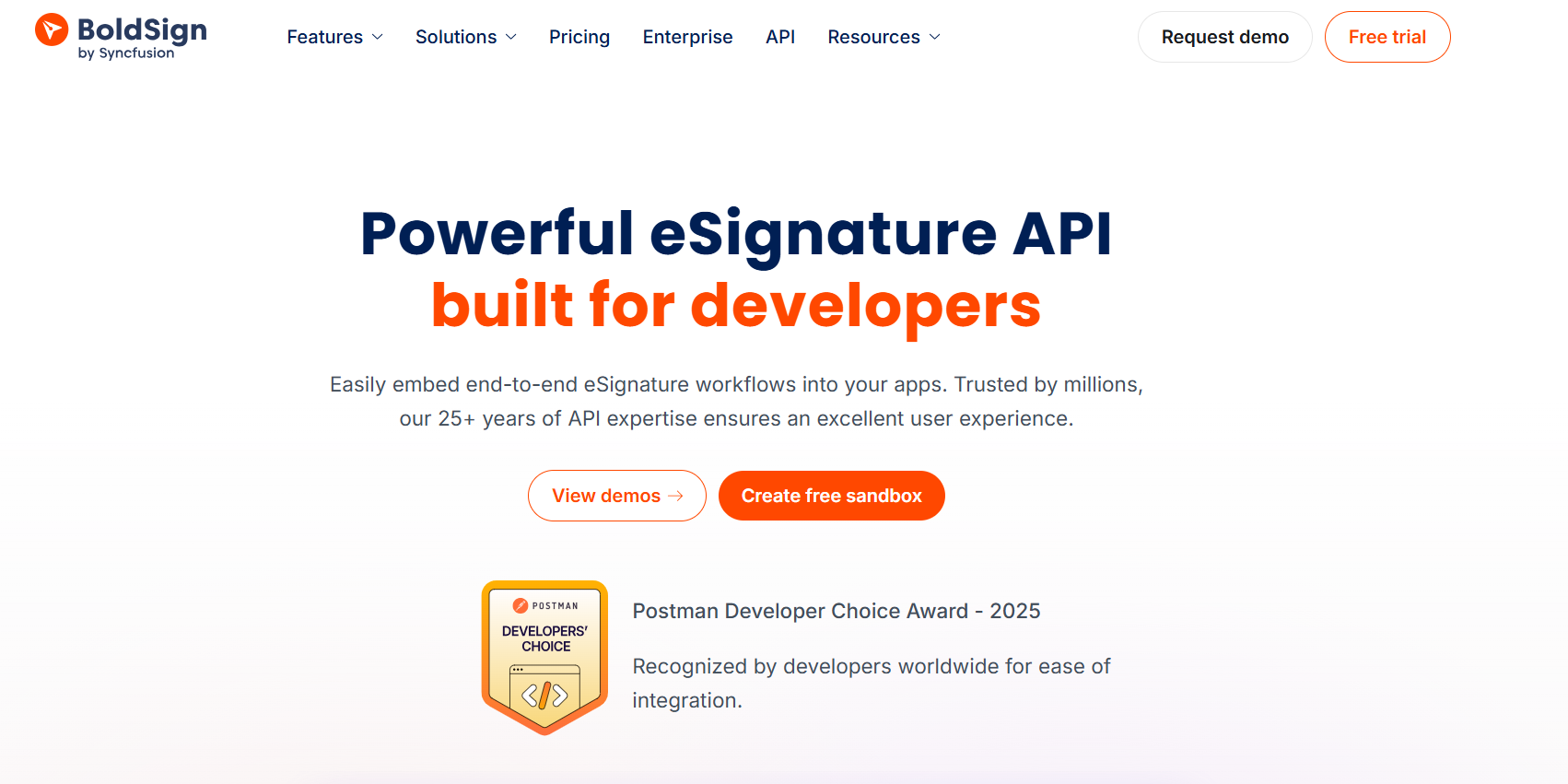
BoldSign (from Syncfusion) targets developers who want a full-featured eSignature API with reasonable pricing and a free sandbox that doesn’t require a credit card.
Top Features
- Free sandbox API key for testing, independent of your production plan
- Comprehensive REST API for uploading documents, assigning signature fields, and sending for signature
- It works for high volumes and handles large signing-request loads without performance issues.
Pros & Cons
PROS
CONS
Pricing
Developer sandbox access is completely free with no credit card required. Production API access starts at $30/month (Enterprise API) for 40 envelopes/month, with a flat $0.75 per-envelope rate for overages beyond that.
Foxit eSign API
Best for PDF-Heavy Document Workflows
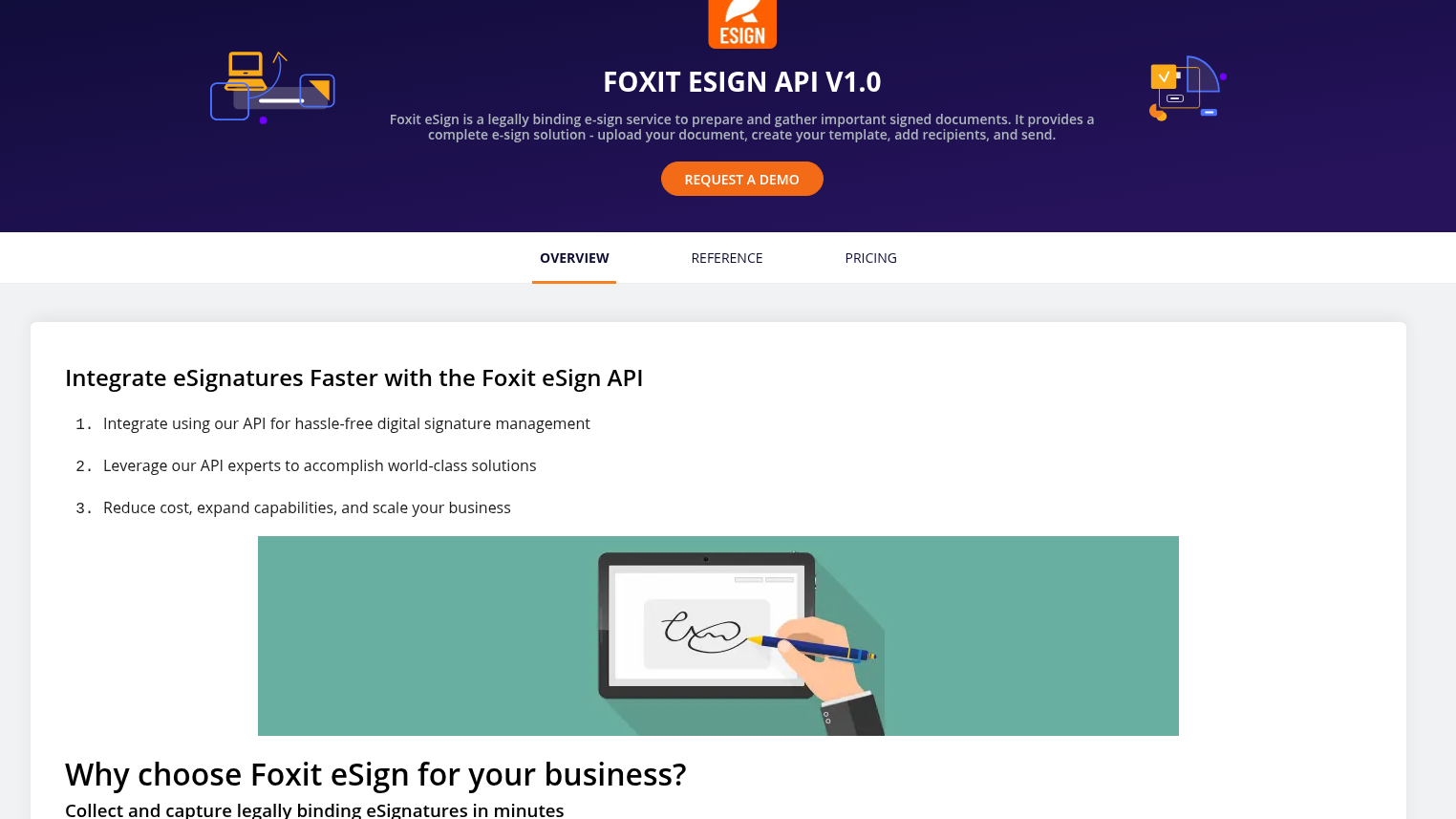
Foxit eSign API brings electronic signing into Foxit’s broader PDF-focused product line, a natural fit if your application already generates or manipulates PDFs programmatically.
Top Features
- Upload, template, and send workflow built specifically around PDF documents
- Embedded signing to keep users inside your own site or app
- Tamper-proof archival of signed documents for audit purposes
Pros & Cons
PROS
CONS
Pricing
Developer Starter plan costs $600/year for 40 envelopes/month, scaling to an Advanced tier of $5,760/year for higher automation needs
Enterprise is custom, starting around $50/user/month for volume deployments with SSO and advanced analytics.
DigiSigner
Best for Low-Volume Senders on a Simple Credit Model
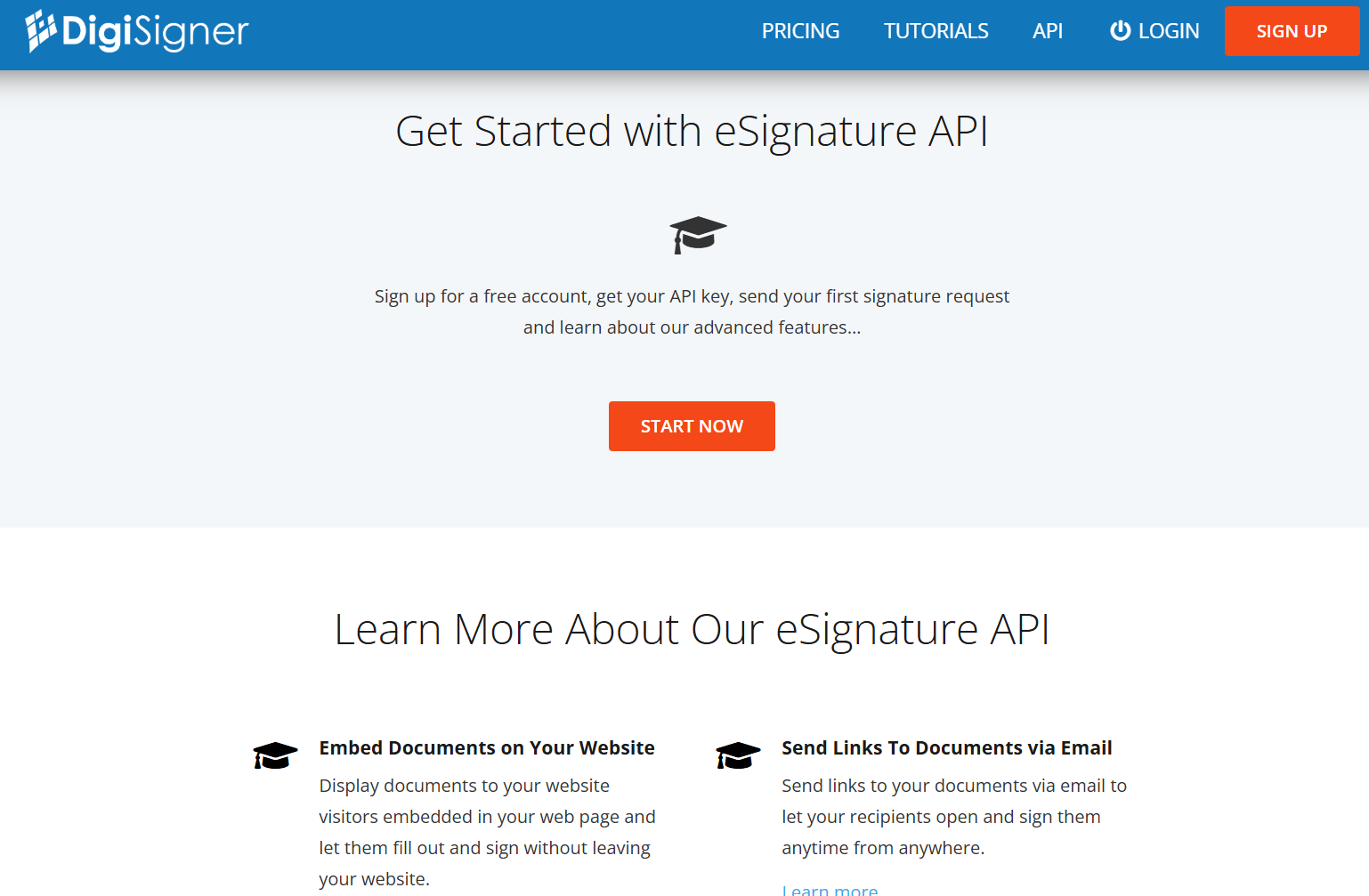
DigiSigner keeps its API pricing simple: a flat per-document credit cost on top of a base subscription, aimed at teams that send signature requests occasionally rather than at high volume.
Top Features
- Free test mode available immediately after signup, no credit card required
- Embeddable signing widget for collecting signatures without leaving your site
- Template-based document setup with a dashboard for configuration
Pros & Cons
PROS
CONS
Pricing
Developer testing is free with unlimited watermarked test documents. For production usage, standalone API plans start at $99/month for 100 documents/month (scaling to $249/mo for 300 docs). Alternatively, standard subscribers can purchase pay-as-you-go document credits at $0.50/document (minimum 100 credits) on top of a PRO ($12/mo) or TEAM ($40/mo) base plan.
OneSpan Sign
Best for Banks and Regulated Enterprises
OneSpan Sign brings electronic signing from OneSpan, a company with a long history in digital identity and security (formerly VASCO Data Security), aimed at banks, insurers, and other regulated organizations that need signing tightly integrated with identity verification and audit trails.
Top Features
- Public REST API plus .NET, Java, and APEX SDKs for custom integrations
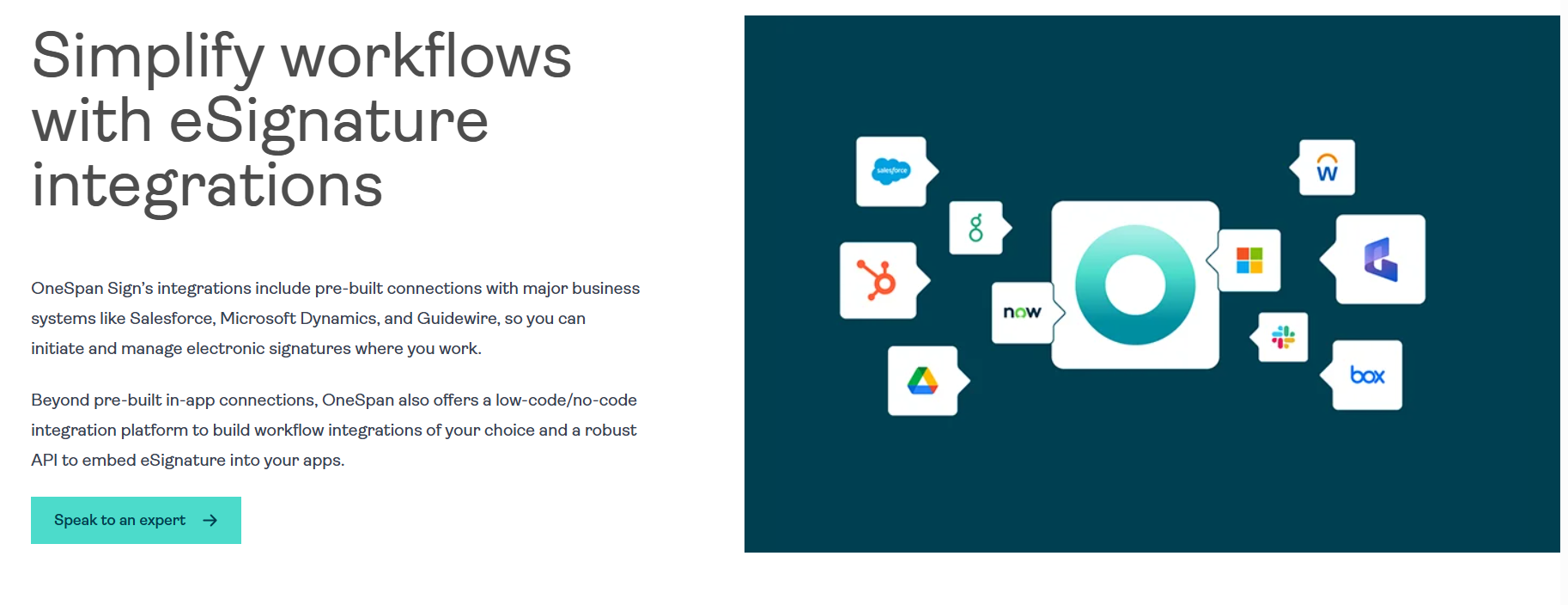
- Ready-made integrations with Microsoft, Google Workspace, Salesforce, and Workday
- White-labeling and API-based workflow automation on the Enterprise plan
- Security and compliance pedigree inherited from OneSpan’s identity-verification business
Pros & Cons
PROS
and email templates).
CONS
Pricing
Developer sandbox access is free for testing API integrations. For production API access (including embeddable signing and white-labeling), pricing is volume-based and handled on request through their Enterprise plan
SignEasy
Best for Simple, Mobile-First Signing
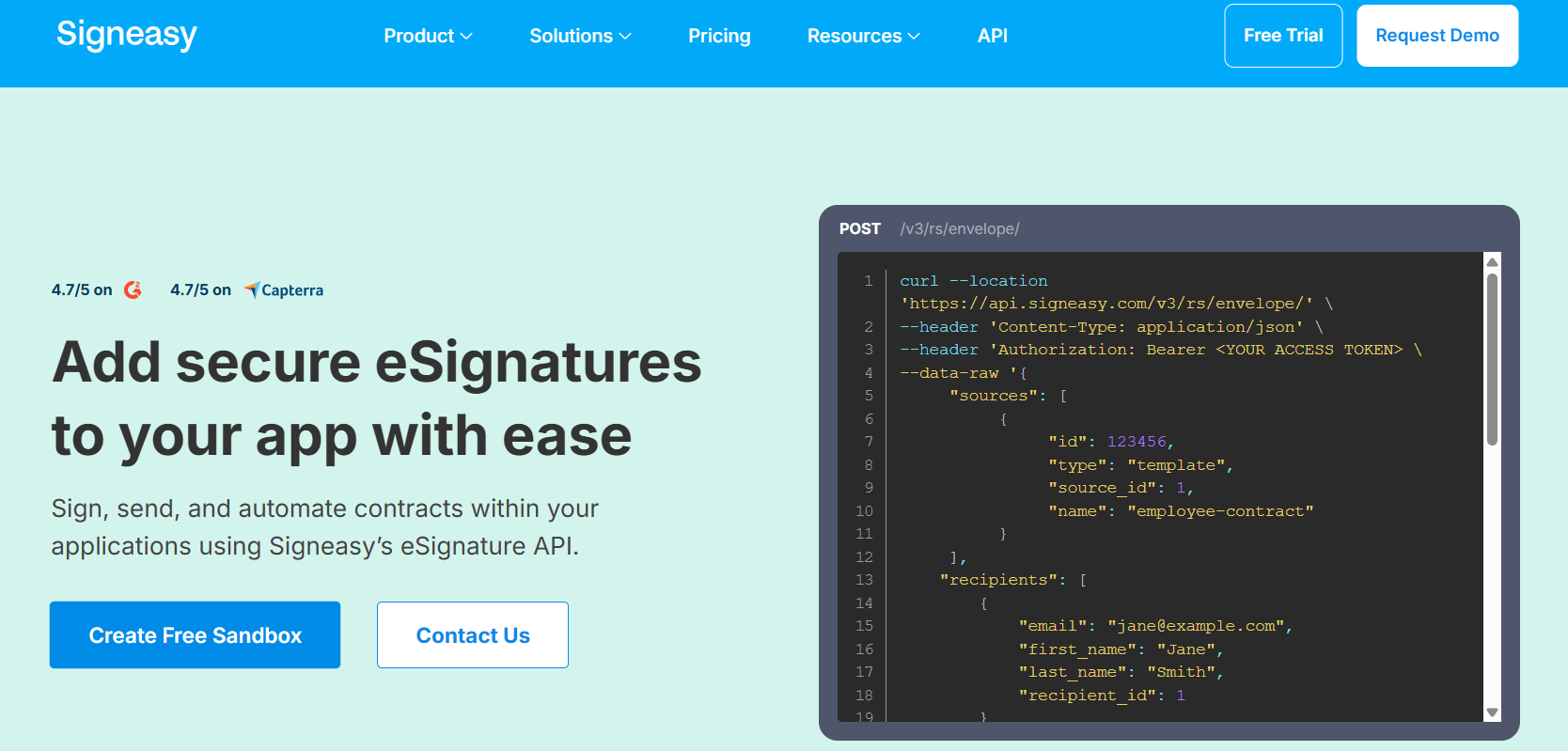
SignEasy is a mobile-first signing for small and growing teams, with API plans structured in clear steps rather than jumping straight from a free tier to an enterprise quote.
Key Features
- Mobile-first signing experience built for small teams
- Tiered API plans separated by app count and signature volume
- Free sandbox tier for exploring the API before committing
Pros & Cons
PROS
CONS
Pricing
The Free tier supports up to 3 apps in a sandbox. Paid tiers include Intermediate ($125/month) and Advanced ($250/month), plus a custom ‘Build Your Plan’ option for high-volume use.
DocuSeal
Best for Self-Hosting and Full Data Control
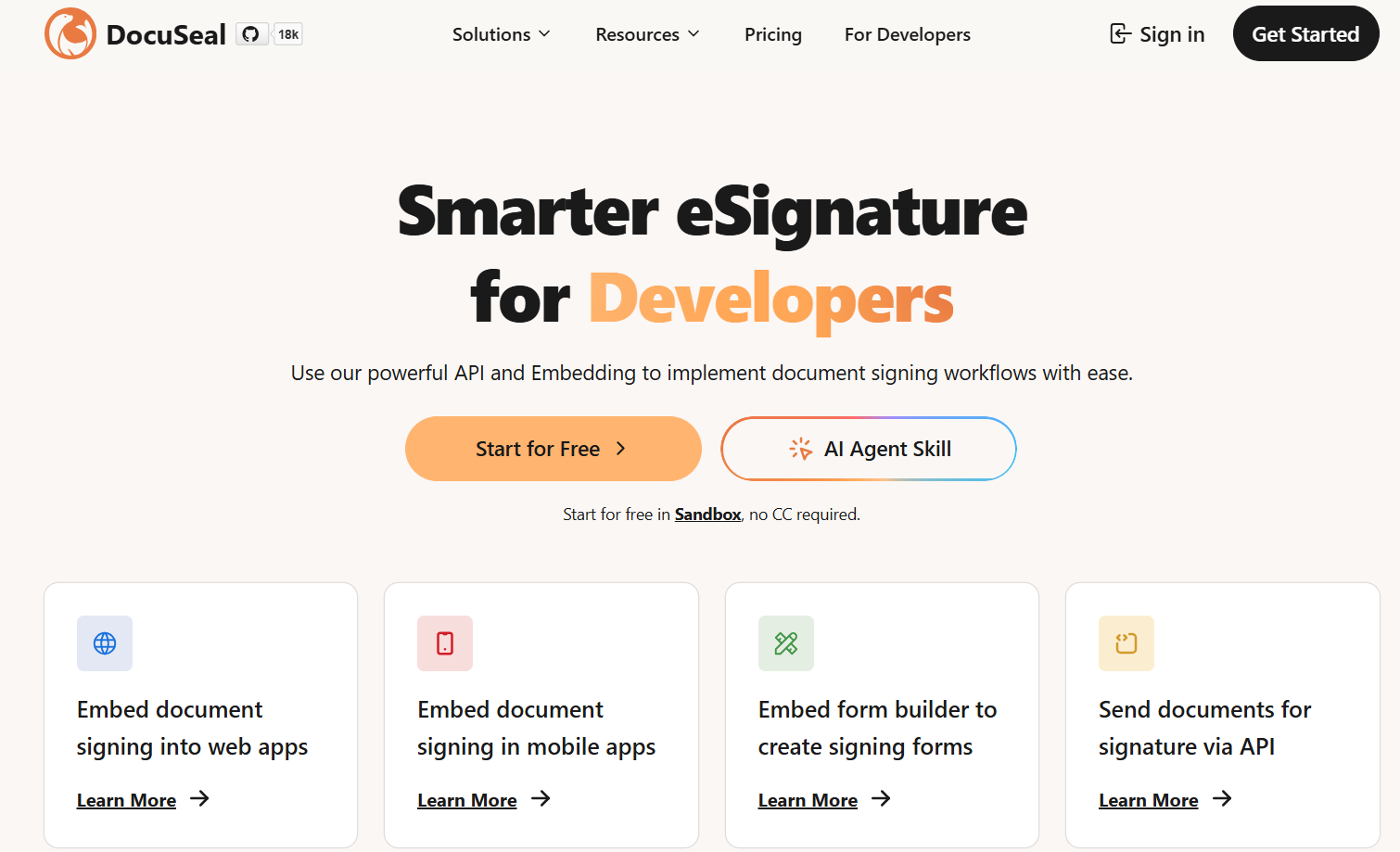
DocuSeal is an open-source eSignature platform built to be self-hosted for teams that want full control over where signed documents and data live instead of depending on a vendor’s cloud.
Top Features
- Fully self-hostable under an open-source (AGPL-3.0) license
- Embedding support for React, Vue, Angular, and plain JavaScript
- The same API works whether you self-host or use DocuSeal’s cloud plan
Pros & Cons
PROS
CONS
Pricing
The self-hosted edition is free (AGPL-3.0). Cloud plans are Free ($0, 10 documents/month) and Pro ($20/user/month). API and embedded document completions cost $0.20 each on both cloud and self-hosted Pro plans, with free unlimited API use for development and testing.
SignWell
Best for Transparent, Pay-Per-Document Pricing
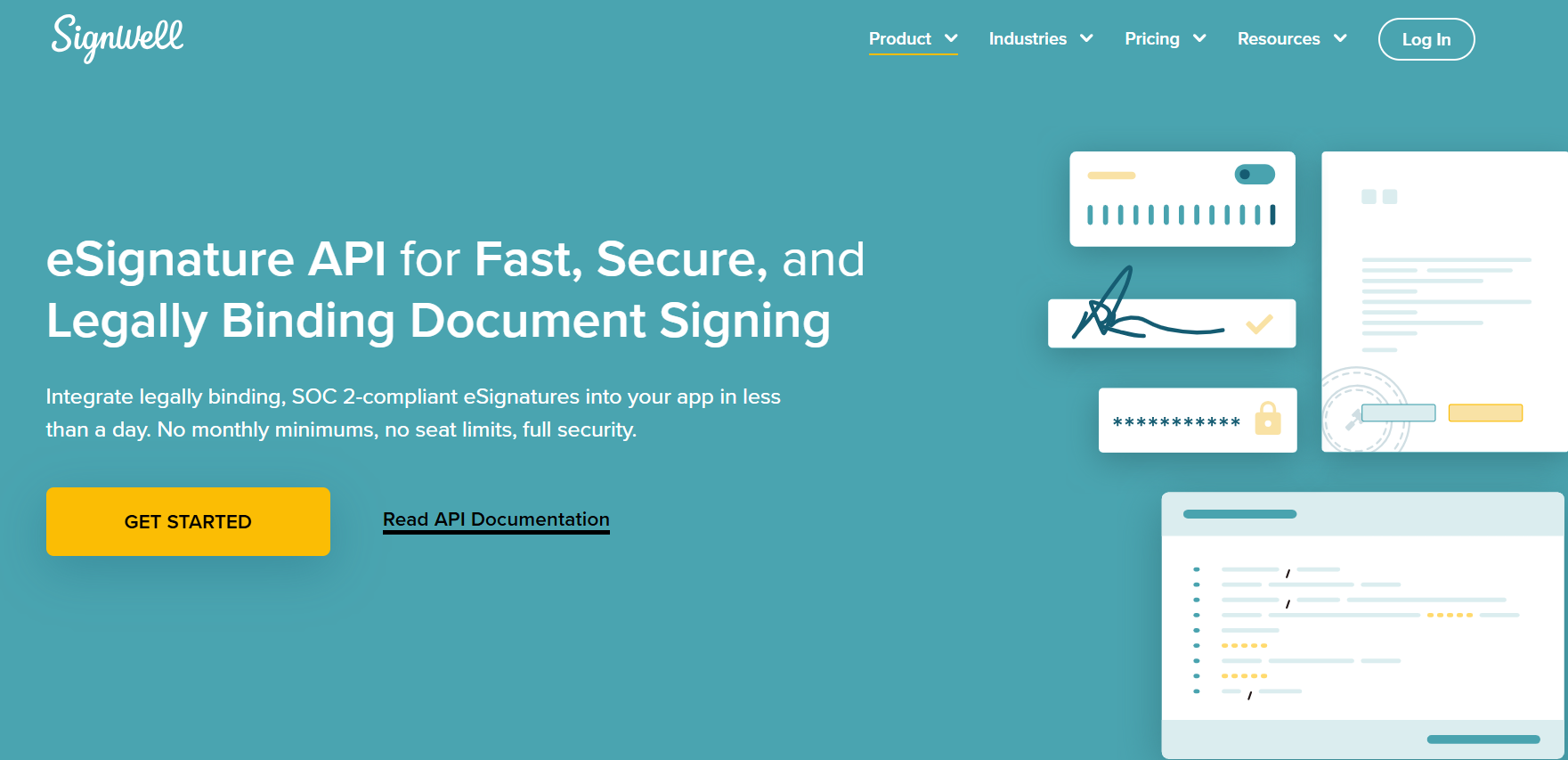
SignWell (formerly Docsketch) prices its API purely on document volume, with no seat minimums, aimed at teams that want costs to track usage directly rather than paying for a fixed monthly seat count.
Top Features
- Dedicated developer support included on API plans
- Unlimited free API testing before you pay for production documents
- SOC 2 Type II & HIPAA compliant
Pros & Cons
PROS
CONS
Pricing
The first 25 API documents/month are free. Beyond that, pricing starts around $0.85/document and decreases with volume to about $0.20/document or lower on high-volume/custom plans; yearly billing gets a 10% discount.
Honorable Mentions
These didn’t get full sections, but they’re powerful, developer-friendly eSignature APIs worth a look depending on what you need:

Anvil (Etch E-Sign API)

Xodo Sign (formerly Eversign)

OpenSign

Nitro Sign

GetAccept
How to Choose the Right eSignature API
- Need the most mature, widely-integrated option and can absorb enterprise pricing? DocuSign.
- Want document generation (proposals/quotes) and signing in one API? PandaDoc.
- Building on a tight budget or prototyping? PandaDoc’s free tier, Dropbox Sign’s test mode, or eSignatures.io’s pay-as-you-go model.
- Already standardized on Adobe or Zoho? Adobe Acrobat Sign API or Zoho Sign respectively.
- Sending PDFs heavily already? Foxit eSign API.
- In banking, insurance, or another regulated industry? OneSpan Sign.
- Want full control over your data via self-hosting? DocuSeal.
- Need eSign bundled with sales/proposal workflows rather than a standalone API? See GetAccept above.
Frequently Asked Questions
Is an eSignature created through these APIs legally binding?
Yes. All the providers in this list produce signatures that are legally binding and admissible in court under frameworks like the U.S. ESIGN Act and UETA, and most support additional compliance certifications for regulated industries. Confirm the specific certifications you need (e.g., HIPAA, eIDAS) directly with the provider, since coverage varies by plan.
What’s the difference between an eSignature API and a full eSignature platform?
An eSignature API (like DigiSigner, BoldSign, or eSignatures.com) are created to be embedded into your own application. You control the UI. A fuller platform (like PandaDoc or DocuSign’s broader product) also includes a standalone web app for sending and managing documents outside of any custom integration. Most providers here offer both, but the API-first ones tend to have simpler, more transparent developer pricing.
Are there free eSignature APIs?
Several offer a genuinely free tier or sandbox: PandaDoc’s free tier (60 documents/year), Dropbox Sign’s Test Mode, DigiSigner’s free test mode, and BoldSign’s free sandbox all let you build and test without paying. Free production usage at real volume, though, is rare across the category.
How much does an eSignature API typically cost?
It varies by model. Credit/pay-as-you-go providers like Zoho Sign, DigiSigner, and eSignatures.io charge per document (roughly $0.16–$0.50 depending on volume). Subscription-based APIs range from around $40/month (PandaDoc) to $250+/month (Dropbox Sign Standard) at entry-to-mid tiers, with enterprise-grade providers like DocuSign and Adobe Acrobat Sign requiring custom or sales-quoted pricing.
Conclusion
There’s no single best eSignature API. The right one depends on what you’re already building with. If you want document generation and signing together, PandaDoc’s free tier is worth starting with.
If you need the most integration-tested option at scale, DocuSign remains the default enterprise choice. If cost predictability matters more than feature breadth, eSignatures.io’s pay-as-you-go model or Zoho Sign’s credit system avoids tiered-plan surprises.
And if what you actually need is signing bundled into a broader sales workflow rather than a standalone eSignature API, GetAccept is worth a look instead of forcing a pure eSignature API into that role.






