



A WhatsApp Business API gateway is a third-party provider that gives you access to Meta’s WhatsApp Business Platform; that’s the programmatic version of WhatsApp for sending messages. Meta doesn’t sell direct self-serve access to most businesses, so you connect through a Business Solution Provider (BSP), which handles the technical integration, message templates, and billing pass-through.
Some tools are marketed as WhatsApp API gateways, but they don’t connect through Meta’s platform at all. They pair with your number the way WhatsApp Web does, putting your business number at risk of restriction. In this list, I have only included providers that connect through Meta’s official Business Platform, along with what each one is good at, what it costs, and where it falls short.
Quick Comparison
Every provider below is a Meta-recognized business solution provider. None of them require scanning a QR code or pairing your number through WhatsApp Web.
| Provider | Best for | Notable strength | Starting price |
|---|---|---|---|
| Brevo | Marketing teams already using Brevo’s email and CRM tools | No-code templates and up to 25 WhatsApp numbers per account | Free integration, pay per message |
| Freshworks (Freshchat) | Support teams that want WhatsApp in an existing helpdesk | Freddy AI automation across a shared, multi-channel inbox | Free plan; paid from $19/agent/month |
| Twilio | Engineering teams building custom messaging flows | Deep API control across WhatsApp, SMS, and voice in one platform | From $0.005/message + Meta fees |
| Vonage | Teams bundling WhatsApp with voice and SMS | Jumper.ai conversational commerce and a free sandbox | From €0.0001/message + Meta fees |
| Trengo | Small support and sales teams wanting one shared inbox | WhatsApp included on every plan, not gated to a top tier | From €299/month |
| Sinch | Enterprises that need scale and reliability | 200,000+ businesses served, including 8 of the 10 largest tech companies | Custom quote |
| 360dialog | Developers who want direct, no-markup Cloud API access | Zero markup on Meta’s own message fees | From €49/month per number |
| Interakt | Shopify and e-commerce brands | Built-in abandoned-checkout and COD-to-prepaid flows | Free plan; paid from $55/month |
| AiSensy | SMBs that want no-code chatbots and broadcast campaigns | Drag-and-drop chatbot builder plus a 24/7 AI agent option | From $45/month |
Brevo
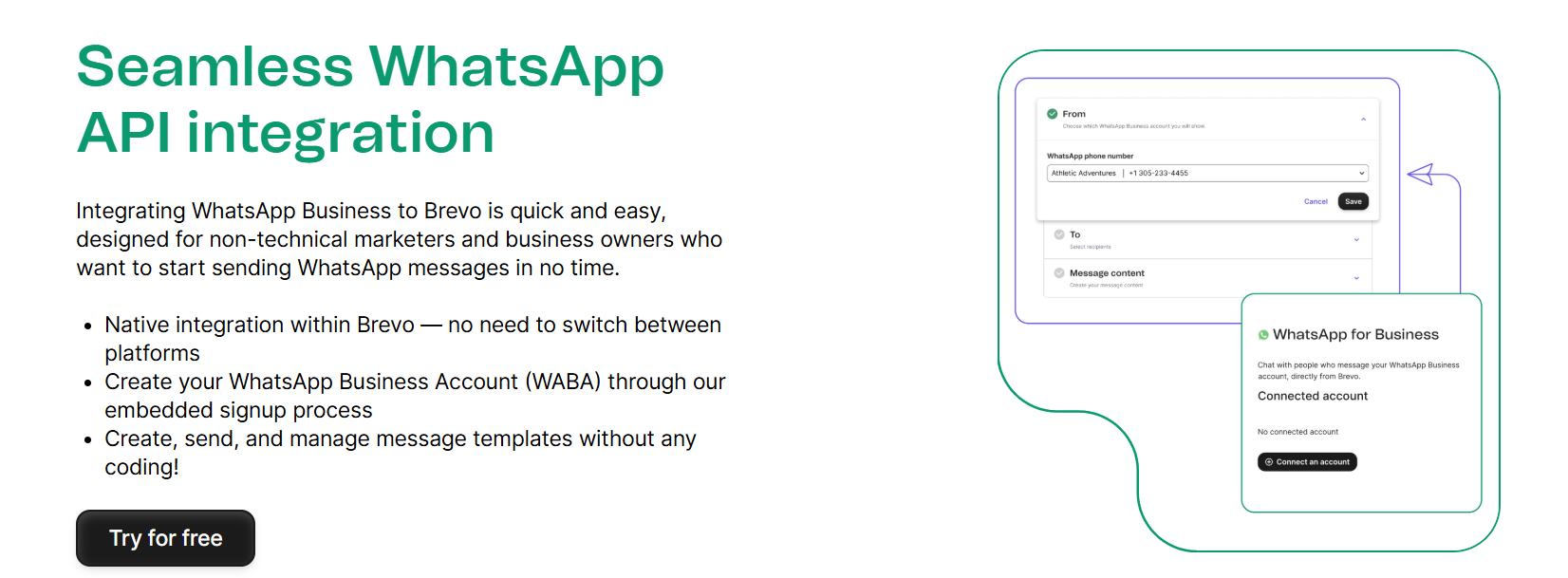
Brevo is a marketing platform built around email, SMS, and CRM tools that also operates as a Business Solution Provider for the WhatsApp Business Platform. You create your WhatsApp Business Account through an embedded signup flow inside Brevo, then build and send message templates without writing any code. Because contacts live in the same CRM used for email and SMS, WhatsApp becomes one more channel in an existing contact list rather than a separate system to maintain.
Key Features
- A REST endpoint (
POST /v3/whatsapp/sendMessage) for triggering template WhatsApp messages straight from your own backend, not just the dashboard - Consent-collection opt-in forms built specifically for WhatsApp signup
- Campaign segmentation to target specific customer groups with WhatsApp messages
- Support for up to 25 WhatsApp numbers on a single business account
- Eligibility for WhatsApp’s verified green-tick badge, which isn’t available through the free WhatsApp Business App
Pros & Cons
PROS
CONS
Pricing
The WhatsApp integration is free to set up. After that, Brevo bills per message sent, with rates that vary by recipient country.
Freshworks (Freshchat)
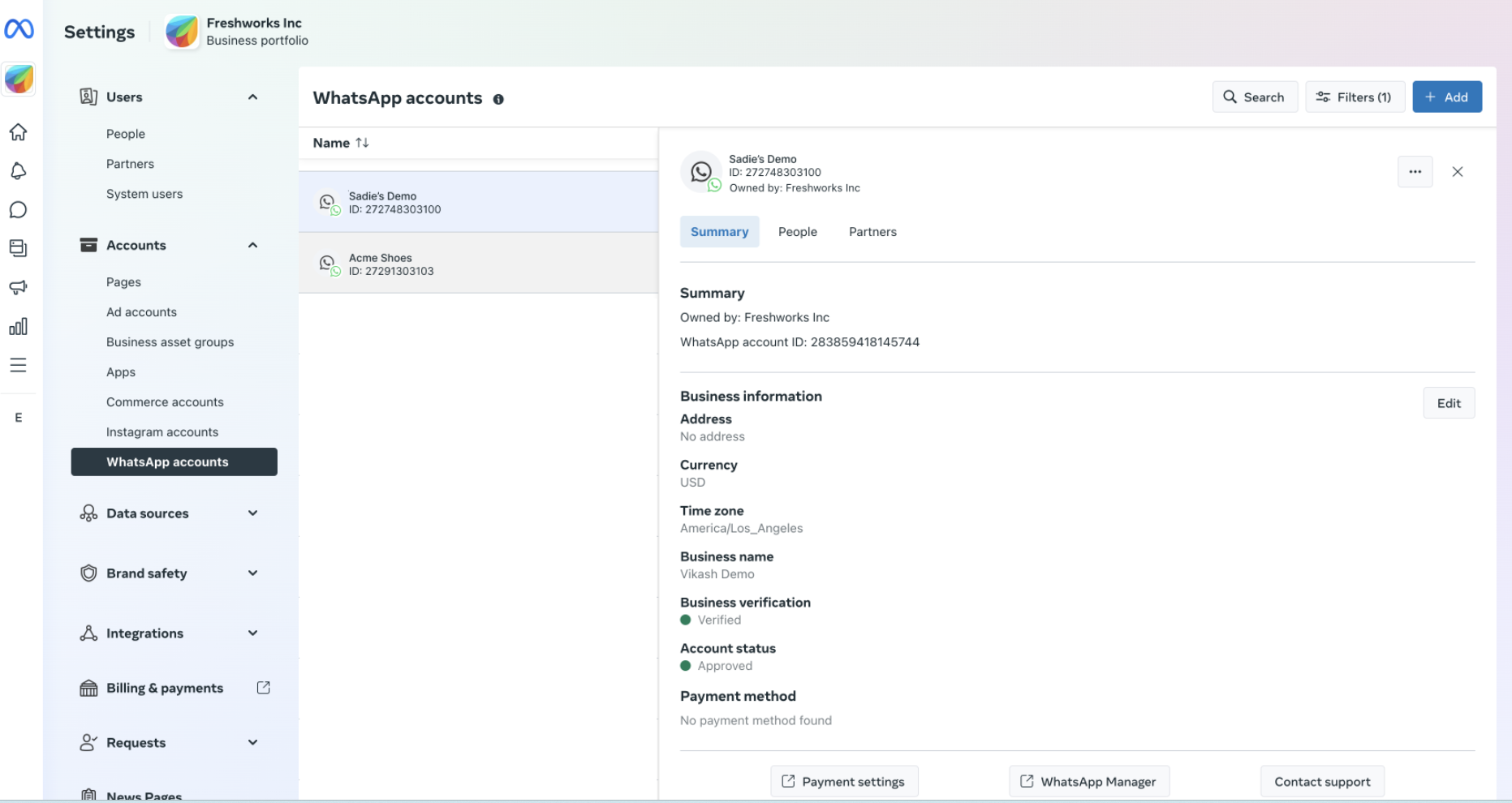
Freshchat is Freshworks’ conversational engagement product that includes the WhatsApp Business API integration. It’s not a separate Freshworks product. Incoming WhatsApp messages land in the same shared inbox as live chat, Messenger, and other channels, with routing rules that send each conversation to the right team automatically. Freddy AI, Freshworks’ AI layer, answers common questions before a human agent sees the conversation.
Key Features
- A REST endpoint (
POST /v2/outbound-messages/whatsapp) for sending template WhatsApp messages directly from your backend, separate from the agent inbox - Available on Freshchat’s Free plan, not gated to a paid tier the way it is on Freshdesk Omni
- Auto-translation across more than 20 languages
- IntelliAssign distributes incoming conversations automatically based on agent workload
- Connects with outside tools through the Freshworks Marketplace
Pros & Cons
PROS
CONS
Pricing
Freshchat has a free plan for up to 10 agents, and WhatsApp is available on that free tier. Paid plans, billed annually, start at Growth ($19/agent/month), then Pro ($49/agent/month), and Enterprise ($79/agent/month).
WhatsApp message costs from Meta are billed separately from the Freshchat subscription.
Twilio
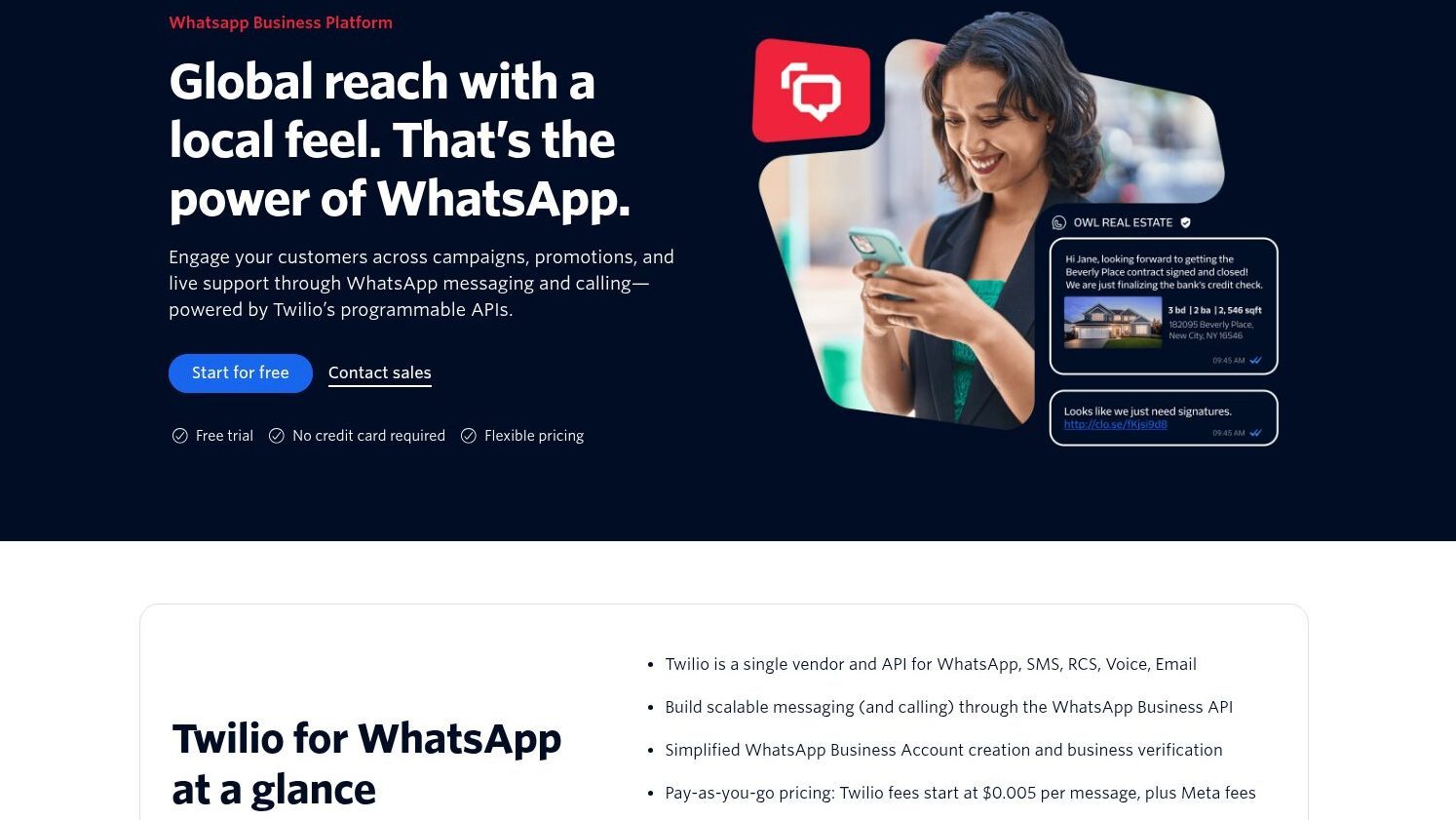
Twilio is reputed for its first-party customer-engagement APIs, and WhatsApp is one channel inside that broader messaging product. Rather than a ready-made inbox, Twilio provides developers direct API control for building WhatsApp into their custom communication flow.
Key Features
- Simplified WhatsApp Business Account creation and business verification
- Transactional and marketing message templates managed through the API
- Delivery-status tracking and message routing controls
- One-time-password and identity verification flows built for WhatsApp
- Customer support and conversion tracking building blocks
- AI-powered agent support for automated conversations
Pros & Cons
PROS
CONS
Pricing
Twilio charges a flat fee starting at $0.005 per message on top of Meta’s own per-message fees, which vary by destination country and message category.
Vonage
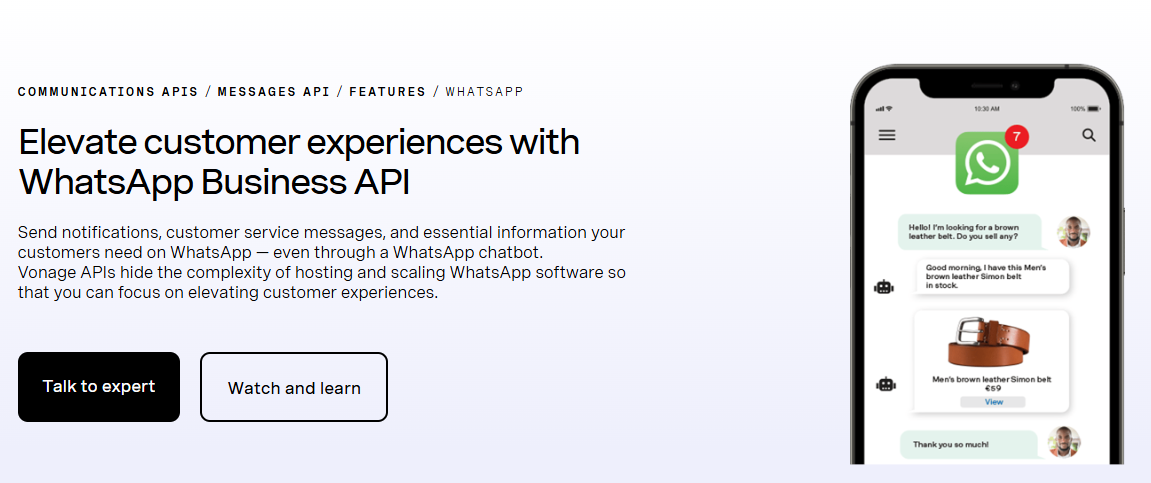
Programmable APIs for voice, SMS, video, and messaging are Vonage‘s core business, with WhatsApp as one channel inside that broader Communications APIs product. Where Twilio and Sinch focus on API depth and scale, Vonage lets you conduct transactions via WhatsApp conversations and not just treat WhatsApp as a notification channel.
Key Features
- Jumper.ai conversational commerce for in-chat product discovery and sales
- Location-based messaging to send information relevant to where a customer is
- AI bots for building self-service conversation flows
- Free Messages API sandbox for development and testing
- End-to-end encrypted messaging, including support for virtual numbers
Pros & Cons
PROS
CONS
Pricing
Vonage charges its own platform fee of €0.0001 ($0.00016) per message, in addition to Meta’s per-message WhatsApp fee, which varies by country and message category. The sandbox environment is free to use during development.
Trengo
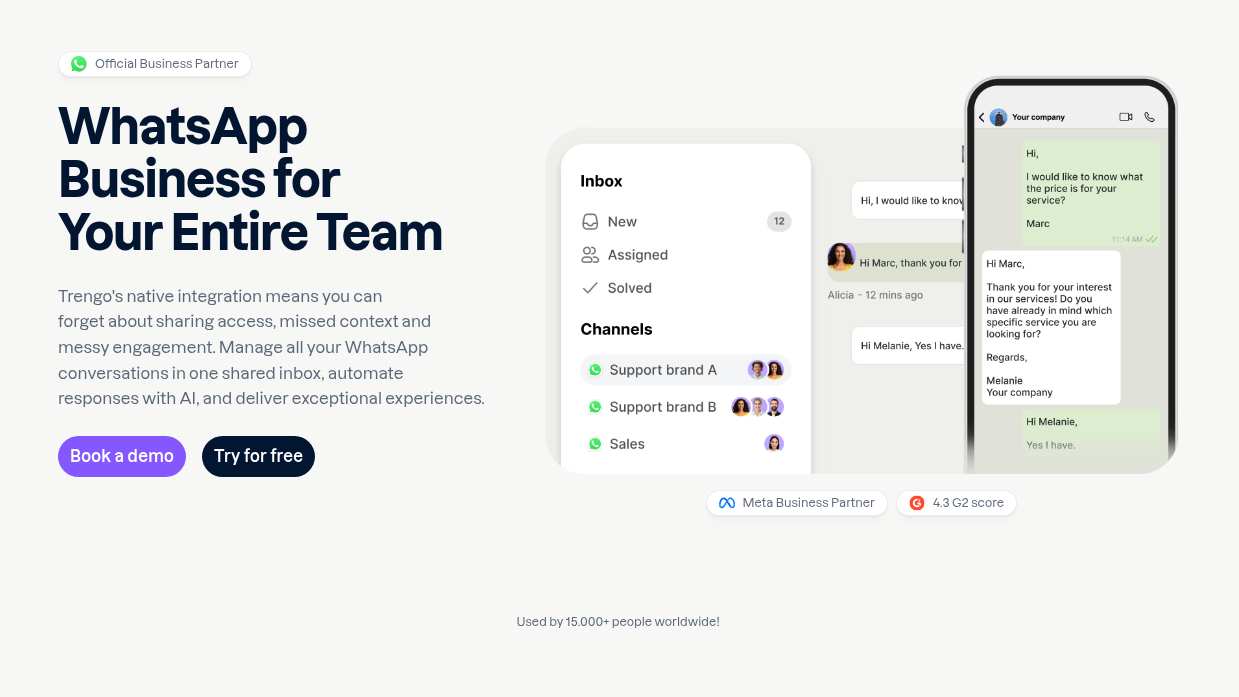
Trengo is an omnichannel inbox with WhatsApp messages in the same dashboard as email, live chat, and social messages. It’s positioned as a support and sales tool than a raw messaging API. It falls in the same category as Freshchat rather than Twilio.
Key Features
- A REST endpoint (
POST /wa_sessions) for starting WhatsApp template conversations from your own backend or scripts - Shared inbox combining WhatsApp with email, live chat, and social channels
- Workflow automation with auto-replies, quick replies, and routing rules
- CRM and e-commerce integrations, including Salesforce, HubSpot, and Shopify
- Bulk broadcast messaging to contact lists
Pros & Cons
PROS
CONS
Pricing
Trengo’s current plans are
Boost: €299/month billed annually, €349 month-to-month
Pro: €499/month billed annually, €599 month-to-month
Custom-priced Enterprise tier.
The official WhatsApp Business API integration is included on all three tiers.
Sinch
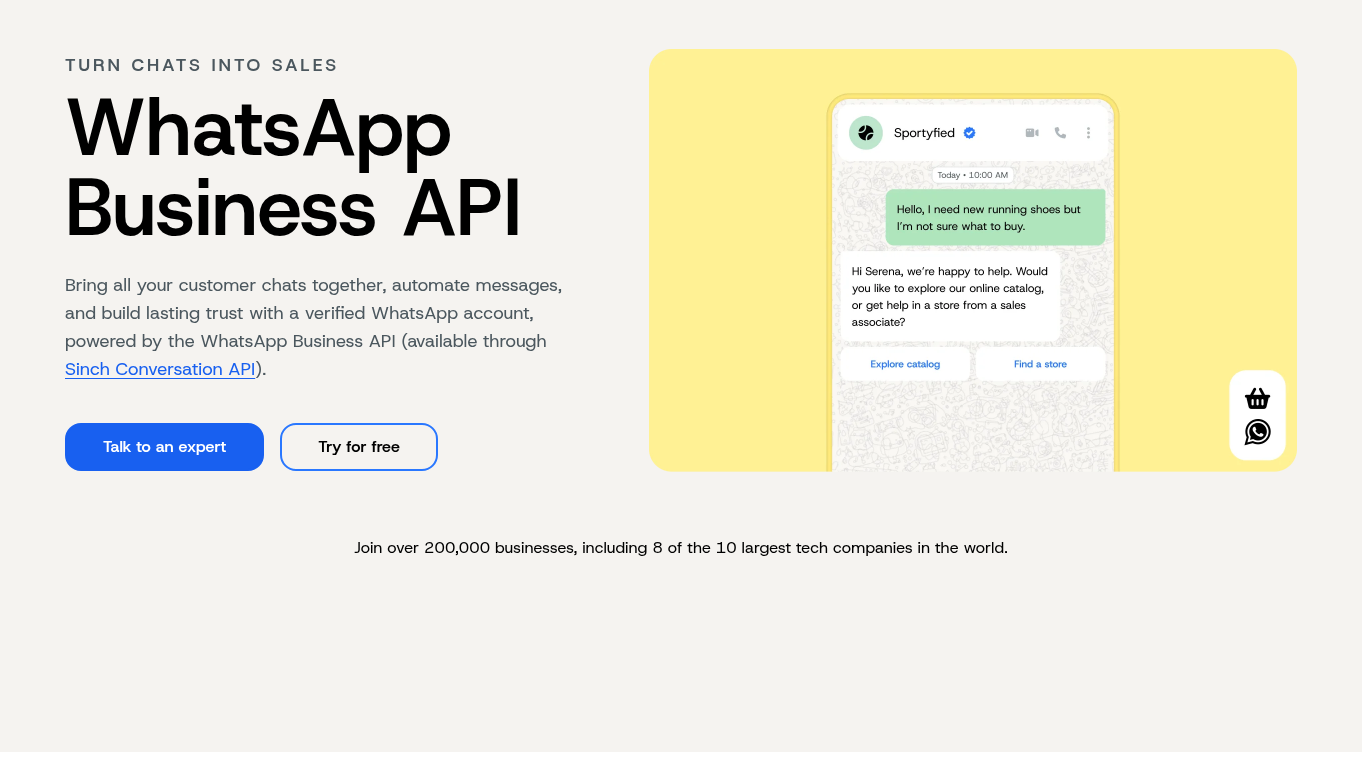
Sinch operates a communications platform spanning messaging, voice, and email, with a WhatsApp offering built for enterprise-grade reliability at high volume. Sinch states it serves more than 200,000 businesses, including 8 of the 10 largest tech companies in the world, with named customers such as Google, Uber, PayPal, and Visa.
Key Features
- Verified business profile with WhatsApp’s green checkmark
- Rich, interactive media support including images, videos, and buttons
- GDPR-compliant encrypted messaging
- Click-to-WhatsApp ad support for customer acquisition
- AI and chatbot automation for handling routine conversations
- Automatic SMS fallback when WhatsApp delivery fails, so time-sensitive notifications like order updates still land
Pros & Cons
PROS
CONS
Pricing
Sinch doesn’t publish flat WhatsApp rates. Cost depends on the number of provisioned WhatsApp numbers and monthly message volume across sending and receiving, plus Meta’s fees. Getting an exact number means requesting a quote.
360dialog
360dialog offers developers close-to-raw access to the WhatsApp Cloud API rather than bundling it with a full-fledged CRM. That makes it a fit for teams that already have their own system running and just need reliable WhatsApp API access underneath it.
Key Features
- Zero markup on Meta’s own per-message fees across all plans
- High-throughput tier supporting up to 1,000 messages per second
- Tiered support plans with defined SLA response times
- Direct system connections for automating workflows around the API
Pros & Cons
PROS
CONS
Pricing
360dialog’s WhatsApp API plans are priced per number: Regular at €49/month, Premium at €99/month, and High Throughput at €249/month for up to 1,000 messages per second. All plans exclude Meta’s own messaging fees, which are billed separately.
Interakt
Interakt is built around e-commerce workflows, with its deepest features tied directly to Shopify stores rather than general-purpose messaging. It’s focused on store event automations and offers fewer general WhatsApp messaging features than other platforms on this list.
Key Features
- Automatic order-update notifications tied to Shopify events
- Abandoned-checkout reminders, including multi-step sequences
- Win-back campaigns for lapsed customers
- Cash-on-delivery-to-prepaid conversion flow
- Auto-synced Shopify contacts and product catalog
Pros & Cons
PROS
CONS
Pricing
The below plans offer WhatsApp API.
Growth: $55/month, adds Instagram alongside WhatsApp;
Advanced: $69/month, adds branching chatbot logic;
Enterprise is custom-priced with unlimited messages and no markup on Meta’s fees.
WhatsApp AI agents are available with the Growth and Advanced plans at $74.99.
AiSensy
AiSensy targets small and mid-sized businesses that want to run WhatsApp marketing and support without hiring a developer. It offers 2 flagship tools that offer most of the value here: a visual chatbot builder for structured flows and a newer AI agent for more open-ended, human-like conversations.
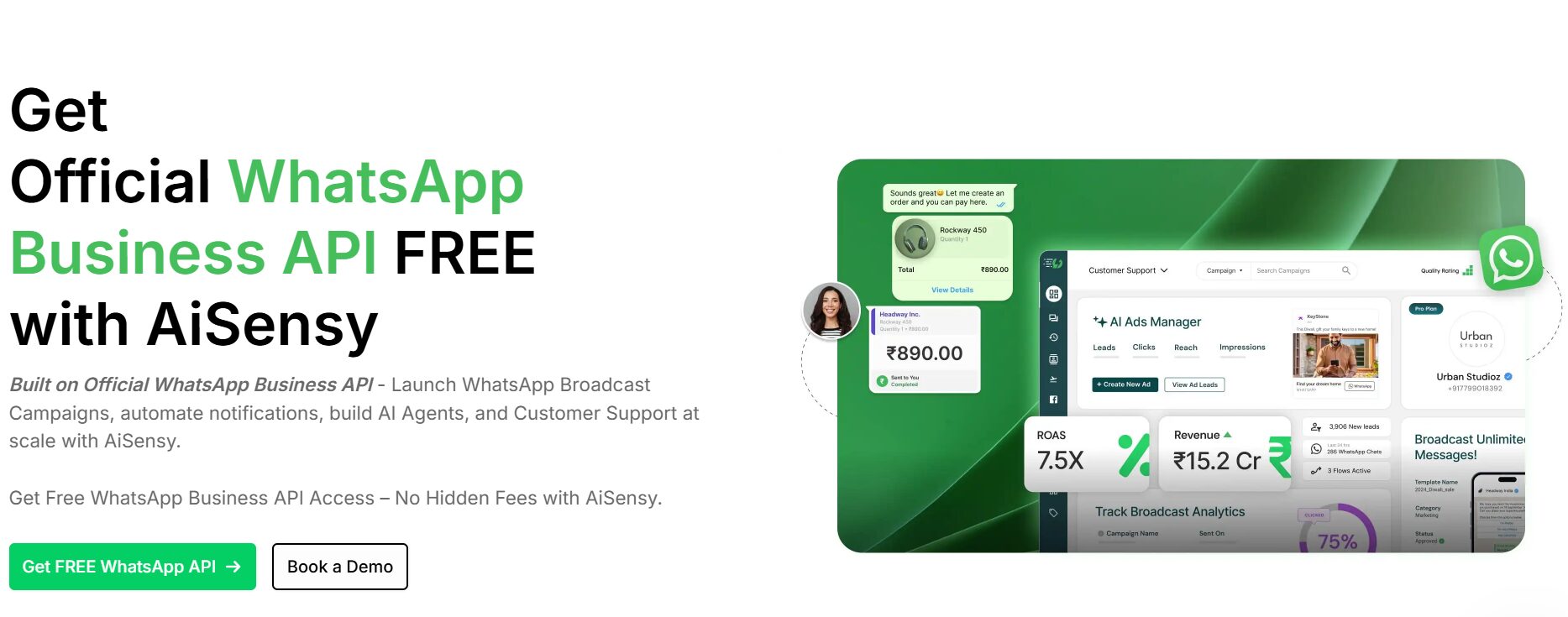
Key Features
- Drag-and-drop chatbot builder for non-technical teams
- AI agent add-on for open-ended lead qualification conversations
- In-chat payments, forms, and product catalogs
- Click-to-WhatsApp Ads Manager for running Meta ad campaigns that land directly in a chat
Pros & Cons
PROS
CONS
Pricing
Free Forever plan: $0, with API access but no broadcasting.
Paid plans, billed monthly: Basic ($45/month) offers broadcasting and retargeting; Pro ($99/month) adds scheduling, click tracking, and campaign analytics;
Premium is a higher custom tier adding number masking and priority support.
The Chatbot Flows builder ($80/month) and AI Chat Agent ($99/month) are add-ons available on any plan.
Meta’s own per-message fees apply on top and vary by destination country.
WhatsApp Business App vs. WhatsApp Business API
The free WhatsApp Business App and the paid WhatsApp Business API solve different problems, and mixing them up is the most common mistake businesses make when they first look into WhatsApp messaging.
| WhatsApp Business App | WhatsApp Business API | |
|---|---|---|
| Built for | Solopreneurs and small businesses | Medium to large businesses messaging at scale |
| Interface | Built-in mobile and desktop app | No interface included. You need to access it through a BSP or custom build |
| Broadcast limit | 256 contacts, only those with your number saved | No practical broadcast limit |
| Users per number | One device, one primary user | Multiple agents and automated systems |
| Automation | Basic away messages and quick replies | Chatbots, templates, and workflow automation |
| Verified badge | Not available | Available through Meta’s verification process |
| Cost | Free | Per-message fees from Meta, plus provider fees |
How to Choose a WhatsApp Business API Gateway
Start with how your team already works, not with a feature checklist. A support team using Freshchat or Trengo, will prefer using the same platform, where WhatsApp lands in an inbox they’re already using. A raw API that needs custom development may not be the best option.
An engineering team building a bespoke messaging flow is better served by Twilio or Vonage, where the API is the product.
E-commerce sellers running Shopify get the most out of Interakt’s store-event automations, and teams without developer resources who still want chatbots and broadcast campaigns tend to land on tools like AiSensy.
Whichever provider you pick, check 3 things first:
- How message pricing is structured in your target markets
- Whether the provider marks up Meta’s own fees or charges them separately
- Whether the plan you need actually includes WhatsApp. Some tools offer it only to a higher tier than expected.
FAQs
What’s the difference between the WhatsApp Business App and the WhatsApp Business API?
The app is a free, manually operated tool for one person managing conversations from a single device, capped at broadcasting to 256 contacts who already have your number saved. The API is a programmatic platform for sending and receiving messages at scale, accessed through a third-party provider, with support for multiple agents, automated chatbots, and message templates the app doesn’t offer.
How much does WhatsApp Business API messaging actually cost?
Meta charges per delivered message, based on the recipient’s country and the message category: marketing, utility, or authentication. Non-template messages and utility replies are sent inside an open service window free of charge. Most providers add their own fee on top: a flat per-message rate, a monthly platform fee, or both, so total cost depends on the provider plus Meta’s own rates.
Do I need a third-party provider, or can I connect to Meta directly?
Most businesses go through a Business Solution Provider because Meta’s platform is built for programmatic access, not a ready-to-use interface. A provider handles the technical integration, template management, and often billing as well.
How do I tell if a WhatsApp API tool is safe to connect my business number to?
If signing up involves scanning a QR code to pair your number the way WhatsApp Web does, that’s not the official Business Platform. It’s a workaround that risks getting your number restricted or banned, and it won’t support real message templates or business verification. A legitimate provider onboards you through Meta’s own verification process, tied to a WhatsApp Business Account, not a device pairing screen.
Can I switch WhatsApp Business API providers later?
Yes. Your WhatsApp Business Account and phone number are tied to Meta, not to any single provider, so you can move to a different Business Solution Provider later. Message templates typically need re-approval with the new provider, and each provider stores their own conversation history separately, so export anything you need before switching.






