



If your signup form, CRM, or outbound email tool accepts anything a user types into an email field, you will eventually collect a disposable inbox, a typo’d domain, or an address that never existed. Email verification APIs catch these before you send. They check syntax, mail-server (MX) records, and disposable or role-based patterns, either one address at a time or across an entire list.
In this guide, I have covered API-first verification: services built to be called from your own code, which could be a signup form, a CRM webhook, a bulk import job, rather than the upload-a-list web tools most people reach for first.
I have compared providers on four things:
- How they flag invalid, disposable, and mistyped addresses
- How much integration work is involved (REST design, SDKs, docs quality)
- Whether they support both real-time and bulk verification;
- Pricing
Quick comparison of email verification APIs
| API | Disposable Detection | Typo Detection | Free Tier | Starting Price |
|---|---|---|---|---|
| Abstract API | Yes | Yes | 100 requests/month | $17/month |
| ZeroBounce | Yes | Yes | 100 credits/month | $99/month |
| Hunter | Yes | No | 50 credits/month | $49/month |
| Kickbox | Yes | Yes (beta) | 100 credits (one-time) | $5 per 500 checks |
| NeverBounce | Yes | Yes (manual fix) | 1,000 (one-time trial) | $10/month (1,000) |
| Mailgun | Yes | Yes | None (add-on only) | $35/month (incl. 5,000) |
| SendGrid | Yes | Yes | None | Requires Pro plan (~$89.95/month) |
| Emailable | Yes | Yes | 250 credits (one-time) | $32.30/month |
| Clearout | Yes | Yes | 100 credits (one-time) | Custom (calculator-based) |
| Verifalia | Yes | Yes | 25 credits/day | Free tier, or paid from Starter |
| DeBounce | Yes | Yes | 100 credits (one-time) | $0.00045/email |
| Reacher | Yes | No | Self-host (open source) | €69/month (hosted) |
Abstract API
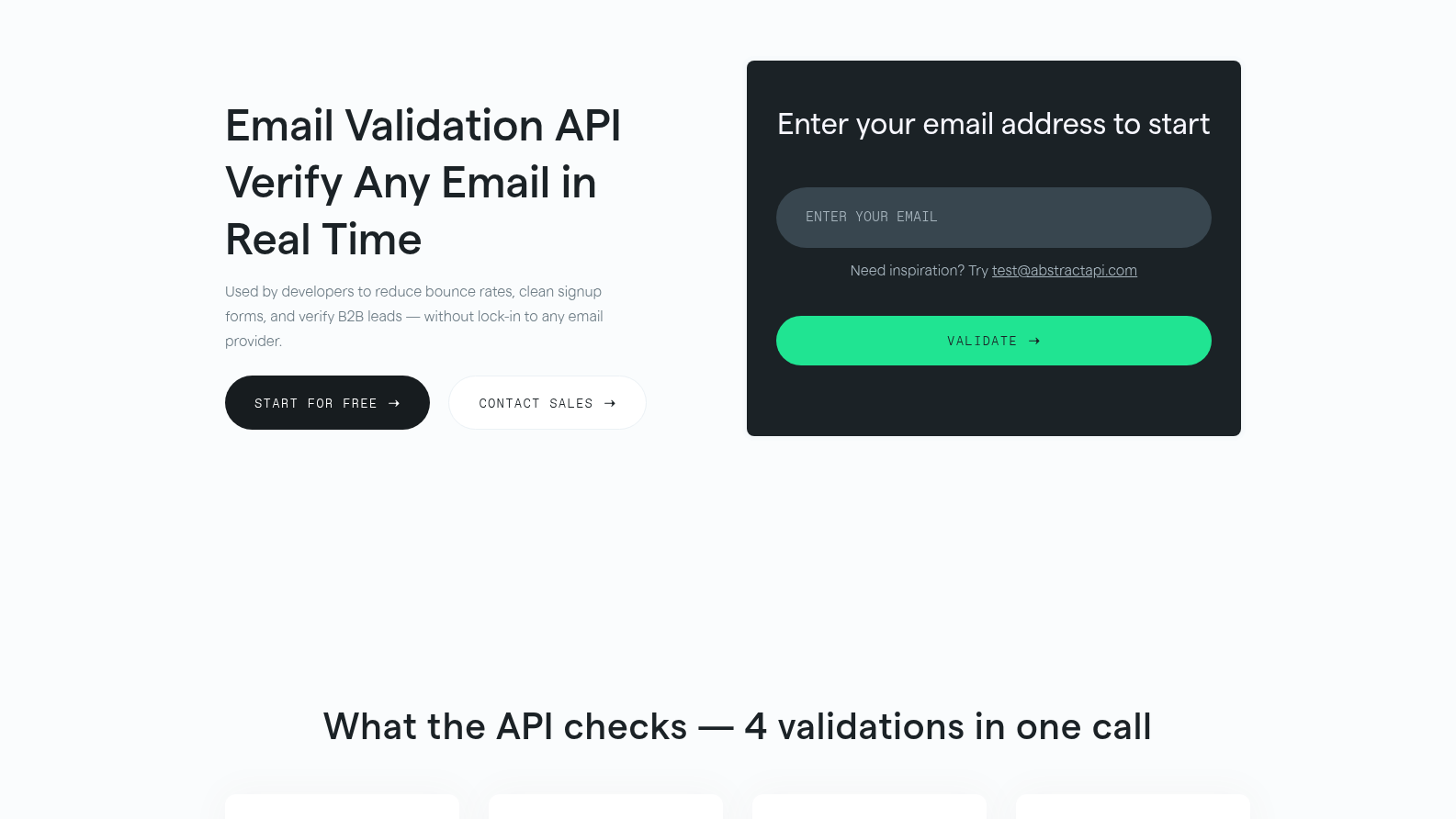
Abstract API‘s email validation endpoint lives inside Abstract’s wider API platform, so it shares an account and key with its phone, company, and IP-data products. It runs real-time MX and SMTP checks, flags disposable and free email providers, and suggests fixes for common domain typos. This is particularly useful for a signup form on a product that already pulls company or IP data from Abstract’s other APIs, since everything then runs through one dashboard and one key.
Key Features
- Real-time MX and SMTP verification
- Typo detection with suggested corrections
- Disposable and free-email-provider flagging
Pros & Cons
PROS
CONS
Pricing
Free for 100 requests/month.
Starter: $17/month (only email deliverability check)
Standard: $32/month (email deliverability, sender and domain check)
Professional: $36/month (email deliverability, sender, domain, quality, risk, breaches check)
Enterprise: custom. (all in professional with a flexible number of requests per month, SOC 2 & GDPR, dedicated account manager)
ZeroBounce
ZeroBounce checks single and bulk addresses in real time and flags disposable and abuse accounts. Its ZeroBounce ONE subscription bundles inbox-placement testing, blacklist monitoring, and DMARC monitoring into the same credit pool as verification. That’s useful if you’re cleaning a list before a campaign and also want blacklist and inbox-placement checks, all in one dashboard, instead of juggling three separate vendors.
But ONE is priced as a bundle first and a plain verifier second. If all you need is a yes/no on an address, you’ll be paying for monitoring tools you won’t touch.
Key Features
- Disposable and abuse-account detection
- Spam-trap removal
- Typo (“did you mean”) suggestions
- Bundled inbox-placement and blacklist checks on the ONE plan
- DMARC monitoring in the same credit pool
- AI-based quality scoring
Pros & Cons
PROS
CONS
Pricing
Free tier: 100 credits/month.
ZeroBounce ONE from $99/month for a 10,000-credit minimum (20% off with annual billing)
Pay-as-you-go also available.
Hunter
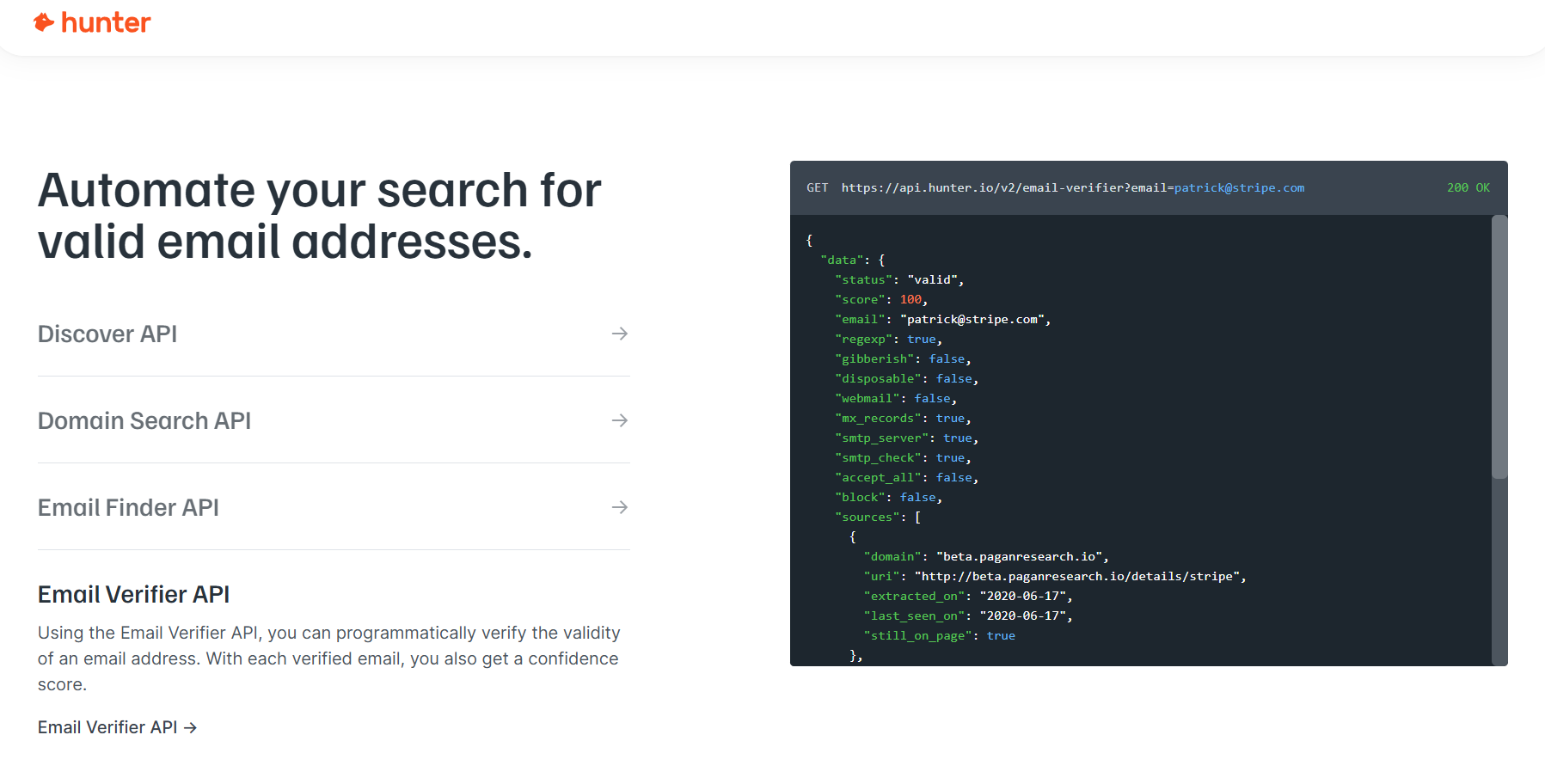
Hunter‘s Email Verifier API checks deliverability, disposable status, catch-all domains, and webmail providers, and shows where an address has previously appeared online. It’s built to sit next to Hunter’s email-finder product, not to stand alone as a general-purpose bulk cleaner.
Key Features
- Disposable-domain and catch-all detection
- Webmail-provider identification
- Source tracking showing where an address was found online, with dates
Pros & Cons
PROS
CONS
Pricing
Free: 50 credits/month.
Starter: $49/month (2,000 credits)
Growth: $149/month (10,000)
Scale: $299/month (25,000)
Annual billing runs roughly 30% cheaper.
Kickbox
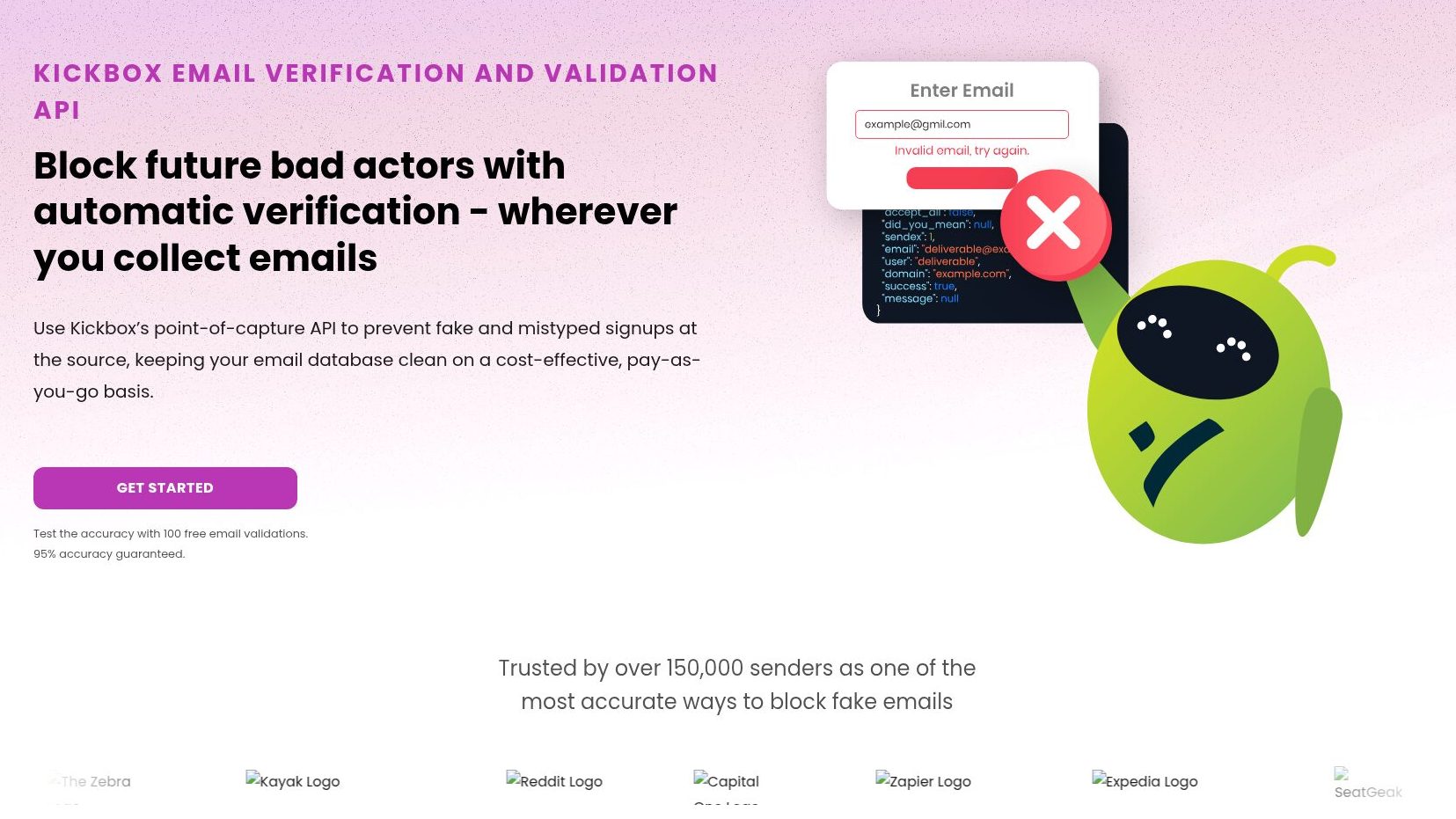
Kickbox returns a verdict: deliverable, undeliverable, risky, or unknown, plus its own Sendex score from 0 to 1. That lets you set your own risk threshold instead of relying on a flat pass/fail. If you’d rather deprioritize risky addresses than block them outright, the Sendex score gives you something to decide with.
Key Features
- Sendex deliverability score
- “Did you mean?” typo suggestions (beta)
- Only definitive results consume credits
- Free sandbox mode for testing the integration
Pros & Cons
PROS
CONS
Pricing
Pay-as-you-go from around $5 for 500 verifications. Per-unit price falls at volume ($2999 for 1,000,000 verifications).
NeverBounce
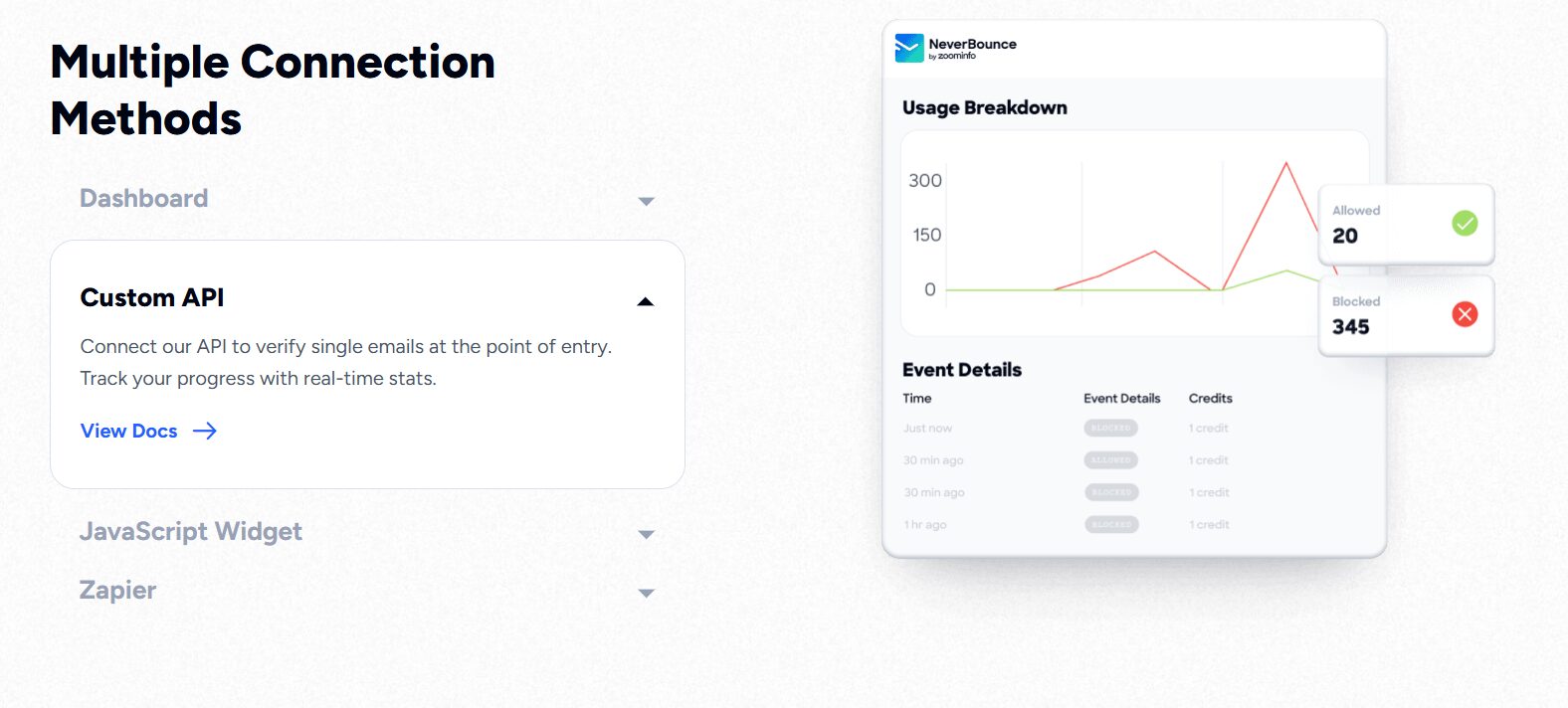
NeverBounce has been owned by ZoomInfo since 2021. It runs a real-time single-address API and a separate bulk/batch job API, and it integrates directly with ZoomInfo Sales. If your sales team is already on ZoomInfo, that means verification results land in the same platform as your contact data. No need for a separate vendor just for list cleaning.
Key Features
- Separate real-time and bulk verification endpoints
- Disposable-domain detection as a named result code
- Typo flagging
- Usage and credit-tracking dashboard
Pros & Cons
PROS
CONS
Pricing
Pay-as-you-go starts at $8/1000 credits. Growth from $49/month for up to 10,000 emails, scaling to $999/month for up to 1,000,000. Enterprise is custom-priced, typically for 250,000+ emails/month.
Mailgun
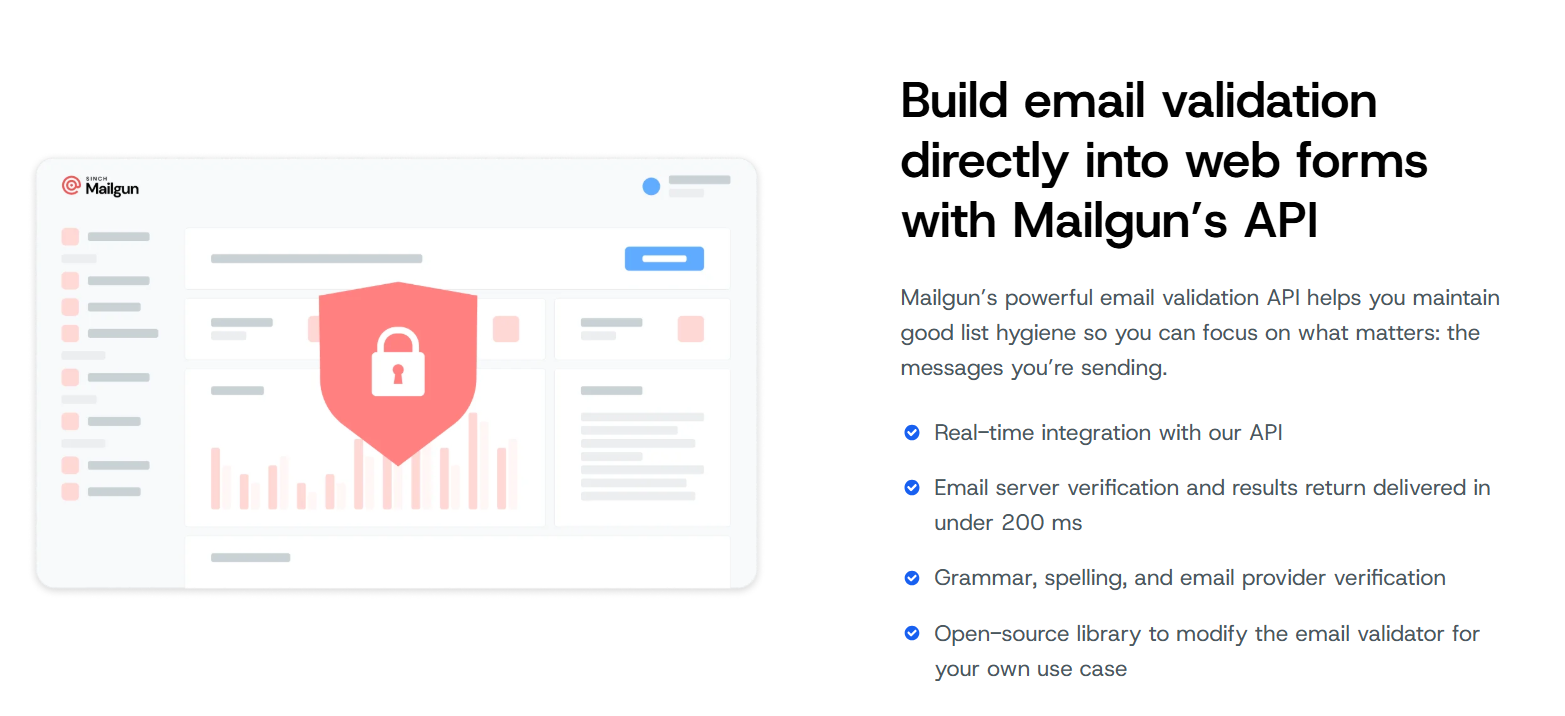
Mailgun, part of Sinch since 2021, sells email validation as an add-on to its core sending platform. It catches disposable, role-based, and mistyped addresses before you send, using both standard syntax/DNS checks and inbox-provider-specific grammar rules.
This makes the most sense if you’re already on Mailgun for transactional email and want validation without adding a second vendor and a second bill. If verification is the only thing you need, though, you’d be adopting an entire sending platform just to get it.
Key Features
- Disposable-address detection
- Domain-typo suggestions (for example, gmal.com to gmail.com)
- Role-based address flagging
- Provider-specific grammar checks on top of standard syntax/DNS validation
- Works across both transactional send-time checks and bulk list cleaning
Pros & Cons
PROS
CONS
Pricing
You need to subscribe to a paid plan to use the validation feature and then purchase the validation add-on.
Basic: $15/month (Validation add-on: $1.20/100 checks)
Foundation: $35/month (Validation add-on: $1.20/100 checks)
Scale: $90/month (Validation add-on: $0.80/100 checks)
SendGrid
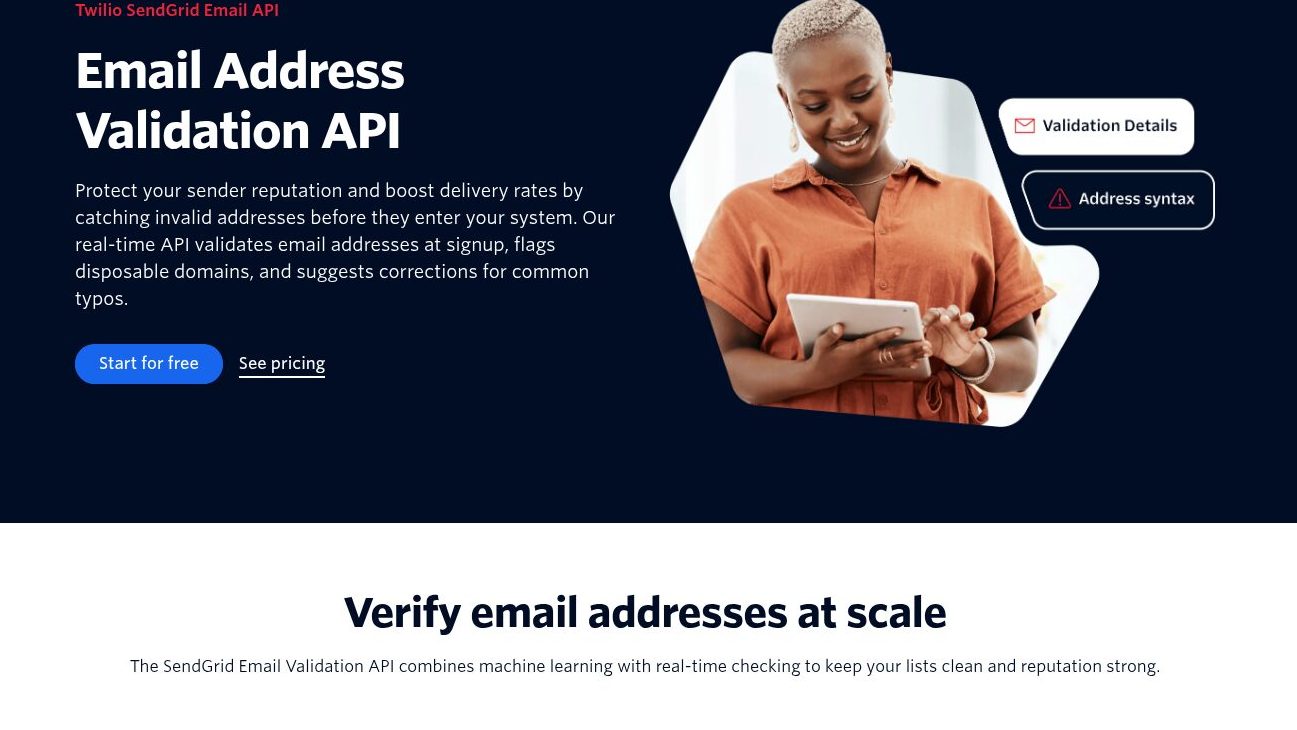
Twilio SendGrid‘s Email Address Validation API checks for disposable domains, role-based accounts, and known spam traps, and suggests fixes for likely typos at signup.
It’s gated to specific plan tiers, not sold as a standalone product. So it really only makes sense if you’re already running transactional or marketing email through SendGrid and want signup-time validation without a separate contract.
Key Features
- Disposable-domain and spam-trap risk flagging
- Typo suggestions at signup
- Bulk validation with confidence scores for existing lists
- No storage of submitted addresses
Pros & Cons
PROS
CONS
Pricing
Included with Pro and Premier Email API plans (Pro – $89.95/month, Premier – custom); not available on Free or Essentials.
Emailable
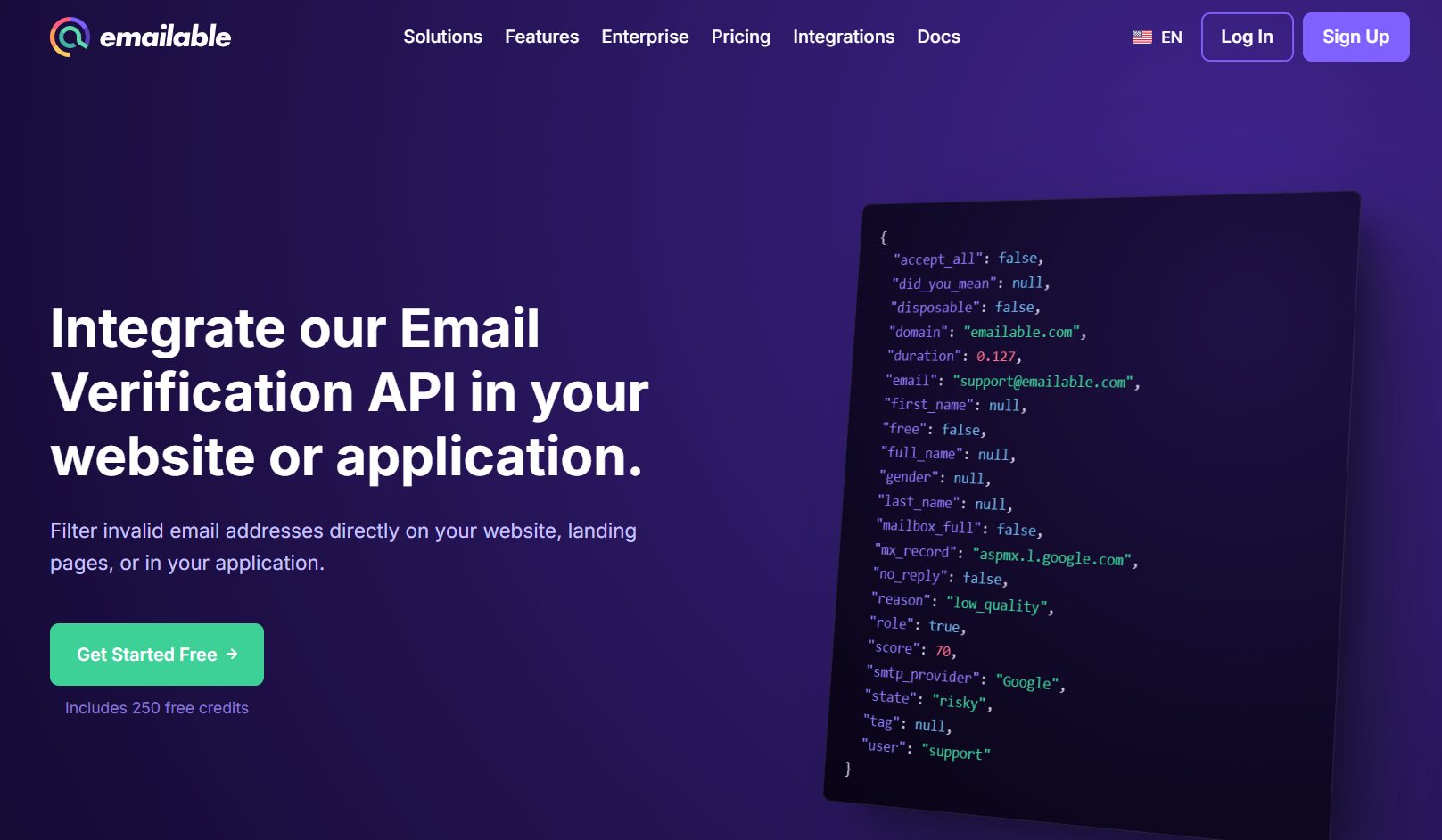
Emailable checks disposable, free-webmail, and role-based addresses and flags likely typos with suggested corrections. Everything runs on one credit type. There’s no separate pricing for inbox testing or monitoring. There is no bundled monitoring suite attached.
Key Features
- Disposable, free-provider, and role-account detection
- Misspelled domain suggestions
- Webhooks, batch operations, and a sandbox test environment
Pros & Cons
PROS
CONS
Pricing
250 free credits on signup. From $32.30/month (subscription, 5,000 credits) or $38/month pay-as-you-go for 5000 credits, scaling to $2100/month for 1,000,000 credits.
Clearout
Clearout pairs email verification with an email finder and prospect finder. It’s suited for teams building outbound lists, not just cleaning existing ones. If you’re building a prospect list with Clearout’s finder, you can verify it in the same account with the same credit pool. That’s the main reason to pick Clearout over a verification-only competitor. If you don’t need the lead-gen side, this tool may be overkill.
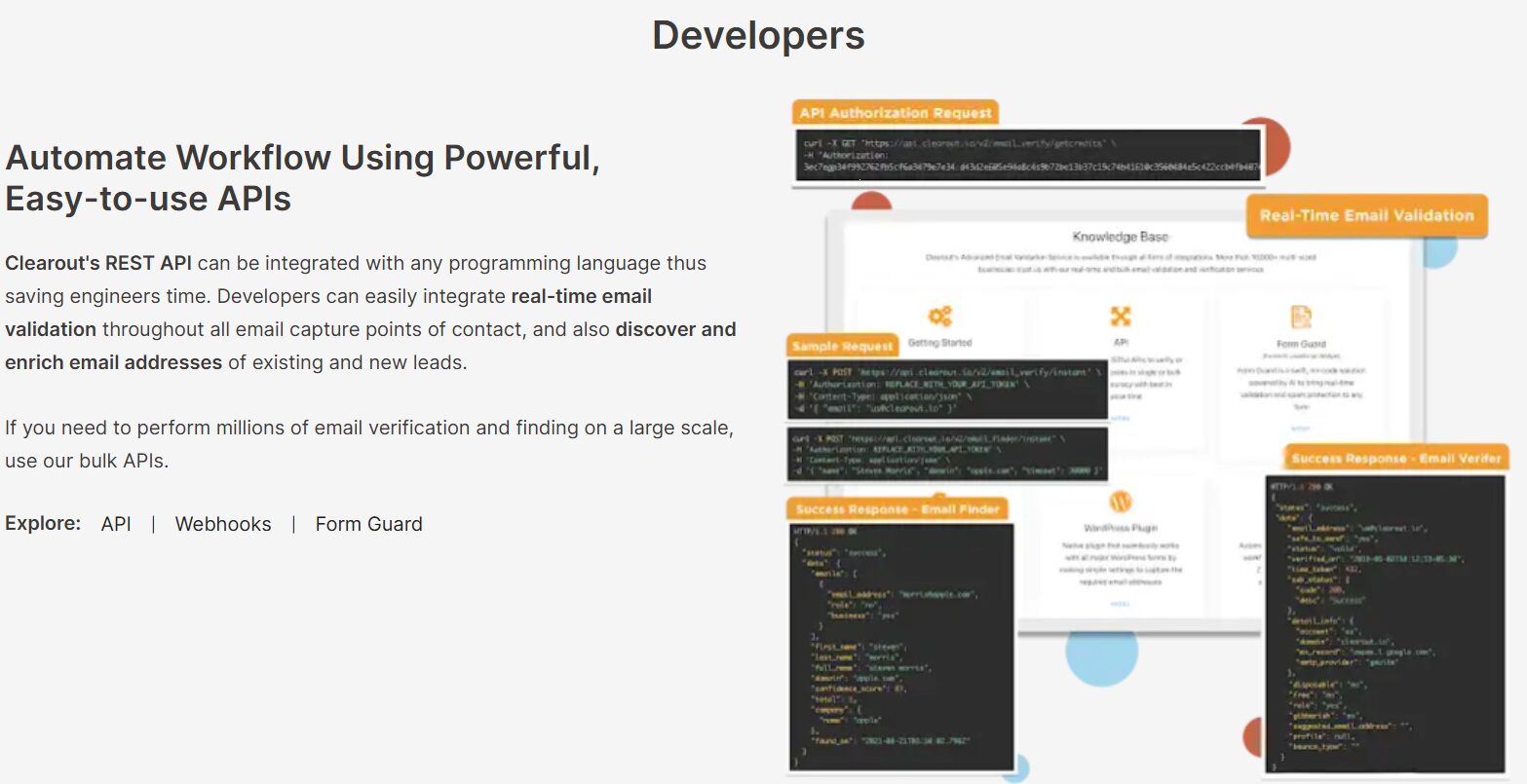
Key Features
- Greylisting and catch-all verification
- Gibberish and syntax checks
- Autosuggestion for typo domains
- Disposable-address detection
- Bundled email and prospect finder tools
Pros & Cons
PROS
CONS
Pricing
100 free credits on signup. Annual, monthly, and pay-as-you-go plans starting at $16 for 3000 credits.
Verifalia
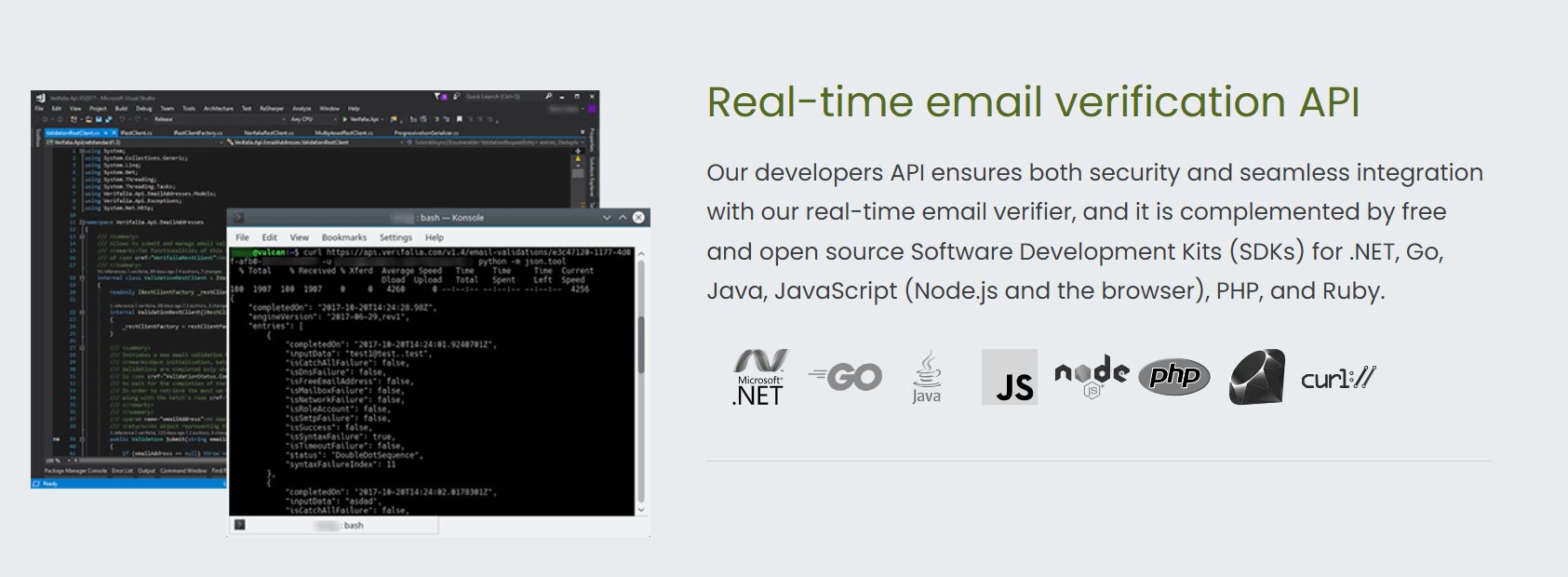
Verifalia runs real-time and bulk verification at three selectable quality levels – Standard, High, and Extreme. You trade speed and credit cost for deeper checking on higher-risk lists: run a quick Standard pass on most of a list, then re-check only the uncertain results at Extreme.
Its client libraries are genuinely open source, for six languages.
Key Features
- Three-tier verification depth (Standard/High/Extreme)
- Disposable and free-email detection
- Typo detection with suggestions
- Bulk lists up to 100MB
- Open-source client libraries for six languages
- JS widget plus 6,000+ third-party integrations
Pros & Cons
PROS
CONS
Pricing
Free: 25 credits/day.
Starter: $9/mo (250 credits/day)
Professional: $49/mo (1,250 credits/day)
Enterprise: $199/mo (6,250 credits/day)
Ultimate: $499/mo (25,000/day)
Additional credits can be purchased as per requirement.
DeBounce
DeBounce offers a pure pay-as-you-go verifier API with no monthly subscription required. It includes syntax/typo correction, catch-all checks, and anti-greylisting handling. It is a good fit for an inexpensive first pass on a big, unverified list you’ve built up over years of signups, before a re-engagement campaign.
Key Features
- Disposable and typo detection with correction
- Catch-all validation (10 credits/check)
- Real-time JS widget for form-level checks
Pros & Cons
PROS
CONS
Pricing
100 free credits on signup. Pay-as-you-go starts at $0.0030 when you opt for 5K credits and reduces to $0.0004 as you purchase 5M credits; catch-all checks cost 10 credits, and enrichment 20 credits.
Reacher
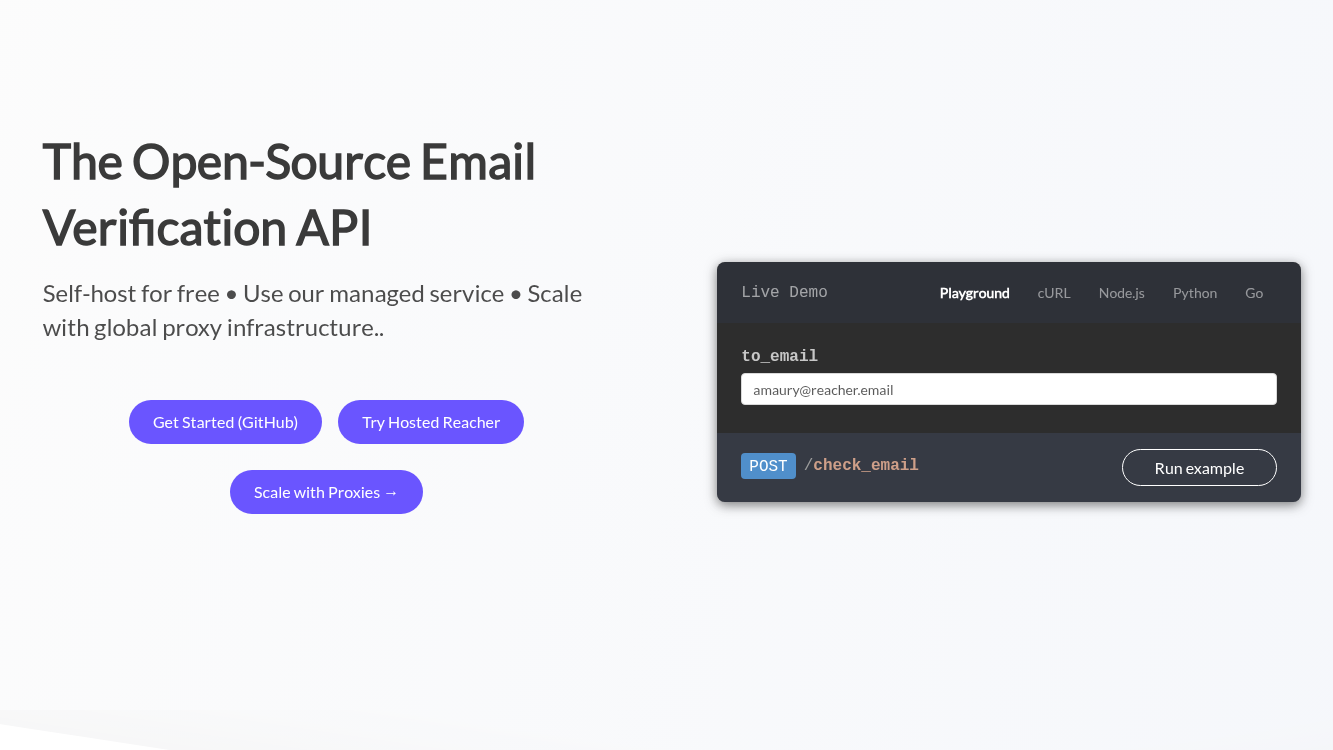
Reacher API checks MX, SMTP, catch-all, syntax, disposable, and role-account status for an address. You can call Reacher’s own hosted API or deploy the same open-source engine on your own servers and call your own instance instead. Either way, it’s the same API; self-hosting just means it runs on your infrastructure instead of Reacher’s, which matters if your company has a policy against sending email addresses to third parties.
Key Features
- MX/MTA/SMTP checks without sending a real email
- Catch-all and role-account detection
- Disposable-address detection
Pros & Cons
PROS
CONS
Pricing
Hosted SaaS from €69/month (10,000 verifications/month); self-hosted Commercial License €699/month (unlimited); free trial capped at 10,000/day.
Honorable Mentions
These APIs didn’t make the main list, but each is an actively maintained product worth considering for the right use case.

Captain Verify

WhoisXML API

Email Hippo MORE

Mailboxlayer

Bouncer

QuickEmailVerification

MillionVerifier

MyEmailVerifier

Truelist

Scrubby
How to Choose an Email Verification API
The right pick usually comes down to what you’re already running, how you plan to call the API, and what you’re already paying for.
- If Mailgun or SendGrid already sends your mail, turn on their validation add-on first. It’s a bit pricier per check, but you skip managing a second vendor for one feature.
- A flat valid-or-invalid answer isn’t always enough, either. Kickbox’s Sendex score and Verifalia’s Standard/High/Extreme tiers both let you dial up scrutiny where it matters and skip it where it doesn’t.
- For a one-time, budget-driven cleanup of a big list, DeBounce and MillionVerifier are the cheapest way in; neither locks you into a monthly plan.
- Reacher suits you if your data can’t leave your own infrastructure, as it’s self-hostable.
Frequently Asked Questions
Is there a free email verification API?
Most providers above offer some free tier, from Verifalia’s 25 credits a day to QuickEmailVerification’s 100 a day. Treat these as enough to test an integration, not to verify a production list.
What’s the difference between real-time and bulk verification?
Real-time verification checks a single address the moment it’s submitted, typically at signup. Bulk verification uploads or submits a list and returns results as a batch job. Several providers here, including NeverBounce and Reacher, price the two differently.
Can I verify emails in bulk through an API instead of a web dashboard?
Yes. Every main-list provider above supports a bulk or batch endpoint alongside single-address checks. List cleaning can run automated, instead of through a browser upload each time.
Do these APIs guarantee I won’t get bounces?
No. Even a stated accuracy guarantee. ZeroBounce’s 99.6% and DeBounce’s 97.5% describe the vendor’s own testing, not an independent benchmark. And no verification API can catch a mailbox that goes inactive after you’ve already checked it.






