



A weather API is a service that returns live, forecast, or historical weather data over a simple web request instead of a web page a human has to read. Send a request with a location, and the response comes back as structured data: temperature, precipitation, wind speed, humidity, UV index, cloud cover, and more. A developer can use this data in an app, a dashboard, or a device.
Weather APIs have multiple use cases:
- A delivery app rerouting drivers around a storm
- An agriculture platform timing the ideal planting window
- A travel site flagging a flight delay tied to weather at the destination airport
- A smart-home device closing the blinds before a heatwave
- An e-commerce site adjusting what it recommends based on the weather outside.
None of those products employ a meteorologist. They just call an API.
The real infrastructure behind the API includes forecasting models, satellite feeds, ground stations, and radar, all ingested, cross-checked, and kept current around the clock by experts.
Building that in-house from scratch is a multi-year project most product teams have no bandwidth to attempt. A simple subscription or even a free plan gets the same data with an API key.
I will now discuss and compare the top weather APIs evaluated on documented endpoints, data depth, forecast and historical range, and current pricing.
Weather APIs compared
| Provider | Known for | Notable feature | Starting price |
|---|---|---|---|
| OpenWeather | Broadest specialty API catalog | Solar, fire, and agriculture data alongside weather | Free (1M calls/mo), paid from $40/mo |
| WeatherAPI.com | Most bundled extras per key | Astronomy, sports, marine, and pollen in one API | Free (100K calls/mo), paid from $7/mo |
| Open-Meteo | No API key required | Open-source server, self-hostable at any volume | Free (300K calls/mo, non-commercial) |
| Google Weather API | Newest major entrant | Built into the Google Cloud/Maps Platform billing stack | $0.15/1,000 calls after 10K free/mo |
| Tomorrow.io | Deepest data catalog | 60+ layers plus LLM-ready natural-language access | Free plan, then Enterprise (contact) |
| AccuWeather | Established consumer brand | 50+ lifestyle and health indices | $25/mo (225K calls) |
| Weatherstack | Historical data back to 2008 | Public uptime status page | Free (100 calls/mo), paid from $9.99/mo |
| Visual Crossing | Deepest historical archive | Pay-per-record Metered plan, no monthly minimum | Free (1K requests/day), paid from $35/mo |
| Meteomatics | Enterprise/environmental depth | 1,800+ parameters, historical back to 1940 on Premium | Contact sales |
| Weatherbit | Published per-second rate limits | Ag-Weather and Energy APIs on the Business plan | Free (50 req/day), paid from $45/mo |
OpenWeather
OpenWeather‘s core current-conditions and forecast data are standard weather-API fare. It also offers solar irradiance, wildfire risk, road weather, and satellite crop monitoring all live under one account, alongside a newer product called One Call 4.0.
Key Features
- One Call 4.0 merges forecast and historical data into one timeline endpoint. Query it in 1-minute, 15-minute, 1-hour, or 1-day steps.
- Government-issued severe weather alerts ship from the Prime paid tier up.
- Weather maps include up to 15 layers on the free plan.
- A no-code widget constructor and hosted weather dashboard add weather visuals without writing an integration.
Pros & Cons
PROS
CONS
Pricing
Free plan: 1,000,000 calls/month (60/min), covering current weather, a 5-day forecast, air pollution, and geocoding.
- One Call 4.0: $0.0015 per call after 1,000 free calls/day
- Weather API plans: $40, $180, $470, or $1,200 a month (600 to 100,000 calls/day)
- Enterprise: custom contract pricing
Refresh rate and uptime improve at each paid tier, from every 2 hours at 95% uptime up to every 10 minutes at 99.9%.
WeatherAPI.com
WeatherAPI.com offers astronomy, sports scores, air quality, pollen, and IP geolocation alongside the core weather endpoints from one key. An official MCP server on npm lets AI agents query the API directly as a tool.
Key Features
- Historical data reaches back to January 2010 on the Pro+ plan and above.
- Marine forecasts add tide data starting on the Pro+ plan; Free and Starter don’t include it.
- Forecast range extends to 300 days ahead on Pro+ and Business, and 365 days on Enterprise.
Pros & Cons
PROS
CONS
Pricing
Free: $0/month, 100,000 calls.
- Starter: $7/month, 3M calls (14-day trial)
- Pro+: $25/month, 5M calls
- Business: $65/month, 10M calls (most popular)
- Enterprise: custom, contact only
Open-Meteo
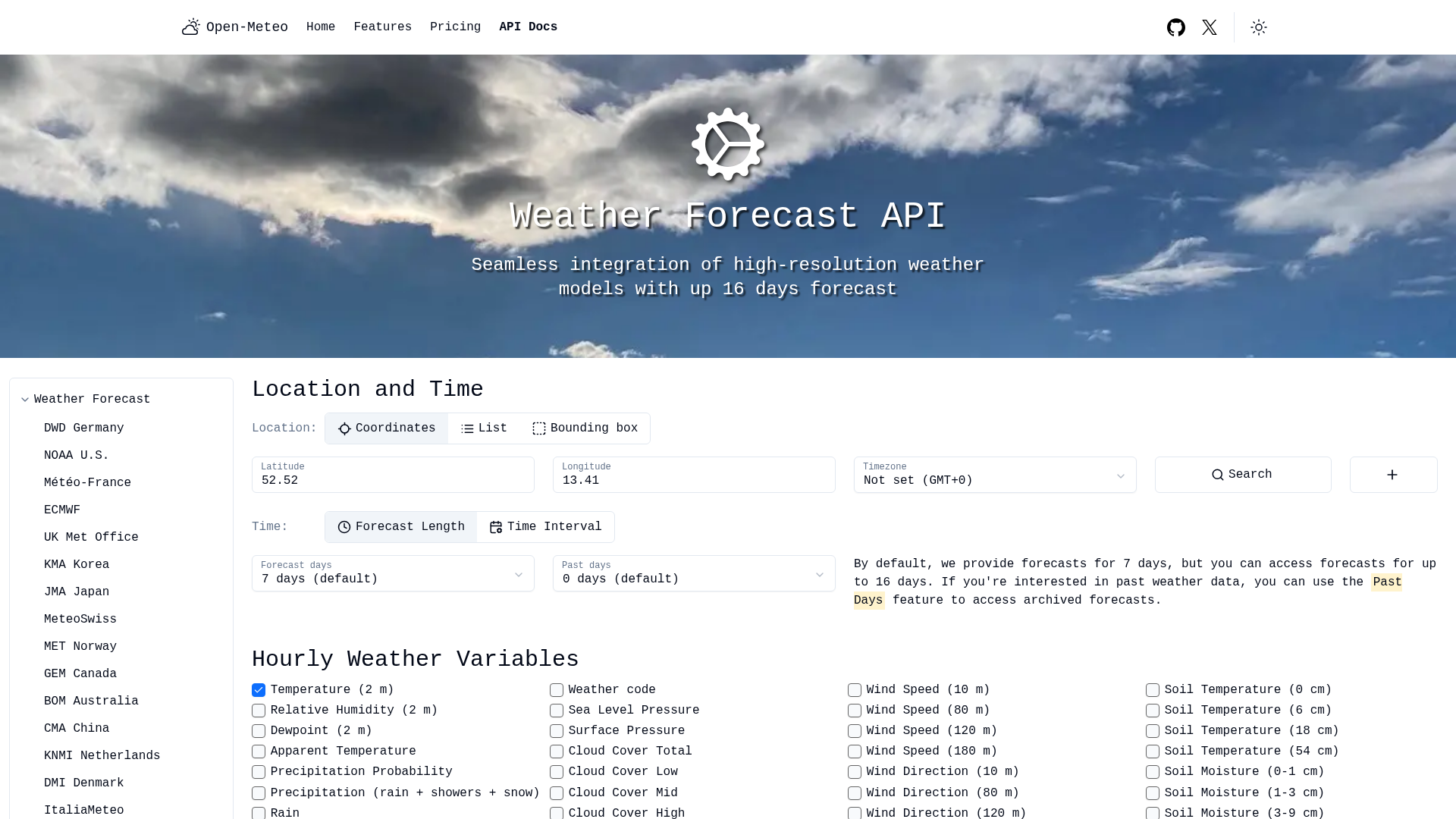
Open-Meteo needs no signup for its free tier. Send a request with coordinates and get real data back; no API key required. The server is open-source, so a team that outgrows the free limits can self-host instead of paying per call.
Key Features
- More than 30 national weather models feed the API, including NOAA, ECMWF, and Germany’s DWD.
- A best-match option auto-selects the highest-resolution model for any coordinate.
- The server is licensed AGPLv3 as open source; the weather data itself carries a CC BY 4.0 license.
Pros & Cons
PROS
CONS
Pricing
Free (open-access): no key needed, 10,000 calls/day (about 300K/month), non-commercial only.
- Standard: 1M calls/month
- Professional: 5M calls/month
- Enterprise: 50M+ calls/month, custom solutions, and priority support
Paid tier prices are set at checkout, not published as flat figures.
Google Weather API
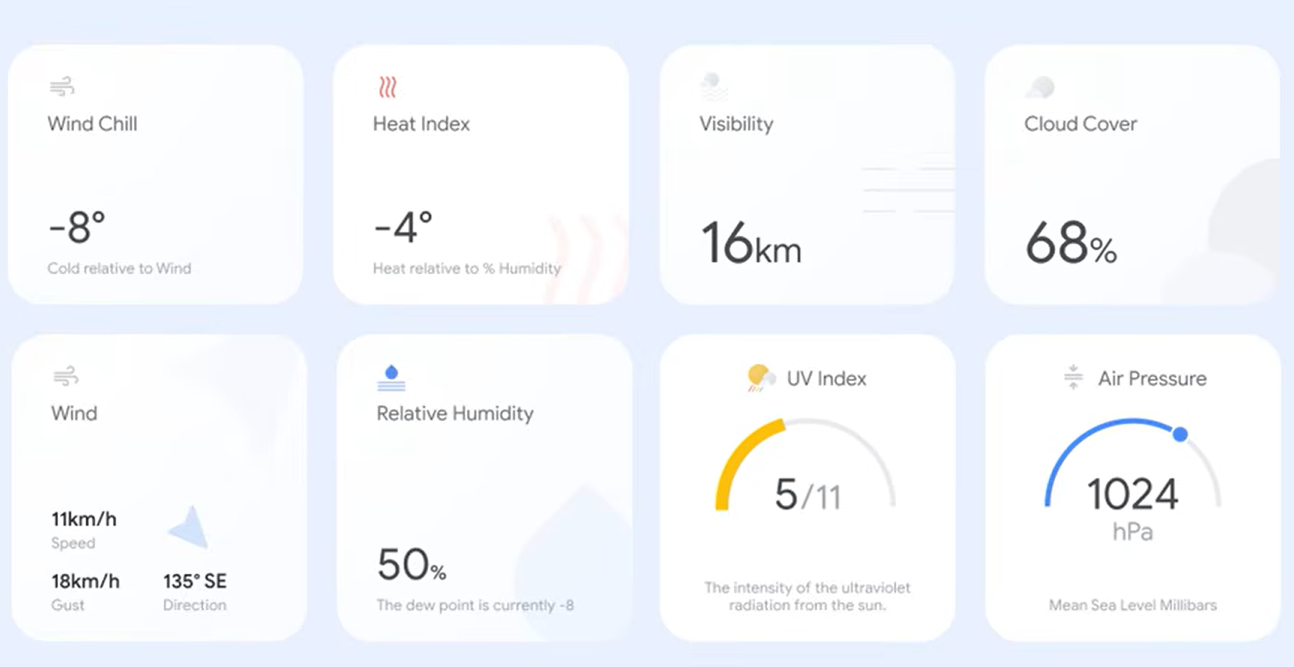
Google’s Weather API was launched as part of Maps Platform’s Environment APIs, alongside Air Quality, Pollen, and Solar. Current conditions, a 10-day forecast, and 24 hours of cached history come back through the same REST endpoints, billed to the same Google Cloud account as any other Maps Platform API.
Key Features
- Data fields include ice thickness, wet-bulb temperature, and thunderstorm probability, beyond what most weather APIs return.
- A free Maps Demo Key returns real responses before a billing account exists.
- Minute-level forecasts and weather map tiles are available alongside the standard hourly and daily endpoints.
Pros & Cons
PROS
CONS
Pricing
Free: 10,000 calls/month per SKU. New customers get a $300 trial credit.
- $0.15 per 1,000 calls (up to 100K)
- $0.12 per 1,000 (100K-500K)
- $0.09 per 1,000 (500K-1M)
- $0.06 per 1,000 (1M-5M)
- $0.038 per 1,000 (5M+)
Also bundled into subscription plans: Essentials $275/month (100,000 combined calls across Maps, Places, Routes, and Environment APIs), Pro $1,200/month (250,000 combined calls), or custom Enterprise pricing.
Tomorrow.io
Tomorrow.io calls itself a weather intelligence platform, offering more than 60 layers covering aviation, maritime routing, fire risk, lightning, and agriculture. A newer endpoint answers weather questions in plain language for AI agents, instead of returning raw JSON.

Key Features
- Aviation weather (METAR, TAF, ASOS) and dedicated maritime routing data appear in no other product in this list.
- The On-Demand Events API checks a threshold, wind above 20 mph for example, against the next 5 days and returns a yes or no.
- Custom Vector Events continuously monitor triggers a customer defines.
- The Weather Maps API overlays live conditions on Mapbox, Google Maps, or other mapping libraries.
Pros & Cons
PROS
CONS
Pricing
Free: $0, core API access, 5-day forecast, 1 monitored location, 1 alert.
Enterprise: contact for pricing (custom SLAs, 14-day forecast, premium data layers, SSO)
AccuWeather
AccuWeather has sold consumer and enterprise weather data longer than most platforms on this list. Its API pricing recently moved to three call-volume tiers, replacing the smaller entry price it used to offer. Every paid plan includes more than 50 lifestyle and health indices on top of standard forecasts.

Key Features
- Elite and Enterprise tiers add proprietary AccuWeather Alerts, lightning data, air quality, and satellite/radar imagery.
- A separate MinuteCast add-on delivers minute-by-minute precipitation timing.
Pros & Cons
PROS
CONS
Pricing
- 14-day free trial
- Standard: $25/month, 225,000 calls, 5-day forecast
- Prime: $250/month, 1.8M calls, 10-day forecast, global coverage + government alerts
- Elite: $500/month, 2.4M calls, 15-day forecast, adds AccuWeather’s own alerts, lightning, air quality, satellite/radar
- Enterprise: custom, 90-day forecast, historical data back to 1990
Weatherstack
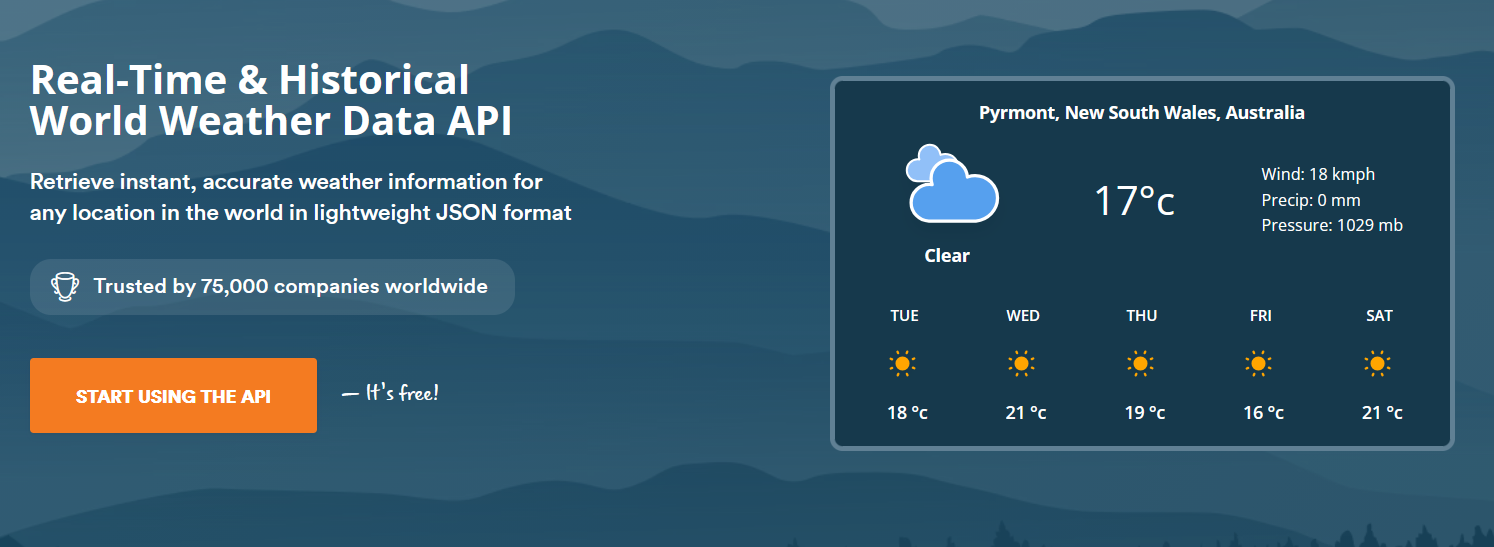
Weatherstack API offers real-time conditions, forecasts, and historical data back to 2008. The same apilayer infrastructure also powers other apilayer products. Microsoft, Warner Bros., and Deloitte are named as current customers on Weatherstack’s site.
Key Features
- A dedicated Marine API is available in the Standard plan, not gated to the top tier.
- Bulk API queries pull weather for multiple locations in one request, available from Professional.
- Responses cover 40 languages starting on the Professional plan.
Pros & Cons
PROS
CONS
Pricing
Free: 100 calls/month.
- Standard: $9.99/month ($8.99 yearly), 50,000 calls
- Professional: $49.99/month, 300,000 calls
- Business: $99.99/month, 1,000,000 calls, 14-day forecast
- Enterprise: custom pricing
Visual Crossing
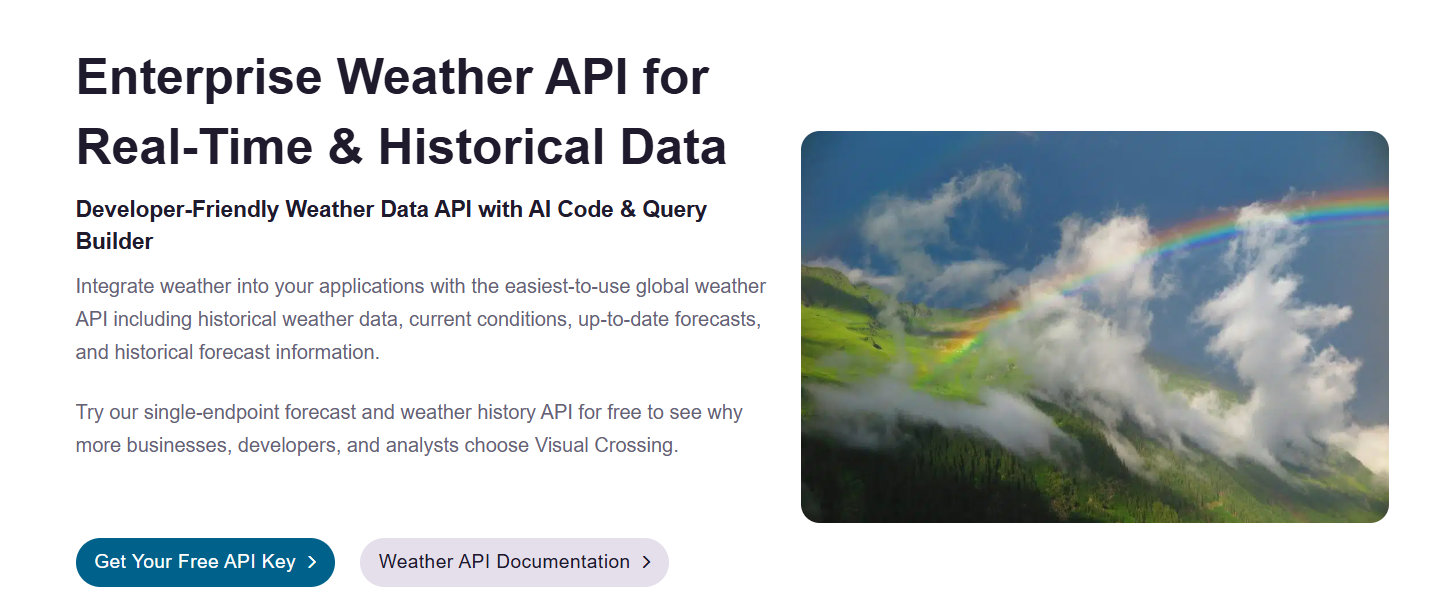
Visual Crossing‘s strength is depth of history. Every plan, including the free tier, includes more than 50 years of historical weather data. A separate product line, Timeline LLX, trades that historical depth for low-latency, high-concurrency forecasts built for mobile apps and IoT devices.
Key Features
- The Metered plan bills per record with no monthly minimum, useful for spiky or unpredictable usage.
- Degree-day calculations and industry elements for agriculture, energy, and maritime work are bundled into the Corporate plan.
- Bulk dataset scheduling re-runs a query automatically every day, useful for populating a database without custom cron jobs.
Pros & Cons
PROS
CONS
Pricing
Free: 1,000 requests/day, usable commercially.
- Professional: $35/month, 10M records/month
- Metered: $0.0001/record, no monthly minimum
- Corporate: $150/month, adds team concurrency and removes the attribution requirement
- Enterprise: custom
Separate Timeline LLX line: from $99/month for 50M high-concurrency queries/month.
Meteomatics
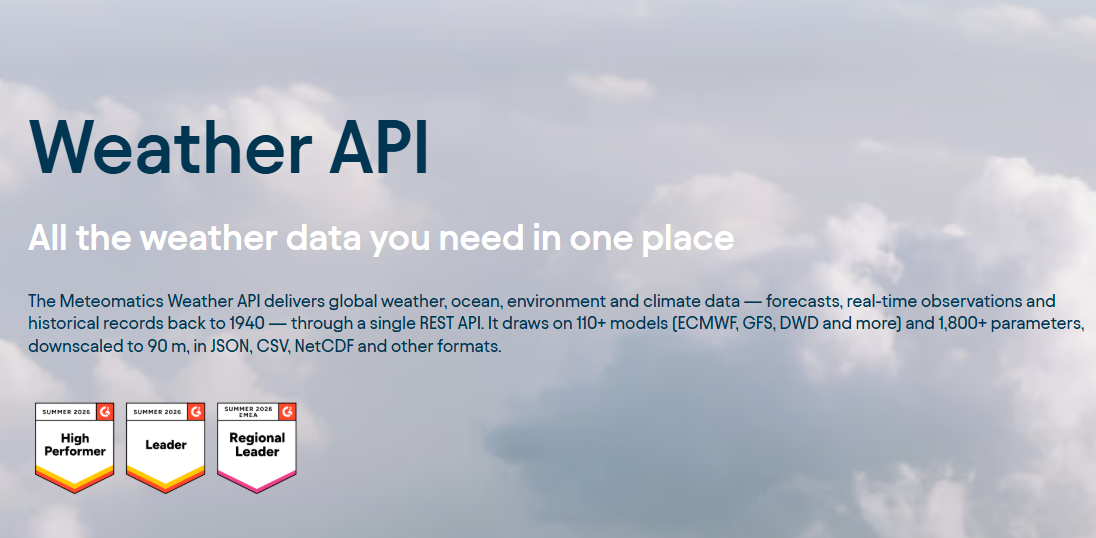
Meteomatics has no self-serve signup and no published price. Every account starts with a sales conversation. In exchange, its Core, Pro, and Premium packages offer more than 1,800 parameters per request, with historical data reaching back to 1940 on Premium.
Key Features
- Proprietary EURO1k and US1k models push resolution down to 1 kilometer for Europe and the US on the Pro and Premium tiers.
- The Swiss company also operates Meteodrones, a fleet of proprietary weather drones that collect atmospheric data directly.
Pros & Cons
PROS
CONS
Pricing
No published pricing; every plan is quoted after contacting sales.
Weatherbit
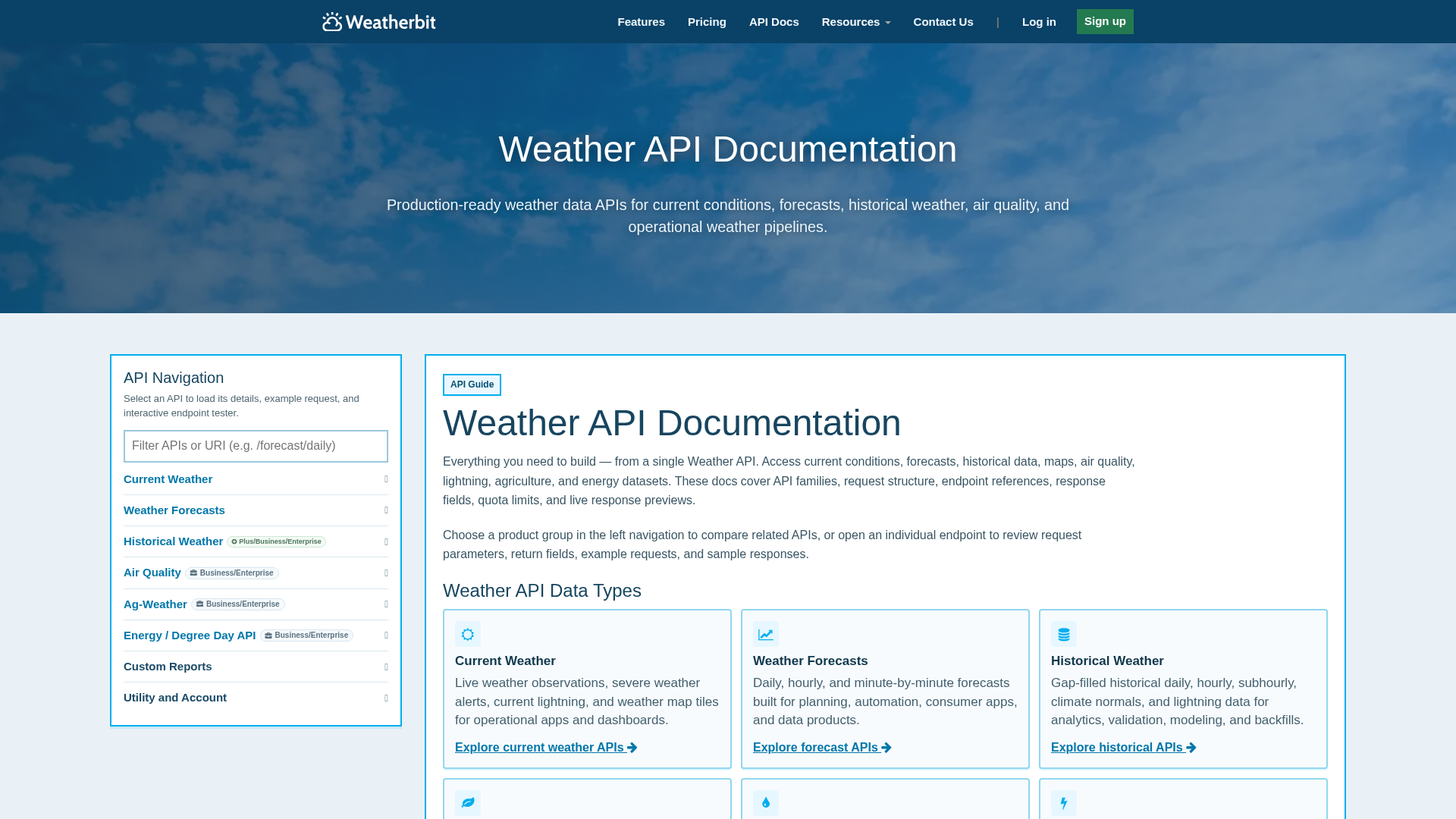
Weatherbit publishes exact requests-per-second limits for every plan, from 1 per second on Free up to 150 per second on Business. Few other products in this list disclose that number at all. Four paid tiers step up cleanly by price, request volume, and historical depth, topping out at 30 years of history on Business.
Key Features
- Ag-Weather and Energy (degree days) APIs come bundled into the Business plan instead of selling as a separate product.
- Paid email support is sold in separate tiers, $100 or $500 a month, on top of the API subscription itself.
- Non-profit organizations with US 501(c) status can request a discount.
Pros & Cons
PROS
CONS
Pricing
Free: $0/month, 50 non-commercial requests/day.
- Standard: $45/month, 25,000 requests/day, commercial use, 16-day forecast
- Plus: $195/month, 250,000 requests/day, adds 5-year historical + climate normals
- Business: $475/month, 2M requests/day, 30-year historical, air quality, ag/energy APIs
- Enterprise: from $950/month
21-day free trial, no credit card required.
How to choose
If you are on a budget or wish to try out the platforms before committing to a larger amount, Open-Meteo, OpenWeather, WeatherAPI.com, and Visual Crossing offer a genuinely usable free tier with no card required. OpenWeather’s 1,000,000 free calls a month is the largest flat allowance here.
Meteomatics falls at the opposite end: no free tier, no self-serve signup, just a sales call.
How far back a project needs to look matters as much as the forecast range. Visual Crossing and Weatherstack both publish decades of historical data on standard paid plans. Meteomatics reaches back to 1940 on its premium package. Google’s Weather API and Tomorrow.io cap history at 24 cached hours and 20 years.
If you need specialty data, wildfire risk, road conditions, or crop monitoring is offered by OpenWeather’s add-on catalog. Aviation weather and maritime routing are available on Tomorrow.io. Marine forecasts with tide data are strongest on WeatherAPI.com’s Pro+ plan and above.
Existing infrastructure can also drive the decision. A team already billing through Google Cloud gets one less vendor relationship with Google’s Weather API.
If you run a workload big enough to threaten any provider’s rate limits, go for Open-Meteo’s open-source, self-hostable server.
Frequently Asked Questions
Which weather API has the most generous free tier?
It depends on how volume is measured. OpenWeather’s free plan allows 1,000,000 calls a month, the highest flat call allowance in this list. Open-Meteo’s free tier is smaller by volume, 300,000 calls a month, but needs no signup or API key at all. WeatherAPI.com’s free 100,000-call plan bundles in extras like astronomy and air quality that OpenWeather’s free tier doesn’t include.
Do any of these APIs require a credit card just to test them?
No. Every free tier in this list can be started without entering payment details, along with AccuWeather’s 14-day trial, Weatherbit’s 21-day trial, and WeatherAPI.com’s Starter trial. Google’s Weather API goes further with a dedicated Maps Demo Key meant specifically for testing without a billing account.
How far back does historical weather data go?
Meteomatics reaches the furthest back, to 1940, but only on its premium package. Visual Crossing and Weatherstack cover 50-plus years and 2008 onward on their standard plans. Tomorrow.io and Google’s Weather API fall at the other end, 20 years and 24 cached hours. Neither product set out to be a historical archive.
Can free-tier weather data be used in a commercial product?
Not always. Open-Meteo’s and Weatherbit’s free tiers are explicitly non-commercial; a paying customer needs a commercial license from either provider. OpenWeather, WeatherAPI.com, Weatherstack, and Visual Crossing’s free plans don’t carry that restriction. Their call volumes are small enough that a real commercial app will likely outgrow them quickly regardless.
Why don’t Meteomatics and Tomorrow.io publish flat pricing for their top tiers?
Both sell to organizations whose usage, data depth, and support needs vary too widely for one rate card to fit. Meteomatics prices its Core, Pro, and Premium packages around which model tier and historical range a customer needs. Tomorrow.io’s Enterprise plan bundles custom SLAs, premium data layers, and SSO that change the underlying cost per account. A published flat rate would either overcharge a light user or undercharge a heavy one.






