



An answering service is a third-party team to answers calls on behalf of your business. They take messages, screen callers, book appointments, and route urgent calls to the right person. Most rely on trained human agents, though a growing number now offer an AI receptionist as an add-on or standalone option.
For small and mid-sized businesses, an answering service is typically cheaper than hiring an in-house receptionist, and it covers the hours one employee usually doesn’t like nights, weekends, and holidays.
We evaluated each provider below on call handling quality, bilingual support, pricing transparency, and industry fit. Most picks here are human-staffed where a provider also runs an AI receptionist.
First, a quick comparison about all the top answering services.
| Provider | Starting Price | Billing Model | 24/7 Coverage | Free Trial | Best For |
|---|---|---|---|---|---|
| Ruby | $250/mo (50 min) | Per-minute, AI features included free | Yes | No | Personalized, US-based live answering |
| Smith.ai | $300/mo (30 calls) | Per-call | Yes | 30-day money-back guarantee | Pay-per-call billing and flexible AI |
| Nextiva (XBert) | $99/mo (100 interactions) | Per-interaction | Yes (AI, no human fallback) | 14 days | Budget AI coverage |
| Moneypenny | $165/mo (50 min) | Per-minute | Yes | No | Simple, no-upsell pricing |
| ReceptionHQ | $25/mo | Per-call or per-minute, your choice | Yes | 7 days | Low call volume, tight budgets |
| Conversational | $209/mo (100 min) | Per-minute | No | 30 days | Long free trial, simple setup |
| AnswerForce | Quote-based | Per-minute | Yes | No | Home services and trades |
| AnswerConnect | $350/mo (200 min) | Per-minute, rounded up | Yes | No | Multi-industry reach, published pricing |
| Abby | $165/mo (50 Abby Minutes) | Blended | Yes | Yes | Blending human and AI on the same line |
| SAS | $44/mo | Per-minute | Yes | 14 days | Scaling past small business volume |
| PATLive | $49/mo (pay-as-you-go) | Per-minute for calls | Yes | 14 days | Buying calls, chat, and outbound separately |
Next, we review each answering service in detail.
Ruby
Best for US-Based Live Answering
Starting at $250/month which includes 50 minutes per month.
Ruby’s differentiator isn’t just friendly US receptionists. It’s that every plan comes with AI layered on top of the live agents at no extra cost.
You’re still getting a real person on the line, just with AI doing the note-taking and pattern-spotting in the background.
It is worth knowing that Ruby can host your phone service, meaning you can drop your existing business phone bill and run calls and texts through Ruby’s number instead.

Pros
- AI transcript/sentiment tools included free on every tier
- Specialization in legal, healthcare, financial services, and home services
- No setup, onboarding, or after-hours surcharges
- Native iOS/Android apps plus 5,000+ integrations
Cons
- Pricing jumps sharply between tiers
- Minute-based billing can work against you if your calls tend to run long
Smith.ai
Best for Pay-Per-Call Billing
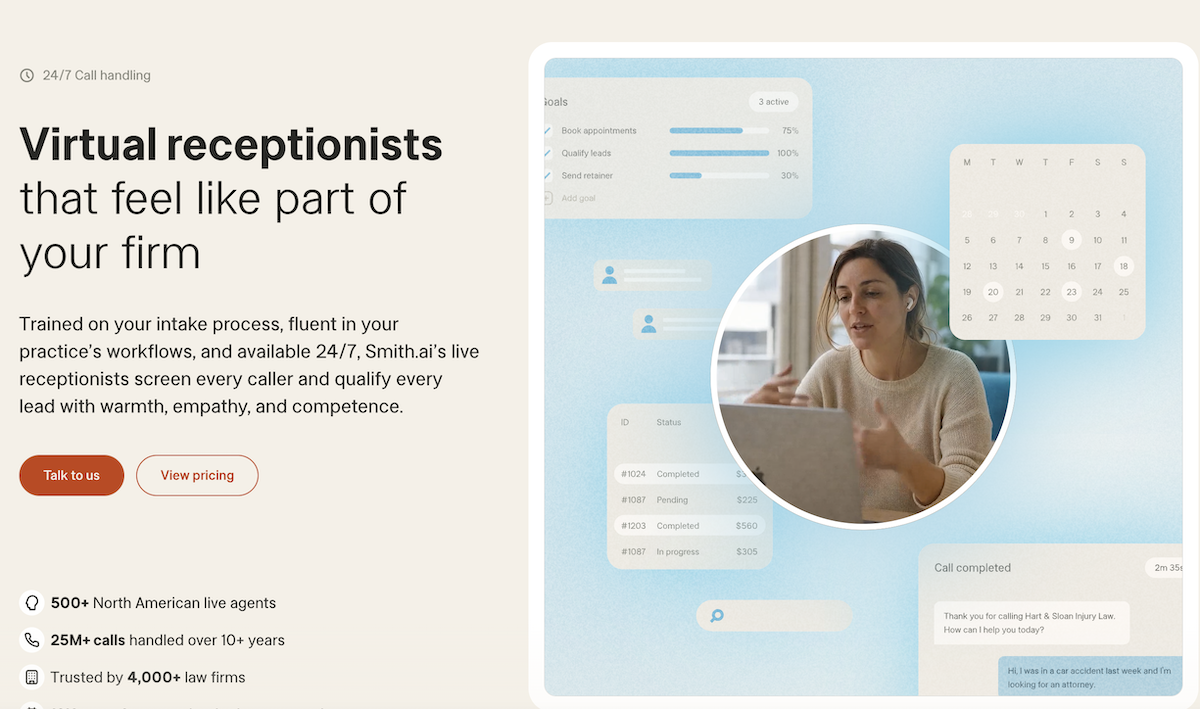
Smith.ai human-first plans Starter start at $300 a month for 30 calls. Basic plan jumps to $810 for 90 calls. Pro runs $2,100 for 300 calls.
AI-first plan starts at $150/month for 75 calls.
The real difference from Ruby is how they bill. Ruby charges by the minute. Smith.ai charges by the call. A two minute call and a fifteen minute call cost the same here. If your calls tend to run long, that matters a lot.
Smith.ai also lets you pick your setup. You can go fully human, fully AI, or a mix of both. Ruby adds AI on top of live agents by default.
Most features are free on every plan. Lead qualification, intake questions, a dedicated number, and round the clock coverage don’t cost extra. Everything past that gets billed per call.
→ Booking an appointment costs $1.50.
→ A text follow up costs 50 cents.
→ A dedicated Spanish line runs a dollar a call.
They lean hard into legal and home services work, but also cover SaaS companies, insurance agents, and staffing firms.
Pros
- Bills per call
- Choice of human, AI, or hybrid answering
- Month to month, no contract, 30 day refund window
Cons
- Add ons pile up quickly once you use them
- Jumping from Basic to Pro roughly triples your bill
- Extra transfer lines cost $15 a month each past your plan’s included number
They offer free plan for AI-first choice which includes 25 calls per month.
Nextiva (XBert)
Best for Budget AI Coverage
Nextiva’s receptionist product is called XBert.
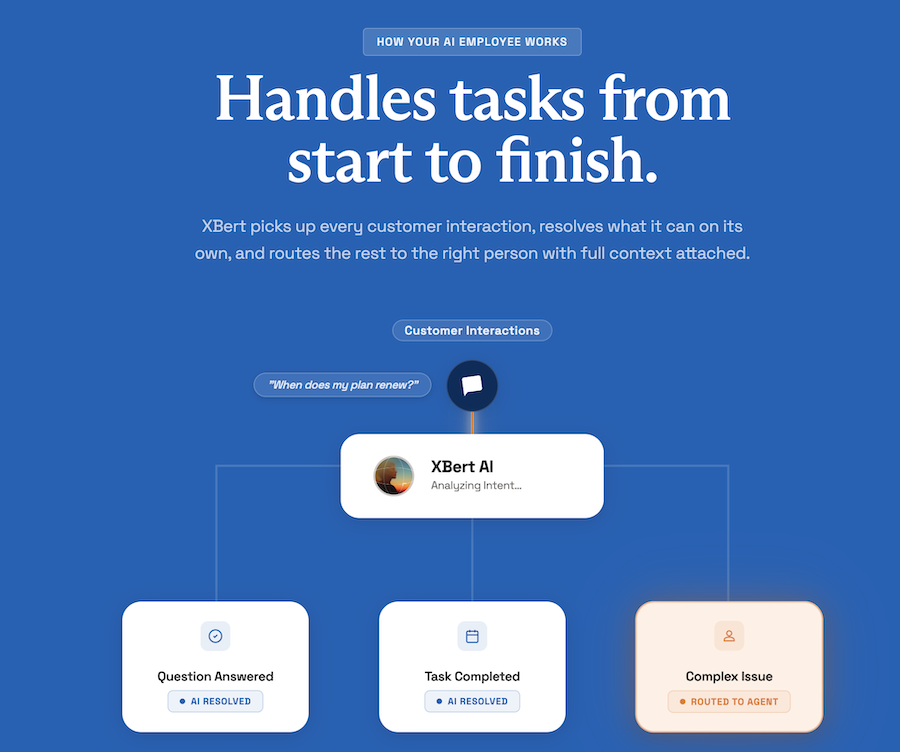
Pricing starts at $99 a month for 100 interactions. That covers calls, texts, and web chats. If you go over and each extra one costs 99 cents. A call only counts once it passes 30 seconds. A text or chat counts once XBert sends three replies.
The difference from Ruby and Smith.ai is scope. Those two only answer phone calls. XBert answers calls, texts, web chat, and messaging apps. If a good chunk of your customer contact already happens outside phone calls, that matters.
XBert is available independently without other Nextiva plans or service required. You get the most value if you’re already running Nextiva for your business phone, since XBert plugs straight into that setup. Buying it as a standalone receptionist is also possible.
Setup is quick. XBert reads your website and FAQ pages and builds its own script from that. Most businesses go live same day. Calendar syncing works out of the box with Google Calendar, Calendly, and Cal.com.
One thing worth knowing upfront. When XBert can’t handle a call, it hands off to your own staff. If nobody on your end picks up, the caller lands back at voicemail.
Pros
- $99 a month beats every human-staffed plan
- Handles calls, texts, and chat in one system
- Learns from your own knowledge base
- Books and reschedules appointments on its own
- Calendar integrations right out of the box
Cons
- No human backup if a call needs a real person and your team is unavailable
- Overage costs can climb fast for high call volume businesses
XBert is like an AI employee for customer conversations. From our testing, we were able to create and launch the XBert AI receptionist in less than 5 minutes.
You can try XBert 14-day free trial to see how it works for you.
Moneypenny
Best for US & UK Business
Plans run from $165 a month for 50 minutes up to $985 a month for 500 minutes. Extra minutes cost between $1.67 and $2.28 each, depending on your plan.
Moneypenny bought VoiceNation back in 2020. If you remember VoiceNation, this is that same company under a new name, now backed by one of the largest answering service groups in the world.
No premium tier, no additional fees for CRM integration or bilingual answering. Compare that to Smith.ai, where booking an appointment or sending a follow up text costs extra on top of your base plan. Here it’s already included.
Moneypenny also sells a separate AI answering plans starting from $69/month.
Support runs 24/7 with bilingual coverage built in. You get a free forwarding number, a mobile app, and warm call transfers as standard.
Per-minute billing can hurt long calls. It jumps from 200 to 500 minutes more than doubles your bill.
ReceptionHQ
Best for Tight Budgets
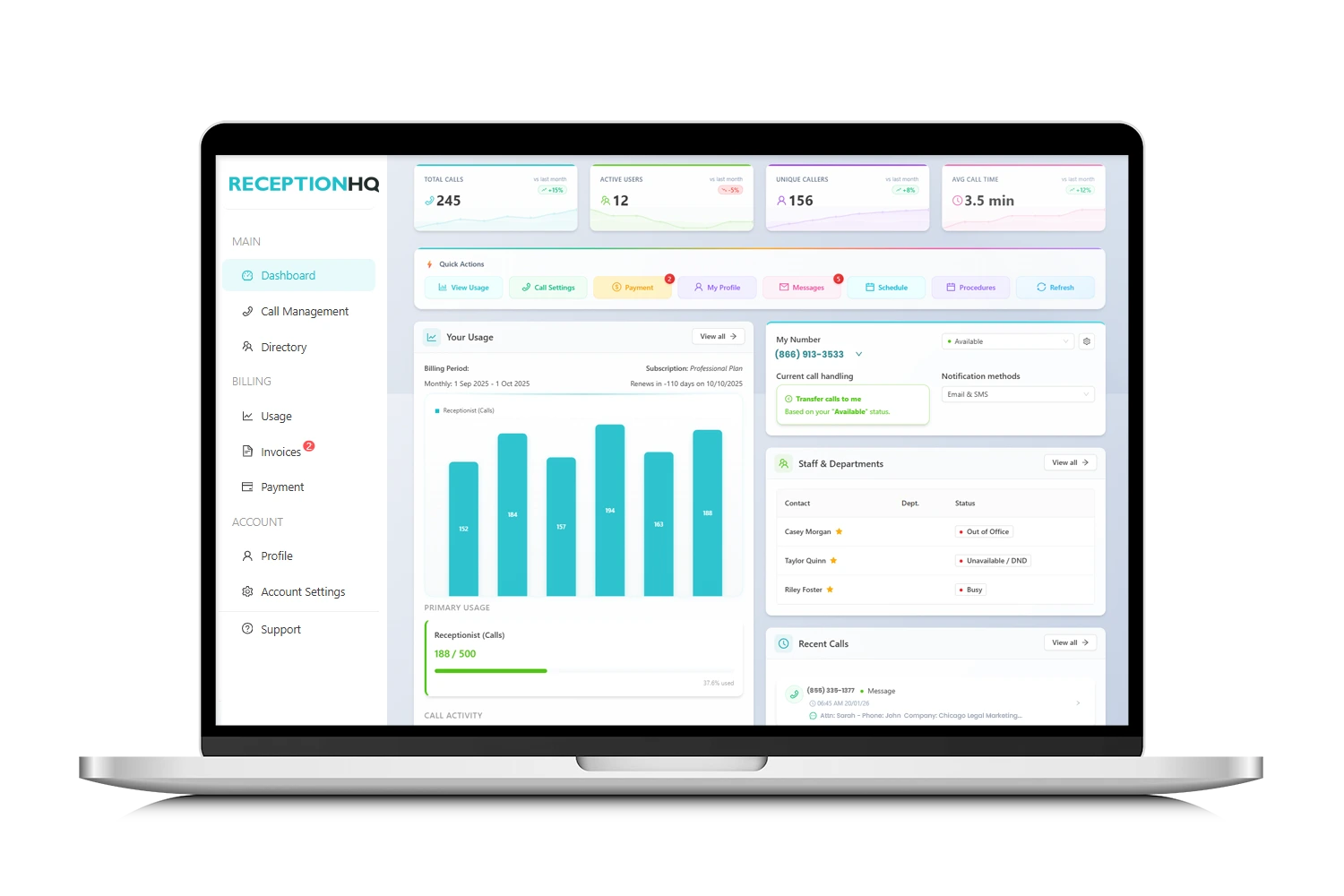
Plans start at $25 a month. That’s MessageExpress, a pay-per-call plan built for solo operators who just need messages taken. Each call answered costs $1.99 on top of the base fee.
ReceptionistPlus starts at $35 and adds call transfers for teams. If you need virtual assistance, MyAssistant starts at $49 a month. This one switches to per-minute pricing and adds lead capture and CRM updates. My Diary, also $49, handles appointment scheduling on the same per-minute model.
One detail worth noting, most answering services round every call up to the next full minute. A 61 second call gets billed as 2 minutes elsewhere. ReceptionHQ bills to the exact second. Over a year of calls, that adds up to good savings.
ReceptionHQ has US-based receptionists and run a 7 day free trial, no credit card required, plus modular add-ons like IVR, voicemail to email, and business phone numbers, priced separately from the core plans.
Do keep in mind, sales tax is added as extra on top of the pricing plan.
Conversational
Conversational plans run $209 a month for 100 minutes, $399 for 200 minutes, and $799 for 500 minutes. An extra is $2.10 a minute, billed to the second with no minimum call length.
Extras like scheduling, CRM entry, and order taking are sold separately, any two add-ons for $79 a month.
Conversational gives you 30-day free trial. Most competitors give you a week or two. That’s a long window to test call quality before committing any money.
Receptionists are based in the US and Canada, native English speakers, set up in small dedicated groups per client. Outbound calls come standard on every plan too, useful for appointment reminders or callbacks, something Smith.ai charges extra for.
One thing worth flagging before signing up. Live coverage runs Monday to Friday, 7 AM to 8 PM Eastern. Outside those hours, calls go to an automated system. If you need actual round the clock human coverage, Ruby or Moneypenny fit better.
AnswerForce
Best for Home Services and Trades
AnswerForce leans into trades and home services. HVAC, plumbing, electrical, roofing, solar, restoration, property maintenance.
You can integrate to Housecall Pro, ServiceTitan, Pipedrive, Jobber FranConnect, and many others. If you run a field service business, it is worth it.
Every call goes to a human, no automated layer anywhere in the process. That’s the opposite approach from XBert. AnswerForce also bundles a broader small business toolkit beyond phones, live chat, video meetings, team messaging, and its own business phone line, plus a native mobile app.
Mobile app is available for iOS and Android, both.
What I didn’t like is pricing opacity. They haven’t listed pricing plans and you need to get in touch with them to find one.
AnswerConnect
Multi-Industry Reach
→ Entry runs $350 a month for 200 minutes, plus a $49.99 setup fee.
→ Growth is $395 for 300 minutes with no setup fee.
→ Standard runs $575 for 400 minutes, with a $49.99 setup fee.
→ Overage costs $2.50 a minute on Entry and $1.85 on the two higher tiers.
Every plan rounds calls up to the nearest full minute, so a 61 second call bills as two.
AnswerForce chases trades and home services. AnswerConnect spreads wider, healthcare, legal, e-commerce, real estate, finance, franchise, and MSP or IT support, with integrations to Salesforce, Zoho, Zendesk, Slack, and Zapier for everything else.
They’re also the International Franchise Association’s preferred answering service partner, which matters if you’re running or buying into a franchise network and need consistent call handling across locations.
Abby Connect
Abby runs on Abby Minutes, and this is worth understanding before you sign up. A minute of human answering costs one Abby Minute. A minute of AI answering costs half an Abby Minute.
So Professional plan, 200 Abby Minutes gets you 200 minutes of coverage if a human takes call, but stretches to 400 minutes if AI takes call, or 300 minutes on a 100/200 human-AI split. In practice, a business willing to route routine calls to AI and save humans for complex ones can double their plan’s capacity without paying for a bigger tier.
You can set rules by call type. New client intake might always go to a human. General calls might go to AI. And if AI picks up a call it can’t handle, it hands off to a live receptionist mid-call instead of dropping the caller or forcing a callback.
On the AI side, the actual stack is speech-to-text plus text-to-speech plus an LLM on top. The speech-to-text layer is what handles heavy accents, converting speech accurately even when a caller is in a car. The LLM layer interprets tone and intent. It also detects whether a caller is speaking English or other language automatically, on your same business number.
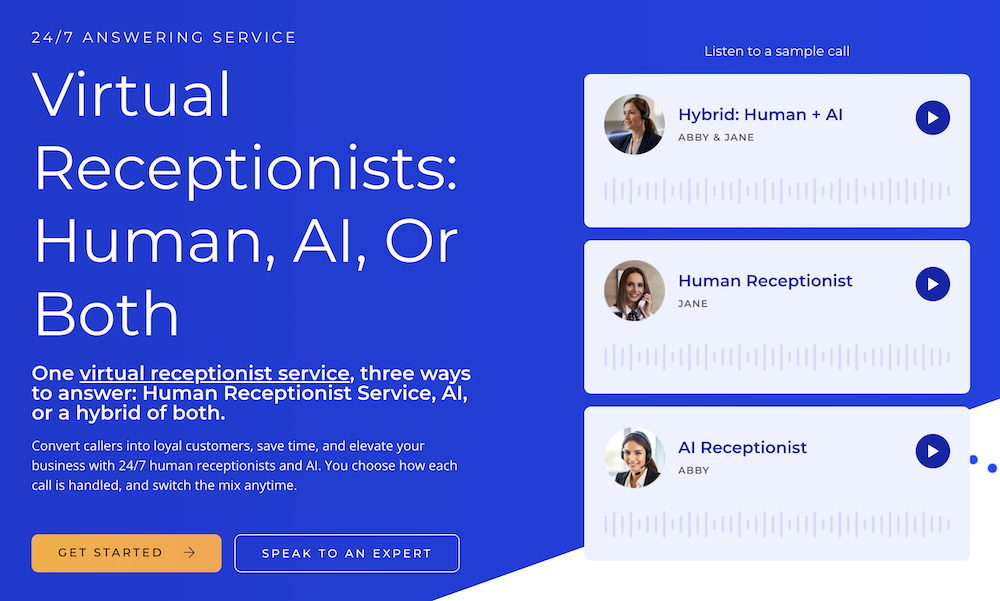
Every call gets recorded and transcribed. Abby then generates a summary and an automated sentiment score based on the caller’s tone. This can help you spot which calls are going badly before a client complains, or check whether AI-answered calls are running cooler than human ones on average.
Abby Connect integrates with more than 150 business tools from multiple categories like CRM, legal, messaging, marketing, Helpdesk, payments and scheduling.
Specialty Answering Service (SAS)
SAS has multiple pricing plans.
Economy starts at $44 a month plus $1.54 a minute and then it goes all the way to a 10,000 minute plan at $10,599 a month. Overage drops as you climb, from $1.54 a minute on Economy down to $1.09 on the top tier. Every plan bills by the second, same approach as ReceptionHQ.
They run two models side by side. A shared agent pool for small businesses, and a dedicated call center option for larger accounts, where agents work your account only.
SAS runs a separate B2B lead generation and telesales arm, actual outbound calling for sales pipelines. If you need someone making calls on your behalf and not just answering them, this is worth considering .
They’re PCI and HIPAA compliant, with biometric-secured data centers, which matters if you’re in healthcare or taking payment info over the phone.

PATLive
PATLive has three products, and each one is priced on its own.
→ Calls start at $49 a month pay-as-you-go with no included minutes, or $99 for 50 minutes, scaling up to $6,899 for 5,000 minutes.
→ Chat is $19 base plus a per-chat rate, running up to $4,999 for 1,000 chats.
→ Outbound calling is $19 base plus per-outreach pricing, up to $5,399 for 1,000 outreaches.
You can buy calls, calls plus chat, or all three, and each one scales independently based on what you actually use.
The outbound product works on a request queue. You email or upload a list of people to call, and PATLive attempts up to three calls per outreach, spaced on whatever interval you set. If nobody picks up after three tries, they leave a voicemail instead.
Every plan also includes a cloud phone system at no extra cost. You can port your existing number onto their platform, add your whole team, and use their app to place calls and send texts from the same number customers already call.
Multiple call scripts can run on one account too, so a business with separate locations or departments can hand each one a different greeting.
Buying calls, chat, and outbound separately means three base fees on top of each other, so a business that wants full coverage across all channels will cost a higher total than a single bundled plan from Ruby or Moneypenny covering similar ground.
What Is an Answering Service?
An answering service is a company you hire to answer your business phone on your behalf. Someone calls your number, a trained agent, human or AI, picks up using your business name and follows instructions you’ve set in advance.
An answering service is more general purpose. It takes messages, screens spam, transfers urgent calls, books appointments, and answers basic questions about your business.
Most answering services still run on human agents. A growing number now let you route some or all of that work to AI instead.
Criteria for Choosing the Best Answering Service
Here’s what actually separates a good fit from a bad one, based on what varies most across providers.
→ Your Call Volume
Get a real number before you shop. Minute-based plans hurt your finance fast if you guess low, Ruby’s jump from 200 to 500 minutes takes the bill from $720 to $1,725 a month. If you don’t know your volume yet, you can use a free trial to measure it before committing to a tier.
→ Billing Model
Providers bill three different ways: per minute, per call, or a blended system like Abby’s, where AI time costs less than human time. Per-minute is not good for long calls. Per-call is not good for high volume. Match the model to how your calls actually run, short or long.
→ Human, AI, or Both
Decide upfront whether you want a person on every call, you’re fine with AI on the routine ones, or you want a provider that blends the two by call type. This affects cost and tone both. AI-only options like Nextiva’s XBert run cheaper but can’t hand a tricky call to a live person mid-conversation unless the provider is built for that handoff specifically.
→ Industry Fit
A generalist receptionist can answer a phone. An industry-trained one knows your terminology and your callers’ actual questions. If you’re in legal, healthcare, or home services specifically, look for providers with real experience and integrations built for that field.
→ Data Handling and Compliance
If you’re in healthcare, finance, or legal, confirm HIPAA or PCI compliance comes standard.






