


A flight data API gives your app access to live and historical aviation information. That includes flight status, schedules, delays, aircraft positions, and airport or airline reference data. You get this without building your own tracking infrastructure.
Developers use these APIs to build flight tracking dashboards, delay monitoring tools, logistics platforms, and travel apps that need live status instead of just prices. This guide covers APIs built specifically for flight data and tracking. It does not cover flight booking or price search APIs. Those solve a different problem and are discussed in our post on the best flight booking APIs.
Flight Data APIs Compared
| Provider | Data Focus | Starting Price | Free Tier / Trial | Best For |
|---|---|---|---|---|
| Aviationstack | Real-time and historical tracking, reference data | Free, then $49.99/mo | 100 requests/month free | Real-time data on a budget |
| FlightAware AeroAPI | Tracking, historical data, predictive ETAs | Free, then $25/mo | 5 queries/min free (Starter) | Comprehensive flight tracking |
| OpenSky Network | Community-sourced ADS-B tracking | Free | 4,000 credits/day (registered) | Free and research-grade data |
| Cirium Sky API | Enterprise status, schedules, fleet, weather | Custom quote | Roughly month-long evaluation | Enterprise data needs |
| OAG Flight Info API | Schedules, status, connections | Custom quote | Free trial, no card required | Airline schedule accuracy |
| Aviation Edge Flight API | Tracking plus static reference data | $7/mo first month | Discounted first month | Developer flexibility |
| AeroDataBox | Schedules, aircraft lookup, airport data | Free, then $5.35/mo | 600 units/month free | Small teams and budget projects |
| AirNav Radar | Multi-source real-time and historical tracking | $119.95/mo | 14-day free trial | Real-time tracking enthusiasts |
| Flightradar24 API | ADS-B based live and historical tracking | $9/mo | 30 days of history on entry tier | High-volume commercial tracking |
I have selected these flight data APIs based on the type of data offered: real-time tracking, status, historical or static reference data, coverage, pricing and free tier access, and integration effort.
Aviationstack
Best for: Real-time data on a budget
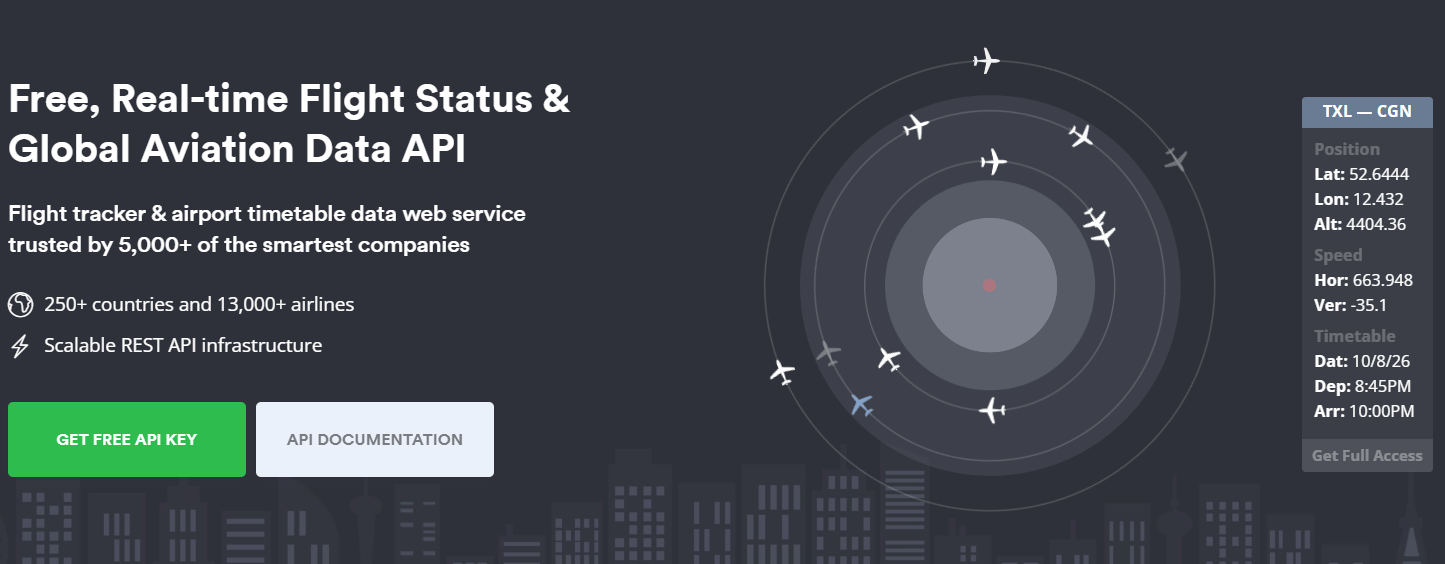
Aviationstack is a REST API for real-time and historical flight tracking. It covers flights, airports, airlines, and aircraft, with a delay of about 30 to 60 seconds on live status updates. The data comes from multiple aviation partners rather than a single source.
Key Features
- Historical flight data is available on paid plans, layered on top of live status
- Reference data covers over 10,000 airports, 13,000 airlines, and 19,000 aircraft
- Airline route and airport autocomplete endpoints for building search interfaces
- REST and JSON design with documentation aimed at developers of different experience levels
Pros & Cons
PROS
CONS
Pricing
The free plan includes 100 requests a month. Paid plans are:
Basic: $44.99/mo billed annually for 10,000 requests.
Professional: $131.99/mo billed annually for 50,000 requests.
Business: $424.99/mo annually, for 250,000 requests.
Larger volumes need a custom Enterprise quote.
FlightAware AeroAPI
Best for: Comprehensive flight tracking
AeroAPI is FlightAware’s flight status and tracking API. It draws data from ADS-B receivers, radar feeds, and other sources FlightAware has aggregated since 2011. The API spans more than 60 REST endpoints, covering both live tracking and deep historical data.

Key Features
- Real-time tracking of commercial and private flights, including position, altitude, and ground speed
- Historical flight data going back to 2011 for trend and post-flight analysis
- Flight alerting for departures, arrivals, diversions, cancellations, and holding patterns
- Foresight predictive ETAs and Aireon space-based ADS-B data, exclusive to Premium
- An interactive documentation portal for testing requests before you write code
Pros & Cons
PROS
CONS
Pricing
Personal has no monthly minimum, with up to $5 of free usage a month ($10 for ADS-B feeders) and a 10-result-set-per-minute rate limit.
Standard adds historical data and alerting for a $100-a-month minimum, with a 5-result-set-per-second rate limit. Premium adds Foresight and Aireon data for a $1,000-a-month minimum, with a 100-result-set-per-second rate limit, phone support, and a 99.5% uptime guarantee.
Per-query fees vary by endpoint, from about $0.001 to $0.05 per result set.
OpenSky Network
Best for: Free and research-grade data
OpenSky Network is a non-profit association based in Switzerland. It has run a volunteer ADS-B and Mode S sensor network since starting as a research project in 2012. Unlike every other API on this list, it isn’t a commercial business, so pricing incentives don’t shape what it builds.
Key Features
- REST API returning aircraft state vectors, live positions, and historical tracks in JSON
- Official Python and Java client libraries, with community wrappers for R, MATLAB, C#, TypeScript, Perl, and Go
- Raw ADS-B and Mode S data suited to research and custom analysis rather than a polished dashboard
Pros & Cons
PROS
CONS
Pricing
OpenSky’s API is free. Anonymous requests get 400 credits a day. Registered accounts get 4,000 credits a day. Active feeder accounts, meaning accounts that contribute sensor data, get 8,000 credits a day. Credits refill once daily instead of gradually..
Cirium Sky API
Best for: Enterprise data needs
Cirium Sky API is Cirium’s current aviation data platform. It now unifies what used to be two separate products, FlightStats API and Laminar Data Hub, into one API. The platform targets airlines, travel platforms, and enterprise integrators rather than solo developers.
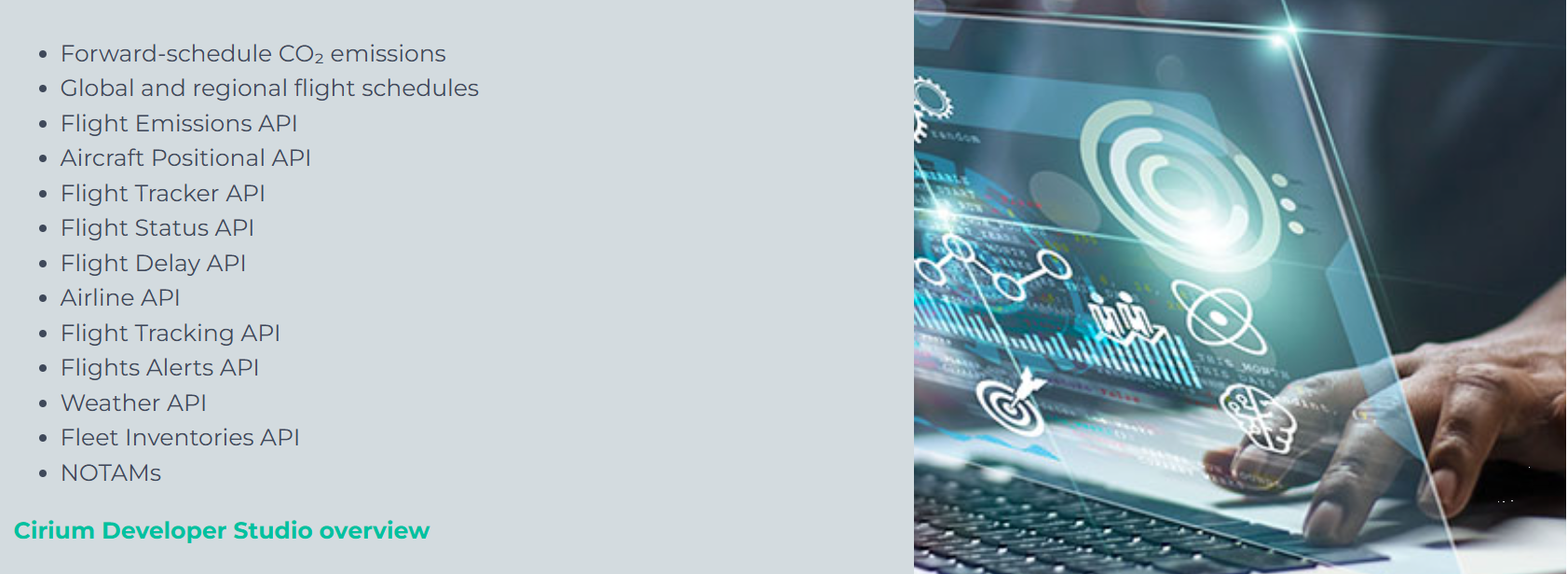
Coverage goes beyond flight status. Cirium Sky API also includes CO2 emissions estimates, NOTAMs, and fleet inventory data, on top of the usual tracking, schedules, and delay information.
Key Features
- Real-time and historical flight status, delays, and gate information
- Airport, airline, and equipment reference data alongside flight connections
- CO2 emissions, NOTAMs, and fleet inventory data beyond flight status alone
- REST APIs with JSON, XML, and SOAP support for enterprise integration
Pros & Cons
PROS
CONS
Pricing
Cirium offers custom quotes based on usage and data needs.
OAG Flight Info API
Best for: Airline schedule accuracy
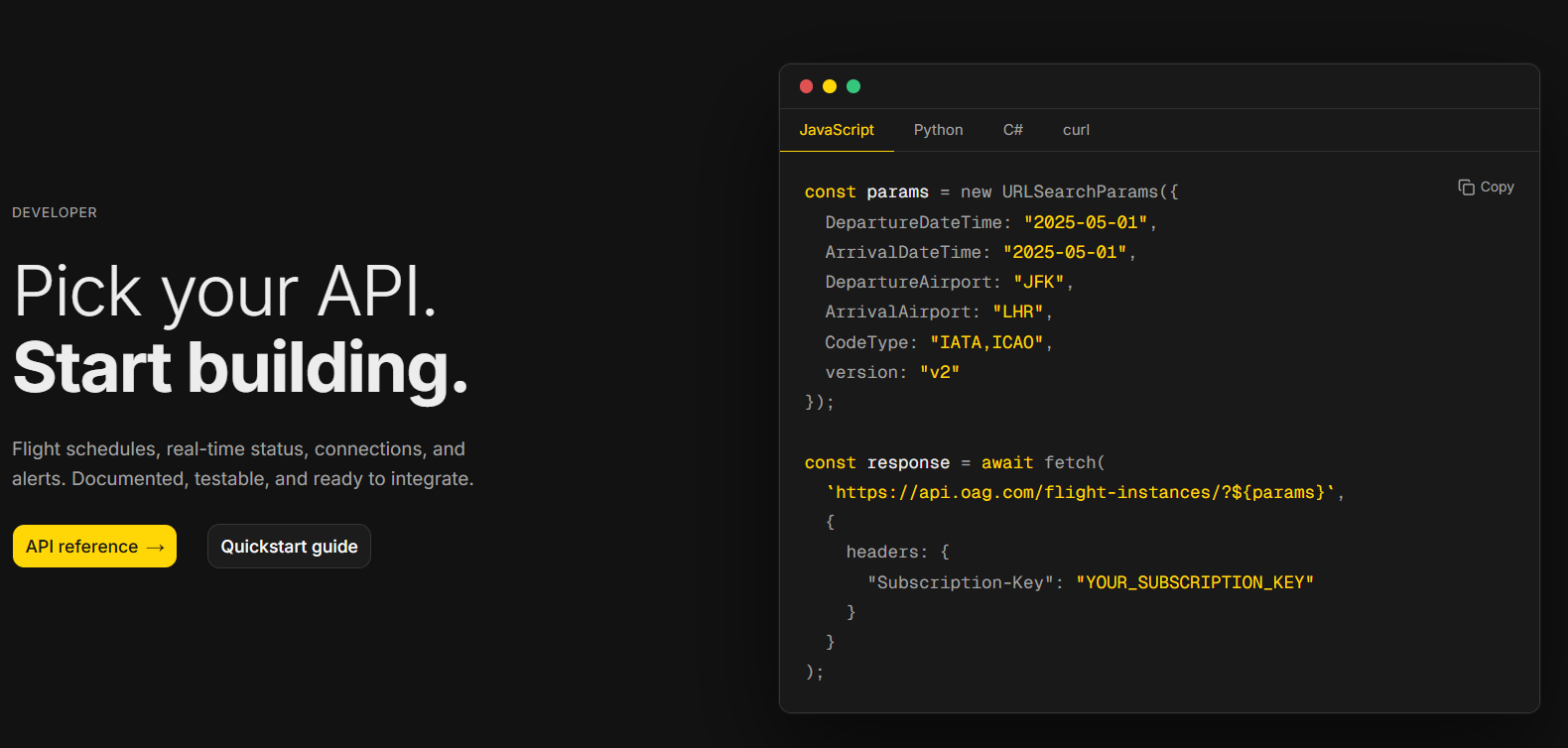
OAG’s Flight Info API draws on data OAG has tracked commercially for decades. It now ships through a self-serve developer portal with named, individually testable products instead of a sales-gated bundle.
Key Features
- Global schedules covering 900+ airlines, refreshed every 15 minutes
- Flight Status for real-time tracking of delays and cancellations
- Seats data for cabin class capacity on scheduled and operated flights
- Master Data for airline, airport, and aircraft reference codes
Pros & Cons
PROS
CONS
Pricing
OAG’s developer portal offers a free trial with no credit card required. After that, production pricing is quote-based through OAG’s sales team.
Aviation Edge Flight API
Best for: Developer flexibility
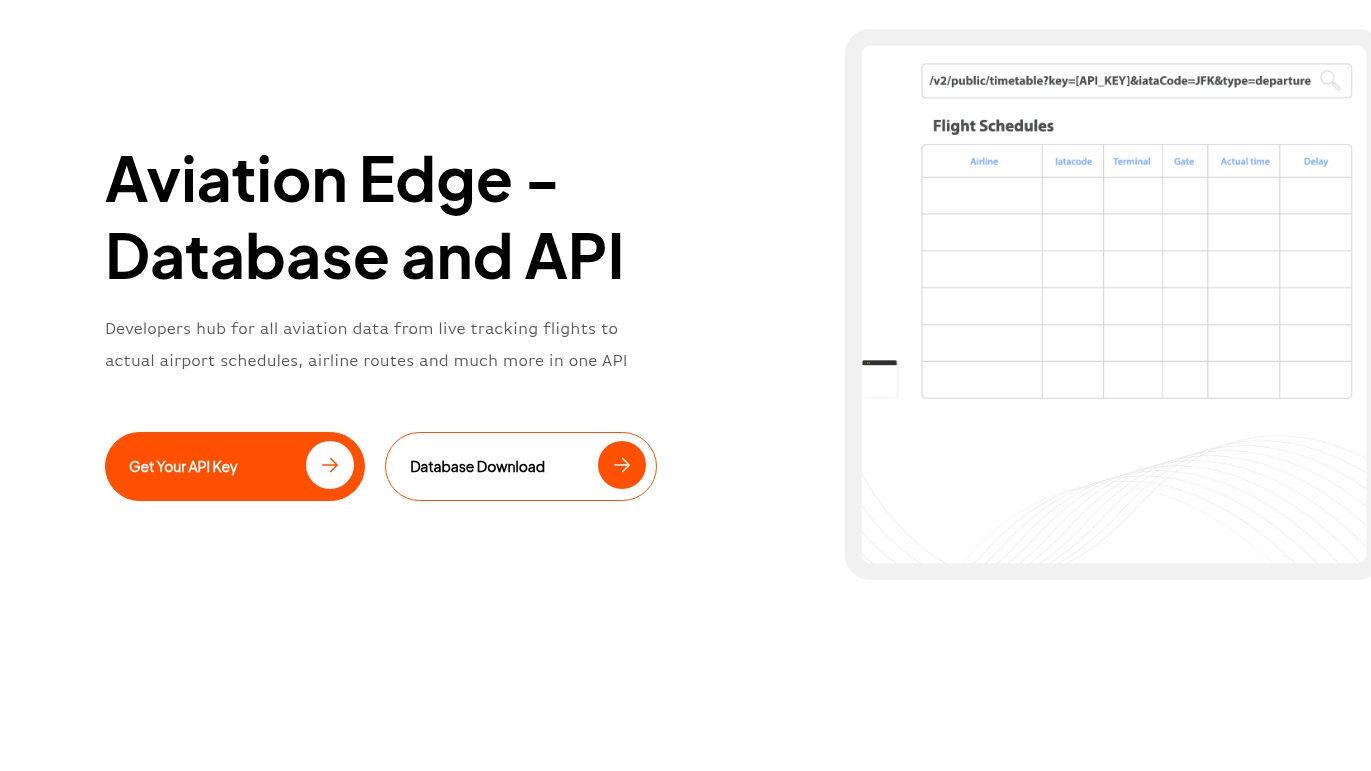
Aviation Edge bundles real-time flight tracking with static reference data, covering airports, airlines, and aircraft, under one API key. It also adds extras like autocomplete and satellite tracking, aimed at developers who would rather not combine several providers.
Key Features
- Real-time flight tracking updated every few minutes, covering status, location, and speed
- Airline route data for operational and route-planning analysis
- Airport and city autocomplete endpoints for building search interfaces
Pros & Cons
PROS
CONS
Pricing
Aviation Edge’s first month costs $7 for the Developer plan, with 30,000 calls. Business costs $15 for the first month, with 100,000 calls. Business Gold costs $39 for the first month, with 500,000 calls plus development support. After the first month, plans renew at $299, $599, and $1,499 a month.
AeroDataBox
Best for: Small teams and budget projects
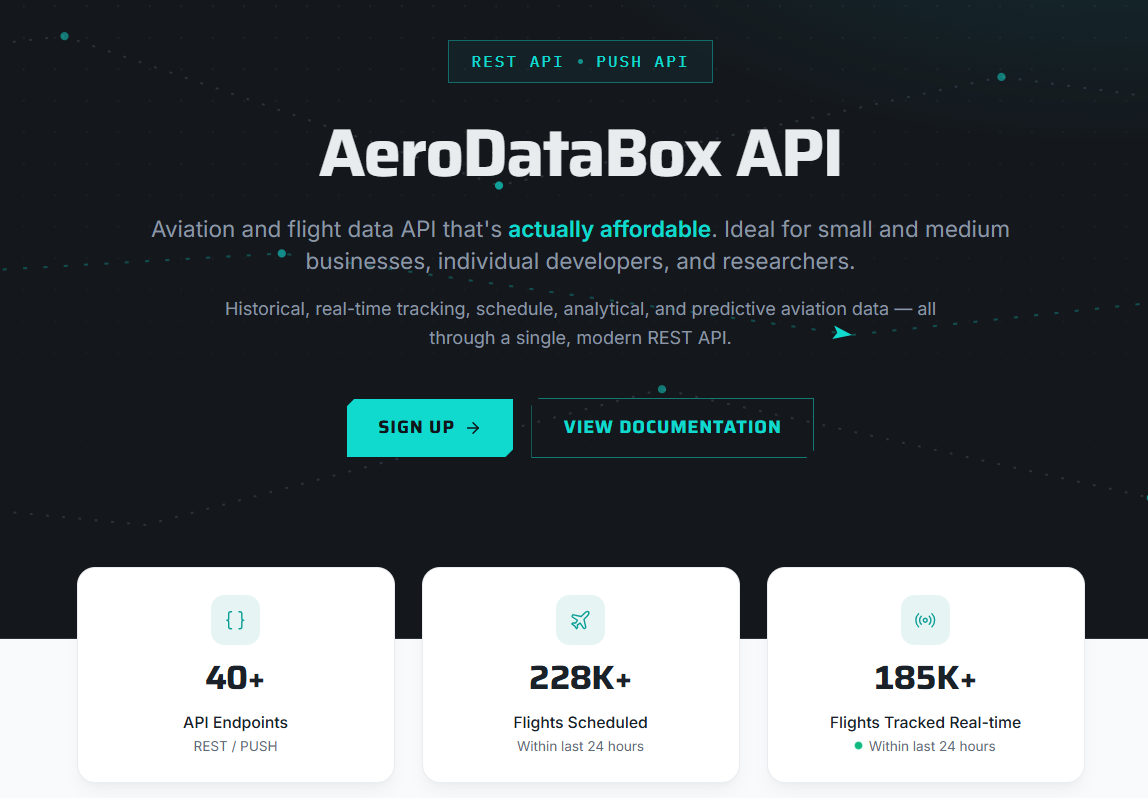
AeroDataBox offers real-time, future, and historical flight schedules with aircraft lookups and airport reference data, including weather and solar-time calculations. It’s distributed through RapidAPI, API.Market and direct subscriptions are suitable for small businesses, students, and developers without a large budget.
Key Features
- Flight schedule and status lookups by flight number, callsign, or aircraft registration
- Aircraft identification and fleet data by tail number or ICAO Mode-S address
- Airport reference data, including runway details and nearby-airport search
Pros & Cons
PROS
CONS
Pricing
On RapidAPI, pricing ranges from the Pro plan costing $5.35/mo for 6,000 units to the Mega plan costing $160/mo for 600,000 units. There is a basic plan that is free with a 600-unit monthly cap.
API.Market offers a similar ladder, from a free plan with 600 units to paid plans starting at $5/mo for 6000 units up to $150/mo for 600,000 units.
At the time of this writing, direct purchase is not available from Aerodatabox.
AirNav Radar
Best for: Real-time tracking enthusiasts
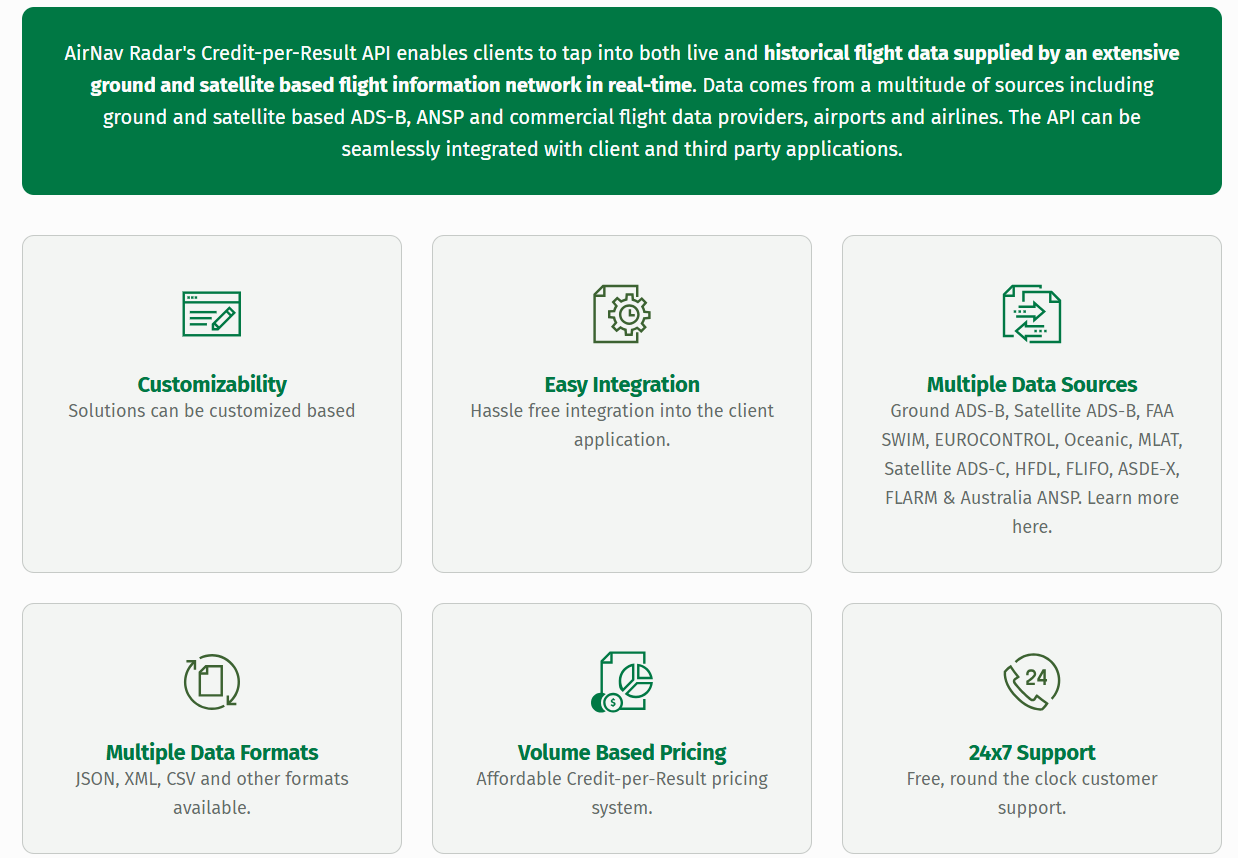
AirNav Radar, formerly known as RadarBox, offers an on-demand flight-tracking API. It pulls from ten aggregated sources, including ADS-B, FAA SWIM, and EUROCONTROL, plus a network of more than 15,000 volunteer ADS-B feeders.
Key Features
- Historical flight data spans a wide range of timeframes for after-the-fact analysis and reporting
- Credit-per-result pricing, so you pay for actual usage rather than a flat call count
- Round-the-clock support included on every paid plan
Pros & Cons
PROS
CONS
Pricing
The Starter Pack costs $119.95 a month for 10,000 credits. The Developer Pack costs $299.95 a month for 50,000 credits. The Enterprise Pack costs $999.95 a month for 250,000 credits. Custom plans go up to 20 million credits a month. Every tier includes a 14-day free trial.
Flightradar24 API
Best for: High-volume commercial tracking
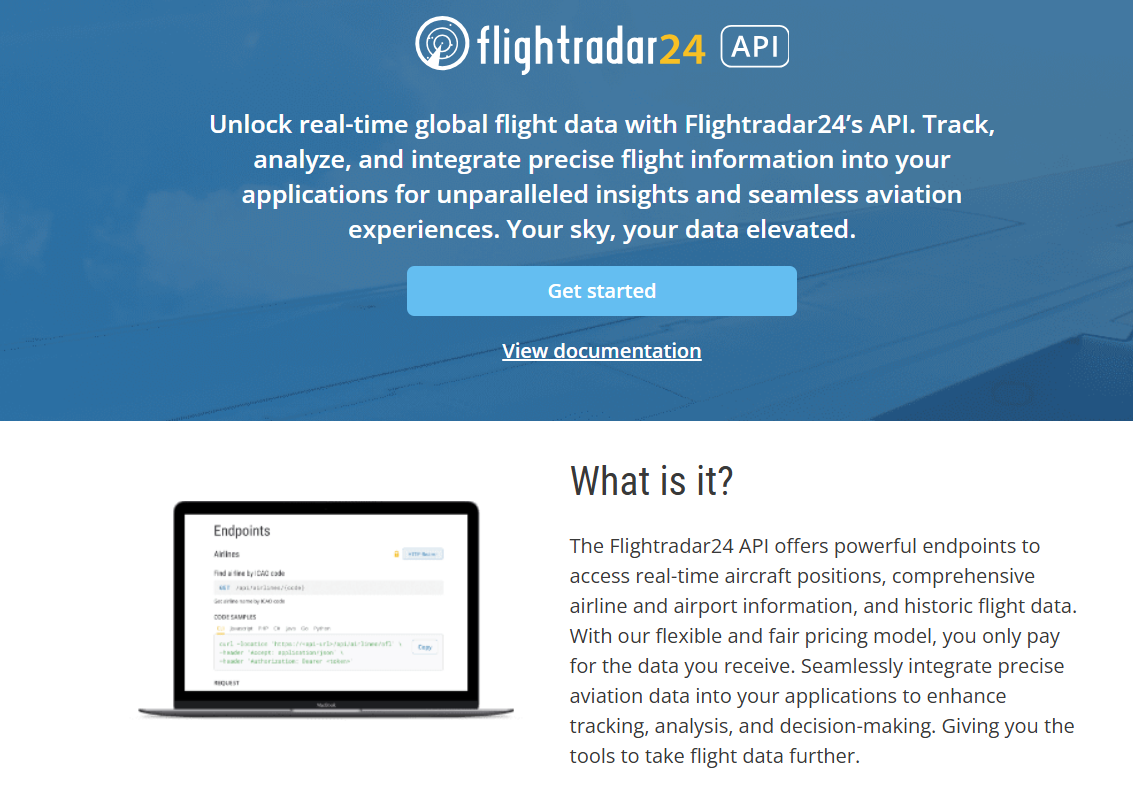
Flightradar24 is one of the most recognized flight-tracking brands. Its API exposes the same live and historical ADS-B data that powers its consumer app.
Key Features
- Historical flight tracks and events, with retention scaling by plan
- Flight summary and count endpoints for analytics without pulling full position data
- Static reference endpoints for airports and airlines
Pros & Cons
PROS
CONS
Pricing
Explorer costs $9 a month for a baseline of 30,000 credits and 30 days of historical data.
Essential costs $90 a month for a baseline of 333,000 credits and two years of history, and Flightradar24 positions it for commercial use.
Advanced costs $900 a month for a baseline of 4.05 million credits, with full historical access.
How to Choose the Right Flight Data API
If you are building a live tracker or map, Flightradar24 API and AirNav Radar give direct access to large ADS-B networks. OpenSky Network is the free option if your project isn’t commercial.
For an enterprise-grade schedule and airline-facing tool, Cirium Sky API, OAG Flight Info API, or FlightAware AeroAPI’s higher tiers will be a good choice.
If you are running a small project or prototype on a tight budget, choose Aviationstack, AeroDataBox, or OpenSky Network. Their free tier will get you real data without a monthly commitment.
Need to sell or search flights instead of tracking them? Skip the list above and look at the booking and price-search APIs. They serve a different use case.
Frequently Asked Questions
What’s the difference between a flight-data API and a flight-booking API?
A flight-data API, like the ones in this guide, returns status, tracking, schedule, or historical information. It doesn’t sell tickets. A flight-booking API, like Trawex or FlightsLogic, lets you search fares and complete a reservation through GDS providers. Skyscanner sits in between: it returns live prices without handling the booking itself
Is there a free flight data API?
OpenSky Network is free, with no paid tier, offering 4,000 daily credits for registered users and 8,000 for feeders. Aviationstack, AeroDataBox, and Flightradar24 all offer limited free access or a low-cost entry tier to test before paying.
Is there an API for airport data specifically?
Yes. Aviationstack, Aviation Edge, and OAG’s Master Data API all provide airport reference data, like codes and locations, alongside their flight-tracking endpoints.
Does Google offer a flight data API?
No. Google retired its public QPX Express API in April 2018, citing low partner interest. Flight data shown in Google Flights today comes from partnerships and internal systems that aren’t available to outside developers.
How much does a flight data API cost?
Free options exist, including OpenSky Network and limited free tiers from Aviationstack and AeroDataBox. Budget paid plans start around $7 to $50 a month. Enterprise providers like Cirium and OAG are quote-based and can reach well into four figures a month for high-volume commercial use.





