



Waiting on a third-party API that is not ready, rate-limited, or unstable is one of the most common blockers in app development. A mock REST API solves this by standing in for the real thing: it accepts the same requests and returns realistic responses, so frontend, backend, and QA work can continue without the dependency.
The tools I have reviewed below range from zero-signup cloud builders to open-source, spec-driven mock servers, covering both a quick one-off mock and a setup meant to run inside a CI pipeline. They’re grouped roughly from the fastest no-code options toward more code- and spec-driven, self-hosted tools.
Quick Comparison
Below is a comparison table of the Mock REST API tools I will be discussing in this post.
| Tool | Best For | Hosting | Free Tier | Spec/Collection Import | Setup Effort |
|---|---|---|---|---|---|
| Beeceptor | Zero-code mocking with no signup | Cloud | Yes – 50 req/day, 3 rules | No | Seconds |
| MockAPI | CRUD-style APIs with related resources | Cloud | Yes – 1 project, 2 resources | No | Minutes, signup required |
| Mockoon | Free, open-source desktop mocking | Desktop app (+ optional cloud) | Yes – full desktop app | Yes (OpenAPI) | Minutes, install required |
| Postman Mock Servers | Teams already working in Postman | Cloud/local | Yes – unlimited mock servers | Yes (Postman Collection) | Minutes, needs a collection |
| Mocki | Config-as-code mocks synced with your repo | Cloud + CLI | No-signup editor; 7-day trial for paid features | No | Minutes to set up sync |
| JSON Server | Fastest way to mock an API from one JSON file | Self-hosted (npm) | Yes – fully free | No | Seconds, one command |
| WireMock | Java/enterprise-grade request matching in CI | Self-hosted (server or library) | Yes – fully free | No (stub files, not spec import) | Varies by integration |
| Stoplight Prism | Mocking straight from an OpenAPI spec | Self-hosted (CLI) | Yes – fully free | Yes (OpenAPI/Postman Collection) | Minutes, needs a spec file |
Beeceptor
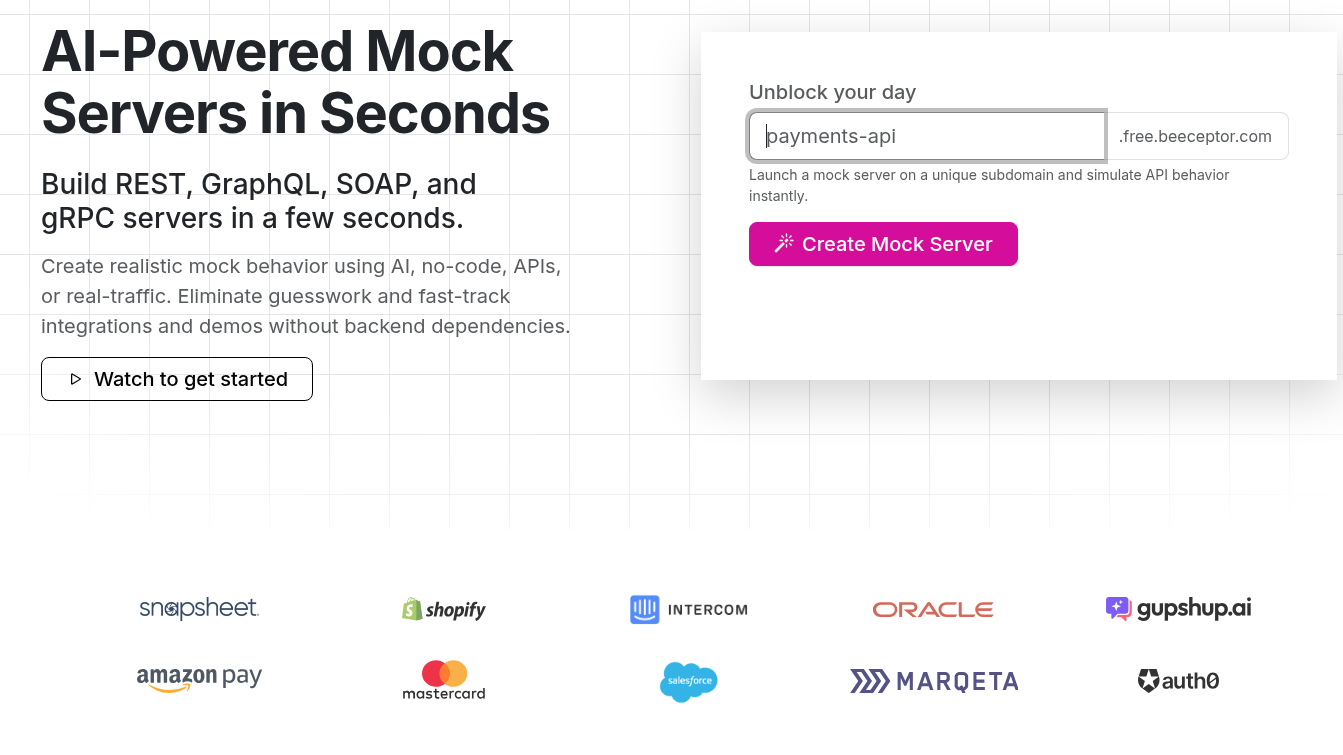
Beeceptor creates a working mock endpoint directly from its homepage, without an account. You type an endpoint name, define rules for what each path and method should return, and start sending requests to it immediately. It removes all setup friction for a quick one-off mock.
Key Features
- Rule-based responses matched by path, method, headers, or query values, evaluated in order until one matches
- Fault and latency injection to let you test how your app handles slow or broken responses on purpose
- Live traffic inspector that records real requests hitting your mock endpoint as they happen
- Proxy-based partial mocking so that unmatched requests can fall through to a real backend
- Shareable request/response examples via unique links for teammates
Pros & Cons
PROS
CONS
Pricing
Free: 50 requests/day per endpoint, 3 mock rules, public endpoint, no signup.
Individual: $10/month, 15,000 requests/month, 50 mock rules, private endpoint.
Team: $25/month, 100,000 requests/month, 250 mock rules, CI/CD integration, custom domain.
Scale: $99/month, 1M+ requests/month, audit logs, forward proxy.
Enterprise plans are custom-priced for private cloud or on-premises deployment. Annual billing gets a 20% discount.
MockAPI
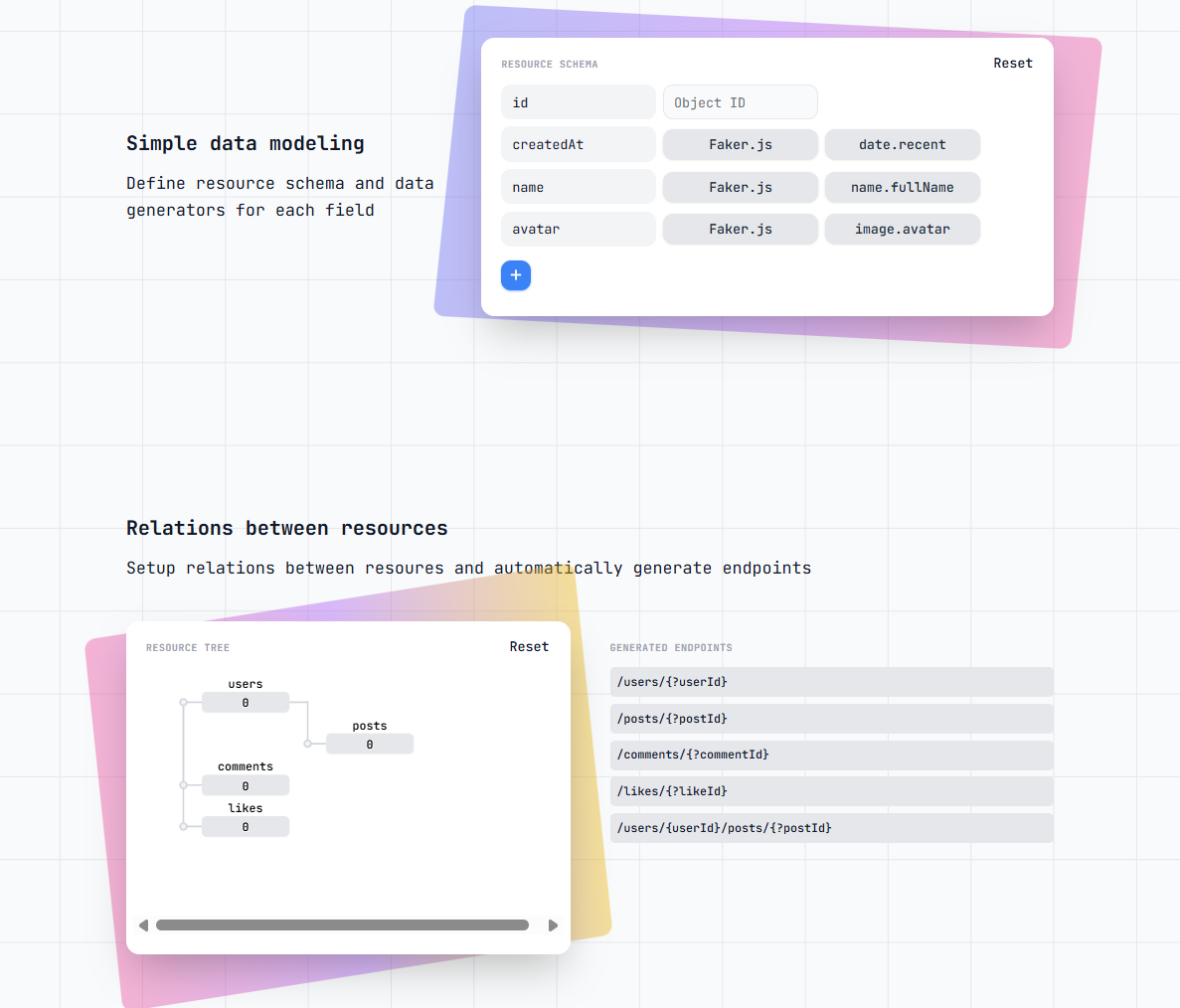
MockAPI takes a data-modeling approach instead of a rules approach: you define resources (like users or posts), their fields, and how they relate to each other, and MockAPI generates a full set of RESTful CRUD endpoints from that schema. It fits best when the mock needs to behave like a real, connected dataset rather than a single canned response.
Key Features
- Faker.js-backed data generators for individual fields, so records look like realistic names, dates, or images instead of placeholder text
- Resource relationships that auto-generate nested endpoints, such as
/users/{userId}/posts - Built-in pagination, sorting, and filtering on generated endpoints without extra configuration
- Project sharing and cloning for working with teammates on the same mock dataset
Pros & Cons
PROS
CONS
Pricing
Free: 1 project, 2 resources.
Paid: $5/month or $35/year, 20 projects, 50 resources, custom responses, and collaboration.
Mockoon
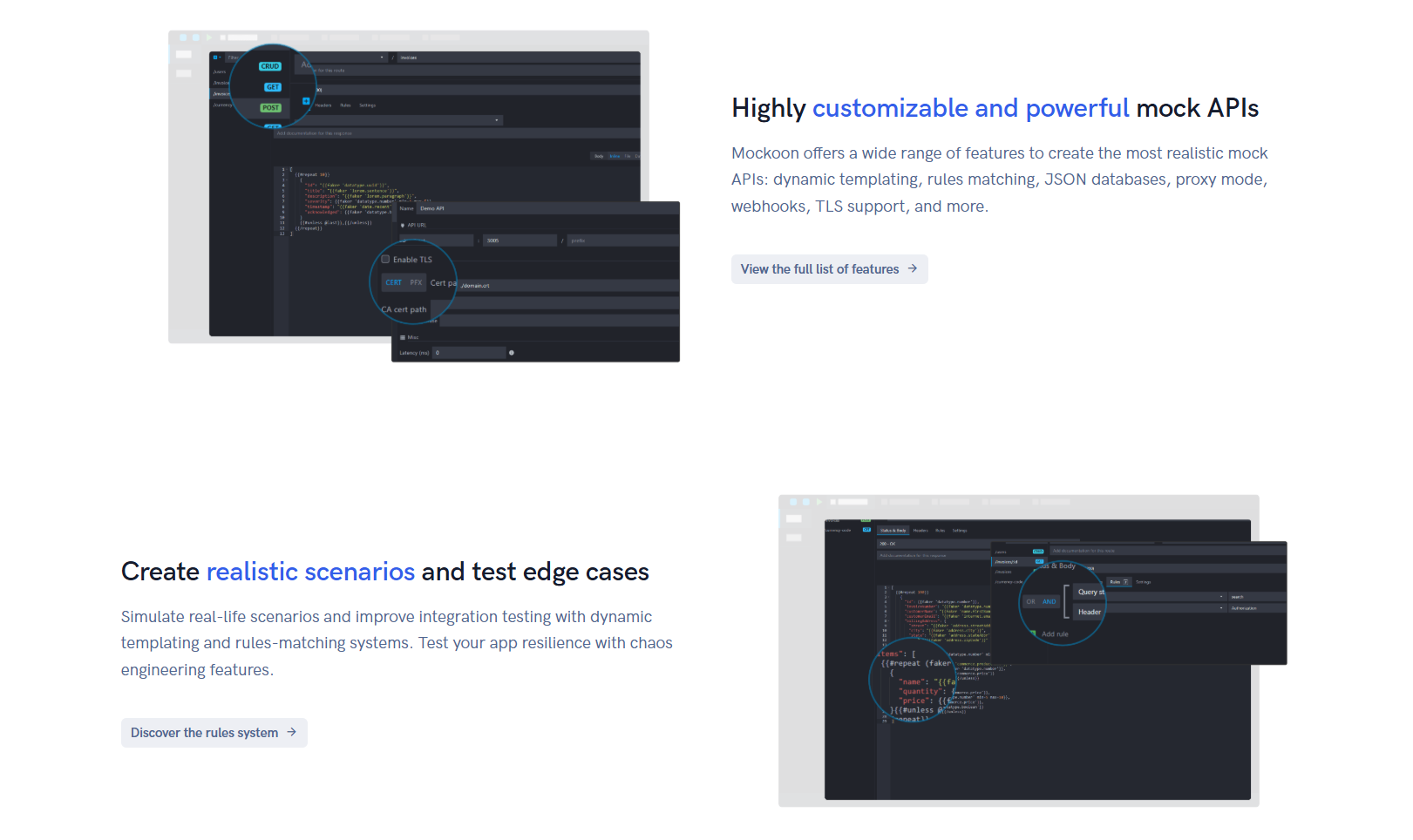
Mockoon is a free, open-source desktop application for running mock APIs locally, with no account and no remote deployment required to use its core functionality. It suits developers who want full control over their mock server and don’t want mock data leaving their machine by default.
Key Features
- Unlimited mock APIs and routes in the free desktop app, all runnable simultaneously
- Stateful routes that let a mock’s response change based on prior requests, useful for simulating real workflows
- OpenAPI-compatible import and export; an existing spec can seed a mock instead of rebuilding it by hand
- Request recording and proxying to let you capture and replay the traffic to a real API as a mock.
- Runs headlessly via its CLI, useful for starting mocks inside a CI job
Pros & Cons
PROS
CONS
Pricing
Desktop app: free, open-source, unlimited endpoints, and rules.
Cloud Team plan: $100/month billed annually, up to 5 members, 3 deployed API mocks, 100,000 monthly API calls, 14-day free trial.
Enterprise: custom quotas and instances.
Postman Mock Servers
Postman’s Mock Servers feature turns an existing Postman Collection into a live mock endpoint, generating responses from the example responses already saved on each request. For a team that already writes and shares API requests in Postman, it’s the option requiring the least extra tooling.
Key Features
- Mock servers are generated directly from a collection’s saved example responses; no separate schema or rule definition step
- Public mock servers are reachable by anyone with the URL; private mock servers require a Postman API key in the request headers
- Both cloud-hosted and local mock servers are supported from the same collection
- Dynamic variables in example responses let a single saved example return varying data per request
Pros & Cons
PROS
CONS
Pricing
Free to use: mock servers (cloud and local) are unlimited on every Postman plan, including the free tier. No paid upgrade is needed for this feature specifically.
Mocki
Mocki lets you define a mock API as YAML configuration synced from a GitHub repository, in addition to a no-signup browser editor for quick one-off mocks. It fits teams that want their mock definitions versioned and reviewed the same way as application code, not just clicked together in a UI.
Key Features
- Configuration-as-code: mock definitions live in YAML files and sync automatically from a connected GitHub repository
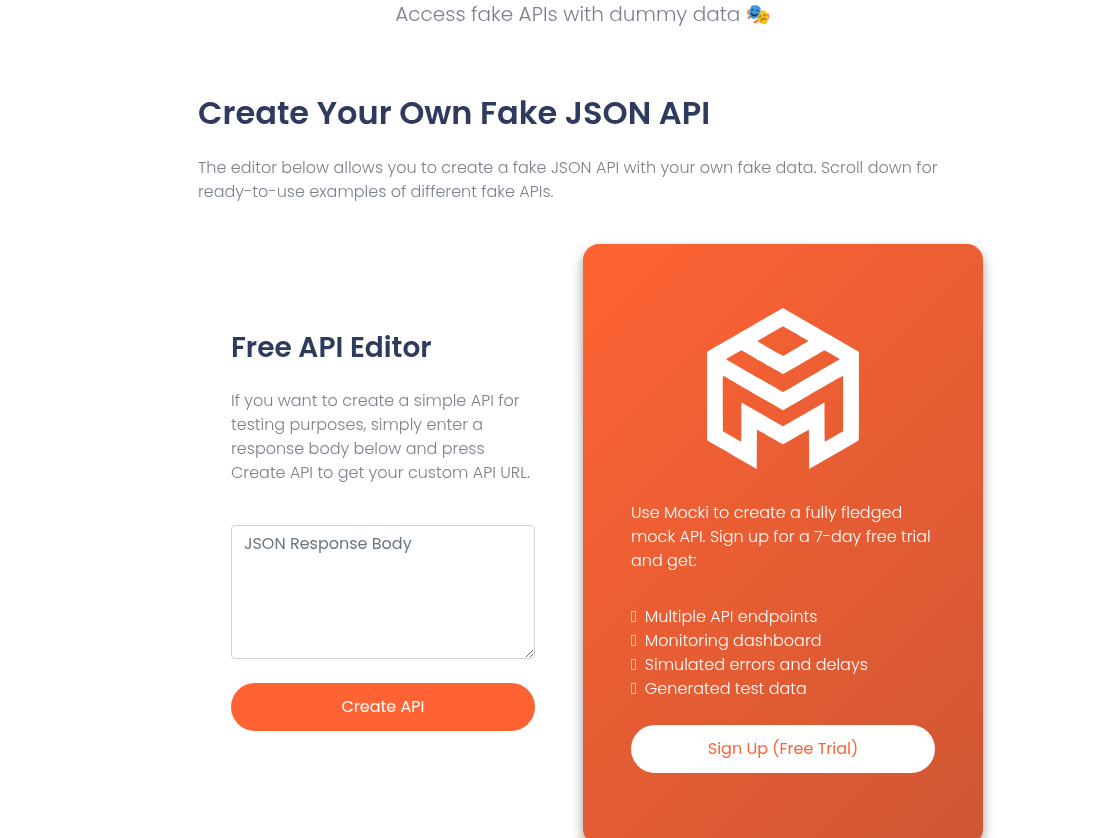
- A no-signup “Free API Editor” for generating a one-off mock URL from a pasted JSON response body
- Error and delay simulation for testing how a client handles failures or slow responses
- A local CLI for running mocks offline without a network connection
Pros & Cons
PROS
CONS
Pricing
A no-signup Free API Editor is available for quick one-off mocks, and a 7-day free trial unlocks full features.
The Starter plan is $15/month for 1,000 requests/day, prioritized support, and a monitoring dashboard.
JSON Server
JSON Server is a free, open-source command-line tool that turns a single JSON file into a full REST API, with no signup, account, or cloud dependency at all. It’s the most literal answer to “mock a REST API in seconds” on this list: write a JSON file, run one command, and you have working CRUD endpoints.
echo '{ "posts": [{ "id": "1", "title": "a title" }] }' > db.json
npx json-server db.json
# GET/POST/PUT/PATCH/DELETE now work against http://localhost:3000/posts
Key Features
- Generates full CRUD REST endpoints from the top-level keys of a single JSON file
- Built-in filtering, sorting, and pagination via query parameters, without extra configuration
- Automatically and safely saves changes back to the JSON file on POST, PUT, PATCH, or DELETE requests
- CORS and JSONP support out of the box for use directly from frontend code in a browser
Pros & Cons
PROS
CONS
Pricing
Free and open-source, distributed as an npm package. There is no paid tier.
WireMock
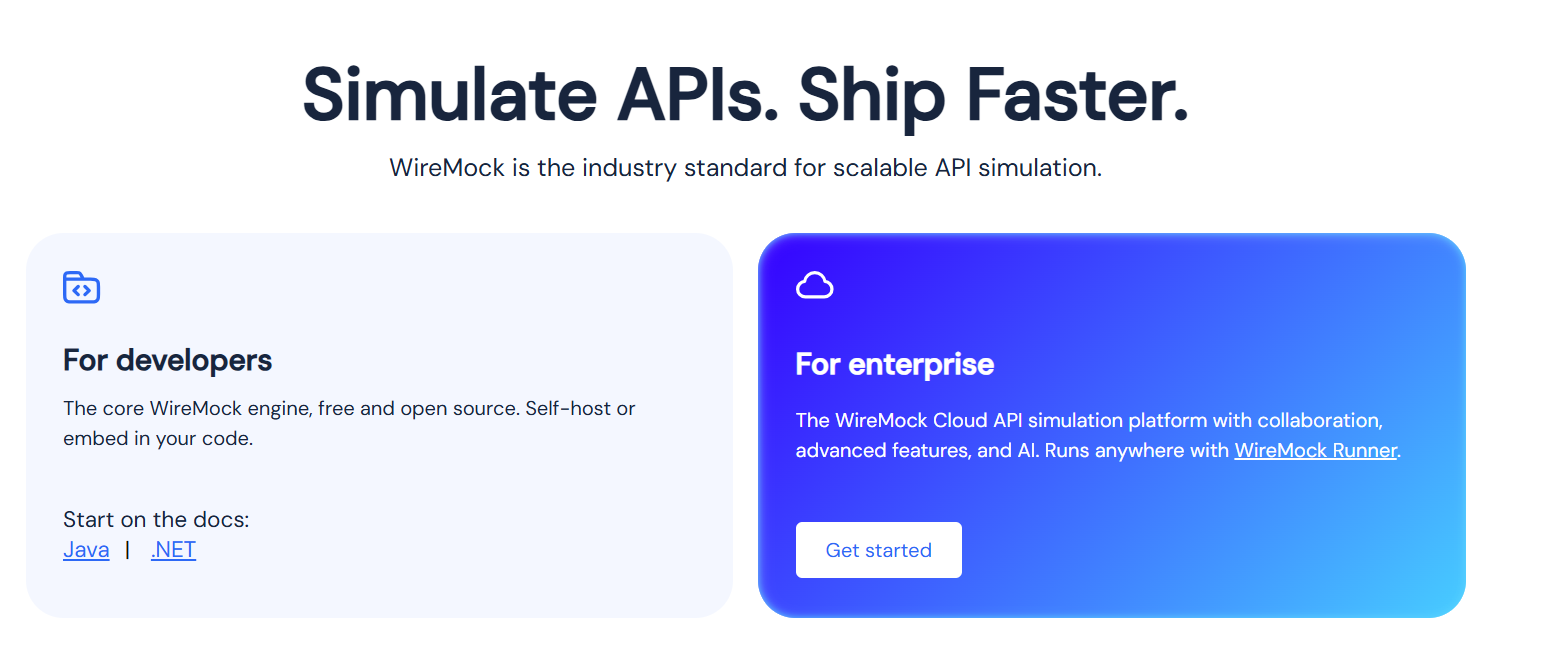
WireMock is an open-source API mocking tool designed for precise request matching, making it widely used inside automated test suites (particularly on the JVM). It runs as a standalone server or an embedded library; it works directly with an existing test pipeline instead of requiring a separate hosted service. It suits teams that need a mock to distinguish requests by header or body content, not just the endpoint path.
Key Features
- Request matching on URL patterns, headers, query parameters, cookies, and request body content, not just the path
- Runs as a standalone HTTP server or as an embedded library across multiple languages, not only Java
- Dynamic responses via Handlebars templating, using request data, random values, or custom helpers
- Records real service interactions and plays them back later as stub mocks
- Simulates network faults, delays, and malformed responses to test how client code handles failure
Pros & Cons
PROS
CONS
Pricing
The core WireMock tool is free and open-source under the Apache 2.0 license, usable as a standalone server or embedded library with no paid tier required for that functionality. A separately hosted WireMock Cloud managed service also exists for teams that want it to run for them.
Stoplight Prism
Prism is an open-source command-line tool that turns an OpenAPI (v2/v3) or Postman Collection file directly into a working mock server. It’s the pick for teams practicing API-design-first development, where the OpenAPI spec is the source of truth and the mock should match it exactly. The standalone CLI is free, so you do not need Stoplight’s paid API design platform.
npx @stoplight/prism-cli mock openapi.yaml
# Serves a mock server matching every path/response defined in openapi.yaml
Key Features
- Generates a mock server directly from an OpenAPI v2/v3 file or a Postman Collection, with no separate mock-authoring step
- Response validation against the spec, so requests and responses that don’t match the contract can be flagged, not just mocked
- Dynamic, example-aware response generation instead of returning only the first static example in the spec
- Runs as a local process or inside a Docker container for CI use
Pros & Cons
PROS
CONS
Pricing
Prism itself is free and open-source under the Apache 2.0 license. It’s also integrated into SmartBear’s paid SwaggerHub platform for teams that want it as part of a larger API lifecycle product, but the standalone CLI tool carries no separate cost.
How to Choose
Below are some points that will help you decide which API mock platform to choose.
- Want a URL right now with zero setup? Beeceptor (browser, no signup) or JSON Server (one terminal command) gets there fastest.
- Mocking a dataset of related resources (users, posts, comments)? MockAPI’s schema and relationship modeling fit better than a flat rules engine.
- Want a free, fully self-hosted tool you control end to end? Mockoon (desktop app) or JSON Server (npm package) keep everything on your machine.
- Already living inside Postman for API work? Postman Mock Servers reuse the collection you likely already have.
- Want your mock config versioned and reviewed like code? Mocki’s YAML-plus-GitHub-sync approach is built specifically for that.
- Testing on the JVM or need fine-grained request matching in CI? WireMock is the more enterprise-grade, code-first option.
- Practicing API-design-first with an OpenAPI spec as the source of truth? Stoplight Prism mocks directly from that spec and validates against it.
FAQs
Do I need to write code to create a mock REST API?
No, not with every tool. Beeceptor, MockAPI, Postman Mock Servers, and Mocki’s browser editor all let you set up a mock through a UI. JSON Server, WireMock, and Stoplight Prism are code- or CLI-first, and Mockoon sits in between with a desktop app plus optional CLI use.
Can I generate a mock server directly from an OpenAPI spec or Postman collection?
Yes, with Stoplight Prism (OpenAPI or Postman Collection) or Postman Mock Servers (Postman Collection). Mockoon supports OpenAPI import as well. The others on this list are built from a manual schema, rule set, or JSON file instead of an existing spec.
Will a free-tier mock API hold up in a CI/CD pipeline?
It depends on the tool. Cloud tools with daily or monthly request caps (Beeceptor’s free 50 requests/day, for example) can get exhausted quickly by an automated test suite running on every commit. Self-hosted, unmetered options like JSON Server, Mockoon’s desktop app, WireMock, and Stoplight Prism don’t have that ceiling, since the mock runs as a local or CI-hosted process rather than a shared cloud quota.
What happens when the real API is finally ready?
If the mock’s endpoints, methods, and response shapes matched the real API’s contract, switching over is usually just a base-URL change in your app’s configuration or environment variables. No application code changes will be required. This is one more reason spec-driven tools like Stoplight Prism or Postman Mock Servers can save time later: the mock and the real API are built from the same definition to begin with.






