



Amazon SES charges about $0.10 per 1,000 emails you send from an EC2 instance, and roughly $0.12 per 1,000 from outside AWS. Compare that to a typical email marketing platform charging $20 to $60 a month for a list of a few thousand contacts, and the gap becomes obvious once your list grows past a few thousand subscribers.
The catch is that Amazon SES on its own is just an email sending platform. There’s no list manager, no drag-and-drop template builder, no unsubscribe handling, and no campaign reporting. You send raw API or SMTP requests, and Amazon delivers the message.
To actually run email marketing campaigns, you need a platform layered on top of SES that handles the list management and campaign side while routing the actual delivery through your SES account.
This guide covers popular platforms built to do that: some are hosted, some are self-hosted, but all are to keep your sending cost close to what SES itself charges instead of paying full retail platform pricing on top of it.
Quick Comparison
| Tool | Deployment | Free plan | Starting paid price | Best for |
|---|---|---|---|---|
| Sendy | Self-hosted | No | $69 one-time | Lowest ongoing cost at any list size |
| BigMailer | Hosted | Yes, but requires your own SES | Paid plans from $20/month | Agencies managing multiple brands |
| EmailOctopus | Hosted | Yes, up to 2,500 contacts | From $9/month | Small lists wanting a polished editor |
| Pabbly Email Marketing | Hosted | Yes, up to 100 subscribers | From $17/month | Predictable flat pricing as lists grow |
| MailWizz | Self-hosted | No | $59/year | Agencies reselling email marketing as a service |
| Listmonk | Self-hosted | Yes | Free | Developers who want full control with zero license fees |
| Mautic | Self-hosted | Yes | Free, paid managed hosting available | Teams that also want marketing automation, not just email |
| MailBluster | Hosted | Yes, 3,000 emails total | $60/year + $0.60 per 1,000 emails | Straightforward pricing without a subscriber cap |
| EasyMail7 | Desktop/server software (license) | 14-day trial | Custom, license-based pricing | High-volume senders who want an on-premise Windows tool |
How Sending Through Amazon SES Actually Works
Before picking a tool, it helps to understand what you’re actually buying. Amazon SES handles three things:
- Accepting your outbound message
- Checking it against your sending reputation and quota
- Delivering it to the recipient’s mail server
Every platform on this list connects to SES either through its SMTP interface or its API, using credentials tied to your AWS account.
That means a few things stay true no matter which tool you pick:
You need your AWS account.
Every tool here expects you to bring your own SES setup, complete with SPF, DKIM, and ideally DMARC records configured on your sending domain. None of these platforms verify your domain for you.
New AWS accounts start in the SES sandbox.
In sandbox mode, you can only send to verified email addresses, and you’re capped at a low daily volume. You have to request production access from AWS support before you can email real subscriber lists at scale. This usually takes anywhere from a few hours to a couple of days and requires explaining your use case and how you handle bounces and complaints.
You manage sending reputation.
Because you’re sending through your own AWS account, a spike in bounces or spam complaints affects your account’s reputation, not some shared pool other customers are also sending through.
This is a real advantage over cheap shared IP platforms, but it also means list hygiene matters more, not less.
And since deliverability through your own SES account depends heavily on list quality, our email verification tools guide is worth checking before your first send.
Software pricing on top of SES.
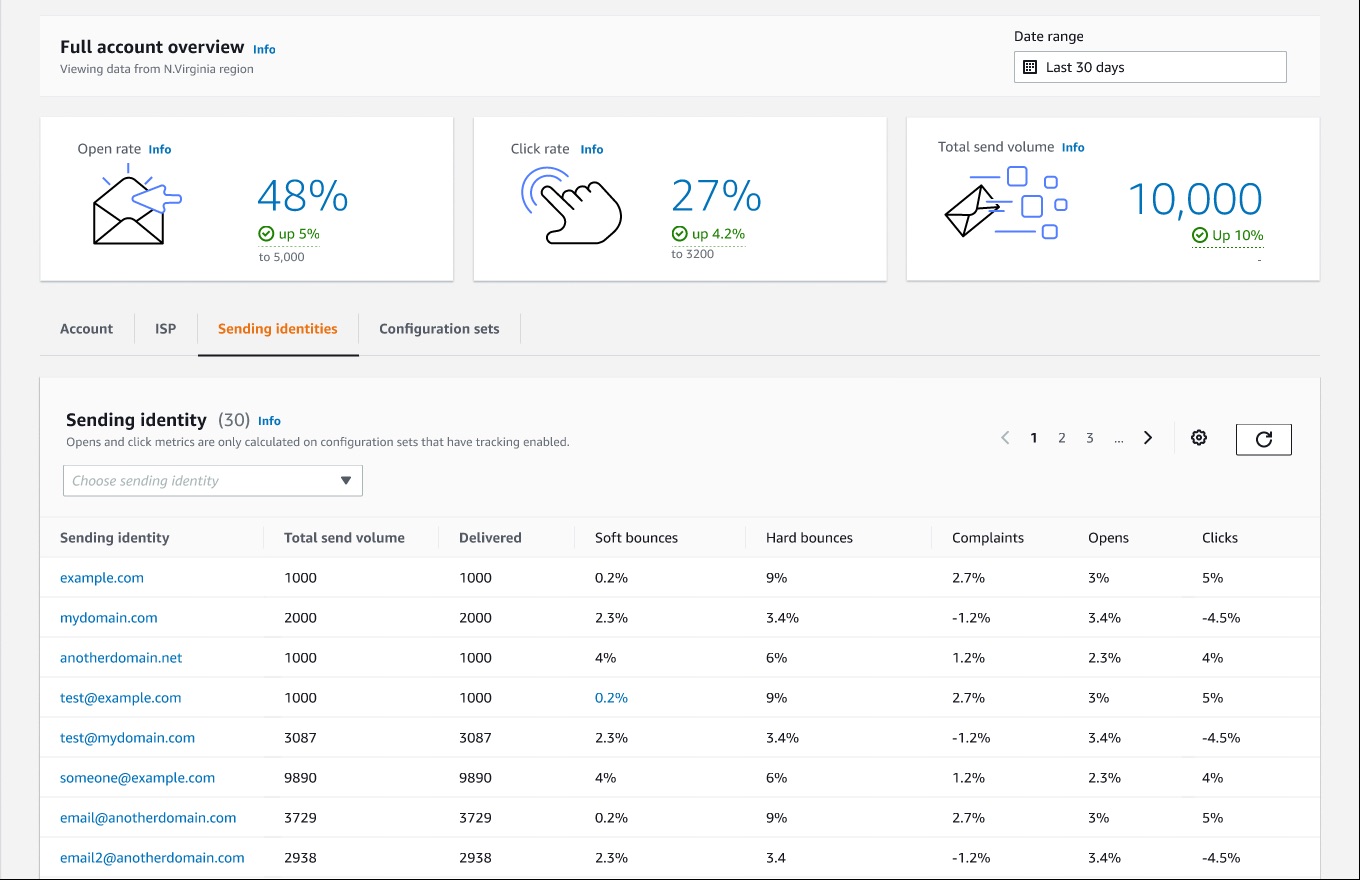
The prices listed for each tool below are what the platform itself charges for its list management, editor, automation, and reporting. You pay Amazon separately, directly through your AWS bill, for the actual emails sent.
Let’s now look at the platforms in detail.
Sendy
Best for businesses that want the lowest possible ongoing cost regardless of list size.
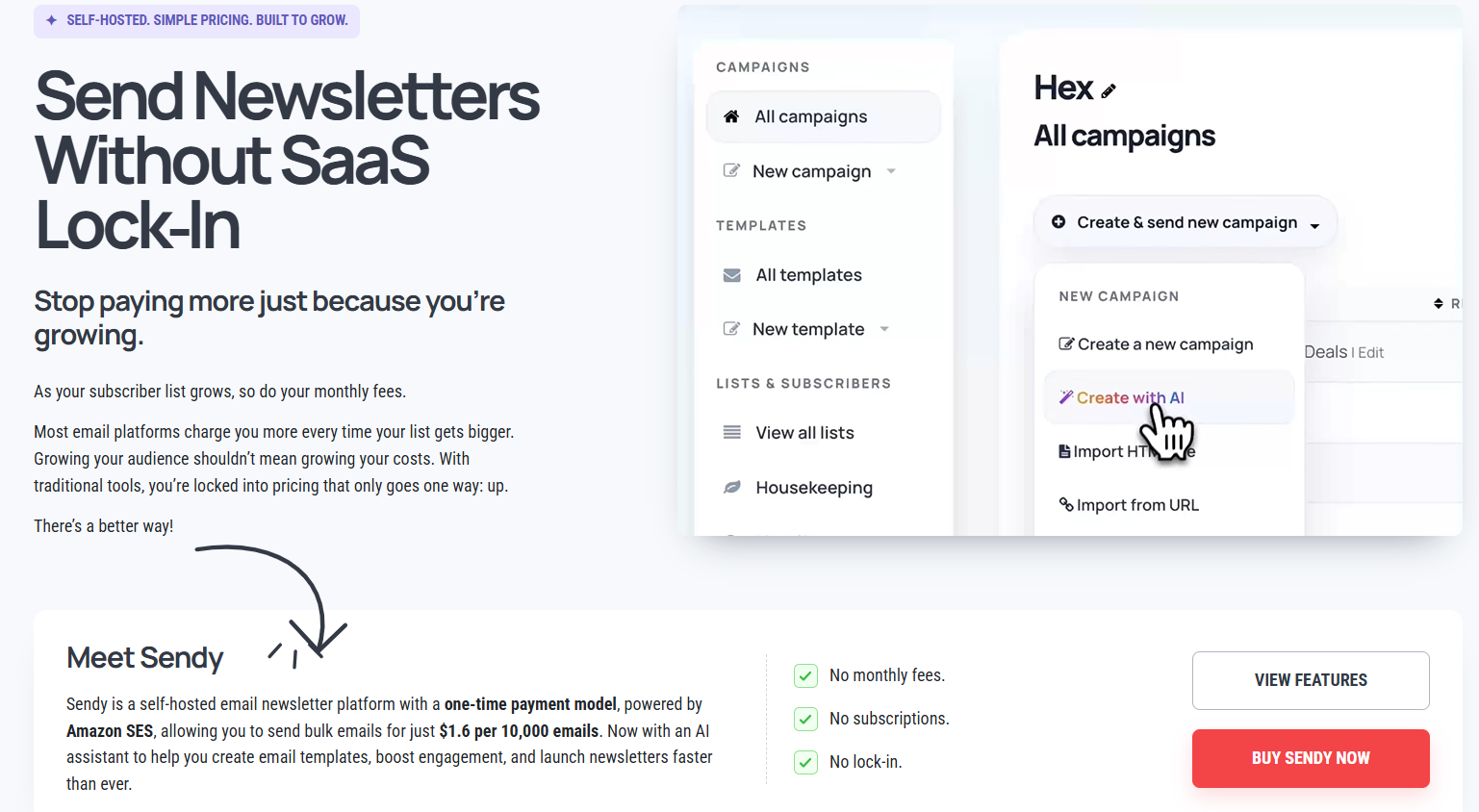
Sendy has been the reference point for SES-based email marketing for over a decade, and it still is. You install it on your own server, connect your AWS SES credentials, and pay a single license fee rather than a recurring subscription. At current AWS rates, sending 10,000 emails through Sendy costs around $1.60 in SES fees.
Key features
- Drag-and-drop and HTML template editors
- Autoresponders for drip and onboarding sequences
- Multi-brand support from a single install, useful if you run several newsletters or client accounts
- Campaign reports covering opens, clicks, bounces, and complaints
- Native integrations with WordPress, Zapier, and Magento
Real use cases
A newsletter publisher with 50,000 subscribers sending twice a week keeps their monthly sending cost under $15, compared to several hundred dollars on a subscription-based platform charging by list size.
Pricing
Sendy costs $69 as a one-time license fee for a single installation. An optional AI writing assistant add-on is available for $39.
Pros & Cons
PROS
CONS
Our take
If your priority is keeping costs as close to Amazon’s raw SES pricing as possible and you’re comfortable maintaining your own server, Sendy is still the tool most people land on.
BigMailer
Best for agencies and multi-brand businesses that want white-label email marketing without managing servers.
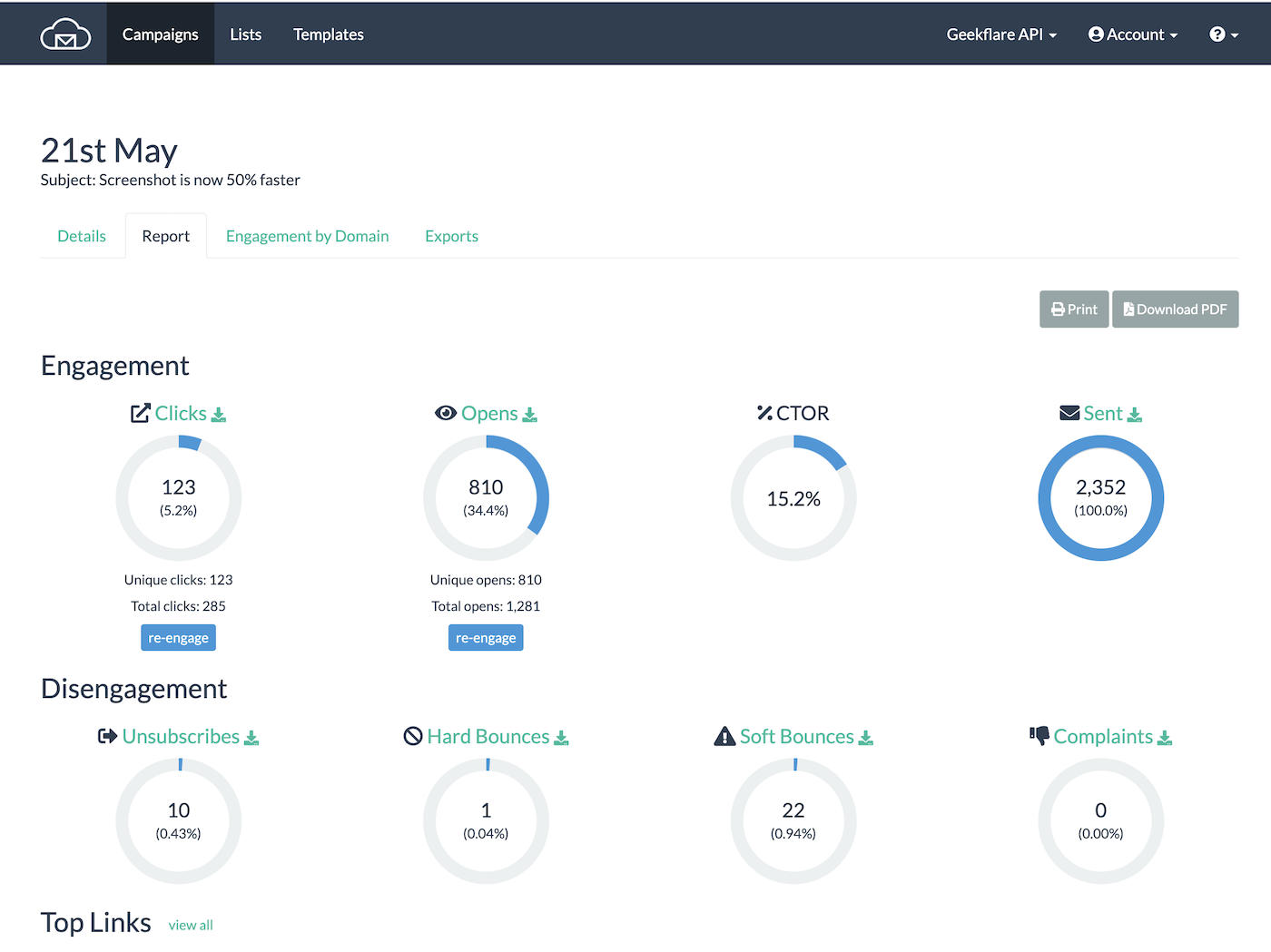
BigMailer is a hosted platform suitable for agencies and businesses running email for multiple brands or clients from one dashboard. Its free plan exists specifically for users who connect their own Amazon SES account, an explicit acknowledgment that pairing with SES is a core use case rather than an afterthought.
Key features
- Unlimited brands and team members with role-based access, even on lower-tier plans
- White-label options on Agency and Enterprise plans, so clients never see the BigMailer name
- Bulk, drip, RSS-to-email, and transactional campaign types from one platform
- Advanced segmentation with geo-targeting
- Unlimited custom tracking domains at no extra charge
Real use cases
A digital agency managing email newsletters for eight separate client brands runs all of them from a single BigMailer account, giving each client their own branded sender domain and reporting.
Pricing
The free plan requires connecting your own Amazon SES account for sending. Paid plans that don’t require your own SES setup start at $20 per month.
Pros & Cons
PROS
CONS
Our take
BigMailer earns its spot specifically for agencies. If you’re not managing multiple brands, the multi-tenant features are wasted on you.
EmailOctopus
Best for small lists that want a modern, well-designed editor without a steep learning curve.
EmailOctopus built its entire pitch around SES from the start. It gives you a WYSIWYG editor, landing pages, and list segmentation, then routes sending through Amazon’s infrastructure to keep costs down. It’s one of the more polished interfaces on this list.
Key features
- Full drag-and-drop campaign editor
- Landing page builder for signup forms, included even on the free plan
- List API for programmatic list, contact, and segment management
- Segmentation based on custom fields and subscriber behavior
Real use cases
A solo creator with a 2,000-subscriber newsletter runs entirely on the free plan, using the landing page builder to collect signups without needing a separate tool.
Pricing
The free Starter plan covers 2,500 contacts and unlimited emails per month. The Pro plan starts at $8 per month billed annually, removing branding and extending report retention.
Nonprofits get a 20% lifetime discount, and custom pricing kicks in above 500,000 subscribers.
Pros & Cons
PROS
CONS
Our take
For a small to mid-size list where you want something that looks professional out of the box without touching a server, EmailOctopus is the easiest recommendation on this list.
Pabbly Email Marketing
Best for growing lists where you want to avoid the classic problem of subscriber-based pricing climbing every month.
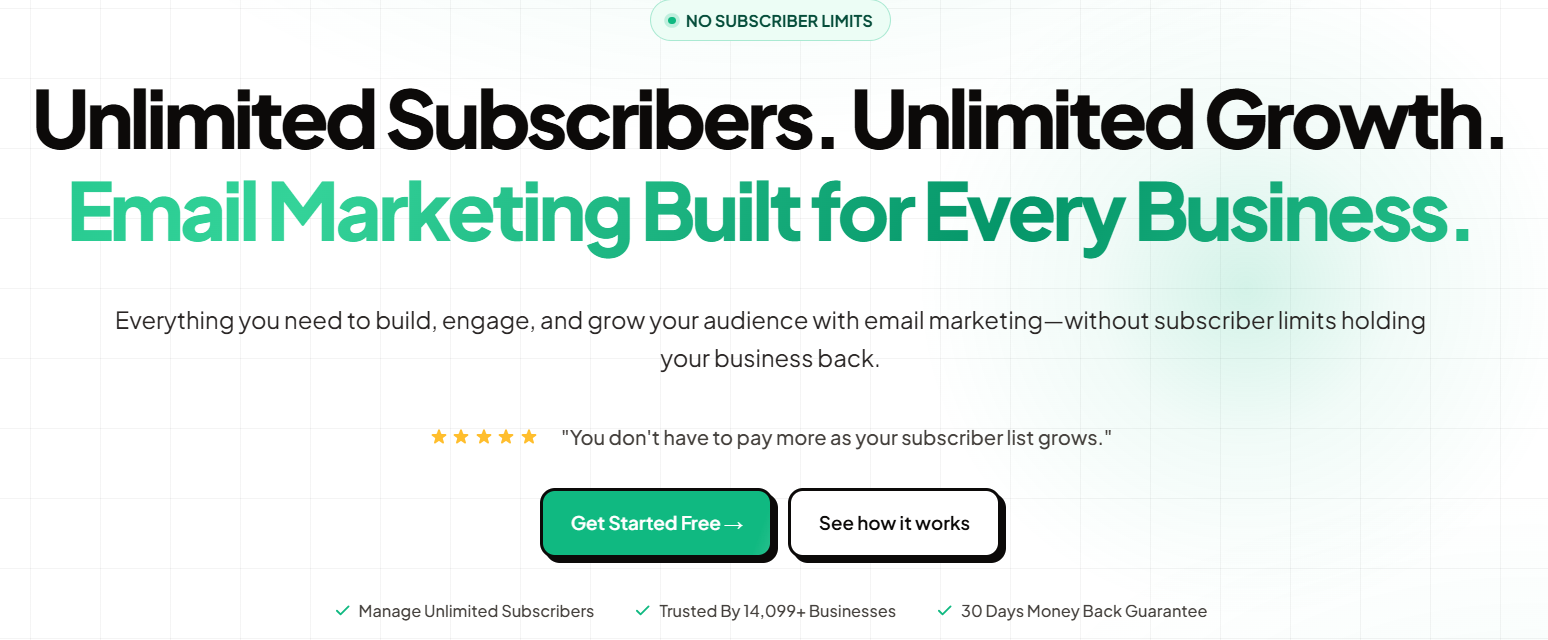
Pabbly’s pricing is straightforward; your subscriber count doesn’t dictate your bill the way it does with Mailchimp or MailerLite. Instead, you pick a plan based roughly on your sending volume needs, and it stays flat as your list grows within that tier.
Key features
- Drag-and-drop email builder
- Built-in SMTP alongside SES support, so you’re not locked into Amazon specifically
- Automation and auto follow-up sequences
- List cleaning tools to remove inactive or bouncing addresses
- Unlimited team members on every paid plan
Real use cases
An ecommerce store growing from 5,000 to 40,000 subscribers over a year stays on the same Standard plan the entire time instead of getting bumped into more expensive tiers.
Pricing
The free plan covers up to 100 subscribers with unlimited sending. Standard is $17 per month for up to 10,000 subscribers. Unlimited is $69 per month with no subscriber cap.
Pros & Cons
PROS
CONS
Our take
Pabbly is worth it if your list is growing quickly and you want to lock in a price.
MailWizz
Best for agencies that want to resell email marketing as their own branded service.
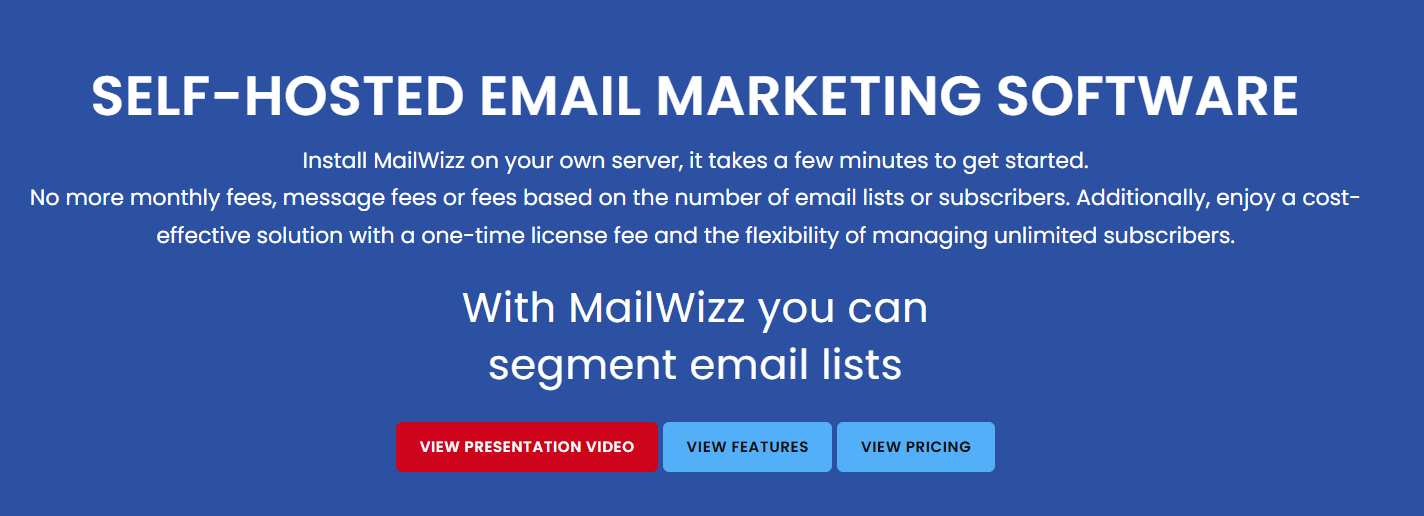
MailWizz is a self-hosted platform you install once and can then run as a white-label SaaS product for your own clients, which is different from most tools on this list. It’s provider-agnostic on sending, working with SES, SendGrid, Mailgun, or plain SMTP, and has been actively developed since 2013.
Key features
- Full white-label capability through its Extended license, letting you charge customers for access
- List segmentation, autoresponders, and follow-up campaigns
- Works with multiple sending providers, not locked to SES specifically
- Detailed delivery, open, and click reporting per campaign and per list
Real use cases
A web development shop bundles MailWizz into its client hosting packages, charging a monthly fee for a branded email marketing tool that costs them a single yearly license.
Pricing
A Regular license is for personal use and costs $59 per year for one license, with multi-license bundles and lifetime license options available.
An Extended license, required if you plan to charge your customers to use it, costs more.
Pros & Cons
PROS
CONS
Our take
Unless you want to resell email marketing under your own brand, the Extended license is overkill. For personal or single-business use, cheaper self-hosted options on this list.
Listmonk
Best for developers who want a modern open-source tool with zero license fees.
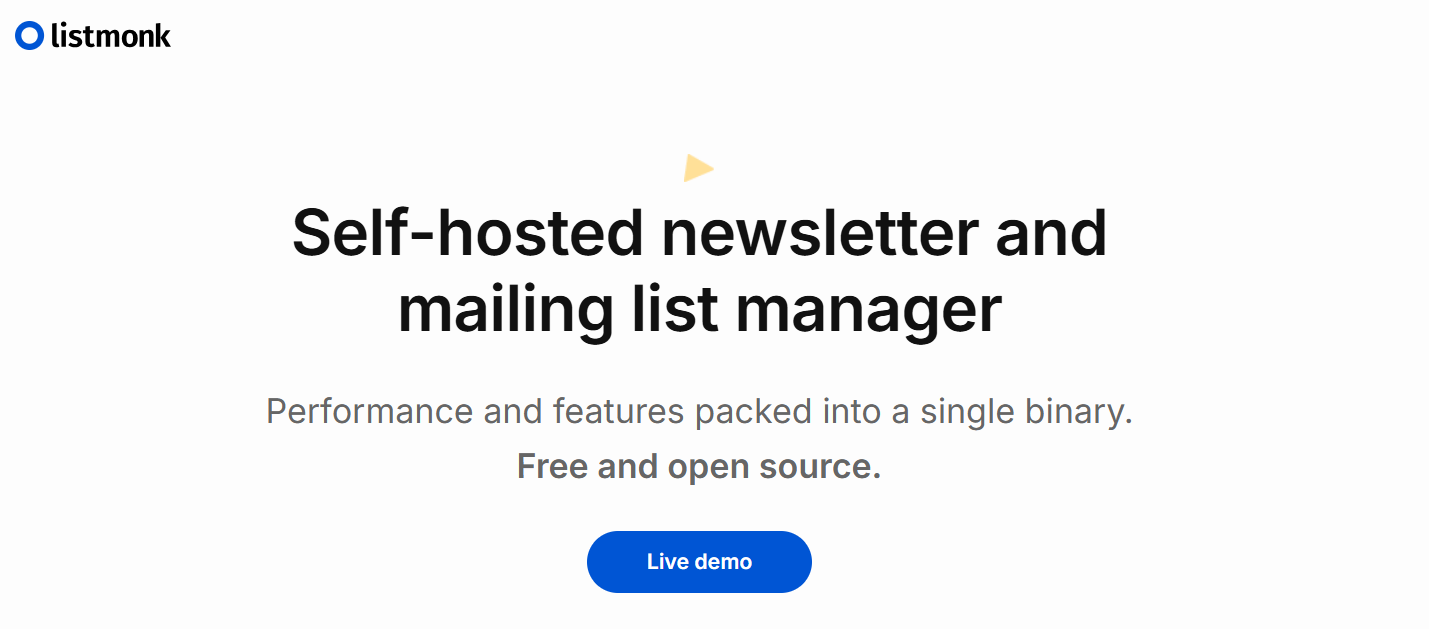
Listmonk is a newer addition to this space, built in Go and built from the ground up as a fast, self-hosted newsletter and mailing list manager.
Unlike Sendy or MailWizz, there’s no license fee at all. It’s fully open source, and SMTP relays, including Amazon SES, are supported as a standard configuration option.
Key features
- Single compiled binary with a Postgres database, making deployment straightforward for anyone comfortable with basic server administration
- Built-in campaign analytics and subscriber management
- Supports both transactional and bulk campaign sending
- Public API for integrating signups and campaigns into other applications
Real use cases
A technical team already running their infrastructure adds Listmonk as one more self-hosted service, avoiding both subscription fees and license costs entirely while keeping full control over their subscriber data.
Pricing
Free as it is open source. You only pay for your VPS server hosting and whatever Amazon SES charges you for sending.
Pros & Cons
PROS
CONS
Our take
For a technical team that wants to avoid license and subscription costs entirely and doesn’t mind self-managing infrastructure, Listmonk is the most cost-effective option on this entire list.
Mautic
Best for teams that want marketing automation layered on top of SES.
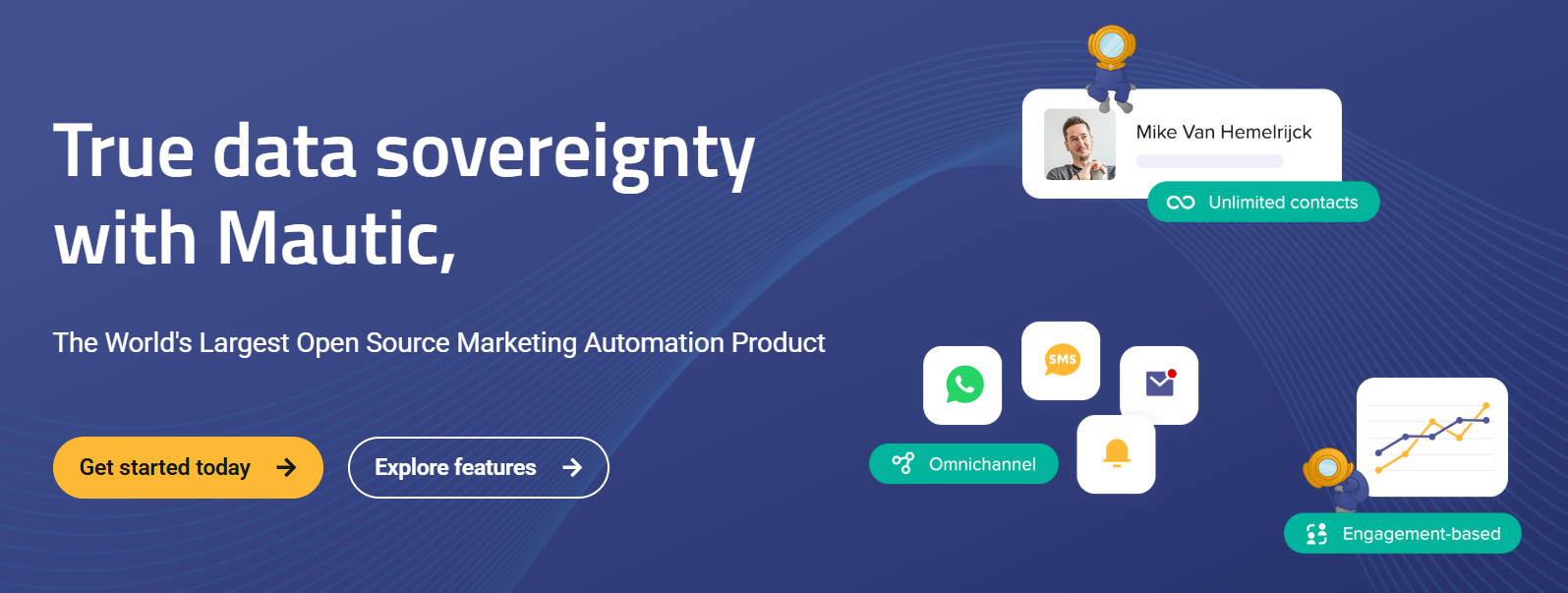
Mautic is the one tool on this list that goes beyond email marketing into full marketing automation, including lead scoring, campaign builders with branching logic, and multi-channel touchpoints. The self-hosted community edition is completely free, and it can be configured to send through Amazon SES via SMTP.
Key features
- Visual campaign builder with conditional branching based on subscriber behavior
- Dynamic content that changes based on who’s viewing an email or landing page
- Native integrations with WordPress, Salesforce, and a wide range of CRMs
- Form builder for capturing leads directly into automated sequences
Real use cases
A SaaS company builds a multi-step onboarding sequence that branches based on which features a new signup has used, something a simple email blast tool can’t replicate.
Pricing
The self-hosted, open-source edition is free. Managed hosting options exist through Mautic’s ecosystem for teams that don’t want to self-hosting.
Pros & Cons
PROS
CONS
Our take
If you only need to send newsletters, Mautic is more tool than you need. If you’re trying to build behavior-based automation and email is just one channel, it’s the strongest option here.
MailBluster
Best pay-as-you-grow pricing without a hard subscriber ceiling.
MailBluster is a hosted platform built around SES, Postmark, Mailgun, and SMTP2GO as the sending backend. Its pricing model charges a flat yearly fee plus a small per-thousand-email rate, with no cap on subscriber count.
Key features
- Unlimited subscribers on every paid plan, with cost tied to emails sent rather than list size
- A/B testing for subject lines and content variants
- List segmentation based on opens, clicks, and purchase behavior
- Multi-SMTP provider support if you want to send through more than just SES
Real use cases
An online store with a large but infrequently emailed list (200,000 subscribers, one campaign a month) pays far less than it would on a per-subscriber pricing model, since MailBluster charges by volume sent.
Pricing
- Starter is free, covering unlimited leads and up to 3,000 emails total with MailBluster branding included.
- Pro is $60 per year plus $0.60 per 1,000 emails sent, removing branding and unlocking automation.
- Executive is $120 per year plus the same $0.60 per 1,000 emails, adding dedicated support and three-year data retention.
Pros & Cons
PROS
CONS
Our take
The free plan is really just a trial in disguise given the one-time 3,000-email limit, but the Pro tier’s combination of unlimited subscribers and volume-based pricing makes sense for anyone with a large but low-frequency list.
EasyMail7
Best for high-volume senders who want an on-premise Windows application instead of a cloud dashboard.
EasyMail7, built by G-Lock Software since 2009, is a server and desktop application rather than a web dashboard. It’s aimed at businesses sending large volumes who want the software running on their own Windows infrastructure, with direct database connections rather than manual list uploads.
Key features
- Direct integration with MS Access, MS Excel, MySQL, and MS SQL Server for pulling subscriber data straight from existing databases
- Real-time delivery tracking and automated bounce handling
- Multi-user support on the server edition, useful for marketing teams sharing one install
- Scripting support for customizing individual subscriber emails beyond basic merge tags
Real use cases
A company with subscriber data already living in a SQL Server database connects EasyMail7 directly to it, skipping the export-and-upload cycle required by most cloud tools.
Pricing
Licensing is based on the number of users on the EasyMail7 Server, with a 14-day trial available before purchase.
Pros & Cons
PROS
CONS
Our take
This is a niche pick for teams already invested in Windows server infrastructure and structured databases who want their email tool to live in that same environment rather than in the cloud.
How to Choose the Right Tool
Start with whether you’re willing to manage a server. If not, BigMailer, EmailOctopus, Pabbly, and MailBluster are all hosted platforms where you just connect your SES credentials and go.
If you don’t mind self-hosting and want to minimize ongoing costs, Sendy, Listmonk, and MailWizz are the established options, with Listmonk being the only one with zero license fee.
If your needs go beyond email into behavior-based automation and lead scoring, Mautic is the only tool here built for that.
Whichever you pick, budget time before launch to move your AWS account out of the SES sandbox and get production sending access, since none of these tools can send to your real list until that’s done.
For a broader look at platforms that don’t require bringing your AWS account, see our guide to the best email marketing software.
Good to know.
Do I need an AWS account to use any of these tools?
Yes, for every tool on this list except EasyMail7 and Pabbly, you need your Amazon SES account with a verified sending domain. The platform manages your campaigns and lists; Amazon handles the actual delivery.
Why is Amazon SES so much cheaper than a typical email platform?
Because you’re paying Amazon’s raw infrastructure cost for sending, not a marked-up SaaS price that bundles in list management, templates, and support. The tools on this list add that layer back on top, but usually for a fraction of what an all-in-one platform like Mailchimp charges once your list grows.
Is a self-hosted tool actually cheaper than a hosted one like EmailOctopus?
Usually yes at scale, but factor in your time or hosting costs. A self-hosted tool like Sendy or Listmonk has no per-month software fee, but you’re responsible for server costs, updates, and security. For a small list, a hosted free plan may genuinely cost less once you account for the hours spent maintaining a server.
Can I switch from one of these tools to another later without losing my sending reputation?
Yes, since your sending reputation lives with your Amazon SES account and verified domain, not with the platform on top of it. Switching platforms while keeping the same SES account and sending domain preserves your reputation.
Conclusion
The right tool here depends more on how much server management you’re willing to take on than on any single feature. If you want the lowest possible cost and don’t mind self-hosting, Sendy remains the most proven option.
If you’d rather skip server management entirely, EmailOctopus and Pabbly both offer genuinely usable free or low-cost hosted plans built around SES.
Whatever you choose, get your AWS account out of the SES sandbox before you commit to a platform, since that step determines whether you can actually reach your subscribers at all.






