



A stock market API delivers price and company data to your code over HTTP: the latest quote for a ticker, years of historical prices, a company’s financial statements, corporate actions, or a live stream of trades. Instead of scraping exchange sites or maintaining feeds yourself, you send a request and get structured JSON or CSV back. Trading apps, portfolio trackers, screeners, backtesting tools, dashboards, and research pipelines all depend on this data.
The choice of API platform depends on what you are building: whether you need real-time prices or end-of-day is enough, how far back the history has to go, which markets and asset classes you cover, and how the data is licensed for commercial use.
In this guide, I will discuss stock market APIs with self-serve signup, public pricing, and coverage a solo developer can start using today, with a few enterprise services included. The sections below cover what data each one provides, how you access it, and what it costs.
Stock Market APIs at a Glance
| API | Data focus | Real-time equities | Free tier | Paid from | Best fit |
|---|---|---|---|---|---|
| Alpha Vantage | Stocks, forex, crypto, indicators, macro | Paid plan plus entitlement | 25 requests/day | $49.99/mo | Broad coverage and indicators on a budget |
| Financial Modeling Prep | Fundamentals, statements, transcripts, prices | Starter plan and up | 250 calls/day (EOD) | $22/mo | Fundamentals-heavy apps and screeners |
| Marketstack | End-of-day and intraday OHLC | Mid tier and up | 100 requests/mo (EOD) | $9.99/mo | Simple global end-of-day price feeds |
| Twelve Data | Stocks, forex, crypto, ETFs, fundamentals | WebSocket from Pro | 800 requests/day | $29/mo | One API from prototype to production |
| EODHD | Global EOD, intraday, fundamentals, options | All-in-One plan | 20 calls/day | $19.99/mo | Inexpensive worldwide end-of-day coverage |
| Finnhub | Real-time US, fundamentals, estimates, alt data | Yes, on the free tier | 60 calls/min | $49.99/mo | Real-time US data without paying upfront |
| Massive (formerly Polygon.io) | Full-tick US stocks, options, indices, FX, futures | Advanced plan | 5 calls/min (EOD) | $29/mo | Developer-first trading and analytics apps |
| Alpaca | Market data plus a commission-free trading API | Free (IEX) or paid (SIP) | 200 calls/min | $99/mo | Building an actual trading or investing app |
| Tiingo | End-of-day prices, news, crypto, fundamentals | IEX feed on Power | 500 symbols/mo | $30/mo | Low-cost end-of-day and news for research |
| Intrinio | US fundamentals, options, fair-value real-time | Fair-value feed, no exchange fees | Free trial | $150/mo | US fundamentals and options without exchange paperwork |
| Databento | Full order-book history and live data, futures-strong | Live add-on or subscription | $125 in credits | Pay as you go | Quant research and microstructure work |
| Nasdaq Data Link | Economic, fundamental, and alternative datasets | Not the focus | Free datasets with a key | Per dataset | Macro, factor, and alternative-data pipelines |
| Barchart | Equities, futures, options, and commodities | In the custom package | None | Custom quote | Enterprise and commodity-heavy contracts |
Let’s discuss the above stock market APIs in detail.
Alpha Vantage
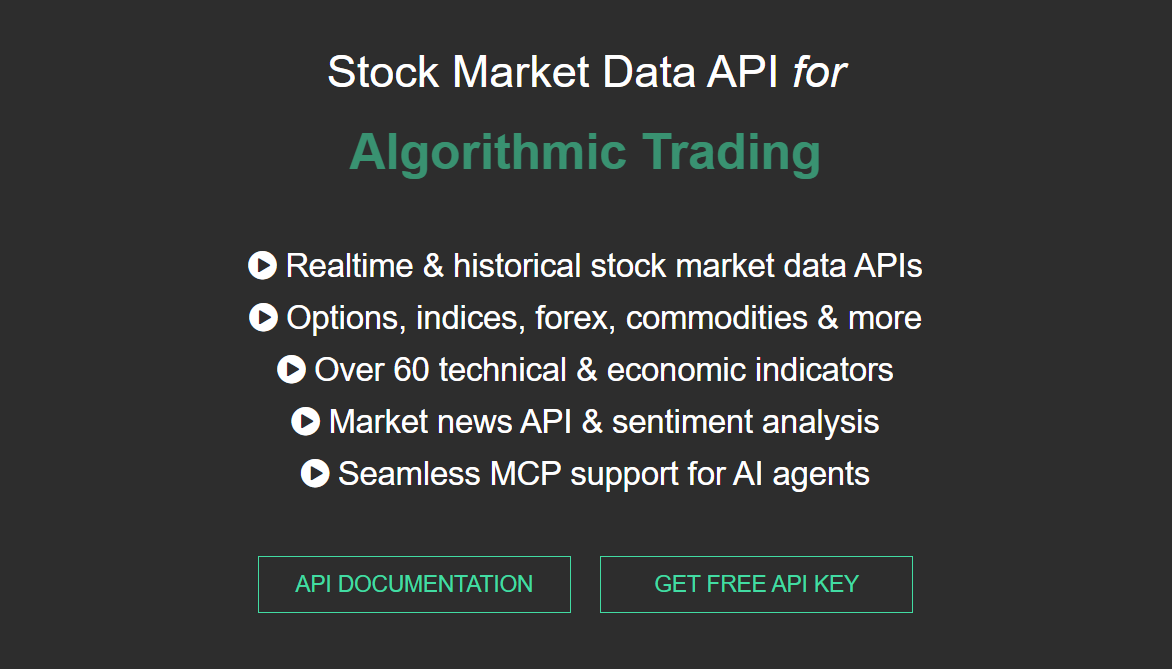
Alpha Vantage provides REST APIs for stock time series (intraday, daily, weekly, monthly), plus forex, crypto, commodities, economic indicators, and more than 50 technical indicators calculated server-side. Responses come as JSON or CSV, and a demo key lets you try most endpoints before signing up.
The open-source community has published over 1,000 client libraries across 20-plus languages, and there is an official MCP server as well.
Key Features
- 20-plus years of historical intraday and daily OHLCV, including pre-market and after-hours
- Technical indicators such as SMA, EMA, RSI and MACD returned ready to plot
- Fundamental endpoints for company overviews, earnings, and cash flow
- Official Google Sheets and Excel add-ons for spreadsheet users
Pros & Cons
PROS
CONS
Pricing
Free: 25 requests per day.
Paid, personal use: $49.99/mo for 75 requests per minute, rising through $99.99, $149.99, $199.99 and $249.99/mo for higher rate limits. Annual billing takes two months off. Real-time US market data requires a paid plan plus a one-time entitlement step, and commercial use is quoted separately.
Financial Modeling Prep
Financial Modeling Prep offers company fundamentals, standardized and as-reported income statements, balance sheets, cash flow, ratios, DCF valuations, analyst estimates, earnings-call transcripts, and SEC filings, alongside real-time and historical prices.
Data comes back as JSON or CSV, with an interactive API viewer and an Excel and Google Sheets add-on. It is SOC 2 Type 1 audited and a member of the Financial Information Services Association.
Key Features
- Full financial statements going back roughly 30 years on the higher tiers
- Earnings-call transcripts and 13F institutional-holdings data
- Bulk and batch endpoints for downloading whole datasets at once
- DCF and owner-earnings calculations exposed as their own endpoints
- Congressional and Senate trading disclosure feeds
Pros & Cons
PROS
CONS
Pricing
Personal plans start at the Basic plan which is free, 250 calls per day, end-of-day data only.
Paid plans start at $22/mo (annual billing) and increase with features.
Commercial use is priced separately and requires a sales call.
Marketstack
Marketstack keeps its scope narrow: a REST API for end-of-day and intraday stock prices across 70 exchanges, covering more than 30,000 tickers and 750 market indices. You query by ticker over HTTPS and get JSON back, with splits, dividends, and exchange metadata included.
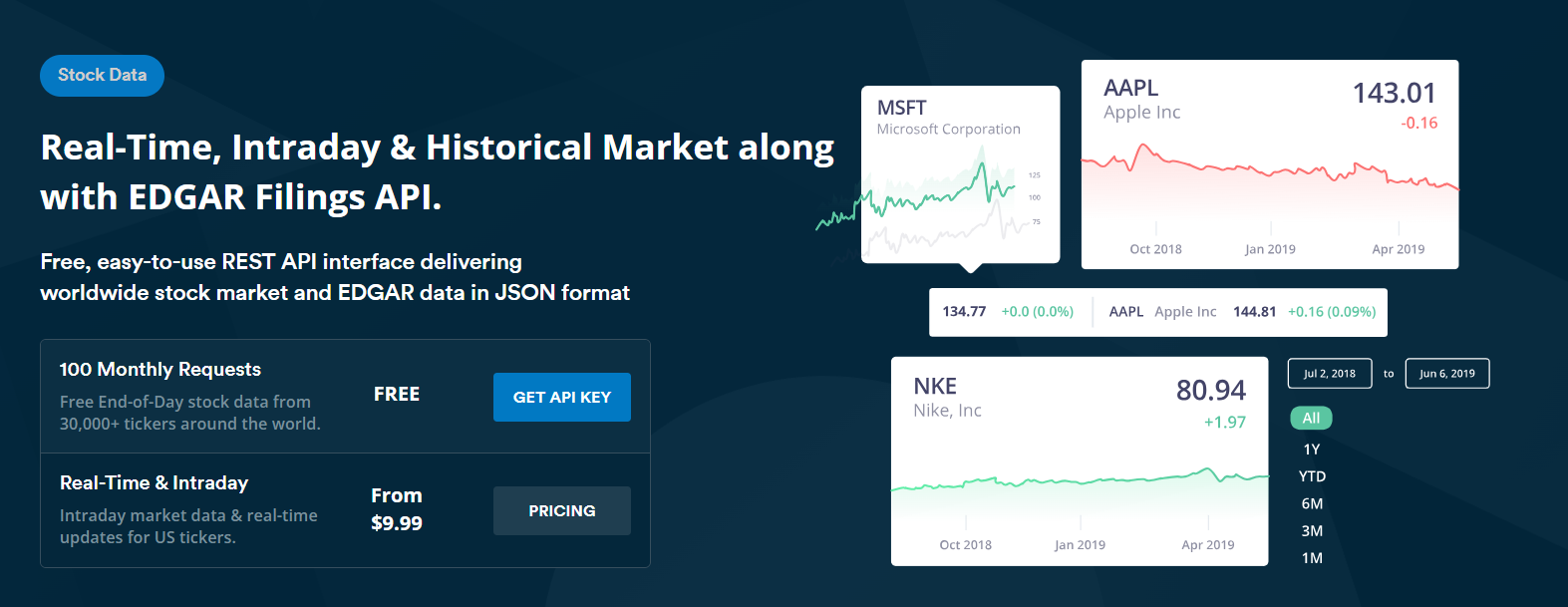
It is owned and operated by apilayer, and its US price data is licensed from Tiingo. Beyond prices, indices, and a few company fundamentals on the top tier, there is not much else.
Pros & Cons
PROS
CONS
Pricing
Free: 100 requests per month, end-of-day only, non-commercial.
Paid plans start with Basic at $9.99/mo ($8.99 on annual billing), 10,000 requests per month; includes intraday and commercial use.
Enterprise: custom quote.
Twelve Data
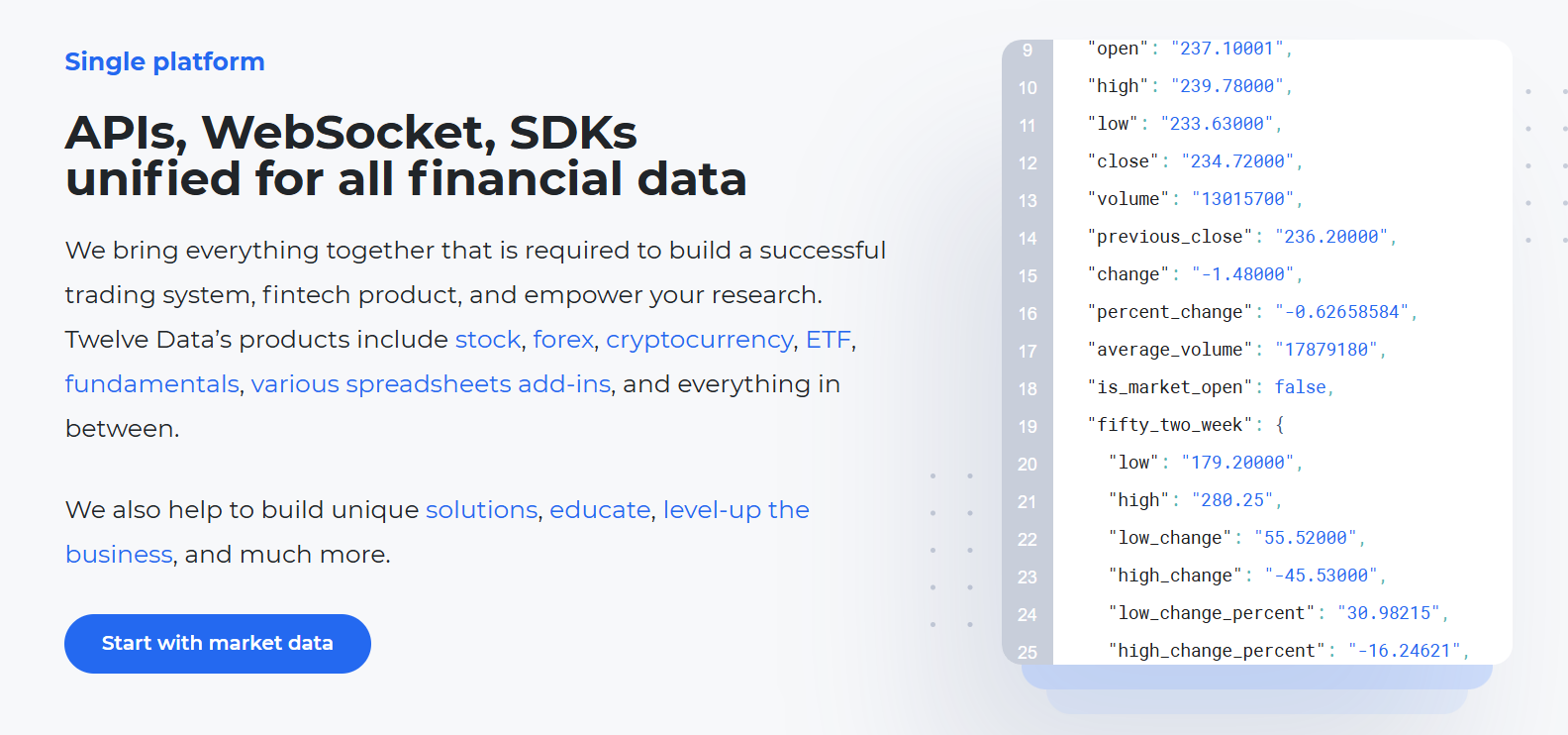
Twelve Data is a single REST and WebSocket API for stocks, forex, crypto, ETFs, indices, and commodities, with company fundamentals layered on top. It uses a credit system: one standard request spends one API credit, and each plan sets a credits-per-minute ceiling. Google Sheets and Excel add-ons, official SDKs, and a no-code request builder make it approachable for smaller teams.
Key Features
- More than 100 technical indicators available directly from the API
- Batch requests to pull many symbols in one call
- Coverage that scales by tier, from US-only up to more than 80 global markets
- WebSocket streaming for real-time quotes on higher plans
Pros & Cons
PROS
CONS
Pricing
Basic: free, 8 credits per minute, and 800 requests per day.
Paid individual plans start at $29/mo (Grow) and run through Pro ($99/mo, where production WebSocket streaming begins) and Ultra ($329/mo and up).
Annual billing takes 17% off, and students and startups get 20% off.
Any company use requires a Business plan, which starts at $149/mo.
EODHD
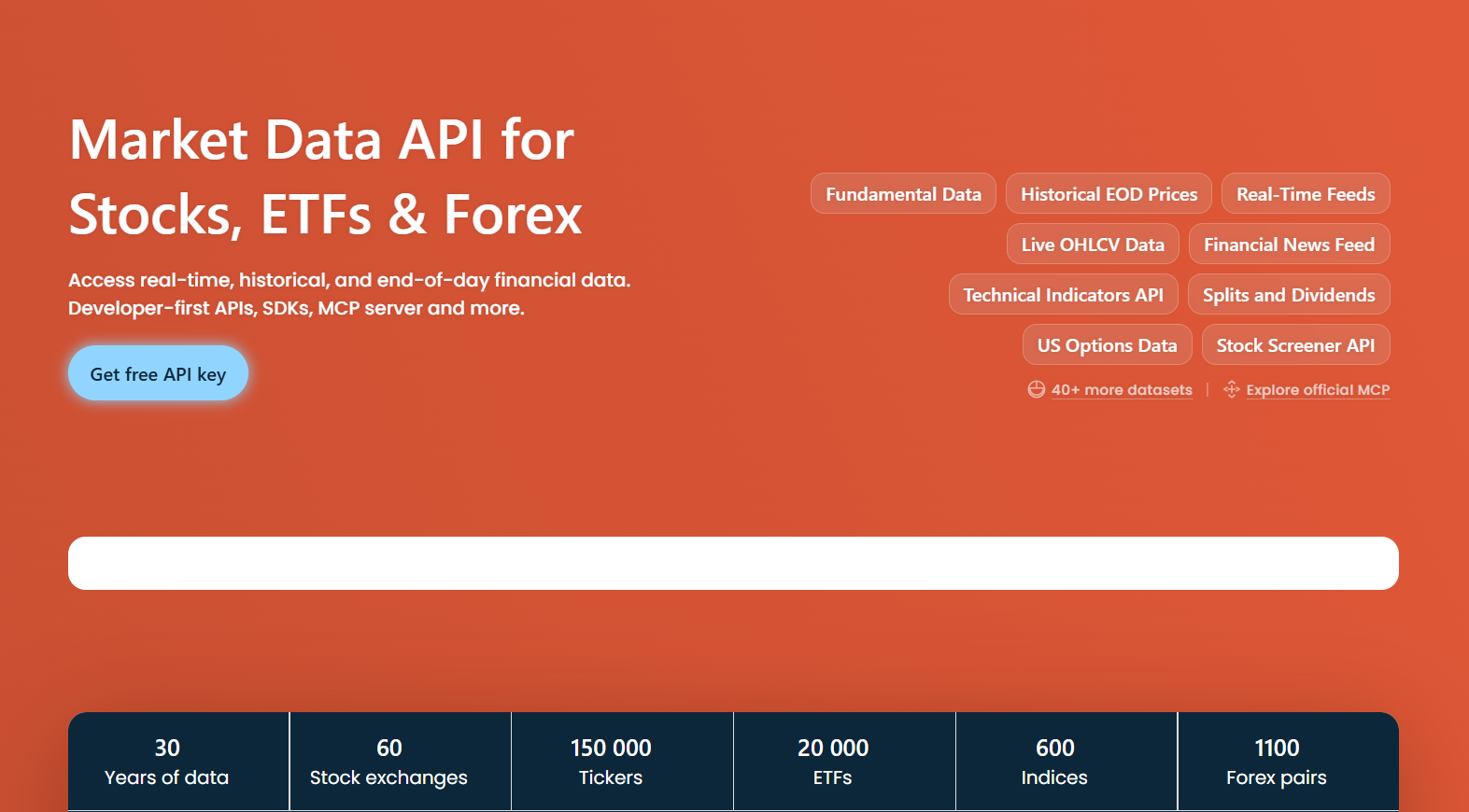
EODHD, previously EOD Historical Data, focuses on worldwide end-of-day prices for more than 150,000 tickers across 60-plus exchanges, plus intraday history, fundamentals, options, and a real-time WebSocket feed.
It offers an OpenAPI spec, an official MCP server, and Google Sheets and Excel add-ons. One thing to know up front: EODHD does not use exchange feeds, and instead aggregates prices from over-the-counter, peer-to-peer, and trading-platform sources, so its quotes are indicative, not official exchange prints.
Key Features
- US fundamentals back to 1985, with 20-plus years for most non-US markets
- One-minute intraday history for US stocks from 2004
- Splits, dividends, and both adjusted and unadjusted price series
- A marketplace of add-on APIs for options, tick data, and index constituents
Pros & Cons
PROS
CONS
Pricing
Free: 20 API calls per day.
EOD All-World: $19.99/mo ($16.58 on annual billing), 100,000 calls per day.
EOD plus Intraday: $29.99/mo.
Fundamentals feed: $59.99/mo.
All-in-One: $99.99/mo ($83.33 annually), bundling real-time WebSocket, intraday, and fundamentals.
Standard plans are personal-use only. Students get 50% off for 12 months. Commercial licensing requires a sales call.
Finnhub
Finnhub offers real-time US stock data over REST and WebSocket. It also provides global fundamentals, analyst estimates, earnings-call transcripts, and a large set of alternative datasets covering insider transactions, lobbying, patents, and supply-chain links.
The free tier provides real-time US trade updates over WebSocket and a meaningful API quota from the moment you sign up. Paid coverage is split into per-dataset plans, not a single bundle.
Key Features
- Real-time trade and quote streaming over WebSocket
- 30-plus years of standardized financial statements on paid tiers
- Pattern-recognition and support and resistance endpoints for technical setups
- Alternative data including ESG scores, Senate lobbying, and USPTO patents
- International fundamentals and estimates beyond the US market
Pros & Cons
PROS
CONS
Pricing
Free: 60 API calls per minute, US coverage, live US trades over WebSocket for up to 50 symbols, one year of company news.
Market-data plans: Basic $49.99/mo (150 calls/min), Standard $129.99/mo (300 calls/min), Professional $199.99/mo (900 calls/min, 40-plus years of history).
The all-in-one bundle with global fundamentals is $3,500/mo.
All standard plans are personal-use; commercial use requires a sales call and custom quotes.
Massive (formerly Polygon.io)
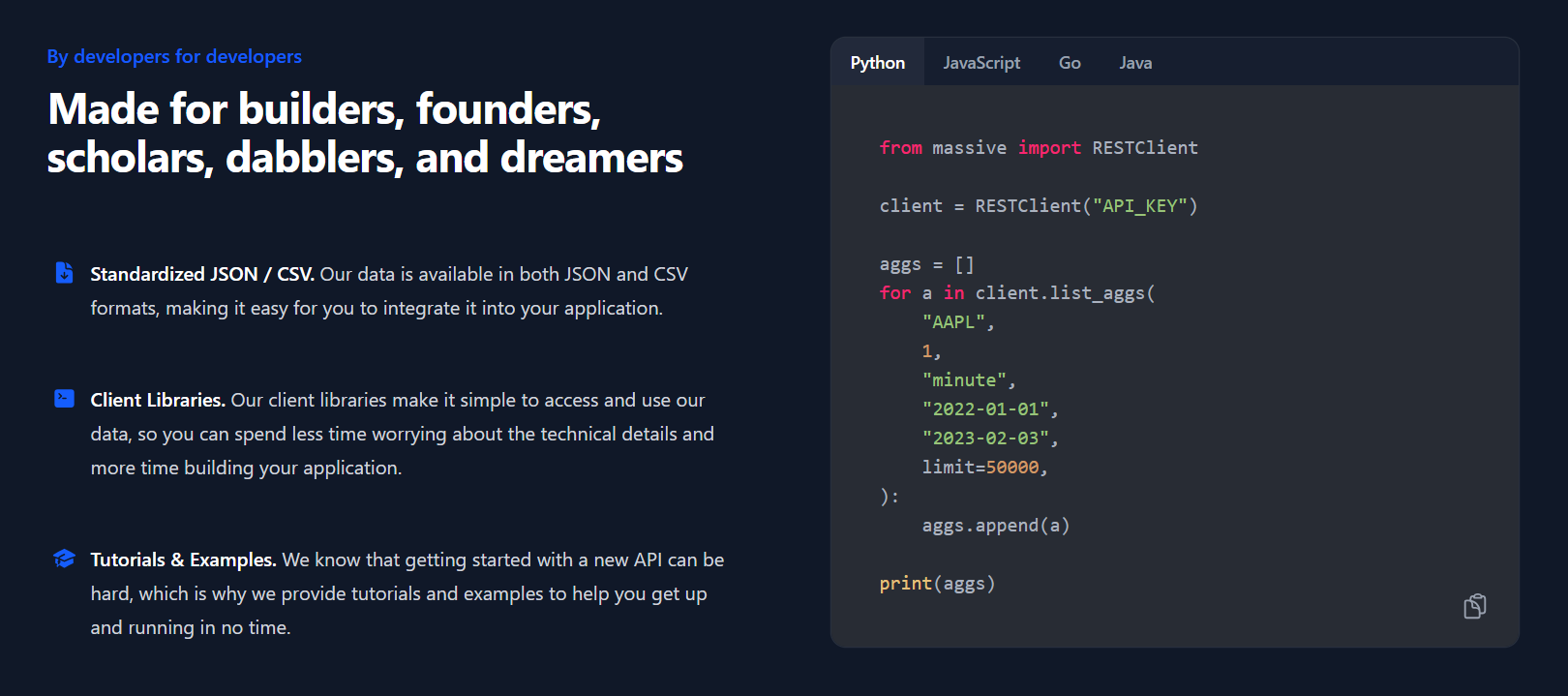
Massive, the API previously called Polygon.io, renamed to Massive.com in October 2025 while keeping the same endpoints, keys, and data. It is a developer-first market-data platform covering US stocks, options, indices, currencies, and futures, with full tick-level trades and quotes, aggregate bars, corporate actions, and company financials. Access is by REST, WebSocket streaming, or downloadable flat files. The old api.polygon.io host still works in parallel, though Massive plans to retire it after a notice period.
Key Features
- Full tick-level trade and quote history down to individual prints and raw NBBO quotes
- Downloadable flat files for bulk historical backfills
- 20-plus years of history on the top stock tier
- Unlimited API calls on every paid plan
- Second-level aggregates and full market snapshots
Pros & Cons
PROS
CONS
Pricing
Stocks Basic: free, 5 calls per minute, end-of-day, two years of history.
Stocks Starter: $29/mo, unlimited calls, 15-minute-delayed data, WebSockets and flat files.
Stocks Developer: $79/mo, 10 years of history, adds trade data.
Stocks Advanced: $199/mo, real-time data, 20-plus years of history, quotes and company financials. Annual billing takes 20% off, and business pricing is separate.
Alpaca
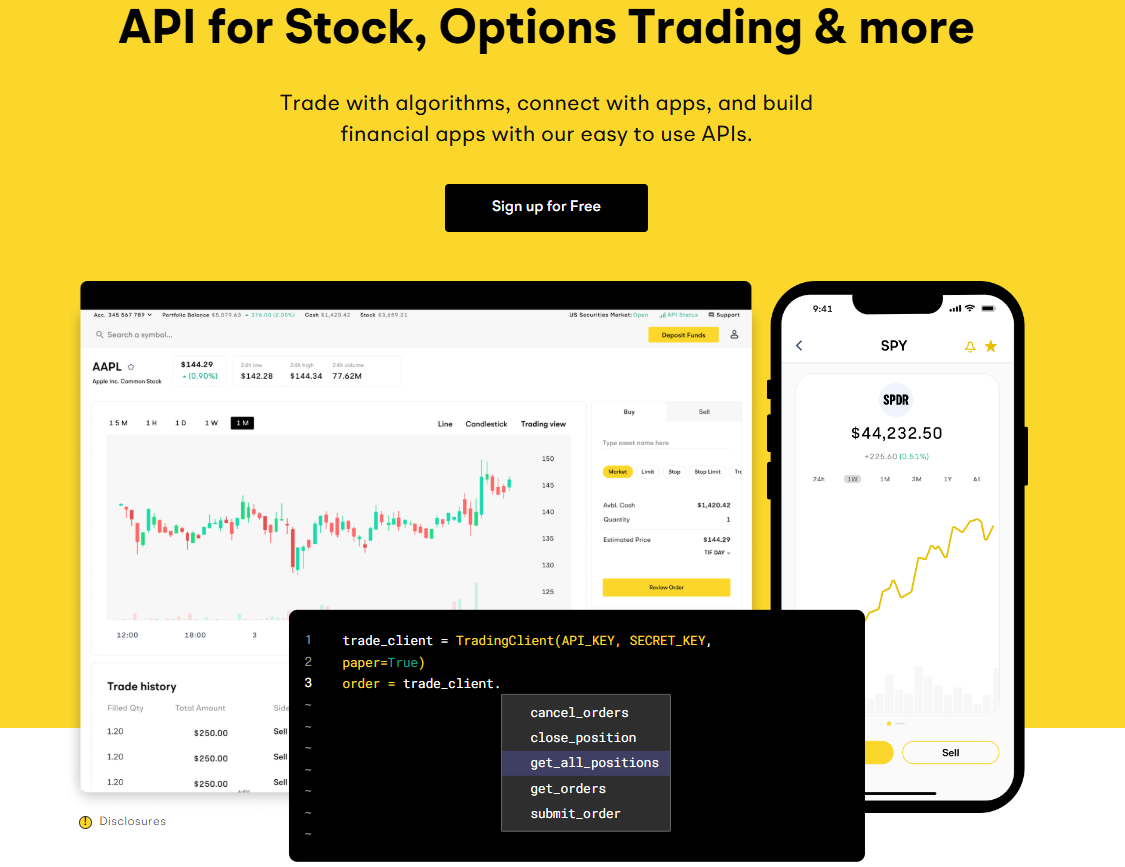
Alpaca pairs a market-data API with a commission-free trading API, so the same integration can pull quotes and place live orders. The data side gives real-time US stock, options, and crypto data over REST and WebSocket, with more than seven years of history and full market coverage. The free data tier streams from the IEX exchange feed; the paid tier switches to the full US consolidated feed, known as the SIP. Alpaca is a registered broker-dealer, and a free paper-trading environment mirrors the live API for testing.
Key Features
- One API surface for market data, order execution, positions, and account data
- Paper-trading endpoint that behaves like the live account for testing strategies
- Advanced order types including bracket, OCO, IOC, MOO, and MOC
- A separate Broker API for teams building their own brokerage or robo-advisor
Pros & Cons
PROS
CONS
Pricing
Market Data Free: $0, 200 calls per minute, real-time over WebSocket on the IEX feed, 15-minute-delayed over REST, WebSocket capped at 30 symbols.
Algo Trader Plus: $99/mo, unlimited calls, real-time on the full US consolidated (SIP) feed, unlimited WebSocket symbols.
The trading API itself is commission-free for US-listed stocks, ETFs, and options, and paper trading is free.
Tiingo
Tiingo offers flat, predictable pricing for end-of-day data: roughly 110,000 global securities, 30-plus years of history, a curated financial news feed, and crypto and forex included.
An IEX real-time feed is part of the base plan. Prices use a proprietary error-checking process to catch missing corporate actions and bad prints.
Key Features
- End-of-day composite prices assembled and cleaned from multiple sources
- Real-time and historical crypto and forex data in the base plan
- WebSocket streaming for IEX and crypto top-of-book updates
Pros & Cons
PROS
CONS
Pricing
Starter: free, 500 symbols per month, 1,000 requests per day.
Power: $30/mo ($300/year) for individuals, or $50/mo ($499/year) for internal commercial use, which raises limits to 100,000 requests per day and the full security catalog.
News history beyond three months and fundamental data are paid add-ons, and redistribution is licensed separately.
Intrinio
Intrinio sells US fundamentals, options data, and stock prices through per-feed data products that you can now buy on a self-serve plan, with no sales call required. Its fair-market-value real-time feeds for equities and options are priced without exchange fees or exchange paperwork, trading some precision for a much simpler license. The history goes deep: 50-plus years of end-of-day prices and 20-plus years of analyst estimates.
Key Features
- Standardized and as-reported financial statements sourced straight from SEC filings
- Options data with Greeks and implied volatility, including a no-OPRA-license option
- Real-time equity prices with no exchange fees via the EquitiesEdge feed
- Delivery by REST, WebSocket, CSV, S3, or Snowflake
Pros & Cons
PROS
CONS
Pricing
Individual: $150/mo, personal use, one seat, no redistribution.
Startup: $333/mo billed quarterly for the first six months, then $666/mo, then $999/mo, with commercial and display rights.
Enterprise: from $1,250/mo with custom feeds and an SLA. A free trial is available on the self-serve plans.
Databento
Databento is best for quant developers who need raw and normalized feeds direct from more than 45 venues, strongest on futures and options but covering US equities too.
It exposes full order-book depth (level 1 through level 3), trades, and OHLCV bars through Python, C++, and Rust libraries, raw TCP, and REST. Billing works like a cloud bill: pay per gigabyte for historical data, or take a subscription for live data. New accounts get 125 dollars in credits to try it on real data.
Key Features
- Full order-book data down to market-by-order (level 3)
- Direct-from-venue distribution, not a re-aggregated feed
- 16-plus years of history on the deepest schemas
- Self-service licensing that executes exchange agreements in minutes
- Binary, CSV, or JSON encodings at the same price
Pros & Cons
PROS
CONS
Pricing
Usage-based: pay per gigabyte for historical data, no subscription, with $125 in free credits at signup.
Standard: $199/mo, which adds live data and removes per-dataset license fees, with 16-plus years of top-of-book history included.
Plus ($1,750/mo) and Unlimited ($4,500/mo) add external distribution and full-depth history on annual contracts. Exchange license fees are passed through at cost.
Nasdaq Data Link
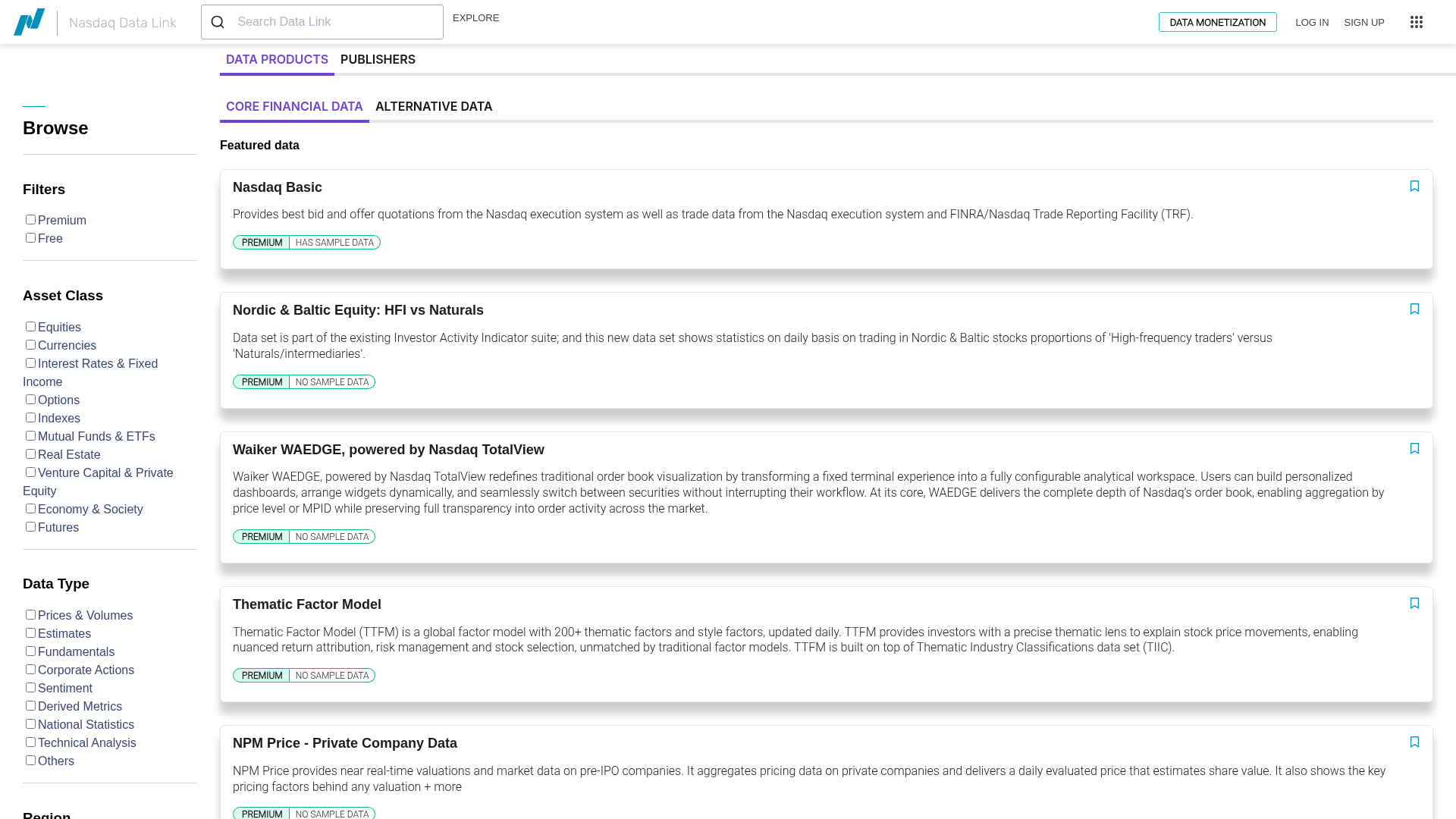
Nasdaq Data Link (formerly Quandl) is a catalogue of financial, economic, and alternative datasets, not a live stock-quote API.
A free account and key unlock a large set of central-bank, government, and economic series, while premium datasets such as Nasdaq Basic and Equities 360 can be subscribed to one at a time. Access is by REST, a tables API, or Python, R, SQL, and Excel connectors, with an MCP endpoint for agent workflows.
Pros & Cons
PROS
CONS
Pricing
A free account and API key unlock the free datasets, which are mostly economic, central-bank, and government series. Premium datasets are subscribed to individually and priced per dataset, with sample data to trial before buying. Higher rate limits come with a premium account.
Barchart
Barchart OnDemand serves enterprise customers across equities, indices, mutual funds, ETFs, futures, options, forex, and cryptocurrencies. It also offers deep commodities and agriculture data through its cmdty product.
You also get real-time, delayed, and end-of-day prices, historical tick and minute bars, fundamentals, technicals, news, and SEC filings. Delivery is by REST or a Socket.IO event-based API for condition-triggered alerts. There is no public pricing or free tier; Barchart offers a custom package per customer.
Key Features
- Commodities and grain data, including cash bids and USDA price feeds
- Event-based API that pushes alerts when user-defined conditions are met
- Futures spreads, options chains, and implied-volatility metrics
- Excel integration for analysts who work in spreadsheets
Pros & Cons
PROS
CONS
Pricing
No public pricing or free tier. Barchart builds a custom package per customer. Budget on the assumption of a commercial contract rather than a monthly self-serve fee.
How to Choose a Stock Market API
For a prototype, a side project, or an internal tool, start with something free and self-serve. Twelve Data’s free tier handles 800 requests a day across every asset class. Finnhub gives you live US trade updates over WebSocket without paying, and Alpha Vantage covers equities, FX, and macro data if you can work within 25 calls a day. Alpaca is best if the project will eventually place trades, since its paper-trading environment matches the live API.
Once the product is live and needs current prices, the cost driver is real-time exchange data, not the API subscription. Massive’s top stock plan and Alpaca’s paid tier both give you the full US consolidated feed. If you can accept modeled fair-value pricing instead of the official tape, Intrinio and EODHD avoid exchange fees and paperwork entirely, which is often the difference between shipping this quarter and next.
For backtesting and research, depth and granularity matter more than latency. Databento carries full order-book history and sells it by the gigabyte, so a single study can cost a few dollars, and Massive’s flat files are the practical way to backfill years of tick data.
For end-of-day history across global markets, EODHD and Tiingo are the low-cost options, and Financial Modeling Prep is the one to reach for when the research is fundamentals-heavy.
If what you need is macro series, factor data, or alternative datasets rather than stock quotes, Nasdaq Data Link is the right fit for exactly that, and Finnhub’s alternative-data feeds cover things like lobbying, patents, and supply-chain links that the price-focused APIs do not touch.
Barchart fits teams that already know they need a commercial contract, especially where futures, options, or agricultural commodities are central, and its pricing is bespoke, so budget for a sales process, not a monthly card charge. Finage is in a similar band now, with US real-time stock data starting around 999 dollars a month and no free tier, and its feed is aggregated, not sourced directly from exchanges, so it is worth comparing against Intrinio and EODHD before committing.
One thing that you need to bear in mind: a real-time equities subscription and the exchange’s own data fees are separate costs.
US consolidated data (the SIP), Nasdaq’s depth feeds, and options data from OPRA all carry licensing that some vendors bundle, some pass through, and some sidestep with a modeled feed. Display use, internal non-display use, and redistribution are each licensed differently, and getting this wrong is a compliance problem, not just a billing one. Confirm the license type you need before you pick a plan, and treat this as general guidance, not legal advice.
Yahoo Finance comes up in every discussion like this. There is no supported public Yahoo Finance API, and libraries such as yfinance work by scraping the site, which breaks without warning, and falls outside Yahoo’s terms of service. It is fine for a throwaway experiment, but a poor choice for anything you need to keep running.
FAQs
What is the difference between real-time, delayed, and end-of-day stock data?
Real-time data reflects trades and quotes as they happen and usually carries exchange licensing fees, which is why it costs the most. Delayed data is the same feed held back by 15 minutes, which removes most of those fees. End-of-day data is a single daily summary of open, high, low, close, and volume, and is the cheapest option, enough for research, charts, and portfolio tracking that does not need live prices.
Do I have to pay stock exchanges on top of the API subscription?
Sometimes. For the official US consolidated feed and for exchange depth or options data, the exchange charges its own fees. Some providers bundle those into the plan price, some pass them through at cost, and others such as Intrinio and EODHD avoid them by offering a modelled or aggregated feed instead of the official tape. Delayed and end-of-day data generally have no exchange fee.
Can I use a free stock market API tier in a commercial product?
Usually not. The free tiers from Marketstack, EODHD, Tiingo, and Finnhub are licensed for personal or evaluation use, and commercial use requires a paid or quoted plan even at low volume. Twelve Data goes further and requires a Business plan for any company use, including internal-only. Check the license terms, not just the rate limit, before you build on a free key.
Is there a reliable free Yahoo Finance API?
No. Yahoo does not publish a supported public API, and popular libraries such as yfinance work by scraping Yahoo’s website. That approach breaks without notice and is against Yahoo’s terms of service, so it is fine for experiments but not for production.
What happened to IEX Cloud?
IEX Cloud, a widely used low-cost data API, was retired on 31 August 2024 after its parent company decided to refocus on running the exchange. Accounts were deactivated, and no direct replacement was offered. If you are migrating from it, Massive, Databento, Alpaca, and Twelve Data are the closest equivalents, depending on whether you need tick data, order-book depth, trading, or a simple single API.






