


An AI email assistant reads your incoming mail, decides what needs you, and writes reply drafts that sound like you. Some of the tools also handle the chores around email, such as reminding you about threads that went quiet, taking notes in meetings, and turning a long thread into three lines.
The market changed a lot in 2026. Gmail now gives everyone free summaries and Help Me Write, Copilot in Outlook can triage your inbox, and Superhuman launched an assistant that works inside Gmail and Outlook.
This guide covers top AI email assistants. For each one you’ll find which inboxes it supports, whether it has a free plan, what it costs.
AI Email Assistants Comparison
| Tool | Type | Best for | Works with | Free plan | Paid plans from | Link |
|---|---|---|---|---|---|---|
| 01 Fyxer | Inbox assistant | Sorting, drafts, and meeting notes in one tool | Gmail, Outlook | Yes, 400 credits/month | $37/user/month | Visit |
| 02 Superhuman | Inbox assistant and email client | An assistant inside Gmail or Outlook, plus a fast mail app | Gmail, Outlook | Free plan without Email Assistant | $12/user/month | Visit |
| 03 Gemini in Gmail | Built into Gmail | Free AI features for Gmail users | Gmail | Yes | $19.99/month (Google AI Pro) | Visit |
| 04 Sparkian | Multi-model AI workspace | Writing and rewriting emails with several AI models | Any inbox (copy and paste) | Yes, 100 Sparks/month | $19/month | Visit |
| 05 HeyNews | AI newsletter generator | Newsletters drafted in your own voice | beehiiv, Kit, Substack, Ghost, Mailchimp | No (14-day trial) | $39/month | Visit |
| 06 Copilot in Outlook | Built into Outlook | AI help for Microsoft 365 users | Outlook | Copilot Chat with Microsoft 365 | $21/user/month (Copilot Business) | Visit |
| 07 Shortwave | AI email client | An AI-first Gmail client | Gmail, Google Workspace | Yes, limited AI | $18/month | Visit |
| 08 Spark Mail | AI email client | A free email app for any provider | Gmail, Outlook, iCloud, IMAP | Yes | $8.25/month | Visit |
| 09 Inbox Zero | Open-source assistant | Self-hosted control over your email AI | Gmail, Outlook | Client free; self-host | $20/month | Visit |
| 10 Jace | Inbox assistant | Drafts and automations across your work apps | Gmail, Outlook | No (7-day trial) | $20/month | Visit |
| 11 MailMaestro | Writing add-on | Polished emails inside Outlook and Gmail | Outlook, Gmail | Yes, 3 requests/week | $12/user/month | Visit |
| 12 Ellie | Reply assistant | Replies drafted from your own knowledge base | Gmail, Outlook, Fastmail | No (7-day trial) | $19/month | Visit |
Inbox Support and Automation at a Glance
Most assistants connect to Gmail or Microsoft 365 through OAuth and work in the background. The table shows which inboxes each tool supports and which jobs it does on its own.
| Tool | Gmail | Outlook | Drafts replies on its own | Sorts or labels mail | Security noted by vendor |
|---|---|---|---|---|---|
| Fyxer | Yes | Yes | Yes | Yes (paid plans) | SOC 2 Type II, ISO 27001 |
| Superhuman Email Assistant | Yes | Yes | Yes | Yes | SOC 2 Type 2 |
| Gemini in Gmail | Yes | No | Suggested replies | AI Inbox (paid Workspace, US) | Google Workspace |
| Sparkian | Copy and paste | Copy and paste | No | No | Not an inbox tool |
| HeyNews | Sends via beehiiv, Kit, and others | No | Newsletter drafts | No | Never publishes on its own |
| Copilot in Outlook | No | Yes | On request | Triage commands; agent in preview | Not used to train foundation models |
| Shortwave | Yes | Outlook.com via forwarding | With Tasklet | Yes | CASA Tier 2 |
| Spark Mail | Yes | Yes | Pro plan | Yes | Not listed |
| Inbox Zero | Yes | Yes | Yes | Yes | Self-hosting option |
| Jace | Yes | Yes | Yes | Yes | SOC 2 Type I |
| MailMaestro | Yes | Yes | With AI agents | Yes | SOC 2 Type II, HIPAA |
| Ellie | Yes | Yes | Business plan | Business plan | Not listed |
Best AI Email Assistants
01. Fyxer
Inbox assistantSorting, drafts, and meeting notes in one tool
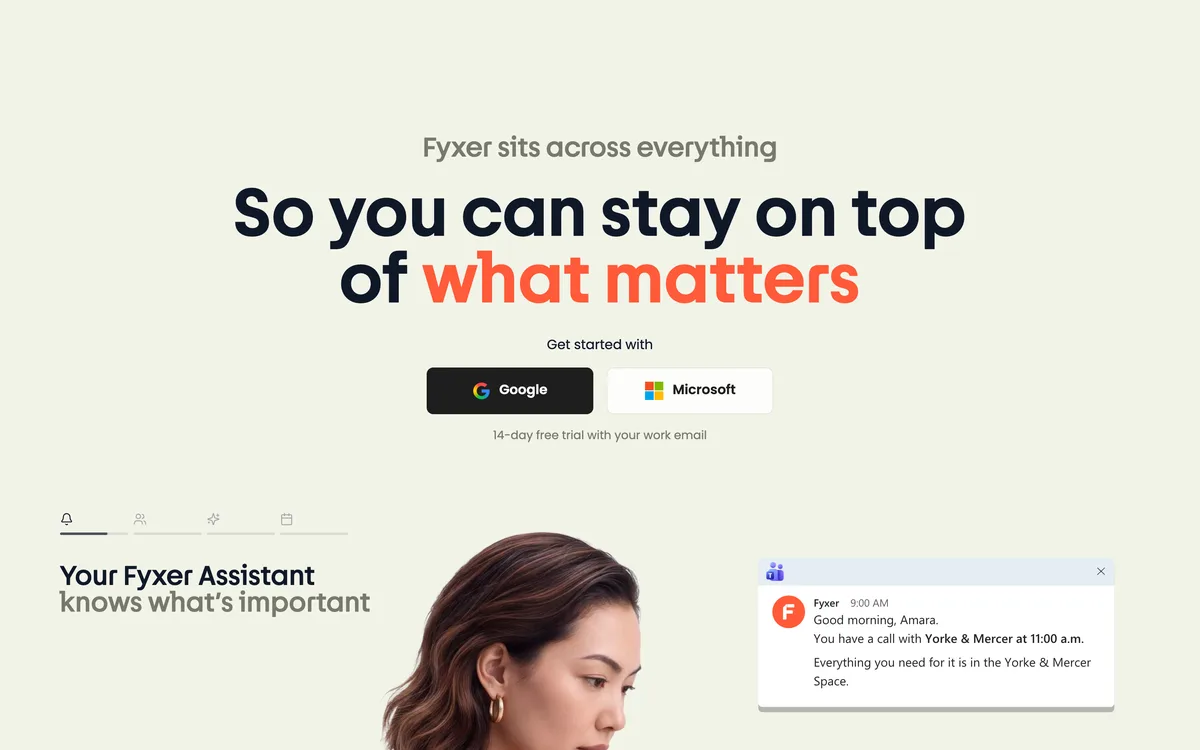
Fyxer works inside the inbox you already use. You sign in with a Google or Microsoft account, and it starts labeling incoming mail by what it needs from you, then writes reply drafts in your tone that wait in the thread for you to edit and send.
Meetings are the other half of the product. Fyxer can record calls, write notes, and keep a running follow-up list, so the email you’d normally write after a meeting is often drafted before you get back to your desk. On the Team plan, Flows automate repeated steps, and shared spaces let a team keep client notes together.
The free plan includes 400 credits a month. Pro is $37 per user a month on annual billing, and the company raised a $30M Series B in September 2025, which counts for something when you’re giving a startup access to your inbox.
On security, Fyxer lists SOC 2 Type II, ISO 27001, and GDPR compliance, with HIPAA on Enterprise.
Our take: The best all-round pick if you live in Gmail or Outlook and also spend half the day in meetings. It’s pricier than writing-only tools, so if you only want help with replies, MailMaestro or Ellie cost less.
Standout features:
- Automatic labels that sort mail by priority and type
- Reply drafts in your tone, saved in the thread
- Meeting recording, notes, and follow-up drafts
- Flows and shared spaces on the Team plan
Pros & Cons
PROS
CONS
Pricing
The Free plan includes 400 credits a month without automatic sorting.
Pro costs $37 per user a month billed annually with 3,000 credits a month.
Team costs $64 per user a month billed annually.
Paid plans start with a 14-day free trial.
02. Superhuman
Inbox assistant and email clientAn assistant inside Gmail or Outlook, plus a fast mail app
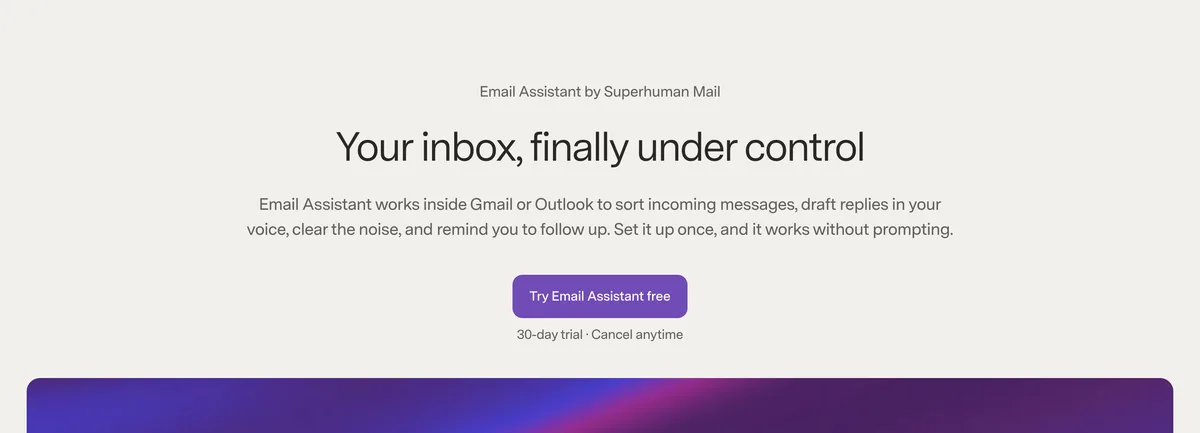
Superhuman is now the name of the company behind Grammarly. It renamed itself in October 2025, and in November, 2026, it launched Email Assistant, which runs inside your existing Gmail or Outlook account. You don’t need to move to the Superhuman Mail app to use it.
Email Assistant does four jobs.
- Auto Labels sorts incoming mail.
- Auto Drafts writes replies in your voice using your calendar and web research.
- Auto Reminders nudges you about threads waiting on a reply.
- Auto Archive clears low-value mail and sends you a daily recap of what it removed.
Email Assistant is part of the Superhuman Pro plan, which also includes Grammarly’s paid writing features and Superhuman Go, an assistant that works in other apps and browser tabs. The Superhuman Mail client, known for its keyboard shortcuts and split inbox, is in the Business plan.
Superhuman is SOC 2 Type 2 certified and GDPR compliant, and that your email is never used to train external AI models.
Our take: The closest rival to Fyxer at about a third of the price, and the obvious choice if your team already pays for Grammarly.
Standout features:
- Auto Labels, Auto Drafts, Auto Reminders, and Auto Archive
- Daily recap of archived mail
- Grammarly writing tools and Superhuman Go in the same plan
- Superhuman Mail client on the Business plan
Pros & Cons
PROS
CONS
Pricing
Superhuman Free includes Grammarly, Docs, and Superhuman Go, but not Email Assistant.
Pro includes Email Assistant for $15 monthly.
Business adds Superhuman Mail for $40 monthly.
Email Assistant has a 30-day free trial.
03. Gemini in Gmail
Built into GmailFree AI features for Gmail users
If you use Gmail, you already have an AI email assistant. Maybe you didn’t use it, yet?
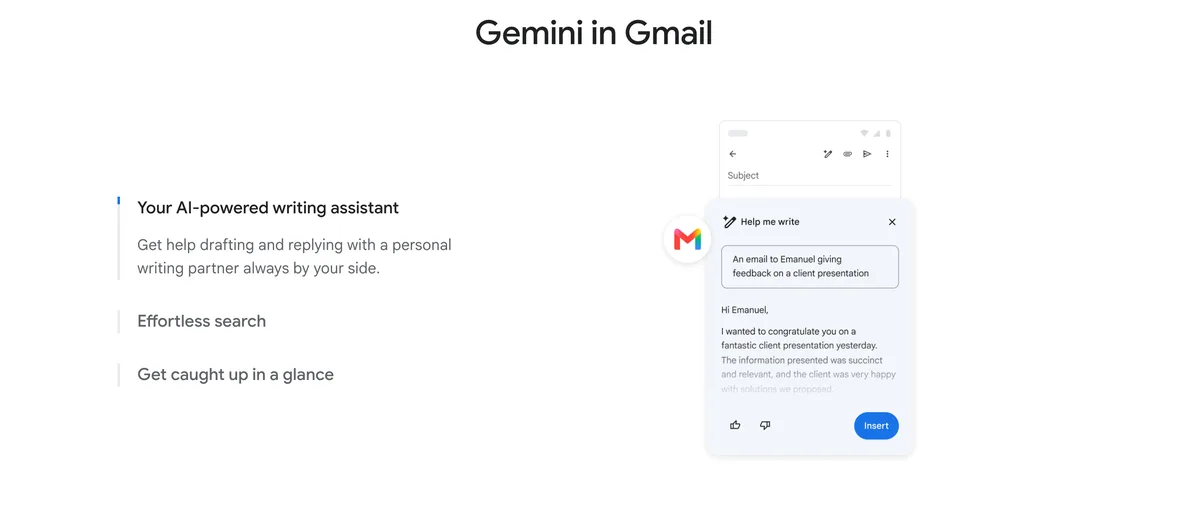
Google gives every Gmail user thread summaries, Help Me Write for drafting and rewriting, and Suggested Replies that adapt to how you write. That covers much of what people actually need.
Paid plans add more. A Google AI Pro subscription, $19.99 a month for personal accounts helps with your whole inbox and Proofread. On paid Google Workspace plans, AI Inbox started rolling out in October 2026 for US users. It shows suggested to-dos and topic summaries at the top of your inbox.
What Gemini doesn’t do is work unprompted. It won’t draft every reply in advance or label mail by priority on its own the way Fyxer or Superhuman do. It also only works in Gmail.
Our take: Try the free features before paying. Many people will find that Help Me Write and summaries are enough, and a dedicated assistant only makes sense if you want drafts and sorting to happen automatically.
Standout features:
- Thread summaries and Help Me Write for every Gmail user
- Suggested Replies personalized to your writing
- Inbox questions and Proofread with Google AI Pro
- AI Inbox with to-dos on paid Workspace plans (US English)
Pros & Cons
PROS
CONS
04. Sparkian
Multi-model AI workspaceWriting and rewriting emails with several AI models
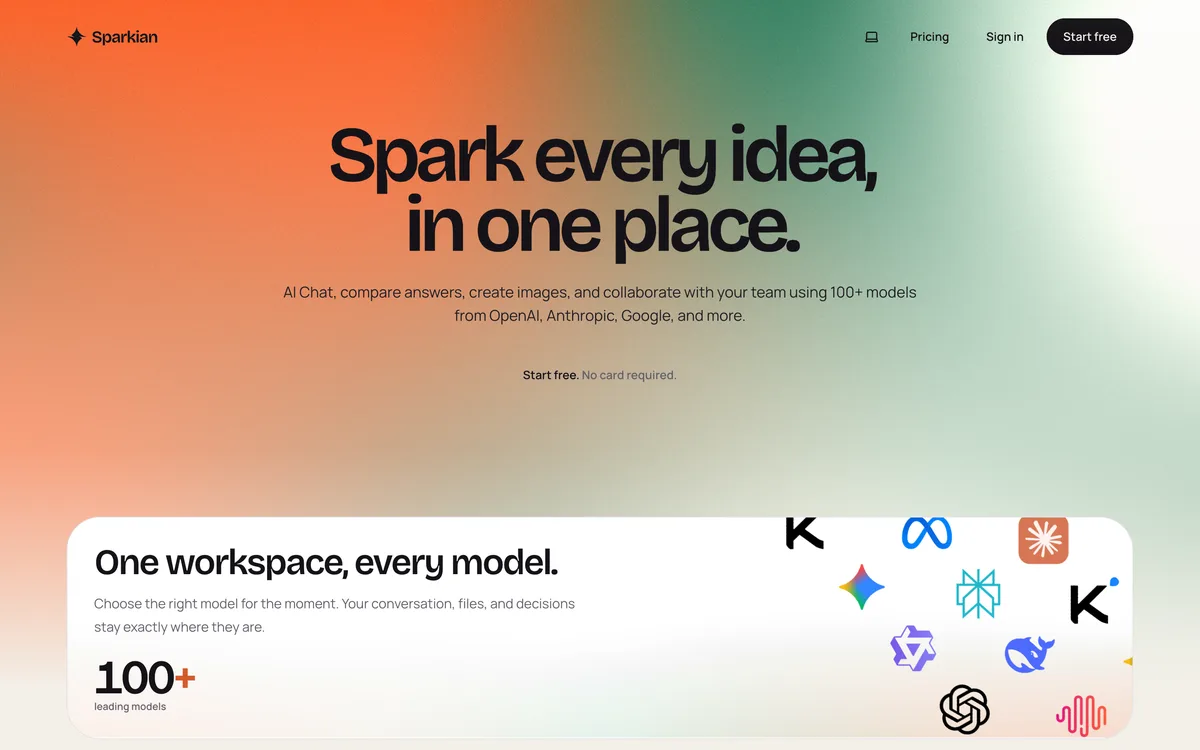
Sparkian isn’t connected to your inbox, and that’s worth knowing up front. It is an AI workspace that puts more than 100 models from OpenAI, Anthropic, Google, and others behind one subscription. For email, you paste in a thread or a rough draft and ask for a reply, a shorter version, or a different tone.
The reason it’s on this list is model choice.
Sparkian can send one prompt to GPT, Claude, Grok, and Gemini side by side, so you can compare multiple versions of a delicate email and keep the one that reads best. You can also switch models in the middle of a conversation without losing the context, which helps when one model writes the facts well and another gets the tone right.
A knowledge base lets you upload documents such as pricing sheets, policies, or product notes, and the answers cite them. That’s useful for sales and support replies that need the right numbers. Web search, image generation, and a prompt library with ready-made writing prompts are included in the same workspace.
Our take: A good fit if you already pay for ChatGPT, Claude, or Gemini mainly for writing and want all of them in one place. It won’t sort your inbox or draft in the background.
Standout features:
- Side-by-side answers from GPT, Claude, Gemini, and other models
- Model switching that keeps the conversation and files
- Knowledge base with cited answers
- Prompt library, web search, and image generation
Pros & Cons
PROS
CONS
Pricing
The Free plan includes 100 Sparks a month.
Pro costs $19 a month for 10,000 Sparks and two seats.
Business costs $49 a month for 25,000 Sparks and five seats.
Scale costs $149 a month for 75,000 Sparks and 20 seats.
05. HeyNews
AI newsletter generatorNewsletters drafted in your own voice
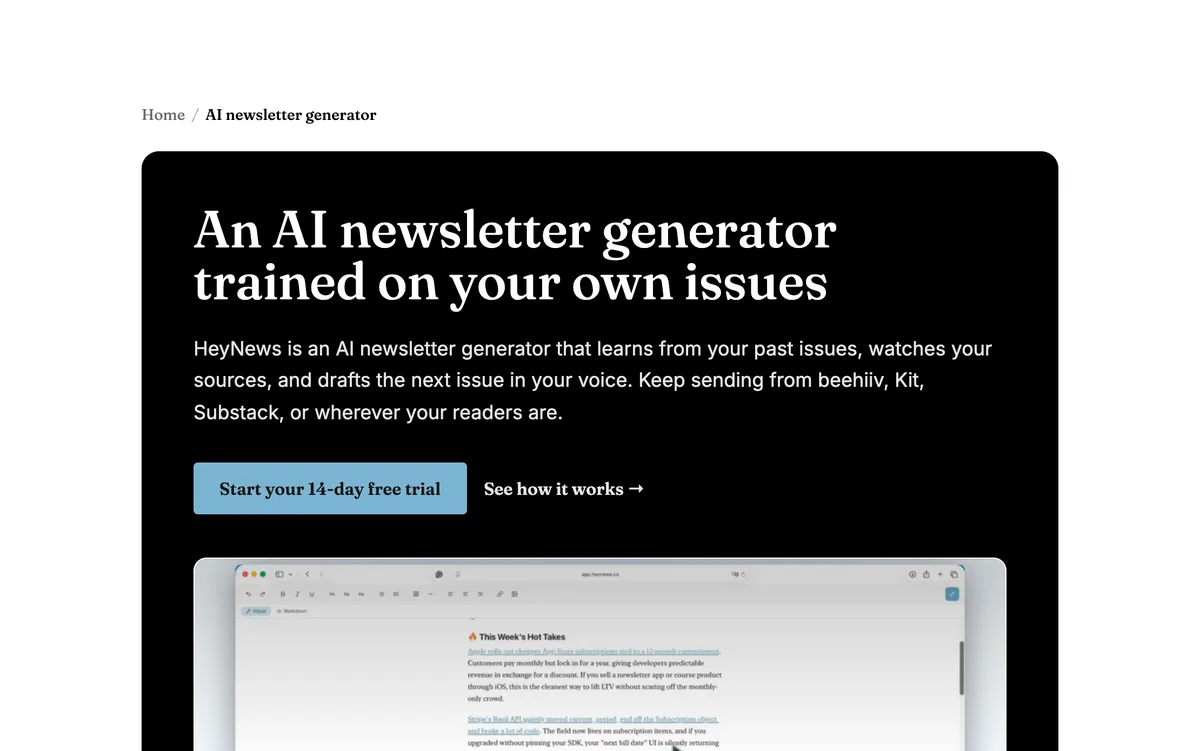
Some of the email that takes the most time isn’t in your inbox. If you send a regular newsletter, HeyNews drafts each issue for you. It studies your past issues to learn your tone, vocabulary, section structure, and favorite phrases, then writes the next issue from the stories you care about.
You add the sources you already read, such as RSS feeds, websites, subreddits, and social profiles. New stories arrive with a relevance score, and a Chrome extension lets you save anything else you come across. When it’s time to write, you pick the stories or let HeyNews choose, and it drafts the issue along with a subject line and preview text.
beehiiv and Kit connect directly, and HeyNews uses their click data to improve later drafts. HeyNews doesn’t publish on its own, so every issue goes out from your newsletter platform after you review it.
Our take: Worth a look for creators, companies, and agencies that spend hours a week assembling a newsletter. It’s priced by issues per month, so it suits a steady publishing schedule better than an occasional email.
Standout features:
- Voice Profile trained on your past issues
- Relevance-scored stories from feeds, sites, subreddits, and social profiles
- Drafts with subject lines and preview text
- Open and click data from beehiiv and Kit to improve drafts
Pros & Cons
PROS
CONS
Pricing
Hobbyist costs $39 a month for 5 issues and one publication.
Starter costs $99 a month for 15 issues, Pro $299 for 45 issues, and Team $499 for 90 issues across 10 publications.
The free trial lasts 14 days or 5 generated issues, whichever comes first.
06. Copilot in Outlook
Built into OutlookAI help for Microsoft 365 users
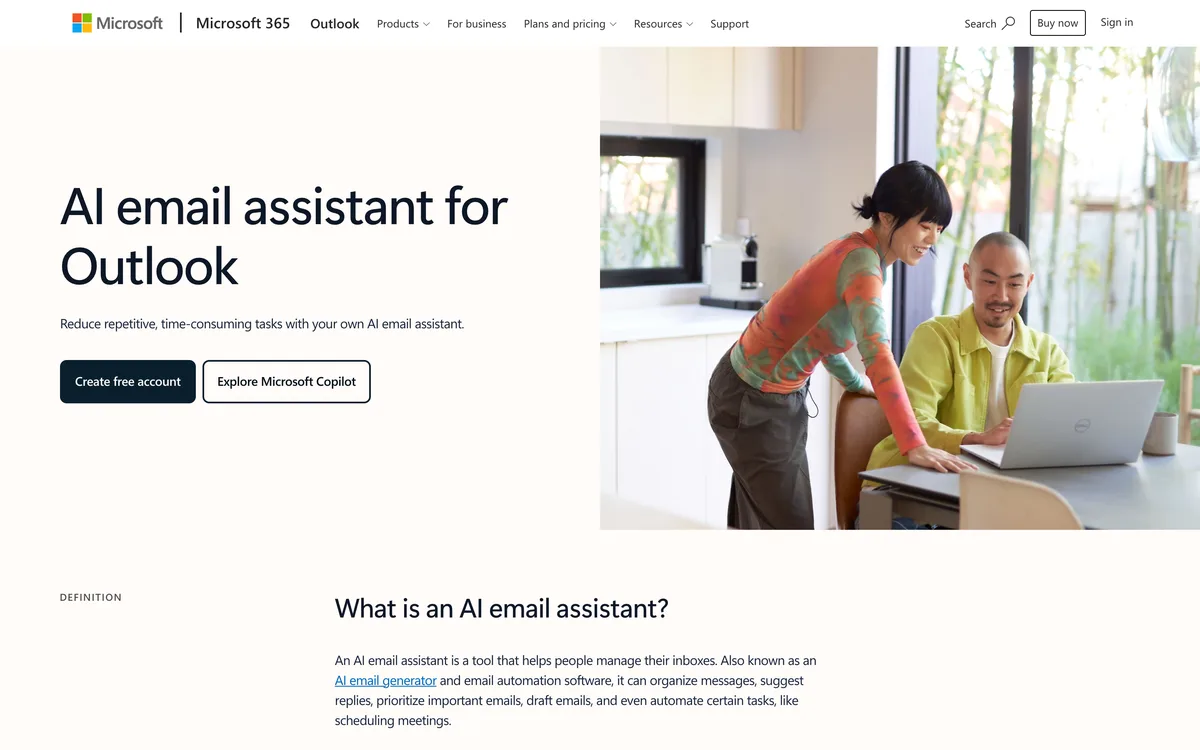
Copilot is Microsoft’s answer to Gemini, and it’s already in Outlook for most business users. Copilot Chat, included with Microsoft 365 business subscriptions, can summarize threads, draft replies, and answer questions about your mail, calendar, and meetings. Email coaching reviews a draft for tone and clarity before you send it.
You can ask Copilot to pin, flag, archive, or mark messages as read in your language, and you can create inbox rules by describing them. A more agentic version that triages your inbox and manages your calendar for you was released recently.
Microsoft says Copilot doesn’t use your data to train its foundation models, and it runs inside your Microsoft 365 tenant with the same permissions and compliance settings as the rest of your mail. Feature availability differs between business plans and Microsoft 365 Personal or Family.
Our take: The default choice for companies on Microsoft 365, since IT teams can manage it like the rest of Office. People on Gmail, or individuals who want drafts written automatically, are better off to other tools on this list.
Standout features:
- Thread summaries, reply drafts, and email coaching
- Inbox triage and rules in plain language
- Answers grounded in your mail, calendar, and meetings
- Inbox and calendar agent in Frontier early access
Pros & Cons
PROS
CONS
07. Shortwave
AI email clientAn AI-first Gmail client
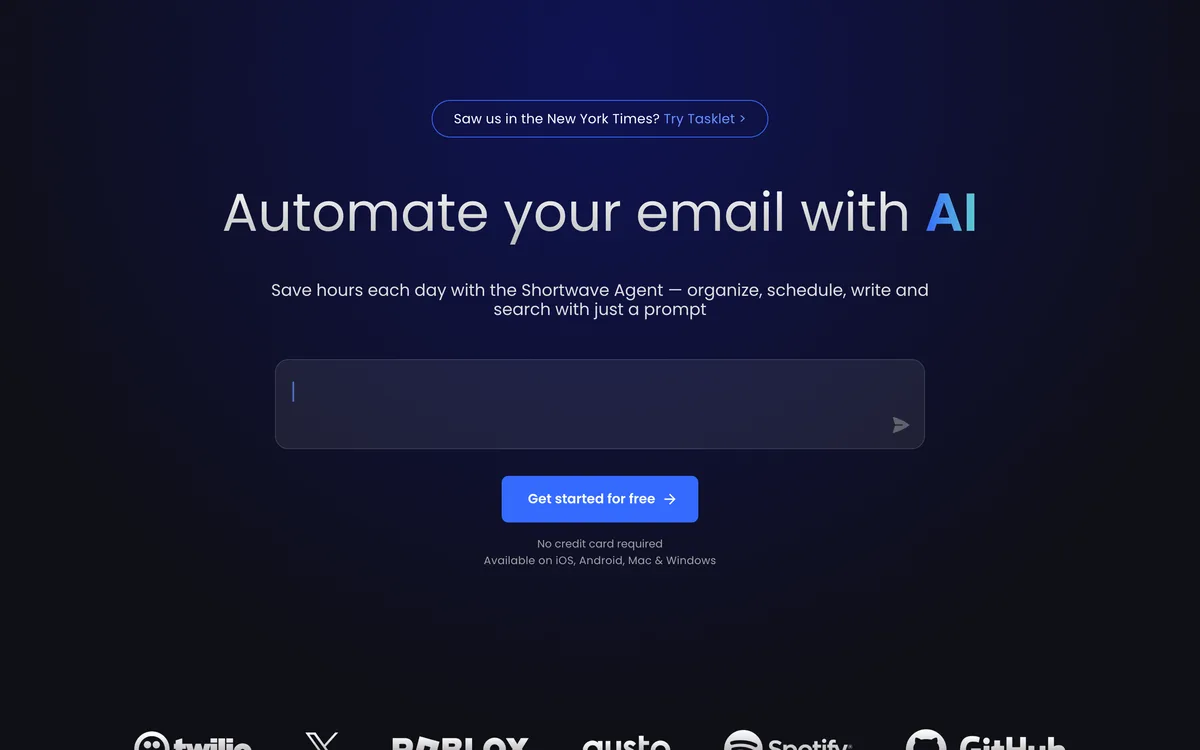
Shortwave replaces the Gmail interface with its own app for web, Mac, Windows, iOS, and Android. You can search years of mail by asking a question, set up AI filters that sort mail by rules you write in English, and get summaries and autocomplete as you type.
The assistant runs on Anthropic’s Claude models, and higher plans get more capable ones and larger usage limits. Personalized writing learns how you write, and AI search can read up to 100 threads per question on Premier.
The big limit is that Shortwave needs a Gmail or Google Workspace account to sign in. Microsoft 365 and Exchange aren’t supported, and Outlook.com only works by forwarding mail to a Gmail address.
Our take: One of the strongest AI email clients for Gmail users who want search and filtering to feel modern.
Standout features:
- Ask-anything AI search across your mailbox
- AI filters written in plain English
- Personalized writing, autocomplete, and summaries
- Tasklet automations for drafts and 3,000+ apps
Pricing
The Free plan includes a limited AI quota and 90 days of search history.
Pro costs $18 per seat a month for individuals.
Business costs $30, Premier $45, and Max $120 per seat a month.
Paid plans include a 14-day free trial.
08. Spark Mail
AI email clientA free email app for any provider
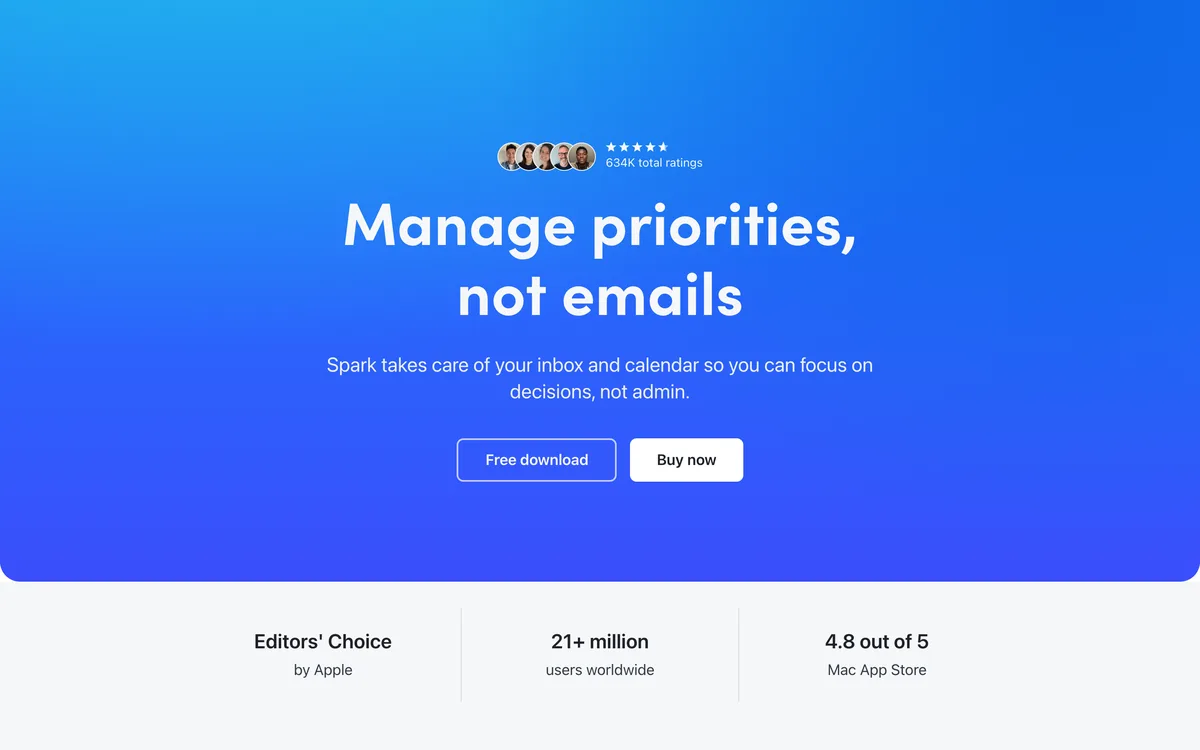
Spark from Readdle is one of the few AI email apps that works with almost any provider, including Gmail, Outlook, iCloud, and IMAP accounts. It runs on Mac, Windows, iOS, and Android, and its Smart Inbox groups newsletters and notifications away from mail from people.
Spark +AI drafts and rewrites messages and summarizes threads, with a monthly quota on Plus. Pro adds Autopilot and Auto-Drafts, which prepare replies on their own, plus unlimited meeting notes and a command-line tool. +AI is off by default, so nothing is sent to an AI model until you turn it on.
Our take: The best value if you manage several accounts across providers and want one app for all of them. The free plan only gives a preview of the AI assistant.
Standout features:
- Unified inbox for Gmail, Outlook, iCloud, and IMAP
- Smart Inbox that separates people from newsletters
- Spark +AI for drafting, rewriting, and summaries
- Autopilot and Auto-Drafts on Pro
Pros & Cons
PROS
CONS
Pricing
The Free plan includes Smart Inbox and unlimited accounts.
Plus costs $99 a year.
Pro costs $199 a year and adds Autopilot and Auto-Drafts.
Plus and Pro come with a 7-day free trial.
09. Inbox Zero
Open-source assistantSelf-hosted control over your email AI
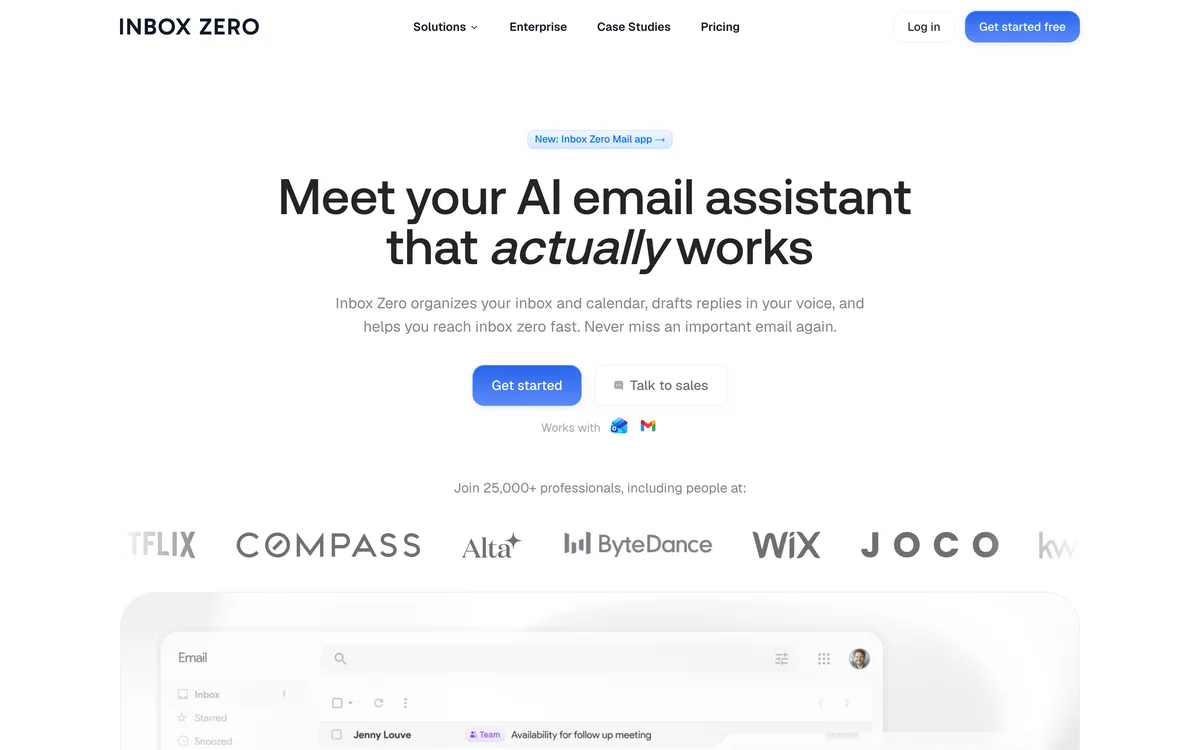
Inbox Zero is an open-source AI email assistant with more than 13,000 stars on GitHub. It sorts and labels mail, drafts replies in your voice, blocks cold emails, prepares briefs before meetings, and bulk-unsubscribes you from newsletters you never read.
Because it is open source, you can run it on your own server and keep mail data under your control. The hosted version is simpler, with a free email client and AI features on paid plans after a 7-day trial.
Our take: The pick for developers and privacy-minded teams who want to see and control how their email AI works. The hosted plans cost about the same as Superhuman.
Standout features:
- Automatic sorting and labels
- Reply drafts in your voice
- Cold email blocker and bulk unsubscribe
- Meeting briefs and a self-hosting option
Pros & Cons
PROS
CONS
Pricing
The Inbox Zero email client is free, and AI features need a paid plan.
Starter costs $25 monthly for two accounts.
Plus costs $35 monthly, and Professional $50 monthly.
Paid plans have a 7-day trial, and self-hosting is free.
10. Jace
Inbox assistantDrafts and automations across your work apps
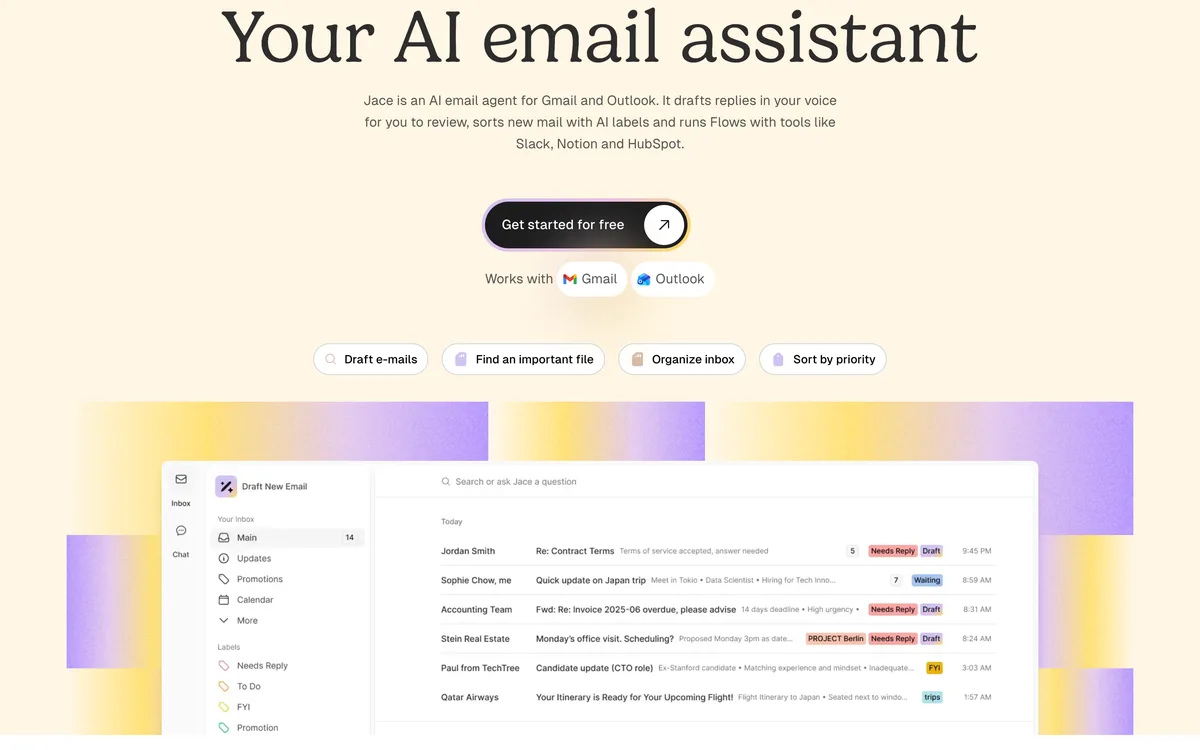
Jace connects to Gmail or Outlook, labels incoming mail, and prepares reply drafts for you to review. It doesn’t send anything by default. Flows go further, automating multi-step jobs that involve tools like Slack, Notion, and HubSpot, and MCP integrations let it pull context from other apps when it writes.
Jace says it doesn’t train on user data. The 7-day trial needs a card.
Our take: A solid middle option between a writing add-on and a full assistant like Fyxer, especially for people whose email work depends on other tools.
Standout features:
- AI labels and reply drafts for review
- Flows with Slack, Notion, and HubSpot
- Follow-up reminders
- MCP integrations for outside context
Pricing
- Plus costs $25 monthly.
- Pro costs $50 monthly.
Both plans start with a 7-day trial that requires a card.
11. MailMaestro
Writing add-onPolished emails inside Outlook and Gmail
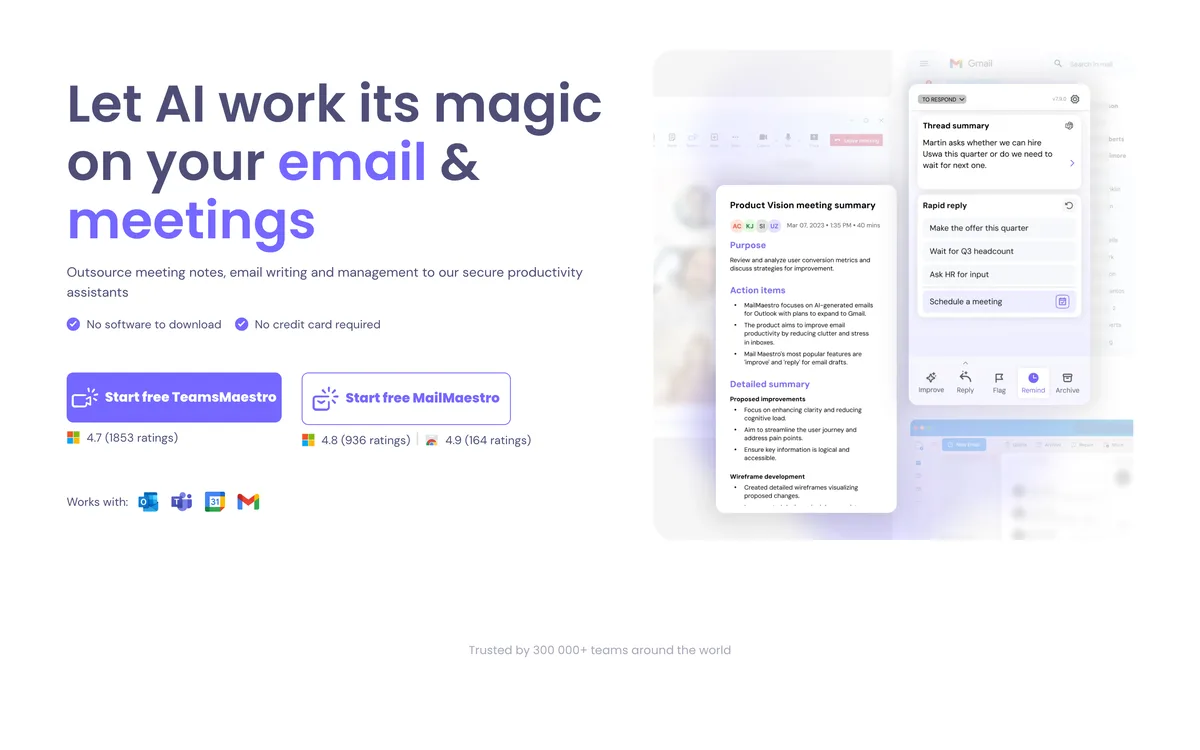
MailMaestro is an add-on for Outlook and Gmail that helps you write. You can compose a message from a bullet points, reply to a thread, or improve a draft by changing its tone, length, or clarity.
It also summarizes long threads and takes meeting notes, and its AI agents can label mail, draft replies, and follow up.
Our take: A good choice if you mainly want help rewriting emails professionally and work in Outlook, where it installs as a native add-in. The free plan is only three requests a week.
Standout features:
- Compose, reply, and improve from inside the email
- Thread summaries and meeting notes
- AI agents that label, draft, and follow up
- Native add-in for Outlook and Gmail
Pros & Cons
PROS
CONS
Pricing
The Free plan includes 3 compose, reply, or improve requests a week.
Paid plans start at $12 per seat a month billed annually.
Paid plans come with a 14-day free trial.
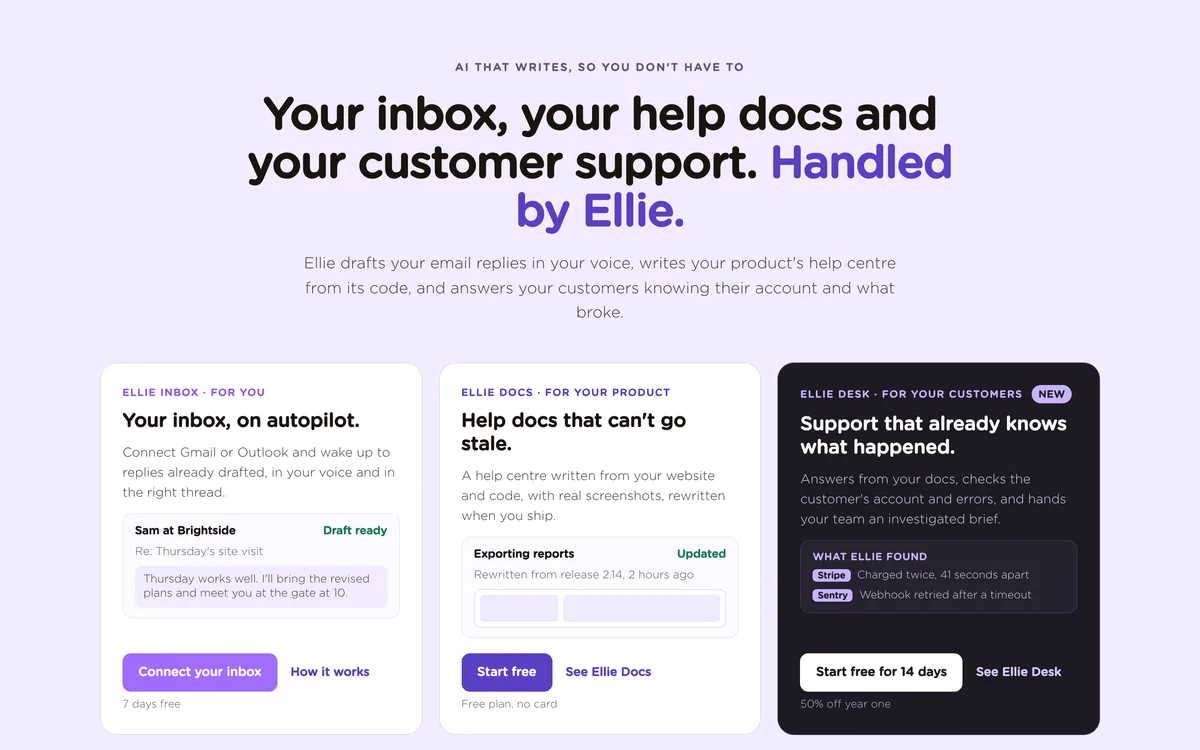
12. Ellie
Reply assistantReplies drafted from your own knowledge base
Ellie writes email replies in your voice, either on demand through a browser extension and Outlook add-in or automatically on its Business plan. It replies in any language and uses a knowledge base you train with your own documents.
Roles let you set up different personas, for example one for support replies and one for sales. Ellie has also grown beyond email, with Ellie Docs for writing help center articles from your product’s code and Ellie Desk for answering customer support requests.
Our take: A good fit for small teams that answer similar questions every day and want those answers grounded in their own documents. Solo users on the $19 plan get the extension only, so automatic drafts start at $39.
Standout features:
- Reply drafts in your tone, in any language
- Knowledge base training with your documents
- Roles for different types of replies
- Browser extension and Outlook desktop add-in
Pros & Cons
PROS
CONS
Other AI Email Assistants
An “AI chief of staff” for Gmail, Outlook, iCloud, and IMAP that triages mail, sends a morning brief, and keeps a list of what needs you.
From Every, for Gmail only. It screens your inbox, drafts replies in your voice, and sends a Brief of everything else twice a day.
Triage and drafting for Gmail and Outlook, now also aimed at business email and document workflows in accounting, real estate, and legal intake.
A privacy-focused email client for most providers with an AI Copilot for writing and summaries, PGP encryption, and a free plan.
Sorts unimportant mail out of your inbox for almost any provider. Its AI add-ons draft replies in your style, summarize threads, and track emails with no reply.
An add-on for Gmail and Outlook with email tracking, follow-ups, and a Smart Assistant that writes replies and finds tasks. The AI features are on the Smart plan and above.
Drafts replies, labels mail, and schedules meetings when you cc [email protected], for Gmail and Outlook. It’s only on the $200-a-month Perplexity Max plan.
Both chatbots connect to Gmail, and ChatGPT also connects to Outlook. On paid plans they can search your mail, draft, and send from the chat, with Claude asking for approval by default.
Free on supported Apple devices. It surfaces priority messages, summarizes your inbox, suggests Smart Replies, and sorts mail into categories for any account in Apple Mail.
A writing assistant inside Proton Mail that drafts, shortens, and proofreads, with an option to run the model on your own device.
A general AI agent platform that can run your inbox and calendar, draft in your voice, and send a morning brief, alongside other tasks in Slack and iMessage.
If you need a shared inbox for a support or sales team rather than a personal assistant, tools like Front and Missive are covered in our guide to shared inbox and team email management software.
How to Choose an AI Email Assistant
- Start with your inbox provider. Gmail users have the most options, while Shortwave and Cora don’t support Microsoft 365 at all. On Outlook, Copilot, Fyxer, Superhuman, Jace, and MailMaestro all work.
- Try the AI you already have. Gemini in Gmail and Copilot Chat in Microsoft 365 cost nothing extra and may cover summaries and quick drafts.
- Writing add-ons like MailMaestro help when you ask. Assistants like Fyxer, Superhuman, Inbox Zero, and Jace sort mail and draft replies before you open the thread.
- Check what else you need. If meetings create most of your follow-up email, Fyxer and MailMaestro include meeting notes. If you write a newsletter, HeyNews handles that separately.
For marketing campaigns rather than one-to-one email, see our list of email marketing software. If you’d like to compare models for writing, our roundup of multi-AI chat clients covers Sparkian and its alternatives.