



Most free email marketing plans aren’t actually free once you look closely. Some cap you at a few hundred contacts. Others cap the number of emails you can send.
A few, like AWeber, dropped their free plan entirely in favor of a trial. This guide covers top tools that still offer a genuine, no-credit-card, doesn’t-expire free tier, what each one actually limits you to, and where the limits will force you to upgrade.
Comparing free email marketing software
| Tool | Free contacts | Free monthly emails | Starting paid price | Best for |
|---|---|---|---|---|
| Systeme.io | 2,000 | Unlimited | $17/month | Most generous free plan with unlimited sends |
| Sender | 2,500 | 15,000 | Custom | Best combination of contacts and volume |
| EmailOctopus | 2,500 | 10,000 | $9/month (billed yearly) | Small lists wanting a clean modern editor |
| Zoho Campaigns | 2,000 | 6,000 | Custom | Teams already using other Zoho apps |
| Mailjet | 1,000 | 6,000 | $9/month | Developers who also want SMTP/API access |
| HubSpot | limited sends | 2,000 | $7/month per seat | Teams wanting light CRM alongside email |
| Benchmark Email | 500 | 2,500 | $27/month | Straightforward drag-and-drop simplicity |
| MailerLite | 250 | 2,500 | $12/month | Clean UI for beginners |
| CleverReach | 250 | 1,000 | €15/month | GDPR-focused European teams |
| MailerSend | Unlimited | 500 | $5.60/month | Combining transactional and marketing email |
| Brevo | Unlimited | ~300/day | From £5.42/month | Unlimited contacts regardless of plan |
| Omnisend | 250 | 500 | $11.20/month | Ecommerce stores on Shopify or WooCommerce |
| Mailchimp | 500 | 500 to 1,000 | From £9.70/month | Brand recognition and template library |
Why These Limits Keep Shrinking
If you’ve used any of these tools before and the numbers above look smaller than you remember, you’re not imagining it. MailerLite’s free plan covered 1,000 subscribers and 12,000 emails a month in earlier years; it’s now 250 subscribers and 2,500 emails.
Mailchimp’s free plan used to allow 2,000 contacts; now it’s 500. This isn’t unique to any one vendor; it’s a broad industry shift as email platforms lean harder on free plans as a lead-generation funnel into paid tiers.
Practically, this means when comparing tools, check both the contact cap and the email-volume cap.
Systeme.io
The most generous, genuinely unlimited-sending free plan on this list.
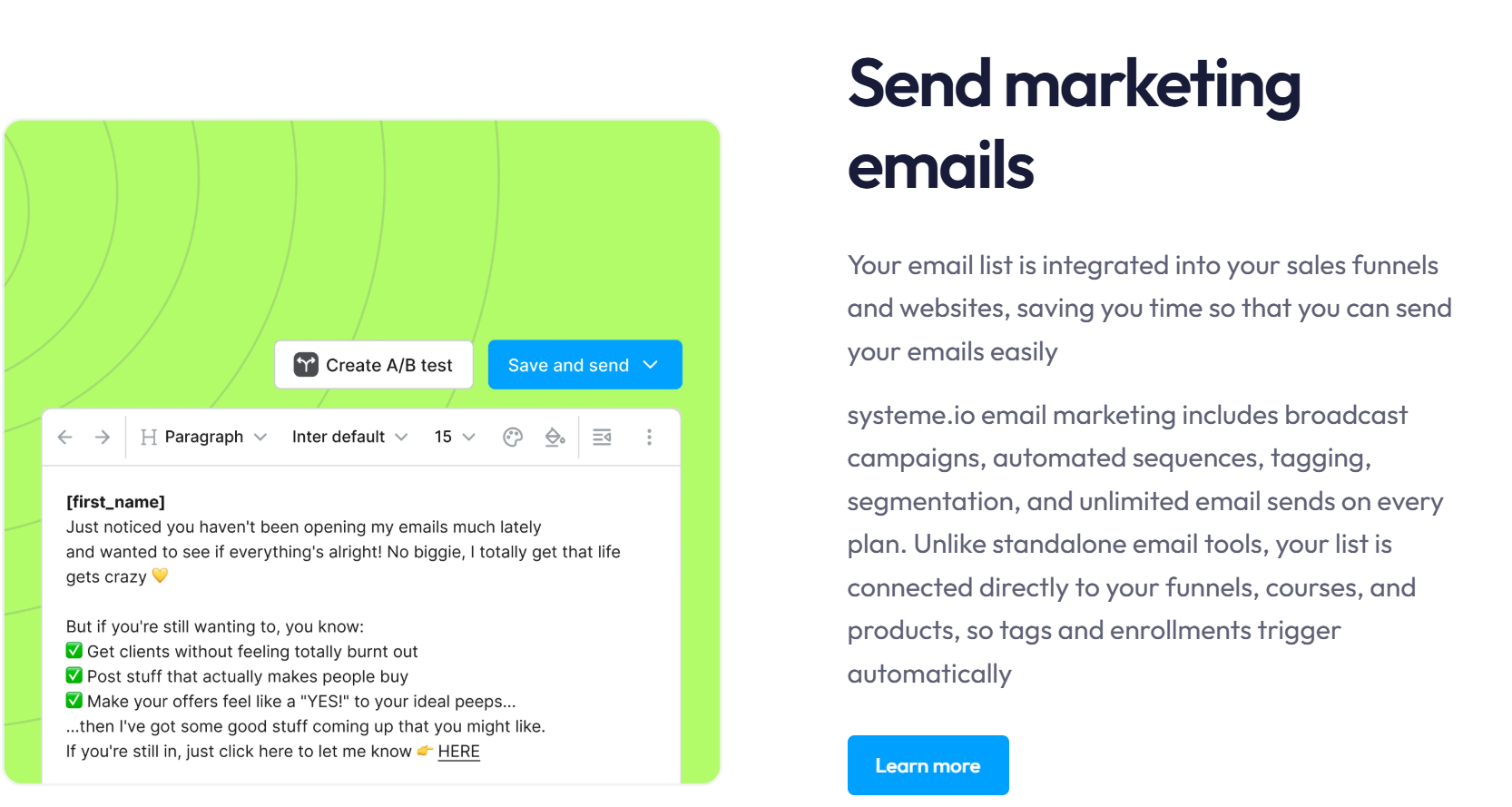
Systeme.io built its reputation as an all-in-one funnel and course platform, and its email marketing is part of the broader toolkit. The free plan’s standout feature is that email sending itself is unlimited; no monthly cap but a contact ceiling.
Key features
- Unlimited email sends to your contact list on every plan
- Built-in sales funnels, a course platform, and a blog alongside email
- Simple automation rules tied to funnel and purchase behavior
- One custom domain included even on the free tier
Pricing
Free for up to 2,000 contacts with unlimited emails.
The Startup plan starts at $17 per month for 5,000 contacts and unlimited funnels.
Pros & Cons
PROS
CONS
Real use cases
A course creator running a small cohort-based program uses Systeme.io’s free plan to email up to 2,000 students as often as needed without hitting a send cap other tools would impose.
Our take
If your priority is unlimited sending rather than a specialized email editor, Systeme.io’s free plan beats many email tools.
Omnisend
Best for ecommerce stores on Shopify, BigCommerce, or WooCommerce.
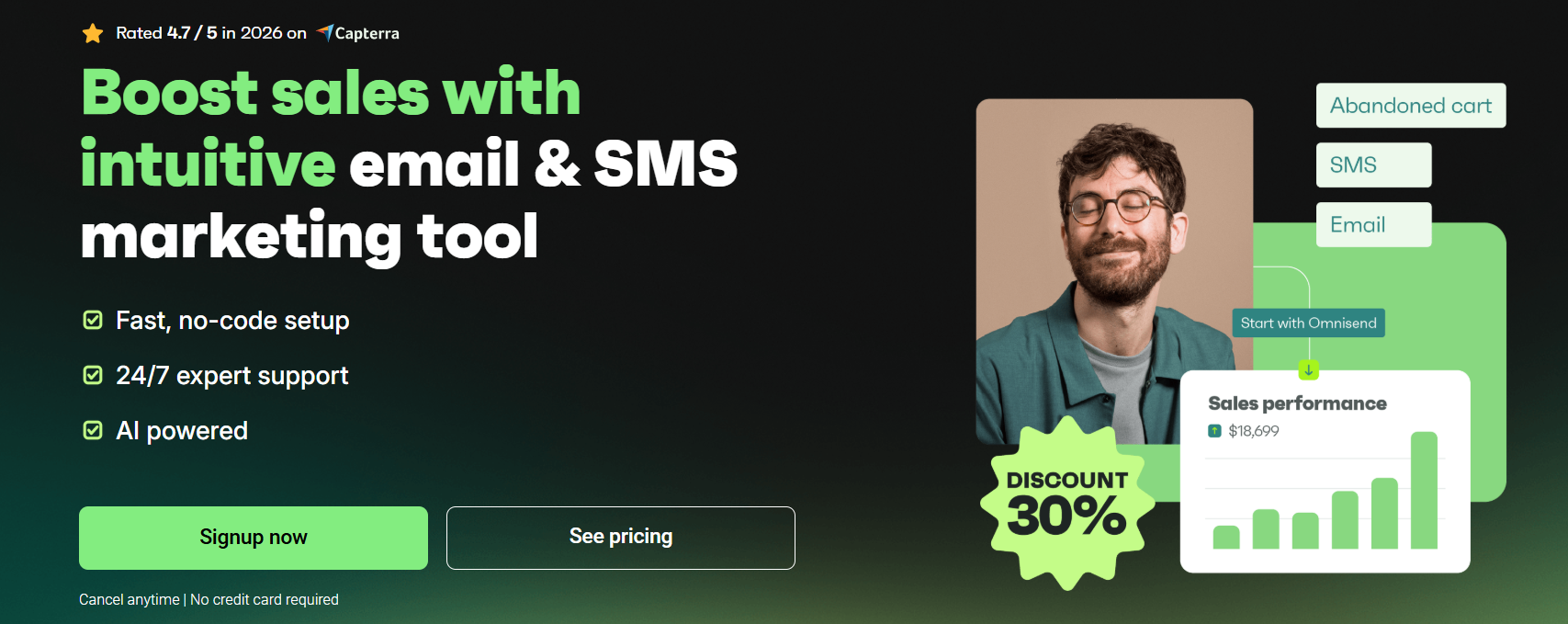
Omnisend is purpose-built for ecommerce with native integrations for Shopify, BigCommerce, and WooCommerce that pull order and customer data directly into segmentation and automation.
If you are running a newsletter and need high volumes of email sending, perhaps skip this.
Key features
- Single-click integrations with major ecommerce platforms
- Popups, landing pages, and spin-wheel signup forms
- A/B split testing for campaigns
- Combined email, SMS, and push notification sending
Pricing
Free for 250 contacts and 500 emails per month.
The Standard plan starts at $11.20 per month.
Pros & Cons
PROS
CONS
Real use cases
A small Shopify store automates an abandoned-cart email sequence pulling directly from store data, without manually exporting and importing customer lists.
Our take
The free tier is small enough that it’s really a way to test the eCommerce-specific automation before committing.
Sender.net
The best combination of contact and volume limits among dedicated email tools
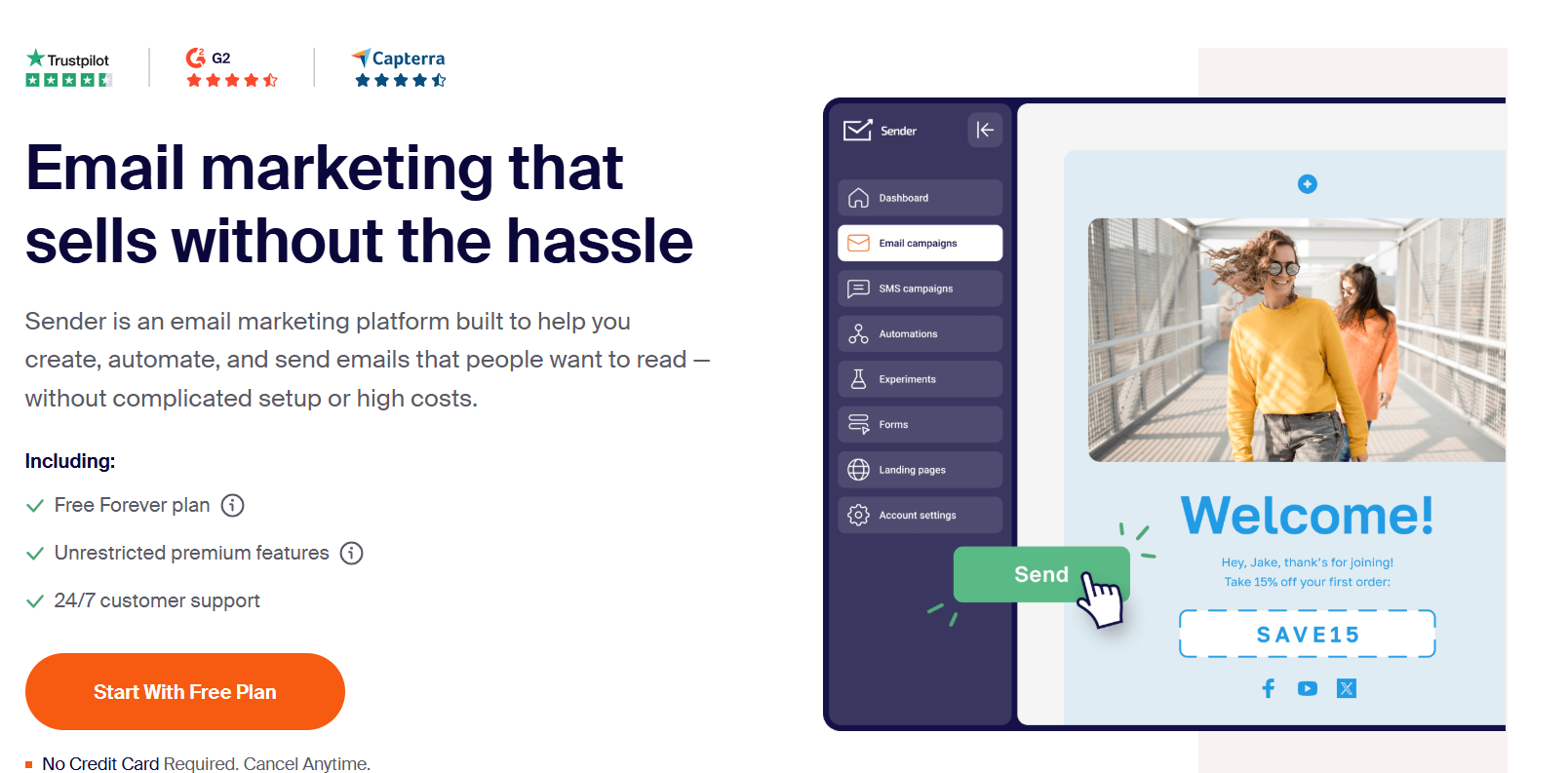
Sender is aimed specifically at small businesses that need real sending volume without a marketing budget, and its free tier limits reflect that: both the contact cap and the monthly send cap are higher than most competitors on this list.
Key features
- Built-in spam checking before you send a campaign
- Automation workflows included on the free plan
- Popup forms, embeddable forms, and GDPR consent forms
- Built-in image library and basic image editor
Pros & Cons
PROS
CONS
Real use cases
A small ecommerce store with a 2,000-person list sends weekly promotional campaigns comfortably within the free plan’s 15,000-email monthly allowance.
Our take
Among tools built specifically for email, Sender’s free tier numbers are hard to beat. Worth shortlisting before assuming you need to pay for a starter list.
EmailOctopus
A modern, polished editor without paying anything at a small list size.
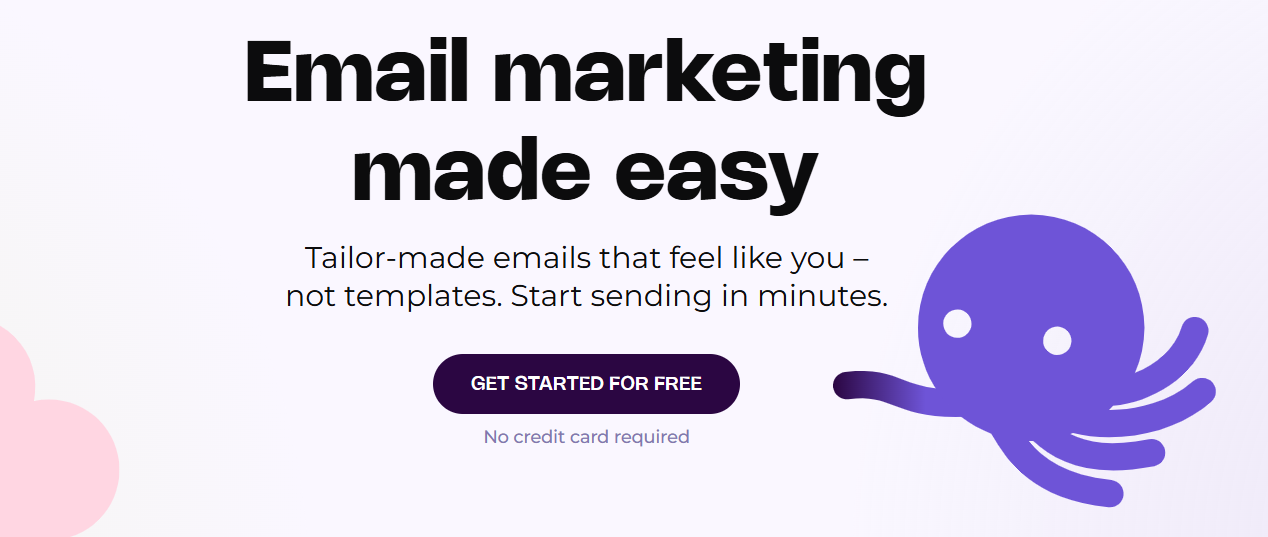
EmailOctopus built its entire marketing around affordability by routing sends through Amazon SES, and that cost advantage carries through to a free plan.
If cost efficiency at a larger list size matters, refer to our AWS SES email marketing software guide.
Key features
- Full drag-and-drop campaign editor
- Landing page builder for signup forms, included on the free plan
- List API for programmatic contact and segment management
- Custom field based segmentation
Pricing
Free for up to 2,500 contacts and 10,000 emails per month. The Pro plan starts at $9 per month billed annually, removing branding and extending report retention.
Pros & Cons
PROS
CONS
Real use cases
A solo newsletter writer with 2,000 subscribers runs entirely on the free plan, including a signup landing page, without needing a separate tool.
Our take
For a small list where you want something that looks professional without paying, EmailOctopus remains one of the easiest recommendations here.
Zoho Campaigns
Best for: Businesses already using other Zoho apps
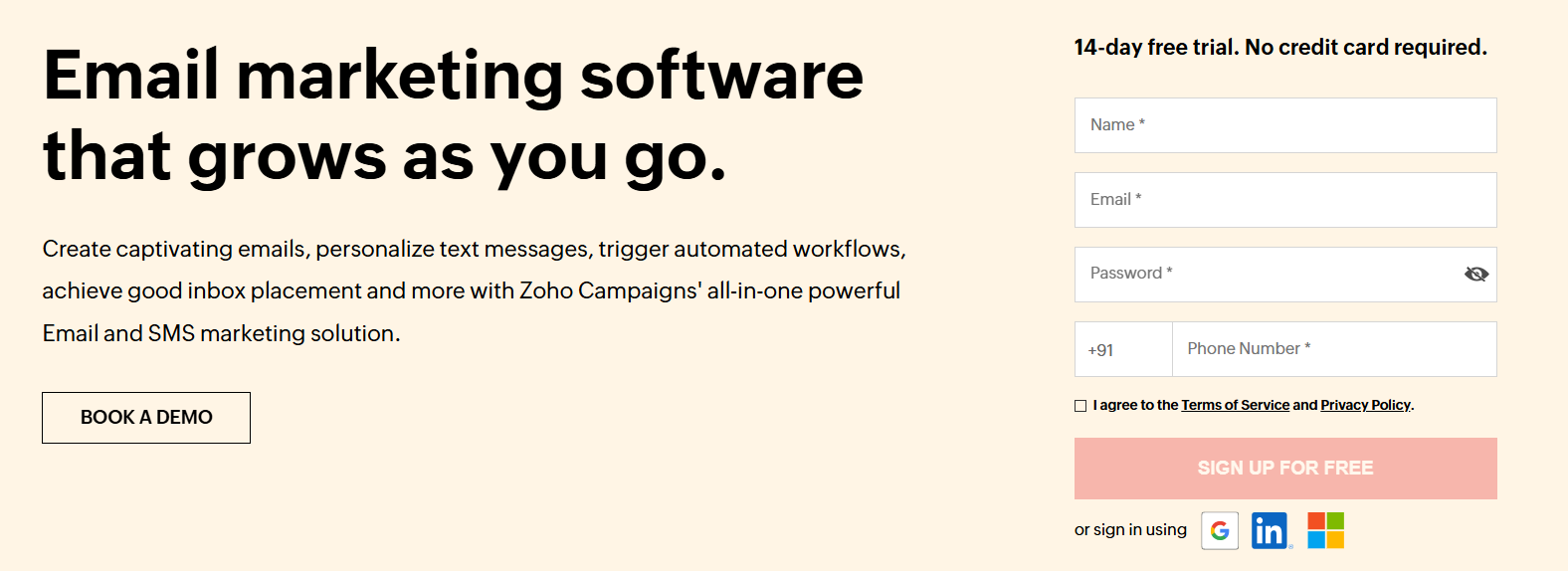
Zoho Campaigns is the email marketing piece of Zoho’s much larger business software suite, and it shows: the value proposition sharpens considerably if you’re already using Zoho CRM, Zoho Books, or other Zoho products that Campaigns connects to natively.
Key features
- Drag-and-drop editor with pre-built newsletter templates
- A/B testing and analytics reporting
- Native integration with Zoho CRM and the wider Zoho suite
- Contact list management with segmentation
Pros & Cons
PROS
CONS
Real use cases
A small business already running Zoho CRM adds Zoho Campaigns to keep contact data and email activity in the same ecosystem rather than syncing between separate tools.
Our take
If you’re evaluating this in isolation from the rest of Zoho, other tools on this list offer more for free. If you’re already inside the Zoho ecosystem, the integration value changes the calculation.
Mailjet
Best for developers who also want SMTP and API access alongside a visual editor.
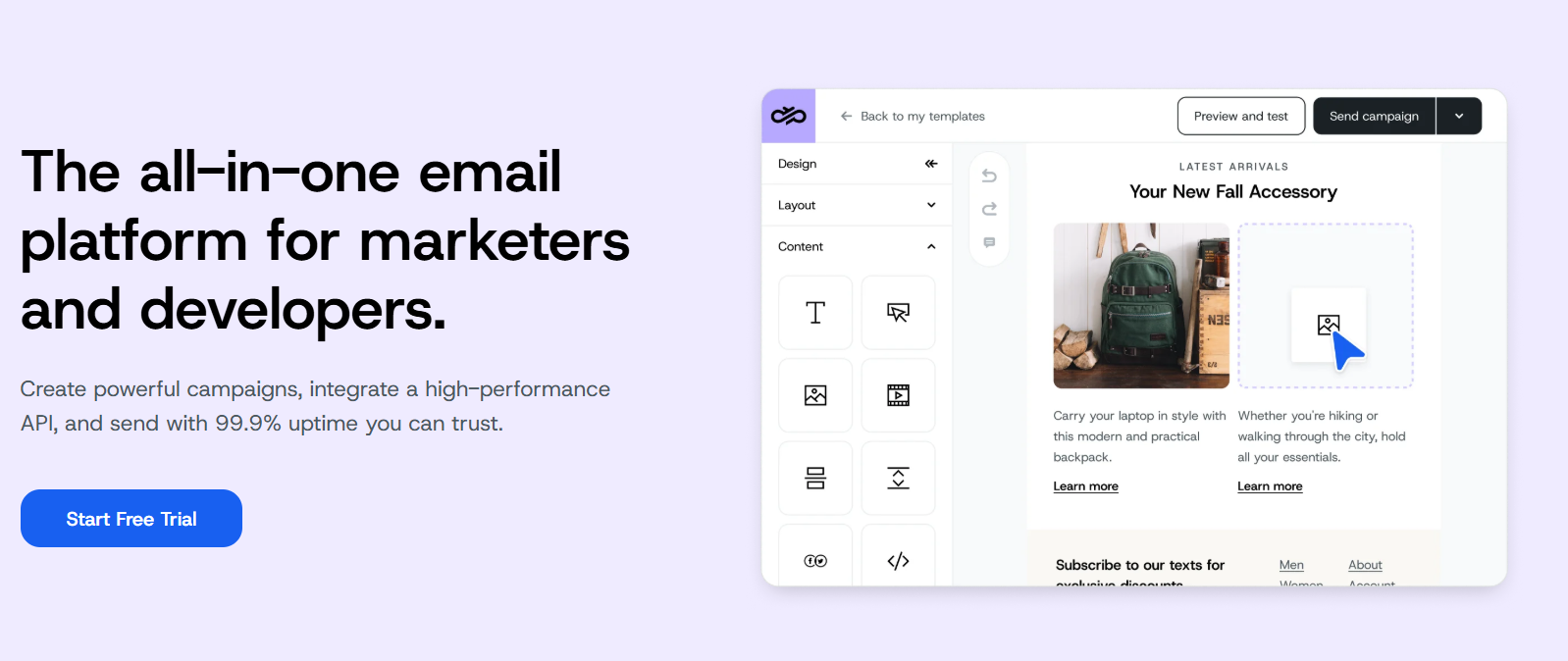
Mailjet splits the difference between a marketing tool and a developer-facing transactional email API, and the free plan reflects that dual identity: you get a visual campaign builder alongside API and SMTP relay access that most marketing-only tools don’t offer for free.
Key features
- REST API, SMTP relay, and webhooks included even on the free plan
- Clean, minimalist template library
- GDPR-compliant subscription management
- No hard cap on total stored contacts
Pricing
Free for up to 6,000 emails per month, capped at 200 per day, with 1,000 contacts.
The Starter plan begins at $9 per month for 8,000 emails monthly with no daily cap and 2,000 contacts.
Pros & Cons
PROS
CONS
Real use cases
A developer building both transactional emails and occasional marketing newsletters uses Mailjet’s API for one and its visual editor for the other, from the same account.
HubSpot
Best for teams that want CRM functionality bundled with email.
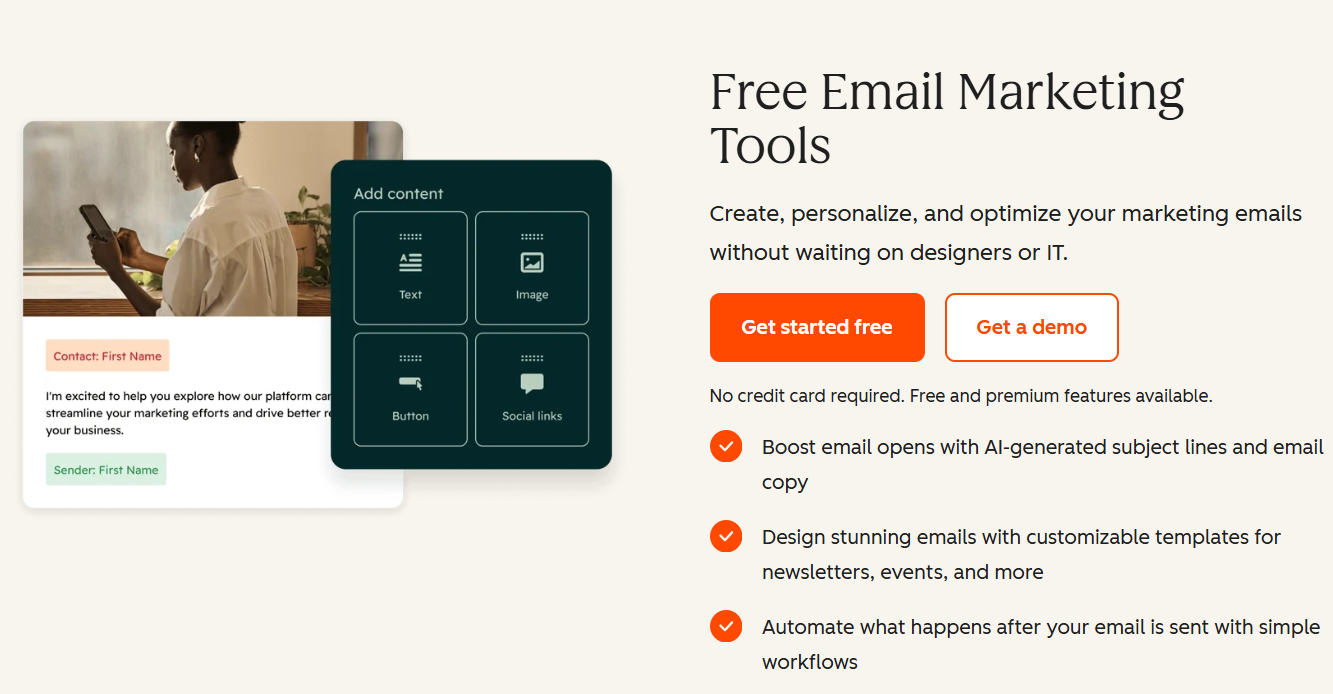
HubSpot’s free email tool is really an extension of its free CRM, and the value case depends on whether you want that CRM.
If you just want to send a newsletter, the 2,000-email monthly cap will feel restrictive fast; if you want every email interaction logged against a contact record, it’s a different proposition.
Key features
- Free CRM with contact and deal tracking included
- Library of signup forms, popups, and banners
- Live chat and chatbot tools in the same free tier
- Email analytics tied directly to CRM contact records
Pricing
Free plan includes 2,000 email sends per month with HubSpot branding.
The Starter plan begins at $7 per month per seat for early access pricing.
Pros & Cons
PROS
CONS
Real use cases
A small sales team wants every prospect’s email opens and clicks visible directly on their CRM contact card.
Our take
Judge this one by the CRM, not the email cap. As a standalone newsletter tool, 2,000 sends a month is thin. As a free CRM with email attached, it’s a different and often better value proposition.
Benchmark Email
A straightforward drag-and-drop simplicity without a learning curve.
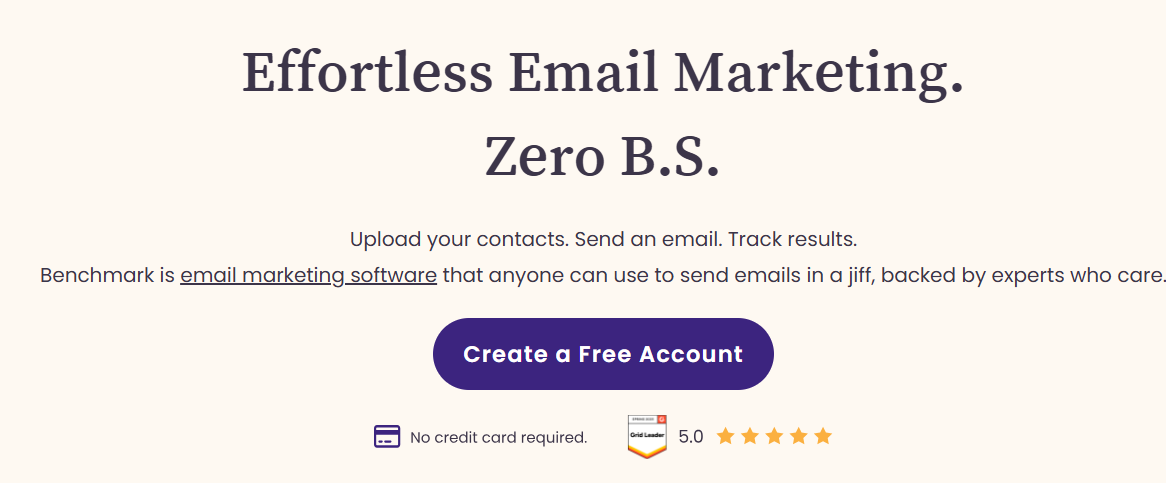
Benchmark Email includes a large template library, an easy-to-use drag-and-drop editor, and A/B testing that doesn’t require reading documentation first.
Key features
- 200+ email templates with categorization by use case
- A/B testing for subject lines, copy, and visuals
- Landing page builder included
- Live chat, phone, and email support
Pricing
Free for up to 500 contacts and 2,500 emails per month, one user, one domain.
The Pro plan starts at $19 per month with send limits at 10 times the contact cap.
Pros & Cons
PROS
CONS
MailerLite
Best for beginners with modern email platforms.
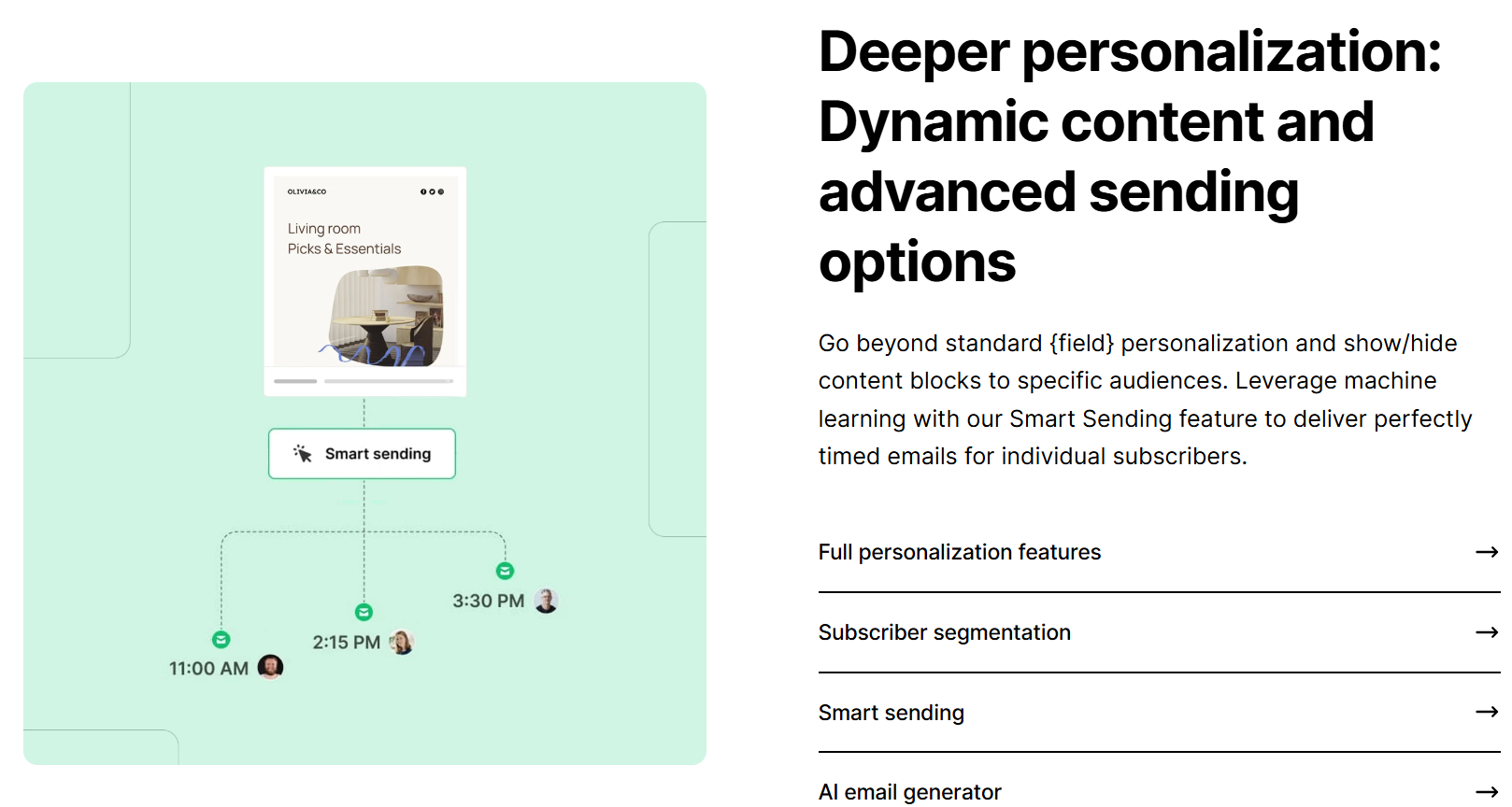
MailerLite has built a reputation on interface polish, and it’s still one of the more pleasant free tools to actually use day to day. The free tier itself, however, has shrunk considerably from what longtime users may remember.
Key features
- A/B testing and test email previews before sending
- Template library with drag-and-drop editing
- Popup and embedded form building
- Integrations with Zapier, Typeform, and WordPress
Pricing
Free for up to 250 subscribers and 2,500 emails per month.
Paid plans start at $12 per month.
Pros & Cons
PROS
CONS
Real use cases
A first-time newsletter writer picks MailerLite specifically because the interface has the shallowest learning curve.
Our take
Still a strong pick for beginners on interface alone, but go in aware that the free tier covers a much smaller list than it used to, budget to upgrade sooner than you might expect.
CleverReach
Best for European teams prioritizing GDPR-compliant infrastructure.
CleverReach is a German company built around European data protection requirements from the ground up, which matters specifically if GDPR compliance and EU data residency are priorities.

Key features
- Responsive email templates
- Drag-and-drop editor
- One automation workflow included on the free plan
- Extensive third-party integrations
Pricing
Free for 250 recipients and up to 1,000 emails per month.
The Basic paid plan starts at €15 per month for up to 5,000 recipients with unlimited monthly emails.
Pros & Cons
PROS
CONS
Real use cases
A European business with strict data residency requirements picks CleverReach specifically for its EU-based infrastructure and GDPR-first design.
Our take
This is really a pick for the GDPR and EU-infrastructure angle specifically, not for maximizing free volume.
MailerSend
Best for developers who want transactional and marketing email from the same platform.
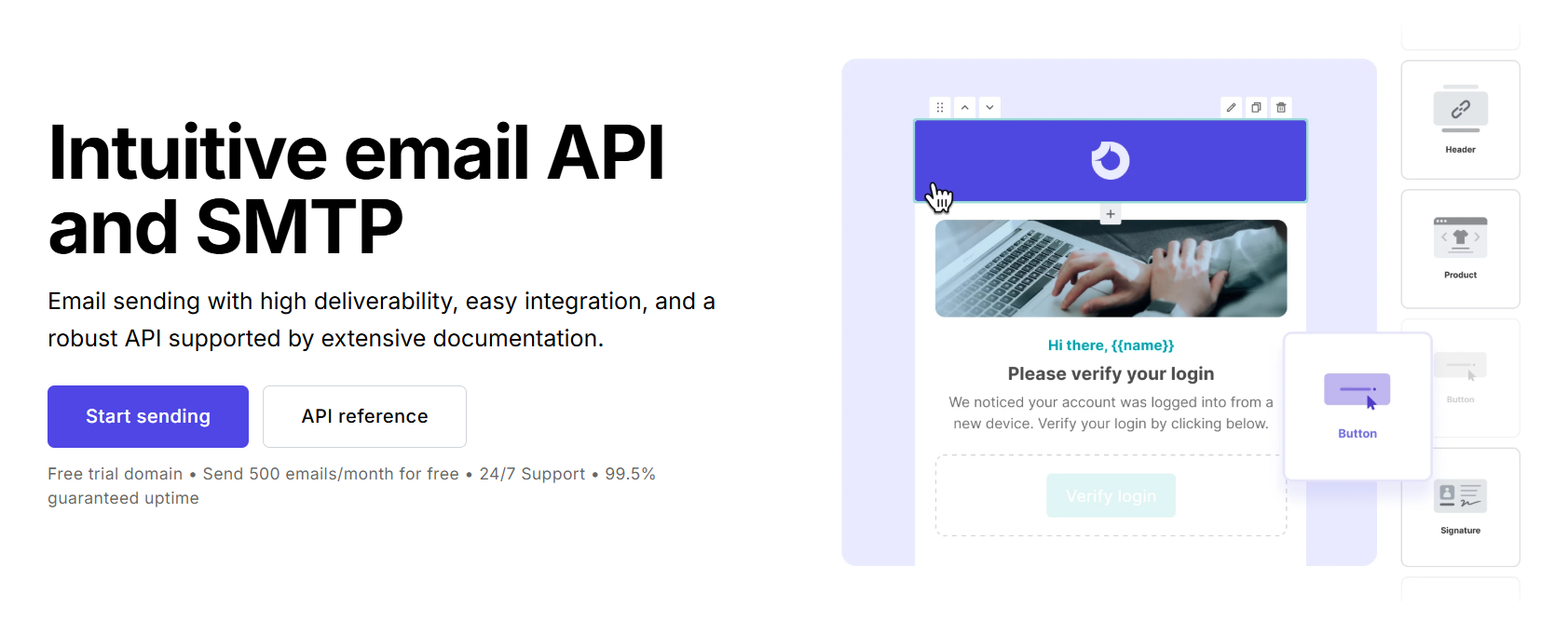
MailerSend is primarily known as a transactional email API and SMTP provider, but it also supports drag-and-drop marketing campaigns, making it useful for developers who want both without juggling two separate platforms.
Key features
- Transactional email via API and SMTP relay
- Drag-and-drop email builder for marketing campaigns
- Bulk emailing on paid tiers
- Developer-friendly documentation and webhooks
Pros & Cons
PROS
CONS
Pricing
Free for 500 emails per month. The Hobby plan starts at $5.60 per month, billed monthly.
Real use cases
A SaaS startup uses MailerSend for both password-reset and receipt emails through its API, and occasional product-update newsletters through the same account.
Our take
The free cap here is too low for regular newsletter sending, this is good for developers who want to send transactional and light marketing email.
Brevo
Best for storing an unlimited contact list regardless of plan.
Brevo’s structural difference from most competitors on this list is that it never caps your contact count, free or paid; the limiting factor is always how many emails you send.
Key features
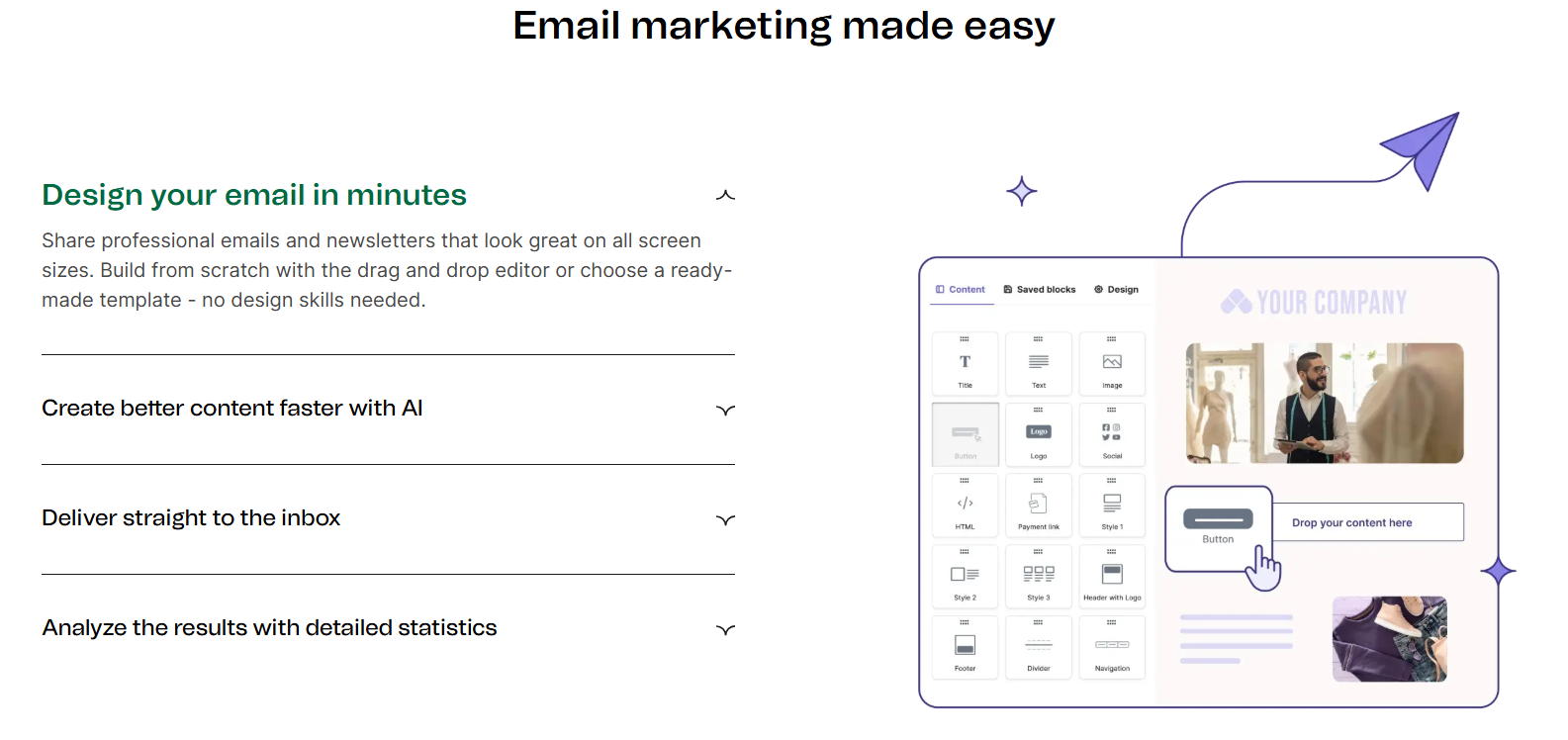
- Drag-and-drop email editor
- Built-in CRM for tracking customer interactions
- Official WordPress plugin for analytics
- GDPR-compliant by design
Pros & Cons
PROS
CONS
Pricing
The free plan includes a 300-email daily limit.
Real use cases
A business with a large but infrequently emailed list benefits from Brevo’s unlimited contact storage instead of paying for contact tiers it doesn’t need to email often.
Mailchimp
Best for teams that want the widely recognized name and template library.
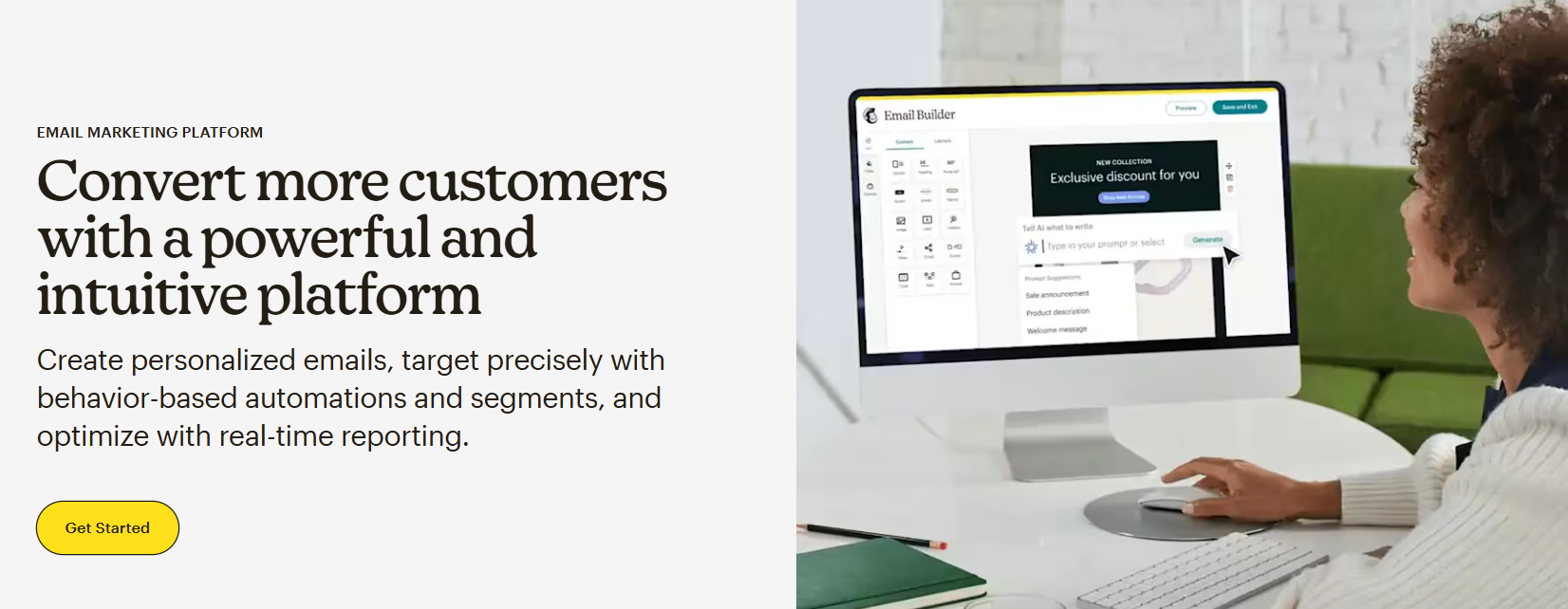
Mailchimp remains the most recognized name in email marketing, which counts for something when onboarding non-technical collaborators who’ve likely used it somewhere before. The free plan itself, however, is considerably smaller than the version many people remember.
Key features
- Marketing CRM with contact tagging
- WordPress plugin for site integration
- Extensive third-party integration library
- Free landing pages included
Pros & Cons
PROS
CONS
Pricing
Free for up to 250 contacts, with monthly sends capped at 500/month. The paid plan starts from $13/mo.
Use cases
An organization with non-technical staff picks Mailchimp specifically because new team members are likely to already have some familiarity with the interface.
Our take
Brand recognition is the real reason to pick Mailchimp’s free plan, not the limits, several other tools on this list offer more free contacts or sends.
How to Choose the Right Tool
Start by separating your contact count from your sending frequency, since that’s where most people misjudge which free plan actually fits.
If you have a large list you rarely email, Brevo’s unlimited-contacts model wins. If you have a smaller list you email often, Sender or EmailOctopus give you more room.
If unlimited sending volume matters more than a specialized email editor, Systeme.io’s free plan is the outlier worth considering.
And if you’re building on Shopify or WooCommerce specifically, Omnisend’s ecommerce integrations are worth the smaller free tier.
Whichever you pick, plan for the upgrade before you need it. Free tiers across this entire tool have been shrinking, and a list that fits comfortably today may not in six months.
For platforms without a free tier but stronger paid feature sets once you’re ready to invest, see our best email marketing software guide.
Good to know
Which of these tools has the most generous free plan overall?
Systeme.io offers unlimited sends up to 2,000 contacts. Sender offers the best combined contacts-and-volume among dedicated email tools, at 2,500 contacts and 15,000 emails a month. Brevo offers unlimited contacts on any plan, with the limit being a daily send cap instead.
Should I pick a tool based on its free plan alone?
Only if you’re confident your list will stay within free-tier limits for a while. If you’re already close to a tool’s free cap, it often makes more sense to pick based on the paid tier you’ll actually grow into, rather than optimizing for what’s free today.
Conclusion
The free email marketing tier that best fits you depends on which limit actually constrains you like contact count, monthly send volume, or neither if you’re willing to pay from day one.
Systeme.io and Sender currently offer the most room to grow before hitting the limit, while Brevo’s unlimited-contacts model suits a large, infrequently emailed list better than any contact-capped competitor.






