



Apify is a powerful cloud platform that combines a marketplace of 1,500+ pre-built scrapers called Actors, a proxy network, and data storage. That sounds great on paper and awesome for developers. But if you’re a small business owner, a freelancer just getting into web scraping, or someone who simply wants data without complex setups, you may consider Apify alternatives that are easier to use.
But there are excellent scraping alternatives that match or outperform Apify, depending on your use case. You could be looking for a no-code tool, a scraping API, open-source flexibility, or enterprise-grade proxies. In this guide, I’ve reviewed the best Apify alternatives based on features and pricing.
Best Apify Alternatives
Every web scraping task is different. Depending on your use case, you might be looking for a clean API, a no-code scraping tool, an open-source framework, or a platform with built-in enterprise-grade proxies. I recommend the below Apify replacements with a breakdown of what each one does better and who it’s built for.
Geekflare Web Scraping API
Geekflare Web Scraping API is among the best Apify competitors for freelancers, small teams, and developers who want clean, structured data without having to manage scraping infrastructure. It handles CAPTCHAs, proxy rotation, and headless browser rendering automatically, returning page content as HTML, Markdown, or JSON. All you need to provide is a URL, and the Geekflare Web Scraping API will return structured data.
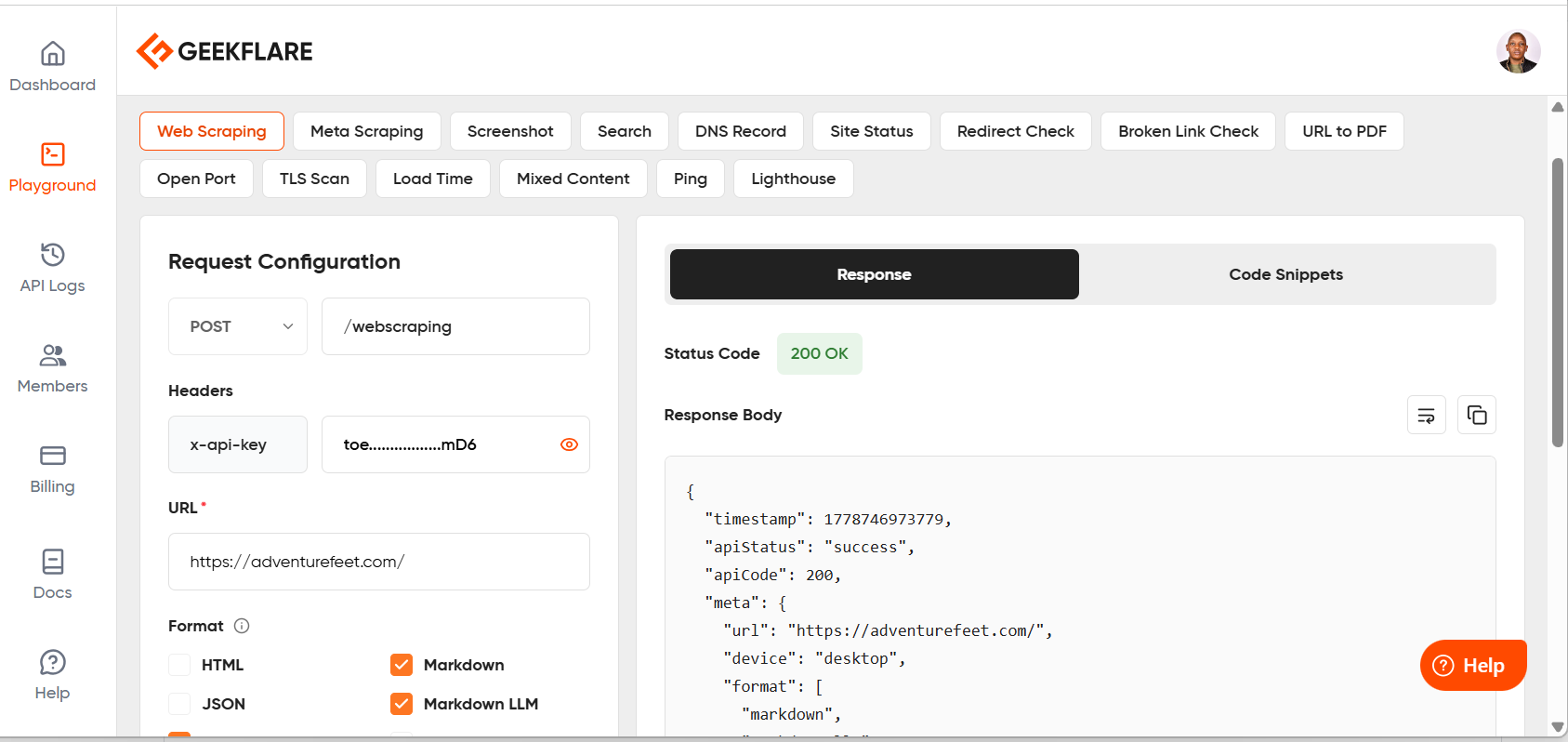
Geekflare Scraping API is also known for its AI readiness. It can output data as Markdown LLM, HTML LLM, and Text LLM, in addition to the regular formats such as JSON, text, and markdown. You can also get code output in different programming languages, such as PHP, Python, Node.js, and cURL.
Geekflare also bundles two companion APIs under the same platform. The Meta Scraping API pulls structured metadata and rich link previews from any URL, using headless browsers to capture metadata generated dynamically by single-page applications. Lastly, there is a Search API for real-time internet browsing and scraping top results. All three share the same API key and credit pool, which keeps things simple.
Pros & Cons
PROS
CONS
Pricing
Geekflare Web Scraping API has a free tier with 500 credits per month. Paid plans that include proxies start at $9/month.
Bright Data Web Scraping API
Bright Data Web Scraping API allows users to scrape any website, thanks to features such as JavaScript rendering, anti-bot bypass, and automatic proxy rotation. It has a Scraper Marketplace/API Library for popular platforms such as Amazon, LinkedIn, Instagram, and YouTube. You can also custom-create your own scraper from scratch through Scraper Studio.
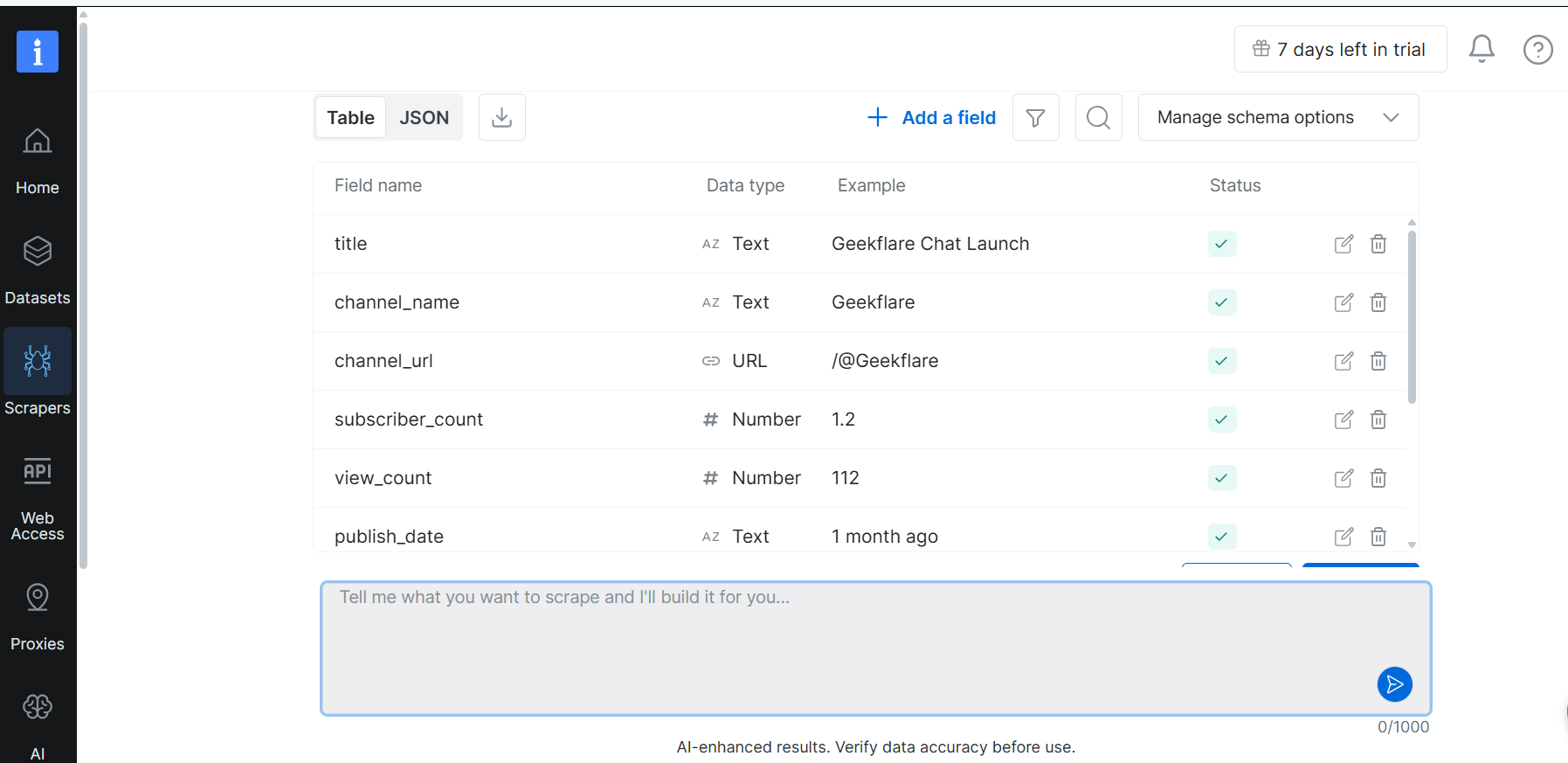
Bright Data Web Scraping API is good for data discovery as it automatically detects data patterns and structures, ensuring targeted and efficient data extraction. The platform is also ideal for handling bulk requests, as it can optimize data collection and reduce server load during high-volume scraping tasks.
Bright Data Web Scraping API is flexible: you can download data in JSON, NDJSON, or CSV, and choose between API and webhook delivery modes. The built-in infrastructure and unblocking ensure that users don’t have to maintain any infrastructure and that they can scrape data from any geo-location without worrying about CAPTCHA or blocks.
Pros & Cons
PROS
CONS
Pricing
Bright Data Web Scraping API doesn’t have a free plan. However, it includes a free 7-day trial with a maximum of 1k records (no credit card required). Paid plans can either be pay-as-you-go or monthly. Pay-as-you-go starts at $1.5/1K per record. Monthly plans start from $499/month for 384,000 records. They also offer an Enterprise plan with custom pricing.
Octoparse
Octoparse is a great Apify alternative if you want something you can plug into your existing workflows effortlessly. It exports data in CSV, Excel, JSON, and Google Sheets formats and supports direct database integration and API access. It also handles IP rotation automatically and operates 24/7 on a schedule, so your data pipeline keeps running without you having to check and adjust it manually.
Octoparse has 600+ pre-built templates for social media, lead generation, real estate, e-commerce, job boards, and Google Maps. Also, Octoparse templates are already configured; all you need to do is enter a keyword or URL, click start, and get structured data. Zapier integration is available, making it easy to pipe scraped data directly into your existing tools without touching an API.
You can operate Octoparse as a fully no-code scraping tool. Its AI-powered auto-detect feature analyzes any open page, identifies data fields and pagination patterns, and automatically builds the scraping workflow. You can get a scraper up and running in less than five minutes with zero selectors or code.
Pros & Cons
PROS
CONS
Pricing
Octoparse has a free plan that includes its desktop app, up to 10k records per export, and runs tasks only on local devices. Paid plans that support cloud runs, preset scraping templates, and IP rotation start from $69/month.
Oxylabs Web Scraper API
Oxylabs Web Scraper API is a perfect fit for teams building AI or LLM-powered applications. You can feed structured, real-time web data directly into AI agents, LLM frameworks, and RAG pipelines such as ChatGPT, n8n, Zapier, and many more. There’s also OxyCopilot, an AI assistant that generates integration code snippets, reducing setup time for developers unfamiliar with the API structure.
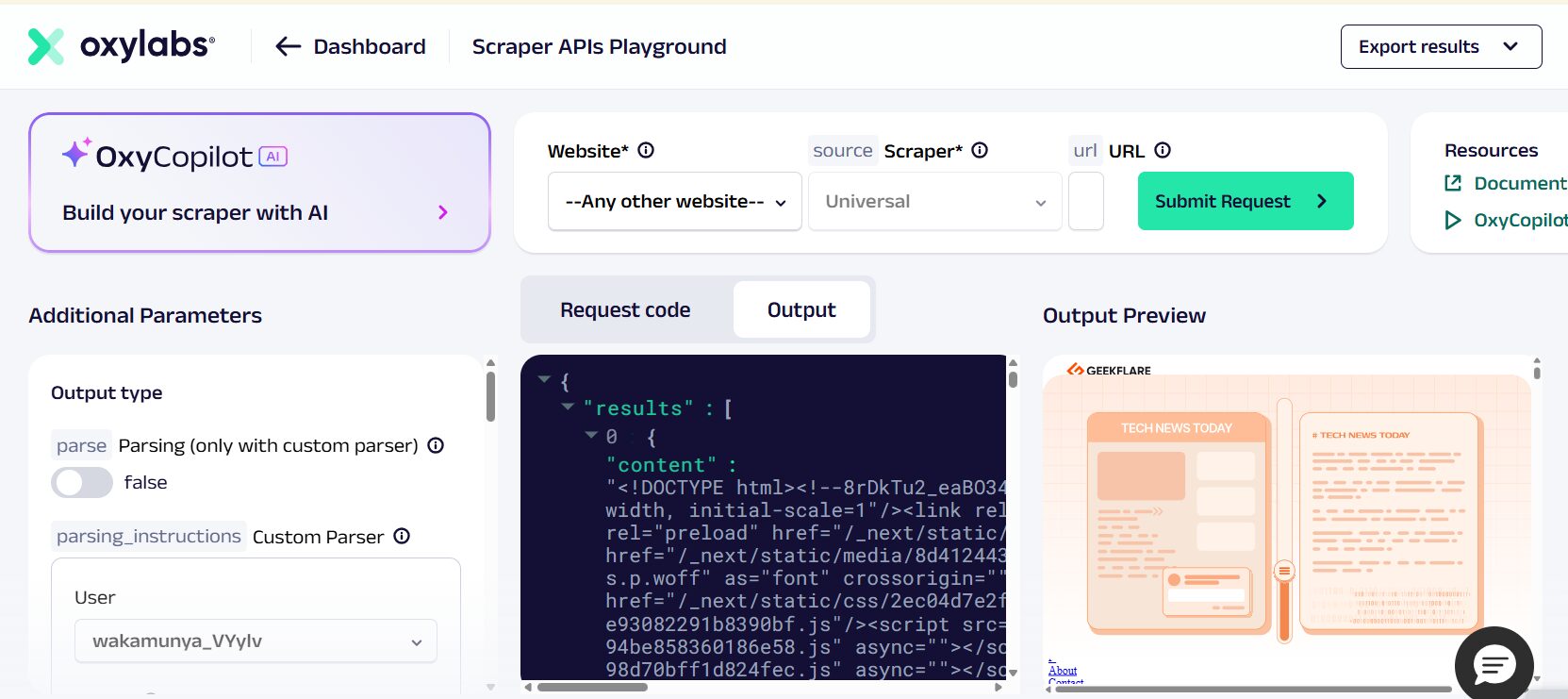
Oxylabs Web Scraper API suits developer teams running large-scale, enterprise-grade data operations. It covers everything in web scraping, from crawling URLs and bypassing IP blocks to parsing data and delivering it to your preferred storage. The good news is that it does all that without you having to manage proxies, unblocking, or infrastructure separately.
Oxylabs is also known for its data depth. For instance, it parses shipping estimates, seller ratings, product specifications, and Q&A data, all returned in a single structured JSON response, requiring no custom parsing. The API also supports self-healing parser presets, which means your pipelines adapt automatically when target sites change their structure. This is unlike other platforms that require you to modify your scripts.
Pros & Cons
PROS
CONS
Pricing
Oxylabs Web Scraper API doesn’t offer a traditional free plan, but it offers a free trial that provides up to 2,000 results. Paid plans start at $0.50 per 1K results or $49/month.
Firecrawl
Firecrawl is an ideal Apify alternative for developers who want to perform batch scraping. Simply pass a list of URLs, optionally include parameters, and this API will process them concurrently and return all results. You can also configure webhooks in such a way that you receive notifications as each scrape job (individual URL is scraped).
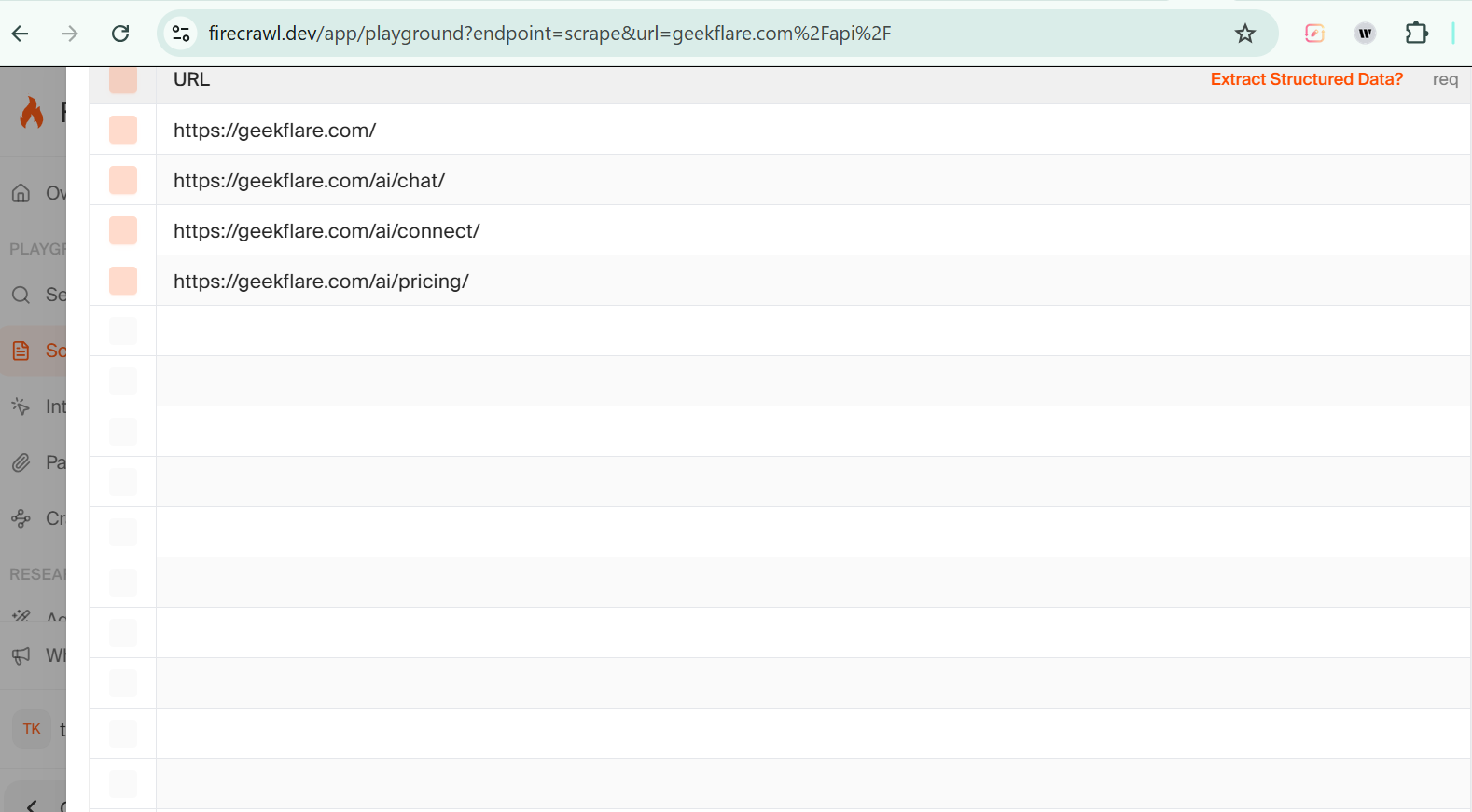
Firecrawl also suits those who do a lot of document parsing, that is, extract structured content from various document formats such as PDFs, Excel sheets, and Word documents. It also has different modes; for instance, you can use the parse option to control how PDFs are processed in modes such as “auto,” “ocr,” or “fast.”
Firecrawl also has a lockdown mode that allows users to scrape data only from its existing index and cache. This means that the API won’t make any outbound requests to the target URL. Lockdown mode is suitable for compliance-constrained environments where a scrape request could leak sensitive information over the network.
Pros & Cons
PROS
CONS
Pricing
Firecrawl has a free plan that offers 1000 credits/month. Paid plans start from $16/month, billed yearly, for 5000 credits/month.
Browse AI
Browse AI is an Apify alternative for non-technical users who need a reliable, no-code way to scrape and monitor data from any website. Its point-and-click interface lets you train a robot by simply clicking on the data you want. Ideally, the AI structures it automatically, with no selectors, no scripts, and no developer required.
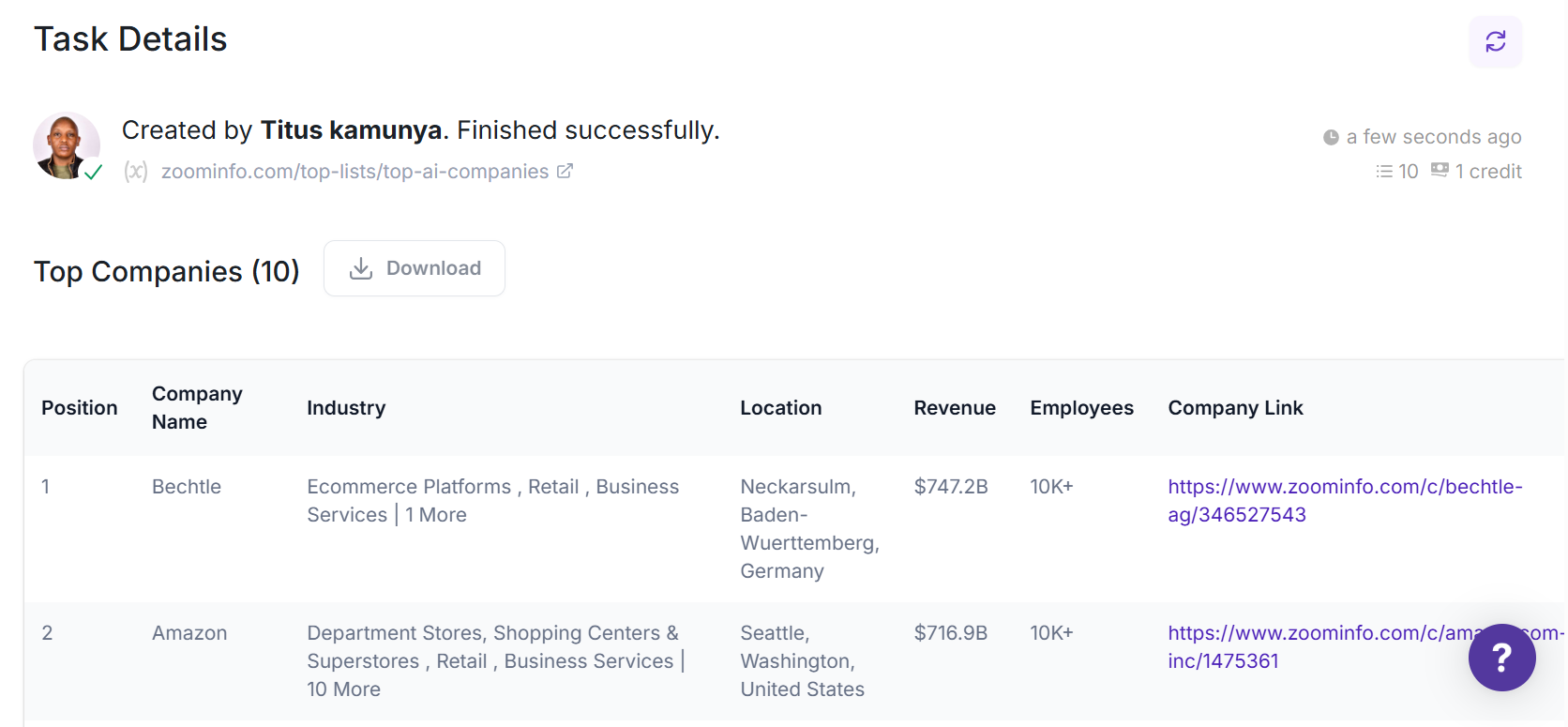
What gives Browse AI an edge over other platforms is its built-in resilience. Its AI-powered change-detection system intelligently detects when a target website updates its layout and automatically adapts the scraping robot. This ensures your data pipeline continues to run accurately even when the site changes. Most traditional scrapers break silently in such situations, leaving you with missing data.
Browse AI integrates with over 7,000 tools and apps, such as Amazon S3, Google Sheets, Airtable, Zapier, Make, and Webhooks, making it straightforward to link scraped data directly into your existing workflows. For teams with more complex needs, it offers fully managed web scraping services in which Browse AI’s team handles setup, ongoing management, data transformation, and scheduled delivery.
Pros & Cons
PROS
CONS
Pricing
Browse AI has a free plan that includes 50 credits per month, supports 3 users, and 2 domains. Paid plans with higher limits start at $19/month, billed annually.
ScrapingBee
ScrapingBee is the best suited for developer teams seeking a clean, single-API solution to extract web data without managing proxies, browsers, or anti-bot defenses. It handles headless browser rendering, proxy rotation, and JavaScript execution automatically. This means you send one request and get the page content you need, with no infrastructure to maintain.
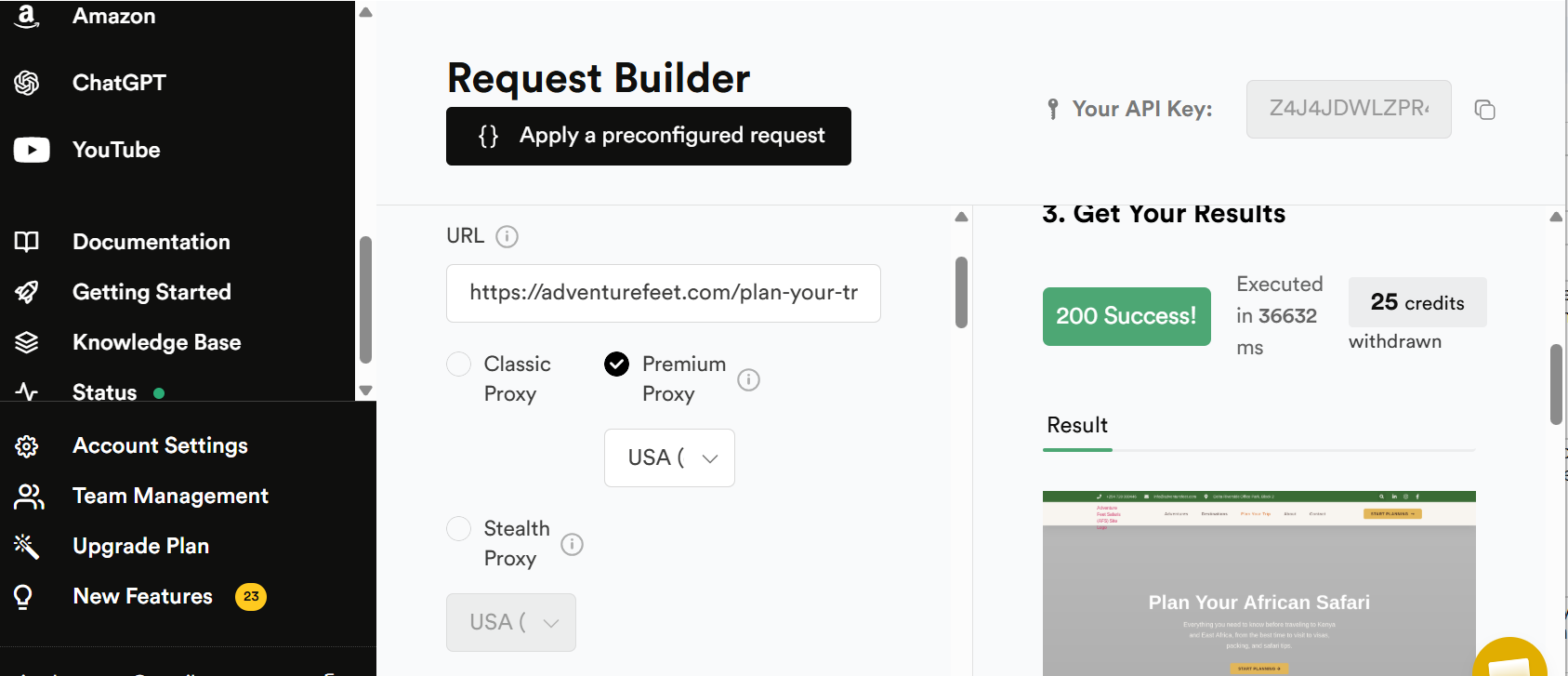
ScrapingBee is also known for its AI-driven workflows. For instance, its Markdown Scraper converts any page to clean Markdown or plain text. Its AI web scraping feature lets you describe the fields you need in natural language, and it returns structured JSON. It also has an MCP server that gives AI agents like Claude and Cursor direct access to web scraping without any additional configurations.
Beyond the core HTML API, ScrapingBee offers dedicated scraping APIs for Google Search, Amazon, YouTube, Walmart, and ChatGPT, each returning structured, ready-to-use data without requiring custom parsers. For teams already using automation tools, it integrates natively with Make, n8n, and Zapier, making it easy to plug live web data into existing workflows.
Pros & Cons
PROS
CONS
Pricing
ScrapingBee doesn’t offer a free plan. However, users get a 14-day free trial and 1,000 free API credits at signup, with no credit card required. Paid plans start at $49/month with more API credits, geo-targeting, and proxies.
Scrapy
Scrapy is well-suited for Python developers who want an open-source framework to build production-grade web crawlers from scratch. It’s an application framework for crawling websites and extracting structured data, useful for data mining and information processing, and it doubles as a general-purpose web crawler or API data extractor.
Scrapy has built-in support for CSS selectors, allowing users to target specific elements on a web page during scraping. It also has XPath expressions, an IPython-aware interactive shell for testing selectors, feed exports in JSON, CSV, and XML, and storage backends, such as FTP, Amazon S3, and local file systems.
Scrapy is also known for its strong extensibility, which lets you plug in custom functionality via signals, middlewares, extensions, and item pipelines. This makes it adaptable to virtually any scraping architecture without switching tools.
Pros & Cons
PROS
CONS
Pricing
Scrapy is completely free and open-source.
Scraping
D4Vinci/Scrapling is another API for Python developers who want an adaptive, self-hosted scraping framework that handles everything from a single HTTP request to a full-scale concurrent crawl. You can enable its built-in ad blocker to ensure you only scrape relevant information. You can also block requests to specific domains or their subdomains.
Scraping’s parser learns from website changes and automatically relocates your target elements when pages update. Its fetchers bypass anti-bot systems, such as Cloudflare Turnstile, out of the box. Its spider framework lets you scale up to concurrent, multi-session crawls with pause/resume and automatic proxy rotation.
Scrapling’s built-in MCP server lets AI agents like Claude and Cursor call scraping endpoints directly as tools. As such, it extracts targeted content before passing it to the AI, reducing token usage and significantly speeding up operations. Its built-in IPython shell also comes with various shortcuts and Scrapling integrations that speed up scraping.
Pros & Cons
PROS
CONS
Pricing
Scrapling is a free and open-source web scraping API under a BSD-3-Clause License.
Comparison of Apify Alternatives
I have summarized the above web scraping platforms’ main features in the following comparison table.
| Tool | Best for | No-code | Open Source | Free Plan? | Starting Price | LLM-Ready? |
|---|---|---|---|---|---|---|
| Geekflare Web Scraping API | Beginners and small teams | Yes | No | Yes. 500 credits/month | $9/month | Yes |
| Bright Data | Medium and large enterprises | Combines both | No | No. Free 7-day trial with a maximum of 1K records. | $1.5/1K per record, or monthly plans start from $499/month | Yes |
| Octoparse | No-code desktop scraping | Yes | No | Yes. Up to 10k records per export. | $69/month | No |
| Oxylabs | Large-scale data pipelines | No | No | No. Free trial of up to 2000 results. | $0.50 per 1K results or $49/month | Yes |
| Firecrawl | Scraping and document parsing | No | Yes | Yes. 1000 credits/month. | $16/month | Yes |
| Browse AI | Non-technical users | Yes | No | 50 credits per month. | $19/month | Yes |
| ScrapingBee | Single-API data extraction | No | No | No. 14-day trial. | $49/month | Yes |
| Scrapy | Python developers | No | Yes | Free forever | Free forever | No |
| Scrapling | Python developers | No | Yes | Free forever | Free forever | Yes |
How to Choose the Right Apify Alternative
Your choice of Apify alternative depends entirely on your use case, technical skill level, and budget. If you need a no-code tool, a scraping API, or an open-source framework, there’s an option for every scenario.
- Choose Geekflare if you’re a beginner or small business that wants to get started with web scraping without a steep learning curve. Its simple API, LLM-ready output formats, and affordable entry point at $9/month make it the most accessible option on this list.
- Choose Bright Data if your scraping targets are heavily protected sites like Amazon, LinkedIn, or Google, and you need the most reliable proxy infrastructure available. It offers a 400M+ residential IP network and a 98.44% anti-bot bypass rate. It’s the strongest option for teams where data reliability is non-negotiable.
- Choose Octoparse if you want a desktop app with a genuinely point-and-click experience. It has 600+ pre-built templates and AI-powered auto-detection. It suits non-technical users who need a scheduled, automated data pipeline without writing any code.
- Choose Firecrawl or Scrapy if open-source flexibility is a priority. Firecrawl is ideal for AI-driven pipelines and document parsing, while Scrapy suits developers who want full control over a production-grade crawling framework they can extend.
Which Apify alternative is best for beginners?
Geekflare Web Scraping API is the best option for beginners. It handles CAPTCHAs, proxy rotation, and JavaScript rendering automatically, so you don’t need to manage any infrastructure.
Are no-code scraping tools better than Apify?
It depends on your technical skill level and use case. No-code tools like Octoparse and Browse AI are easier to set up and better suited for non-technical users who expect quick results. However, Apify’s actor marketplace gives developers far more customization and control for complex, large-scale scraping jobs.
Which Apify alternative offers the best proxies?
Bright Data and Oxylabs are the strongest options for proxy performance. Bright Data leads with a 400M+ residential IP network from 195 countries and an industry-leading 98.44% anti-bot bypass rate. Oxylabs is also worth considering, with self-healing parser presets and enterprise-grade infrastructure built for large-scale data pipelines.






